New User Badges in WSGF Forum
Posted: 28 Apr 2013, 21:49
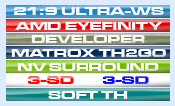
We are pleased to announce that we now have user badges (AMD Eyefinity, NVIDIA Surround, S-3D, 21:9, and more) in the WSGF forum, which you can assign to yourself. This has been a long time coming, and something that we've wanted since the last time we were on phpBB. Problem is that phpBB doesn't natively support this behavior. Luckily our faithful admin Delphium has kicked phpBB in bollocks and made it do what we wanted (and what it should have done in the first place).
The problem is that phpBB only natively supports one "badge" related to a user group, and that group has to be listed as your "default" group. This behavior is problematic for people who fit into more than one group. Like Stereoscopic 3D and NVIDIA Surround (a likely combination), we'll under native phpBB you can only show one of those badges. Have experience with both AMD Eyefinity and NVIDIA Surround? Sorry, you can only show one. This is doubly problematic for WSGF Insiders and the site staff.
We got around some of the issues for insiders and site staff needing multiple badges (many have also made donations to the site), by installing a multi-badge mod. However, that mod required you to go in and manually set up badges for those people. This is fine for this select audience, but it isn't feasible for the whole community.
Luckily we have great staff members like Delphium. His dedication to figuring this out was unending. He found old abandoned phpBB mods (courtesy of the Wayback Machine), and his own ingenuity, he was able to make it serve our purposes. Rather than have that mod simply serve up your list of group memberships, he made it show the badges of those groups.
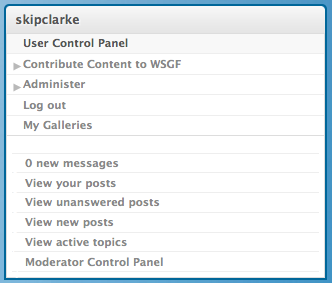
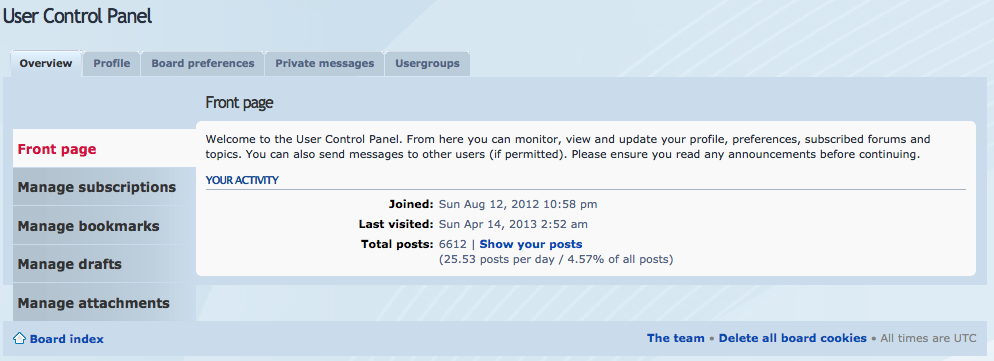
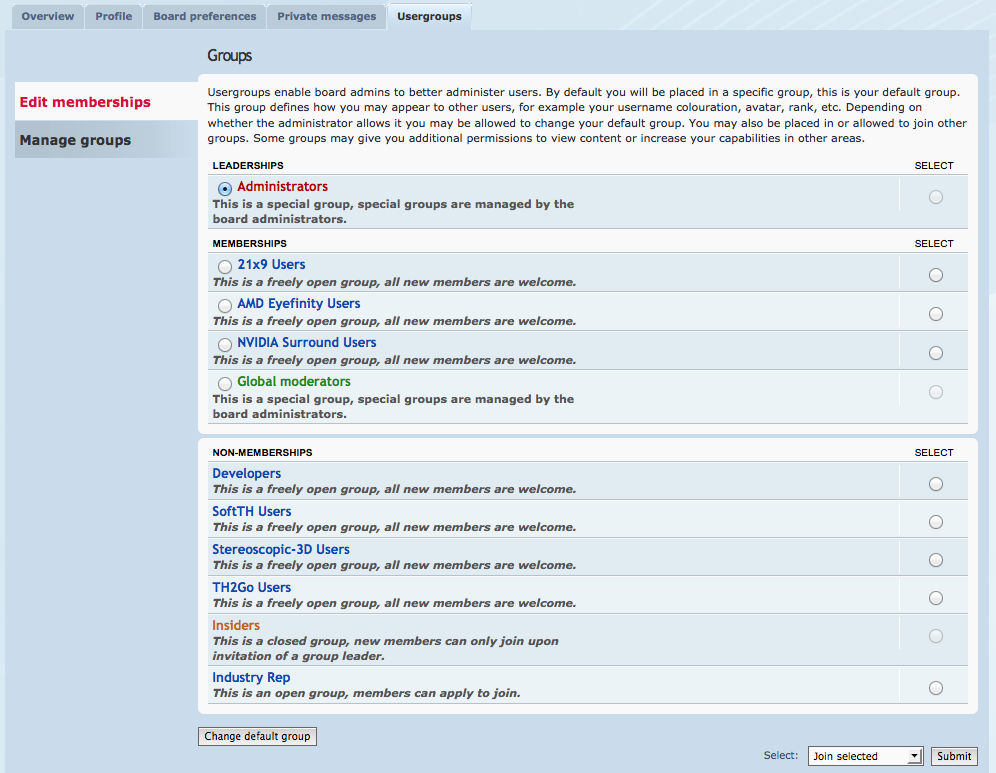
This is one feature we've wanted forever, and are now chuffed to bits to offer it to you. All you have to do is join the appropriate group, and the badges will be assigned to your profile. Now other forum members will know what systems you have experience in, and you can also show off your own interests. To do this, click on the "User Control Panel" in your user navigation on the sidebar. From there click the "Usergroups" tab. Now select the group you want to join and click the join button. If you want to join multiple groups, just repeat the process.
Please give Delphium your thanks in the discussion link, and let us know other badges you'd like us to consider.
 Delphium
 Very cool! Thanks for the awesome work




