Page 1 of 1
The Witcher 2: Assassins of Kings
Posted: 01 Jun 2011, 07:00
by Glorys
 Widescreen Grade: AUltra-Widescreen Grade: CMulti-monitor Grade: C4k Grade: IncompleteRead Full Detailed Report - The Witcher 2: Assassins of KingsThe Witcher 2: Assassins of Kings is a third-person role-playing computer game. The game contains many different paths and storylines, along with multiple endings. As in the first game, the player takes control of Geralt of Rivia, one of the few remaining witchers. Witchers are humans that have been genetically enhanced and trained to fight monsters from a young age.
Re: The Witcher 2 : Assassins of Kings
Posted: 15 Sep 2016, 15:08
by gandalfstikmage
Looking to play this in 3440x1440, but have been unable to find a fix after hours of searching. I have scanned this forum and nothing has turned up that solves my issue. It appears at one point both Flawless Widescreen and Widescreen Fixer had fixes to play this in 21:9, but since the most recent update of the game they no longer work. I was wondering if by any chance someone else has had my issue and maybe knew of a fix for this. The strange thing is, that when I open up the game settings, it allows me to choose my res from the drop down, but it is still showing the game in 16:9, so it seems all that choosing 3440x1440 does is make the text almost illegible, but not much else. Any help would be greatly appreciated! Oh yeah, I have an LG34um95 and my card is a 980 if this helps at all.
Re: The Witcher 2 : Assassins of Kings
Posted: 15 Sep 2016, 21:52
by czarman
You can Hex edit the Witcher2.exe - look for 39 8E E3 3F and change it to CD 90 18 40 - both Instances.
Re: The Witcher 2 : Assassins of Kings
Posted: 15 Sep 2016, 23:33
by Peer_Review
czarman wrote:You can Hex edit the Witcher2.exe - look for 39 8E E3 3F and change it to CD 90 18 40 - both Instances.
Putting AspectRatio=5, and you resolution in manually doesn't work for 21:9? That's odd. It should cover more than 16:3. Well, I suppose 21:9 wasn't even a thing yet when TW2 EE came out, so at least it's an easy fix.
Re: The Witcher 2 : Assassins of Kings
Posted: 16 Sep 2016, 02:35
by gandalfstikmage
czarman wrote:You can Hex edit the Witcher2.exe - look for 39 8E E3 3F and change it to CD 90 18 40 - both Instances.
Holy crap.... Thank you so much. this just solved the issue. You are my hero right now. I searched for so long to no avail. I greatly appreciate your help. Game play is pretty great now!
Re: The Witcher 2 : Assassins of Kings
Posted: 09 Oct 2016, 16:48
by Ellathar
czarman wrote:You can Hex edit the Witcher2.exe - look for 39 8E E3 3F and change it to CD 90 18 40 - both Instances.
Holy cr** thank you so much for that. Just like the poster, I tried and tried and tried again to do what was advised on the site, to no avail.
I'd suggest the main post to be updated to reflect the latest patch !
Thanks again, I can finally play the game once again !
Re: The Witcher 2: Assassins of Kings
Posted: 09 Nov 2016, 22:26
by krzych
For GOG version both Widescreen Fixer and Flawless Widescreen are not working. At least for v.3.4.0. W.Fixer sometimes accidentally works, but generally you can't rely on it.
For Steam version Flawless Widescreen is working no problem.
So it is either hex edit provided by someone else above or get Steam version, you can buy Steam Key for like $5 today.
Only all of "vignette" effects on screen like blood during taking damage are 16:9 which is really annoying, but aside from that no serious issues. NPC names and etc are stretched. HUD stays as it was.
Performance wise, requirements are very high for 2011 game, but game scales well with hardware so there are no software limitations that are always the worst because you cannot do anything about them. Here you only need powerful GPU. R9 Fury was not enough and fluctuating between 45 and 70 FPS, and this was even before entering any demanding ares, only arena and tutorial. GTX 1080 stays at 100+ average.
Re: The Witcher 2: Assassins of Kings
Posted: 06 Dec 2016, 01:22
by Xarn
Have been trying to get GOG version (3.5.x) to work on my 21:9 (2560x1080) screen. Hex edit method kinda works (after changing value to 24 B4 17 40 which is correct ratio for my resolution) but for some reason HUD is positioned much further away from top/bottom of the screen then expected. So I'm thinking this method does not work fully. So instead I tried hacking Flawless Widescreen to work with this version and I think I managed to do it.
Here is howto, maybe someone will find it useful.
Just small disclaimer, I'm not responsible for any damage this does to anything, use on your own responsibility, as I'm not sure how exactly detection in Flawless Widescreen works, so I kinda did trial and error

After installing Flawless Widescreen and Witcher 2 plugin, navigate to Flawless Widescreen folder > PluginCache > FWS_PLUGINS > Modules > TheWitcher2 > Dependencies > Scripts and open TheWitcher2.lua in editor of your choice.
Serch for line:
Code: Select all
if HackTool:SignatureScan("C6 ?? ?? ?? ?? ?? 01 8B ?? ?? 89 ?? ?? ?? 00 00 8B ?? ?? 89",tAddress,PAGE_EXECUTE_READ,0x7,Process_EXEName) == 0 then
and replace it with:
Code: Select all
if HackTool:SignatureScan("C6 ?? ?? ?? ?? ?? 01 8B ?? ?? 89 ?? ?? ?? 00 00 8B ?? ?? 8D",tAddress,PAGE_EXECUTE_READ,0x7,Process_EXEName) == 0 then
One could probably use "C6 ?? ?? ?? ?? ?? 01 8B ?? ?? 89 ?? ?? ?? 00 00 8B" to make it compatible between versions but i have no way of testing this
Re: The Witcher 2: Assassins of Kings
Posted: 21 Sep 2018, 04:33
by jpd7
Hi, I have tried the hex editor method but when I replace 39 8E E3 3F with CD 90 18 40 I get an error message when I try to launch the game and the game doesn't launch. I have the game via steam and I am using a 1080ti, 8700k, and a 3440x1440 UW monitor. Any help is very much appreciated.
Re: The Witcher 2: Assassins of Kings
Posted: 21 Sep 2018, 11:41
by susahamat
@jpd7 : For alternative you should use
Flawless Widescreen For Working, i've tried worked great in witcher 2 STEAM (Latest version)
Re: The Witcher 2: Assassins of Kings
Posted: 22 Sep 2018, 00:03
by jpd7
Susahamat thank you for your response. I downloaded and installed flawless widescreen and installed Witcher 2 plugin but still, the display in the game is 16:9. I have attached a screenshot of the flawless widescreen program, it seems that it is identifying that the game is running, and I have tried toggling with the hotkey but still no change in display aspect ratio. Any feedback is really appreciated.
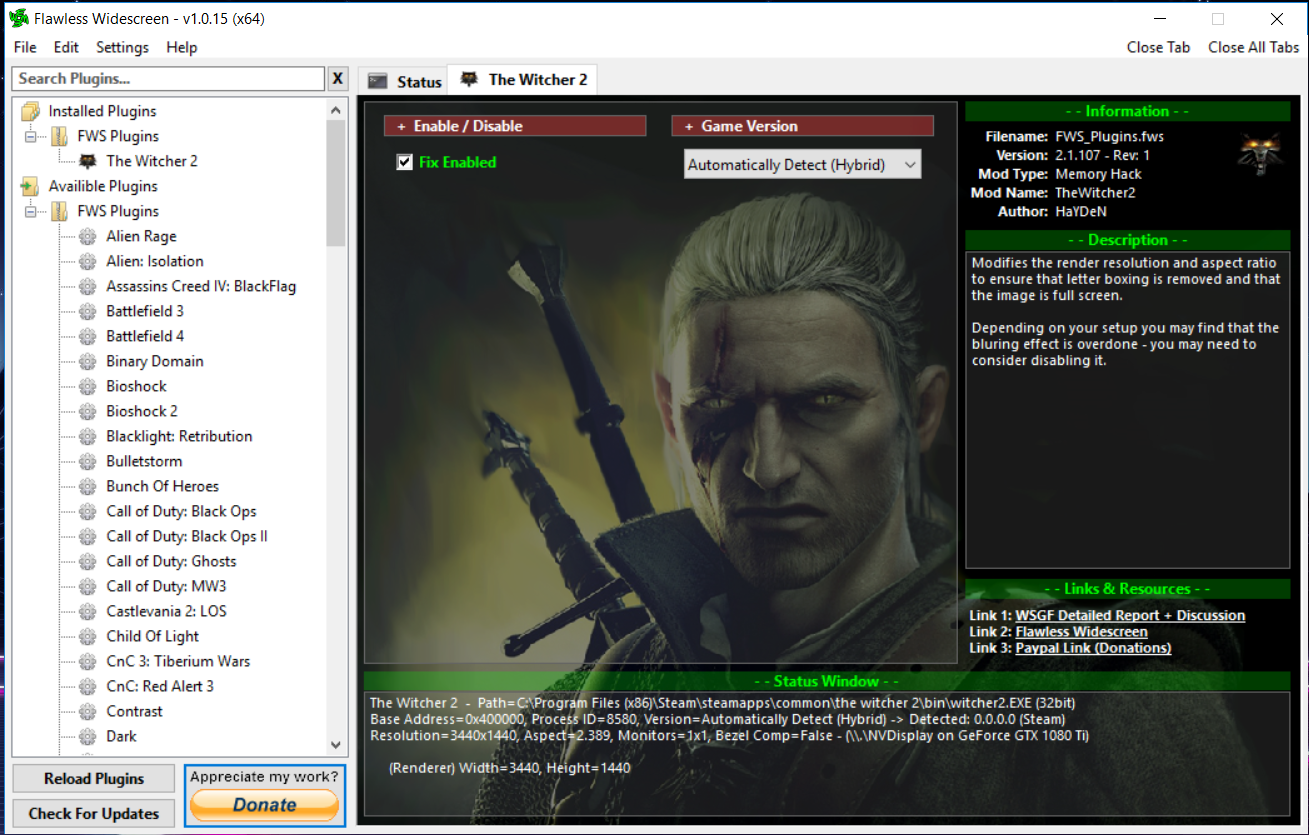
- screenshot of flawless widescreen running.
- Capture.PNG (1.04 MiB) Viewed 12619 times
Re: The Witcher 2: Assassins of Kings
Posted: 23 Sep 2018, 00:47
by jpd7
Okay, so I figured out how to get this game to work in UW using Flawlesswidescreen. You need to open the "user" file that is found in the "config" folder, the path on my pc is Documents>Witcher2>config, in the "user" file at the very bottom, make sure the width is equal to 3440, in my case it was not so I had to change it and save it, then set the file to read-only. Then running the game while the program flawlesswidescreen is open puts the game in 21:9.
Re: The Witcher 2: Assassins of Kings
Posted: 23 Sep 2018, 04:22
by susahamat
glad to hear that you've been made works
Re: The Witcher 2: Assassins of Kings
Posted: 05 Nov 2018, 03:55
by Timobkg
I'm trying to get The Witcher 2 via GOG v3.5.0.26(A) working at 6040x1080. In the game it looks like it's only rendering 5760x1080 with black bars on the left and right hand side. Flawless Widescreen doesn't work, and Widescreen Fixer says it's running but doesn't seem to actually change anything (except for sometimes causing the game to be all black).
Anyone have any idea on how to remove the black bars on the sides?
Re: The Witcher 2: Assassins of Kings
Posted: 30 Nov 2018, 16:15
by Gungoose360
Xarn wrote:Have been trying to get GOG version (3.5.x) to work on my 21:9 (2560x1080) screen. Hex edit method kinda works (after changing value to 24 B4 17 40 which is correct ratio for my resolution) but for some reason HUD is positioned much further away from top/bottom of the screen then expected. So I'm thinking this method does not work fully. So instead I tried hacking Flawless Widescreen to work with this version and I think I managed to do it.
Here is howto, maybe someone will find it useful.
Just small disclaimer, I'm not responsible for any damage this does to anything, use on your own responsibility, as I'm not sure how exactly detection in Flawless Widescreen works, so I kinda did trial and error
After installing Flawless Widescreen and Witcher 2 plugin, navigate to Flawless Widescreen folder > PluginCache > FWS_PLUGINS > Modules > TheWitcher2 > Dependencies > Scripts and open TheWitcher2.lua in editor of your choice.
Serch for line:
Code: Select all
if HackTool:SignatureScan("C6 ?? ?? ?? ?? ?? 01 8B ?? ?? 89 ?? ?? ?? 00 00 8B ?? ?? 89",tAddress,PAGE_EXECUTE_READ,0x7,Process_EXEName) == 0 then
and replace it with:
Code: Select all
if HackTool:SignatureScan("C6 ?? ?? ?? ?? ?? 01 8B ?? ?? 89 ?? ?? ?? 00 00 8B ?? ?? 8D",tAddress,PAGE_EXECUTE_READ,0x7,Process_EXEName) == 0 then
One could probably use "C6 ?? ?? ?? ?? ?? 01 8B ?? ?? 89 ?? ?? ?? 00 00 8B" to make it compatible between versions but i have no way of testing this
Hey thanks man I've been trying to get this to work for the longest time and had all but given up on a windowed 21:9 Steam version of TW2... Lets see if I can post some screenshots.
Re: The Witcher 2: Assassins of Kings
Posted: 30 Nov 2018, 16:17
by Gungoose360
Xarn wrote:Have been trying to get GOG version (3.5.x) to work on my 21:9 (2560x1080) screen. Hex edit method kinda works (after changing value to 24 B4 17 40 which is correct ratio for my resolution) but for some reason HUD is positioned much further away from top/bottom of the screen then expected. So I'm thinking this method does not work fully. So instead I tried hacking Flawless Widescreen to work with this version and I think I managed to do it.
Here is howto, maybe someone will find it useful.
This community has helped me over a dozen times over the last 5 years and I'm grateful. Since I use different configs for my monitors I MUST run 21:9 games in Windowed mode unless they are Dx9 which allows me to use Soft TH but sometimes even that doesn't work... I'm thinking that with your correction I could use Soft TH and still use FWS to recognize the game now that I have your instructions!
Thanks again bud!


~Gungoose360 =)
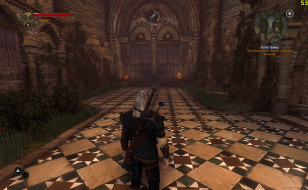
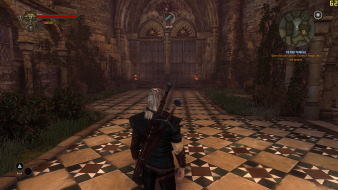
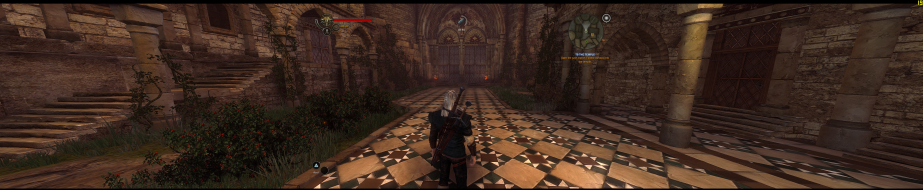
Lets see if I can post some screenshots.
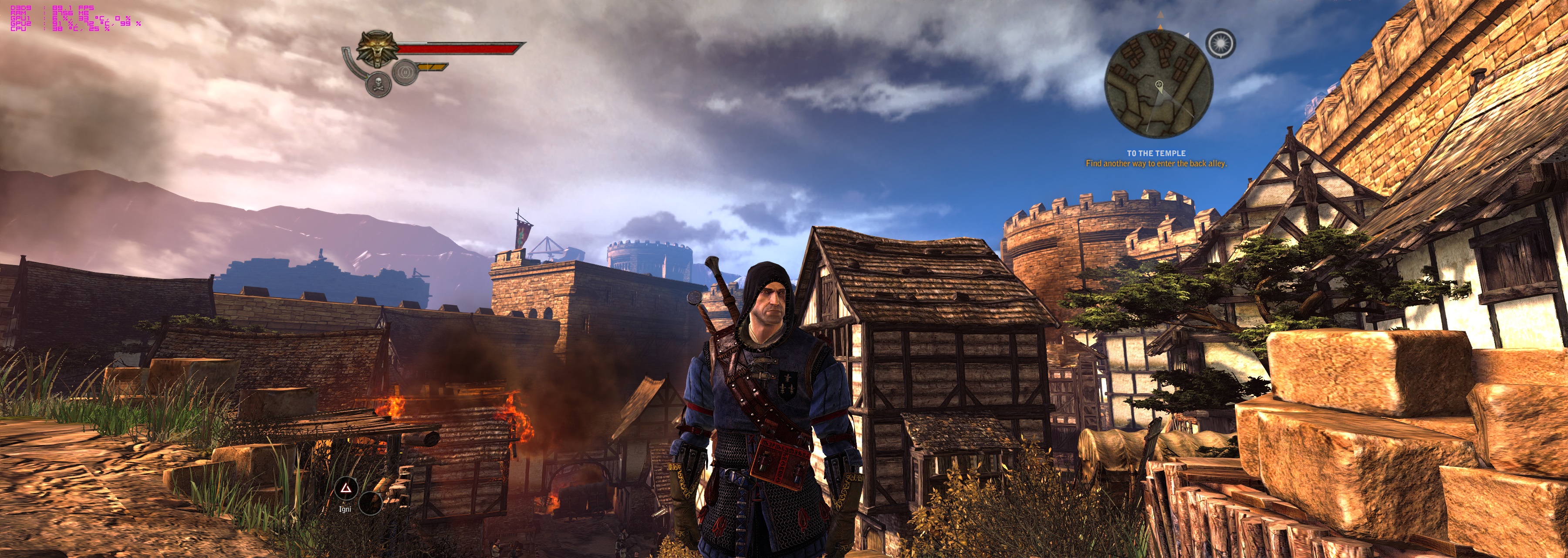
- witcher2_2018_11_30_09_59_32_966.jpg (1.72 MiB) Viewed 8979 times
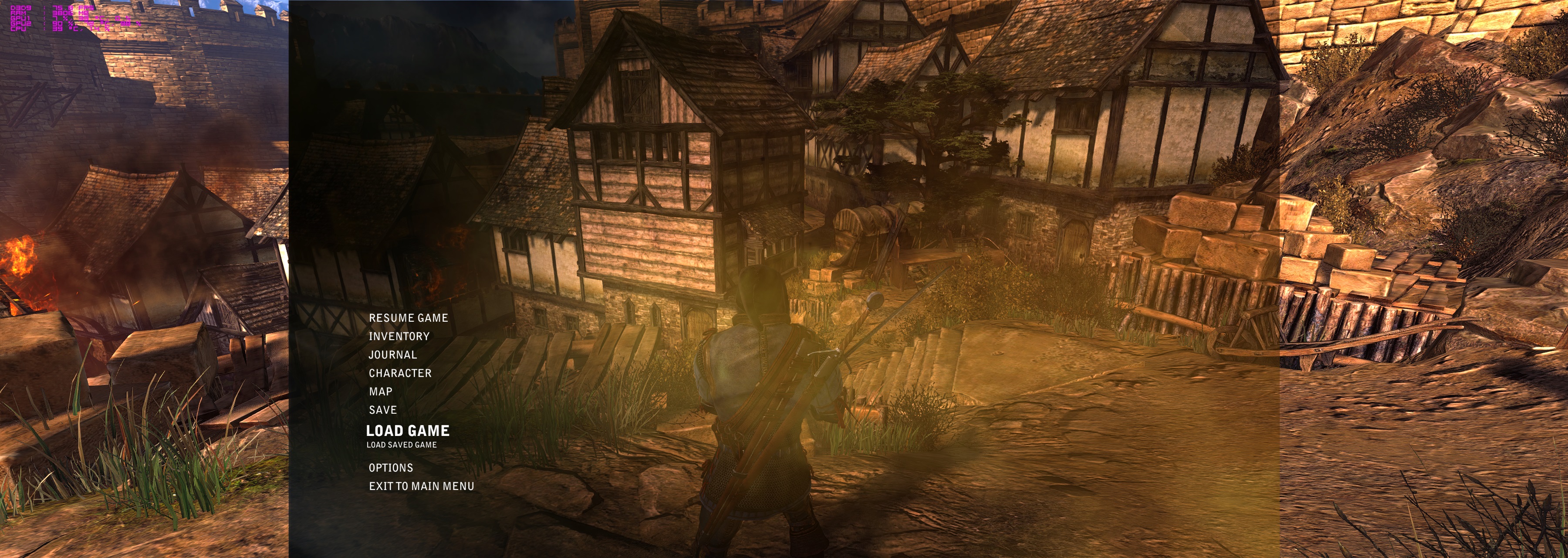
- witcher2_2018_11_30_10_00_29_637.jpg (1.83 MiB) Viewed 9017 times
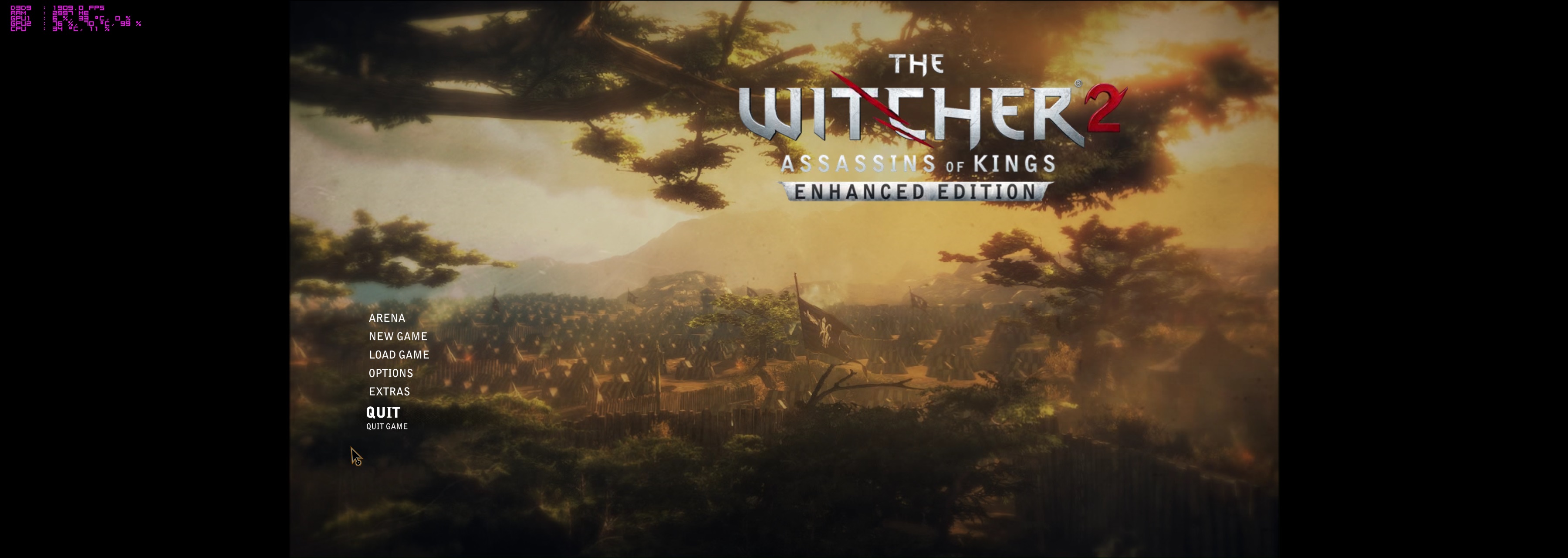
- witcher2_2018_11_30_09_59_14_681.jpg (487.93 KiB) Viewed 9014 times
Re: The Witcher 2: Assassins of Kings
Posted: 22 Jul 2019, 01:33
by Amakker
Hi everyone. I recently decided to play the Witcher 2 again and noticed there are some issues trying to get it to work for ultrawide setups. I took some notes in the past that was a fix for the GOG release with Flawless Widescreen. I unfortunately forget the source/person who discovered this fix but I cannot find it. So I will post it here. I don't know if this works for the Steam version, hopefully someone can test that.
Here are the notes:
Witcher 2 Ultrawide fix. for v.3.5.xx
Fix for Flawless Widescreen v1.0.15:
After installing Flawless Widescreen and Witcher 2 plugin, navigate to Flawless Widescreen folder > PluginCache > FWS_PLUGINS > Modules > TheWitcher2 > Dependencies > Scripts and open TheWitcher2.lua in editor of your choice.
Serch for line:
Code: Select all
if HackTool:SignatureScan("C6 ?? ?? ?? ?? ?? 01 8B ?? ?? 89 ?? ?? ?? 00 00 8B ?? ?? 89",tAddress,PAGE_EXECUTE_READ,0x7,Process_EXEName) == 0 then
and replace it with:
Code: Select all
if HackTool:SignatureScan("C6 ?? ?? ?? ?? ?? 01 8B ?? ?? 89 ?? ?? ?? 00 00 8B ?? ?? 8D",tAddress,PAGE_EXECUTE_READ,0x7,Process_EXEName) == 0 then
I just tested this on the GOG version of the game v3.5.0.26(A) and this still works. No more black bars on the side. The hud is still 16:9 but at least the black bars are gone.
Hope this helps, enjoy!
Re: The Witcher 2: Assassins of Kings
Posted: 30 Jul 2019, 21:15
by Azulath
For me, this hack doesn't seem to work

I have a 32:9 screen, maybe this makes the difference, but I'm not sure
Re: The Witcher 2: Assassins of Kings
Posted: 31 Jul 2019, 17:25
by Azulath
So, the manual method of replacing "39 8E E3 3F" with "CD 90 18 40" does seem to work. However, it only enables 21:9. Any way to enable 32:9 as well? I donn't know what these hex values stand for
Re: The Witcher 2: Assassins of Kings
Posted: 31 Jul 2019, 18:10
by Azulath
If anyone is still looking the correct hex values for 32:9 are the following: "38 8E 63 40"
Basically, you enter the IEEE hex value of 32/9 = 3.555555.
I used the calculator below:
https://www.ultimatesolver.com/de/ieee-754
And this guide here:
https://steamcommunity.com/sharedfiles/filedetails/?id=852329703