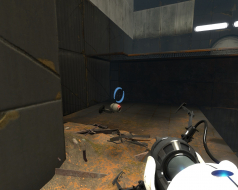
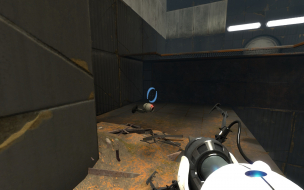
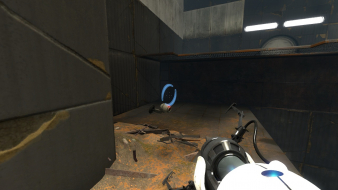
Portal 2 is a puzzle game presented from the first-person perspective. Normally, the player, as either Chell in the single-player campaign or as one of two robots, Atlas or P-body, in the co-operative campaign, can move, look, and carry and drop objects. The goal is to maneuver the characters through a number of test chambers in the Aperture Science facility, traversing the chamber from the start to the exit.
Though the player-character can take some damage for a brief period of time, they will die under sustained injury and be restarted at a recent checkpoint; however, characters are equipped with "long fall boots" that absorb the shock of landing after a large vertical drop.
The player must figure out how to overcome seemingly-bottomless gaps, evade pools of toxic liquid, or avoid line-of-sight or even disable robotic turrets to safely arrive at the exit.
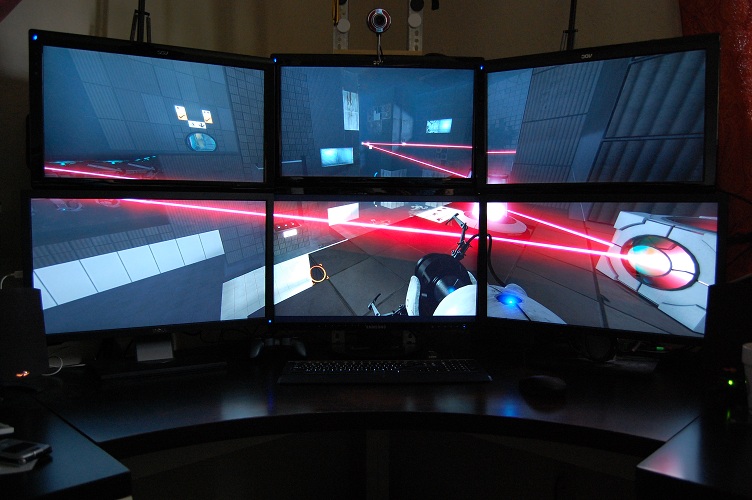
This was supposedly fixed in a patch... but I have no crosshair in Surround either. Although funnily enough, if I play with the Sixense Motion Pack activated (Razer Hydra exclusive thingy), the crosshair works perfectly ! But then I get stupidly swollen Sixense tutorial tips popping up every time I grab a cube, so no crosshair is actually better :/
I had problems in splitscreen multiplayer. I had to edit "splitscreen_config.txt" file in "steamapps\common\Portal 2\portal2" folder.
I changed aspect in config (bold text) that worked best with LG 34UM88 21:9:
"widescreen_horizontal_split" { // twice as wide as 16x9 "aspect" "128 by 27"
// limit hud to exact bounds of 3d view? "insethud" "0"
// fov of the main viewport that is shared between each splitscreen player. Use cl_fov to get a good number to put here. "fov" "75"
// fov for the various viewmodels. This is shared between splitscreen players. Use cl_viewmodelfov* to get a good number for this. "viewmodelfov" "55" }
"widescreen_vertical_split" { // half as wide as 16x9 "aspect" "21.5 by 18"
// limit hud to exact bounds of 3d view? "insethud" "0"
// fov of the main viewport that is shared between each splitscreen player. Use cl_fov to get a good number to put here. "fov" "110"
// fov for the various viewmodels. This is shared between splitscreen players. Use cl_viewmodelfov* to get a good number for this. "viewmodelfov" "50" } }