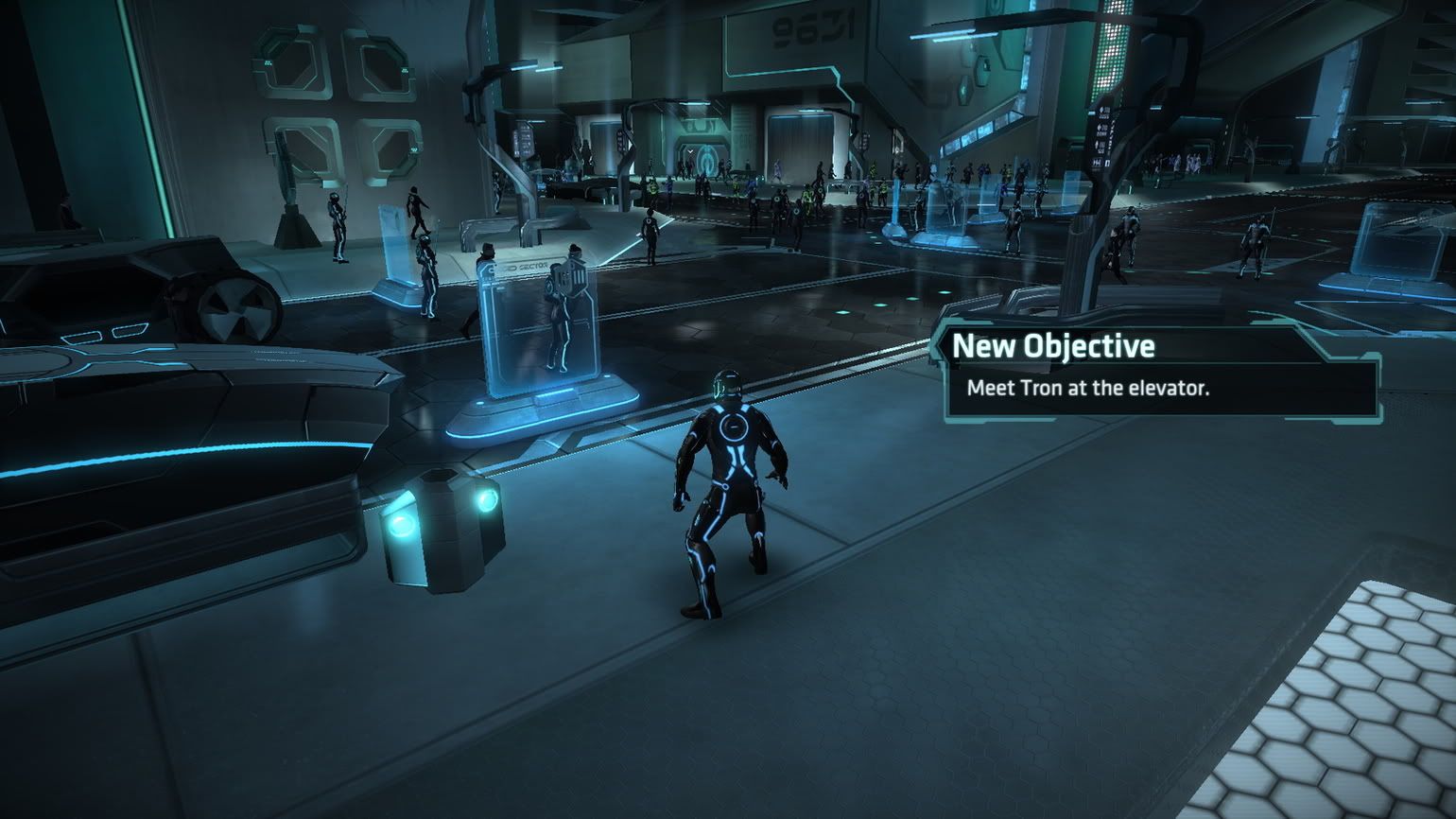
But how do u get it to render across 3 diff orientation displays like mine? I have tried several times to enter my custom res of 4180 x 1440p @144Hz. It always defaults the res to 720 x 1280 because of the GFWL overlay maybe? I dont know but it was the same with Halo 2 (PC), i couldnt play the game in UWS, only 1080p in 3D Vision.
Acer Predator AG7750-U222 (2010) 16G DDR3 RAM, Dual GTX 980s, Intel 6-Core 990X CPU @3.75 Ghz (OC), Sony 43 inch 4KTV (center display in Landscape mode) two 1280p 24" monitors (attached to center display in Portrait mode), Windows 7 64-Bit on 2TB Western Digital Black HD, Windows 10 64-Bit on WD 1.5TB Green. PDP Stealth Xbox ONE Wired Controller for decreased latency.
I'm not familiar with either PLP or 3DVision but I don't recall any UDK game refusing to run at any resolution because of GFWL... Can you set the game to run in a 1920x1080 window, then edit the ini to resize it to 2560x1080, then to 3840x1080 ? What happens at each step ?
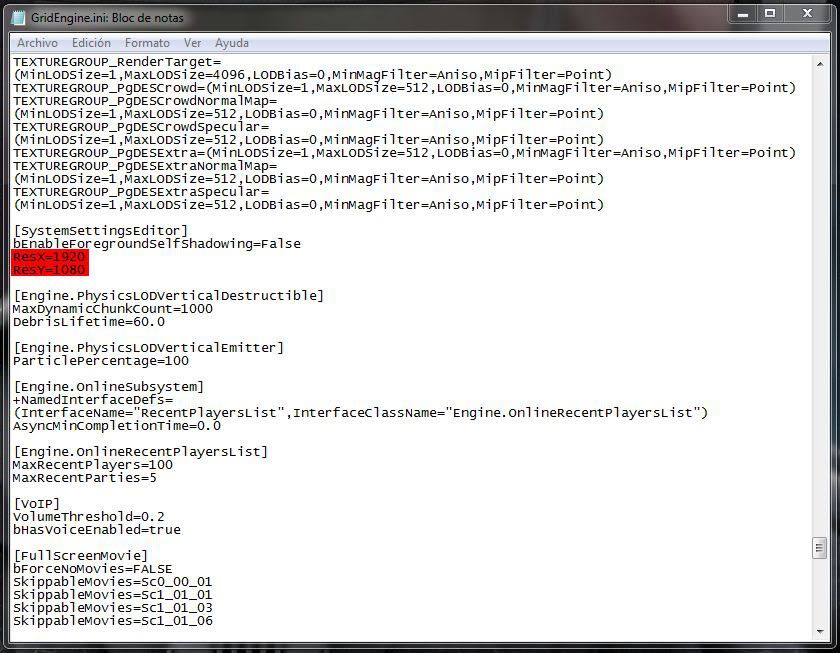
Incidentally blackpill's ini screenshot is misleading: you need to change the values under [SystemSettings]... not [SystemSettingsEditor] !