
squ1zzy hack readme?
squ1zzy hack readme?
I found a copy of one of squ1zzy's hacks (Silent Hill 2), but the copy I have did not come with a readme. I can't get the hack to work, and I'm wondering if I'm doing something wrong. I run the hack in the game's install dir, and it modifies the .exe in some way, but when I run the game it's still in 4:3. Am I missing a step, or something? Do all of squ1zzy's hacks work the same way?


squ1zzy hack readme?
Sounds like you're doing everything right, but i think your problem is the same as what i ran into...
MY copy of Silent Hill 2 is the "Directors' Edition" and i guess Sq1zzy's hack doesn;t seem to liek that version. I had absolutley no luck getting it to work. The patcher said it was successful but my resolutiosn always went back to 4:3.
But surely a regular Sh2 copy can be found, cheap. The special edition only reallyt has an extras mini-game with and hour or so gameplay, so not a big loss.
I dunno you may able to do do a hex-edit or something.
MY copy of Silent Hill 2 is the "Directors' Edition" and i guess Sq1zzy's hack doesn;t seem to liek that version. I had absolutley no luck getting it to work. The patcher said it was successful but my resolutiosn always went back to 4:3.
But surely a regular Sh2 copy can be found, cheap. The special edition only reallyt has an extras mini-game with and hour or so gameplay, so not a big loss.
I dunno you may able to do do a hex-edit or something.
squ1zzy hack readme?
What resolution do you need?
squ1zzy hack readme?
Well I'll pipe in on that..
1680x1050
1680x1050
squ1zzy hack readme?
Well I'll pipe in on that..
1680x1050
Download the file: Silent Hill 2: Directors Cut v1.0 [ENGLISH] No-CD/Fixed EXE
Link: REMOVED
Download XVI: http://www.chmaas.handshake.de/delphi/freeware/xvi32/xvi32.htm
Search for the string 80020000E001 (offset: 4A1A6E) and replace the string 80 02 00 00 E0 01 with 90 06 00 00 1A 04
Run the game and set the resolution to 640x480 and it should run at 1680x1050!
Moderator edit: please don't link to grey area sites that could get the WSGF in trouble. Thanks. For the person needing the no-CD... Google is your friend. ;)
squ1zzy hack readme?
Hi, thanx for helping us setting custom resolutions on sh2dc.
An important question: is there any hack/mod/tweak to correct FOV? In 16:9 (1920x1080) the game is really streched.
Thanks!
This little table I made helped me a lot, hope it helps somebody:
RES CALC HEX
1680 690 90 06
1050 41A 1A 04
1920 780 80 07
1080 438 38 04
An important question: is there any hack/mod/tweak to correct FOV? In 16:9 (1920x1080) the game is really streched.
Thanks!
This little table I made helped me a lot, hope it helps somebody:
RES CALC HEX
1680 690 90 06
1050 41A 1A 04
1920 780 80 07
1080 438 38 04
squ1zzy hack readme?
[quote]Well I'll pipe in on that..
1680x1050
Download the file: Silent Hill 2: Directors Cut v1.0 [ENGLISH] No-CD/Fixed EXE
Link: REMOVED
Download XVI: http://www.chmaas.handshake.de/delphi/freeware/xvi32/xvi32.htm
Search for the string 80020000E001 (offset: 4A1A6E) and replace the string 80 02 00 00 E0 01 with 90 06 00 00 1A 04
Run the game and set the resolution to 640x480 and it should run at 1680x1050!
Moderator edit: please don't link to grey area sites that could get the WSGF in trouble. Thanks. For the person needing the no-CD... Google is your friend. ;)
Here are the complete steps I used as the squ1zzy auto-hack didn't work for me, either (the offset is actually 4a146e). It's a complete step-by-step for noobs.
1. Buy a copy of "Silent Hill 2: Directors Cut" or find your current 3 CD copy. Install it FULLY - including the 2 GB in movies.
2. Google "Silent Hill 2: Directors Cut v1.0 [ENGLISH] No-CD/Fixed EXE" and download it.
3. Rename the "sh2pc.exe" in your "C:Program FilesKonamiSilent Hill 2" (default install). Unzip the "sh2pc.exe" from Step 2 into this directory.
4. Download XVI (http://www.chmaas.handshake.de/delphi/freeware/xvi32/xvi32.htm). Just follow the links to "Download". There's no install, just unzip it to a folder somewhere (ex - create C:Program FilesXVI32 and unzip it there.
5. Run "xvi32.exe". Go to "File" then "Open..." and find the "sh2pc.exe" from Step 3 and open it. Next, go to "Search" then "Find..." and make sure that "Hex String" is selected. Physically type in (DO NOT COPY AND PASTE) 80020000E001 so that it looks like "80 02 00 00 E0 01" when done. Hit "OK".
6a. Find your monitor's widescreen dimensions, for example 1920x1200. Bring up Window's Calculator in the Accessories folder. Make sure "View" is set to "Scientific". Click the "Dec" button under the box. Type in the first number of your monitor resolution, for example 1920. Click the "Hex" button and note the number, for example 780. Make it four digits by putting zeros in front, for example 0780. Now switch the first two numbers with the last two numbers and put a space between them, for example 80 07. Write this down as FIRST - 80 07.
6b. Find your monitor's widescreen dimensions, for example 1920x1200. Bring up Window's Calculator in the Accessories folder. Make sure "View" is set to "Scientific". Click the "Dec" button under the box. Type in the second number of your monitor resolution, for example 1200. Click the "Hex" button and note the number, for example 4b0. Make it four digits by putting zeros in front, for example 04b0. Now switch the first two numbers with the last two numbers and put a space between them, for example b0 04. Write this down as SECOND - b0 04.
7. In the Hex Editor program XVI32 (should still be right after the search for "80 02 00 00 E0 01" - if not repeat Step 5), replace "80 02" with FIRST numbers, for example "80 07". Just click on the numbers to be changed and type them in with the keyboard. Next, replace "E0 01" with SECOND numbers, for example "b0 04". Just click on the numbers to be changed and type them in with the keyboard.
8. In the Hex Editor, go to "File" and "Save". Congratulations, you are done here.
9. When running the game, under Advanced Options, set the resolution to "640x480" and it will run at 1920x1200 in this example. Please set any other options desired - turn on all the cool flashy visuals. This is a permanent change, so going into the Options menu doesn't undo the change - as long as the resolution is showing 640x480 in the menu.
10. What are you waiting for? Play the game already! These steps are meant to help legit owners of the game play it in full widescreen glory.
-
SomeMacGuy
- Posts: 1
- Joined: 17 Oct 2009, 21:01
squ1zzy hack readme?
[quote][quote]Well I'll pipe in on that..
1680x1050
Download the file: Silent Hill 2: Directors Cut v1.0 [ENGLISH] No-CD/Fixed EXE
Link: REMOVED
Download XVI: http://www.chmaas.handshake.de/delphi/freeware/xvi32/xvi32.htm
Search for the string 80020000E001 (offset: 4A1A6E) and replace the string 80 02 00 00 E0 01 with 90 06 00 00 1A 04
Run the game and set the resolution to 640x480 and it should run at 1680x1050!
Moderator edit: please don't link to grey area sites that could get the WSGF in trouble. Thanks. For the person needing the no-CD... Google is your friend. ;)
Here are the complete steps I used as the squ1zzy auto-hack didn't work for me, either (the offset is actually 4a146e). It's a complete step-by-step for noobs.
1. Buy a copy of "Silent Hill 2: Directors Cut" or find your current 3 CD copy. Install it FULLY - including the 2 GB in movies.
2. Google "Silent Hill 2: Directors Cut v1.0 [ENGLISH] No-CD/Fixed EXE" and download it.
3. Rename the "sh2pc.exe" in your "C:Program FilesKonamiSilent Hill 2" (default install). Unzip the "sh2pc.exe" from Step 2 into this directory.
4. Download XVI (http://www.chmaas.handshake.de/delphi/freeware/xvi32/xvi32.htm). Just follow the links to "Download". There's no install, just unzip it to a folder somewhere (ex - create C:Program FilesXVI32 and unzip it there.
5. Run "xvi32.exe". Go to "File" then "Open..." and find the "sh2pc.exe" from Step 3 and open it. Next, go to "Search" then "Find..." and make sure that "Hex String" is selected. Physically type in (DO NOT COPY AND PASTE) 80020000E001 so that it looks like "80 02 00 00 E0 01" when done. Hit "OK".
6a. Find your monitor's widescreen dimensions, for example 1920x1200. Bring up Window's Calculator in the Accessories folder. Make sure "View" is set to "Scientific". Click the "Dec" button under the box. Type in the first number of your monitor resolution, for example 1920. Click the "Hex" button and note the number, for example 780. Make it four digits by putting zeros in front, for example 0780. Now switch the first two numbers with the last two numbers and put a space between them, for example 80 07. Write this down as FIRST - 80 07.
6b. Find your monitor's widescreen dimensions, for example 1920x1200. Bring up Window's Calculator in the Accessories folder. Make sure "View" is set to "Scientific". Click the "Dec" button under the box. Type in the second number of your monitor resolution, for example 1200. Click the "Hex" button and note the number, for example 4b0. Make it four digits by putting zeros in front, for example 04b0. Now switch the first two numbers with the last two numbers and put a space between them, for example b0 04. Write this down as SECOND - b0 04.
7. In the Hex Editor program XVI32 (should still be right after the search for "80 02 00 00 E0 01" - if not repeat Step 5), replace "80 02" with FIRST numbers, for example "80 07". Just click on the numbers to be changed and type them in with the keyboard. Next, replace "E0 01" with SECOND numbers, for example "b0 04". Just click on the numbers to be changed and type them in with the keyboard.
8. In the Hex Editor, go to "File" and "Save". Congratulations, you are done here.
9. When running the game, under Advanced Options, set the resolution to "640x480" and it will run at 1920x1200 in this example. Please set any other options desired - turn on all the cool flashy visuals. This is a permanent change, so going into the Options menu doesn't undo the change - as long as the resolution is showing 640x480 in the menu.
10. What are you waiting for? Play the game already! These steps are meant to help legit owners of the game play it in full widescreen glory.
thanks a lot for the easy tutorial
Re:
[quote][quote]Well I'll pipe in on that..
1680x1050
Download the file: Silent Hill 2: Directors Cut v1.0 [ENGLISH] No-CD/Fixed EXE
Link: REMOVED
Download XVI: http://www.chmaas.handshake.de/delphi/freeware/xvi32/xvi32.htm
Search for the string 80020000E001 (offset: 4A1A6E) and replace the string 80 02 00 00 E0 01 with 90 06 00 00 1A 04
Run the game and set the resolution to 640x480 and it should run at 1680x1050!
Moderator edit: please don't link to grey area sites that could get the WSGF in trouble. Thanks. For the person needing the no-CD... Google is your friend. ;)
Here are the complete steps I used as the squ1zzy auto-hack didn't work for me, either (the offset is actually 4a146e). It's a complete step-by-step for noobs.
1. Buy a copy of "Silent Hill 2: Directors Cut" or find your current 3 CD copy. Install it FULLY - including the 2 GB in movies.
2. Google "Silent Hill 2: Directors Cut v1.0 [ENGLISH] No-CD/Fixed EXE" and download it.
3. Rename the "sh2pc.exe" in your "C:Program FilesKonamiSilent Hill 2" (default install). Unzip the "sh2pc.exe" from Step 2 into this directory.
4. Download XVI (http://www.chmaas.handshake.de/delphi/freeware/xvi32/xvi32.htm). Just follow the links to "Download". There's no install, just unzip it to a folder somewhere (ex - create C:Program FilesXVI32 and unzip it there.
5. Run "xvi32.exe". Go to "File" then "Open..." and find the "sh2pc.exe" from Step 3 and open it. Next, go to "Search" then "Find..." and make sure that "Hex String" is selected. Physically type in (DO NOT COPY AND PASTE) 80020000E001 so that it looks like "80 02 00 00 E0 01" when done. Hit "OK".
6a. Find your monitor's widescreen dimensions, for example 1920x1200. Bring up Window's Calculator in the Accessories folder. Make sure "View" is set to "Scientific". Click the "Dec" button under the box. Type in the first number of your monitor resolution, for example 1920. Click the "Hex" button and note the number, for example 780. Make it four digits by putting zeros in front, for example 0780. Now switch the first two numbers with the last two numbers and put a space between them, for example 80 07. Write this down as FIRST - 80 07.
6b. Find your monitor's widescreen dimensions, for example 1920x1200. Bring up Window's Calculator in the Accessories folder. Make sure "View" is set to "Scientific". Click the "Dec" button under the box. Type in the second number of your monitor resolution, for example 1200. Click the "Hex" button and note the number, for example 4b0. Make it four digits by putting zeros in front, for example 04b0. Now switch the first two numbers with the last two numbers and put a space between them, for example b0 04. Write this down as SECOND - b0 04.
7. In the Hex Editor program XVI32 (should still be right after the search for "80 02 00 00 E0 01" - if not repeat Step 5), replace "80 02" with FIRST numbers, for example "80 07". Just click on the numbers to be changed and type them in with the keyboard. Next, replace "E0 01" with SECOND numbers, for example "b0 04". Just click on the numbers to be changed and type them in with the keyboard.
8. In the Hex Editor, go to "File" and "Save". Congratulations, you are done here.
9. When running the game, under Advanced Options, set the resolution to "640x480" and it will run at 1920x1200 in this example. Please set any other options desired - turn on all the cool flashy visuals. This is a permanent change, so going into the Options menu doesn't undo the change - as long as the resolution is showing 640x480 in the menu.
10. What are you waiting for? Play the game already! These steps are meant to help legit owners of the game play it in full widescreen glory.
Thanks man :) But now my menu is gone... Only way to start game is blindly click mouse button over silent hill logo and hope that i will press new game instead of exit... Any ideas? Oh, and my res is 1680x1050

Re: squ1zzy hack readme?
I get that menu behaviour, too. You'll just have to do it blindly. But i didn't notice any GAME content missing or out of place after applying the fix.
But default, Continue/Load is default, no?
But default, Continue/Load is default, no?
Re: squ1zzy hack readme?
Thanks a lot, mithras!!!!
I have follow all your's steps and it work like a charm.
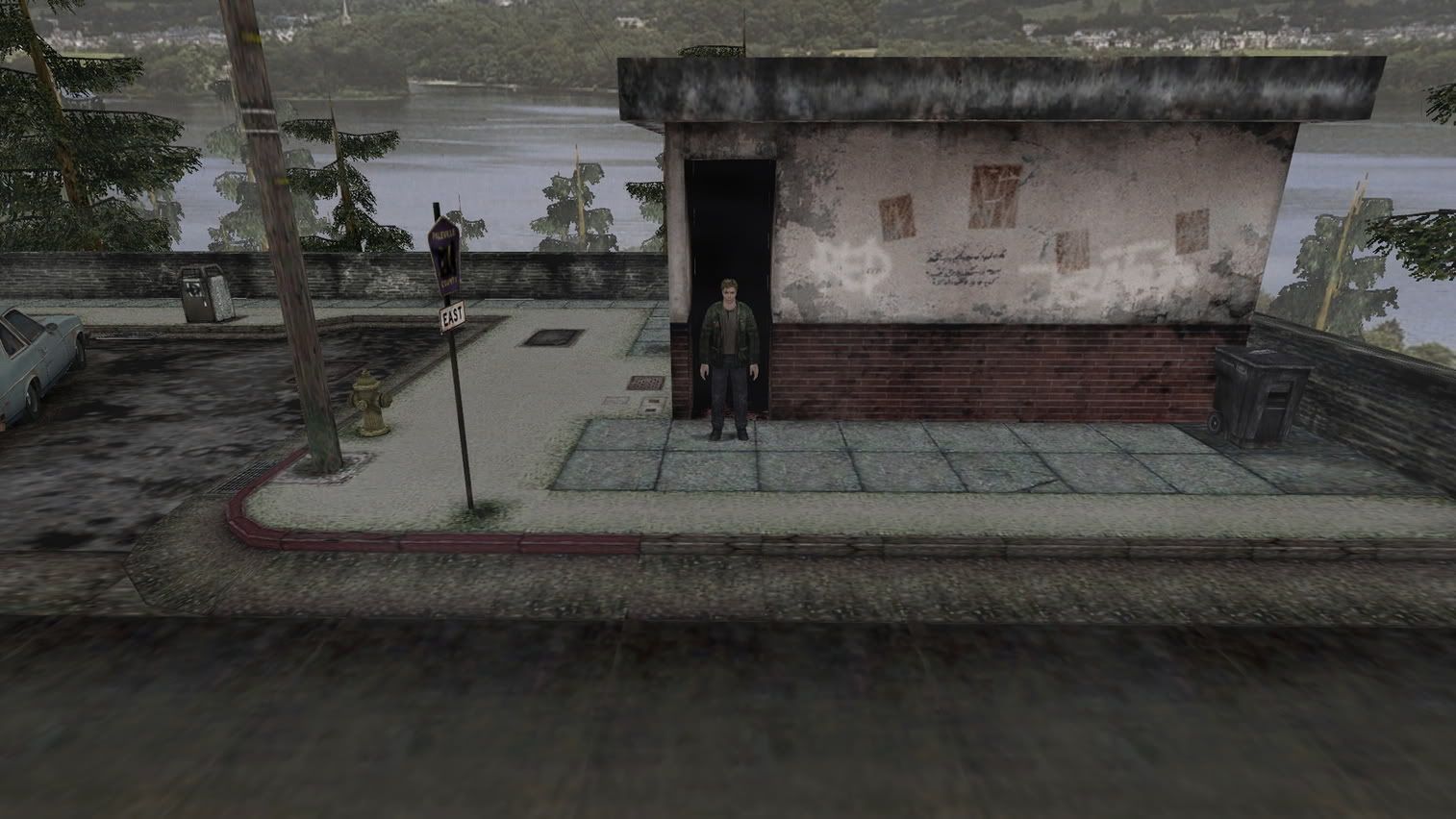
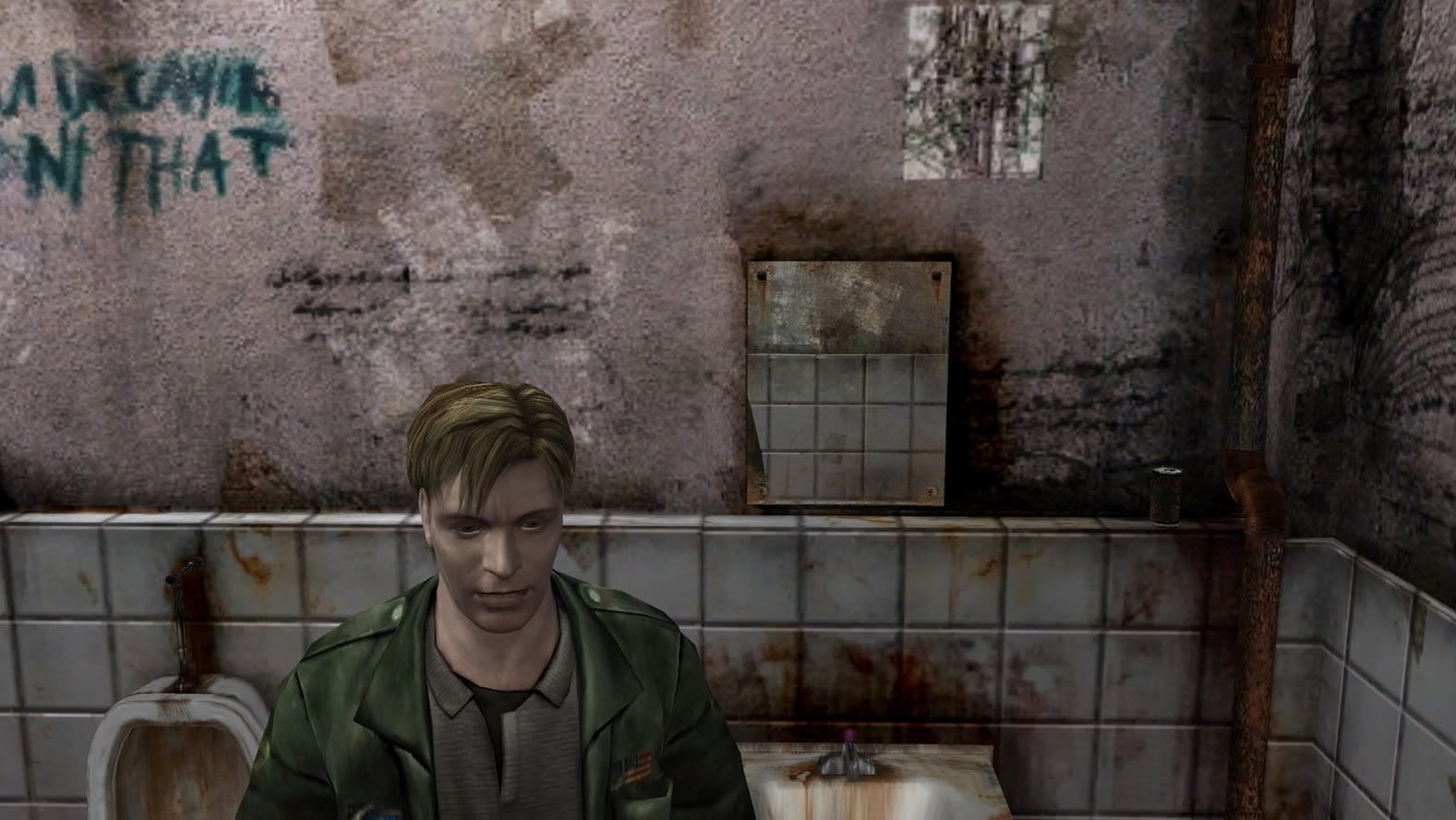
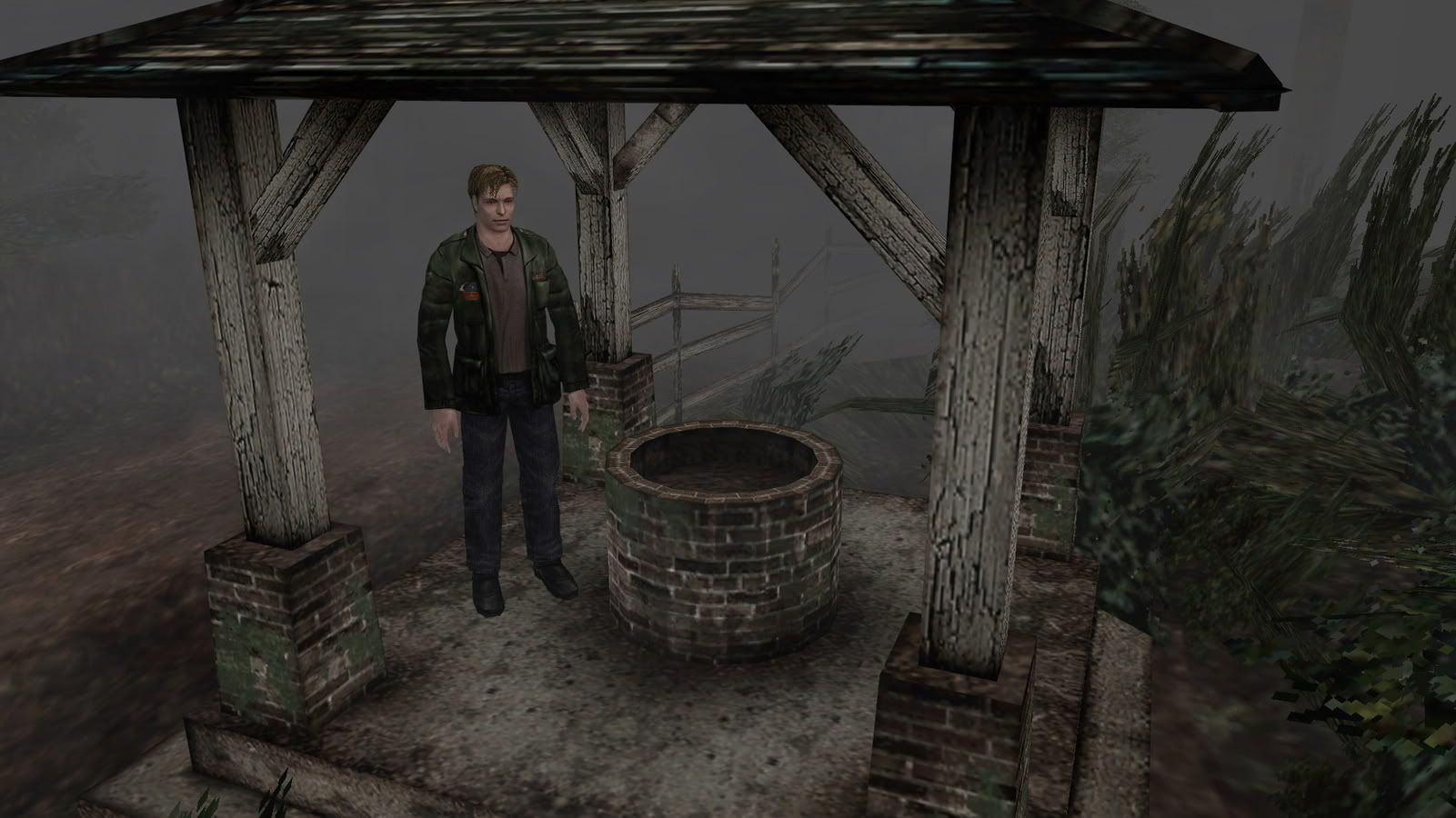
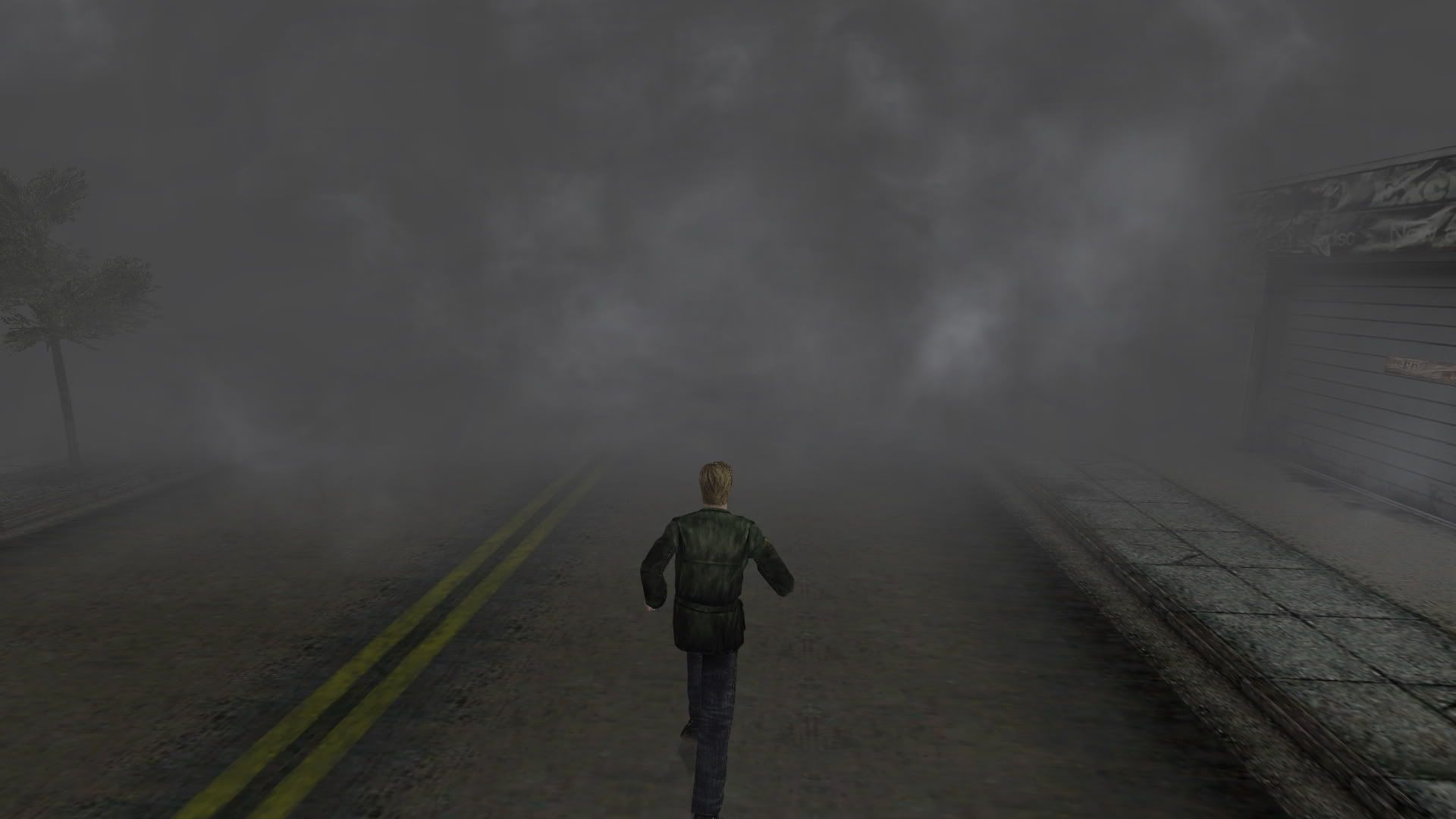
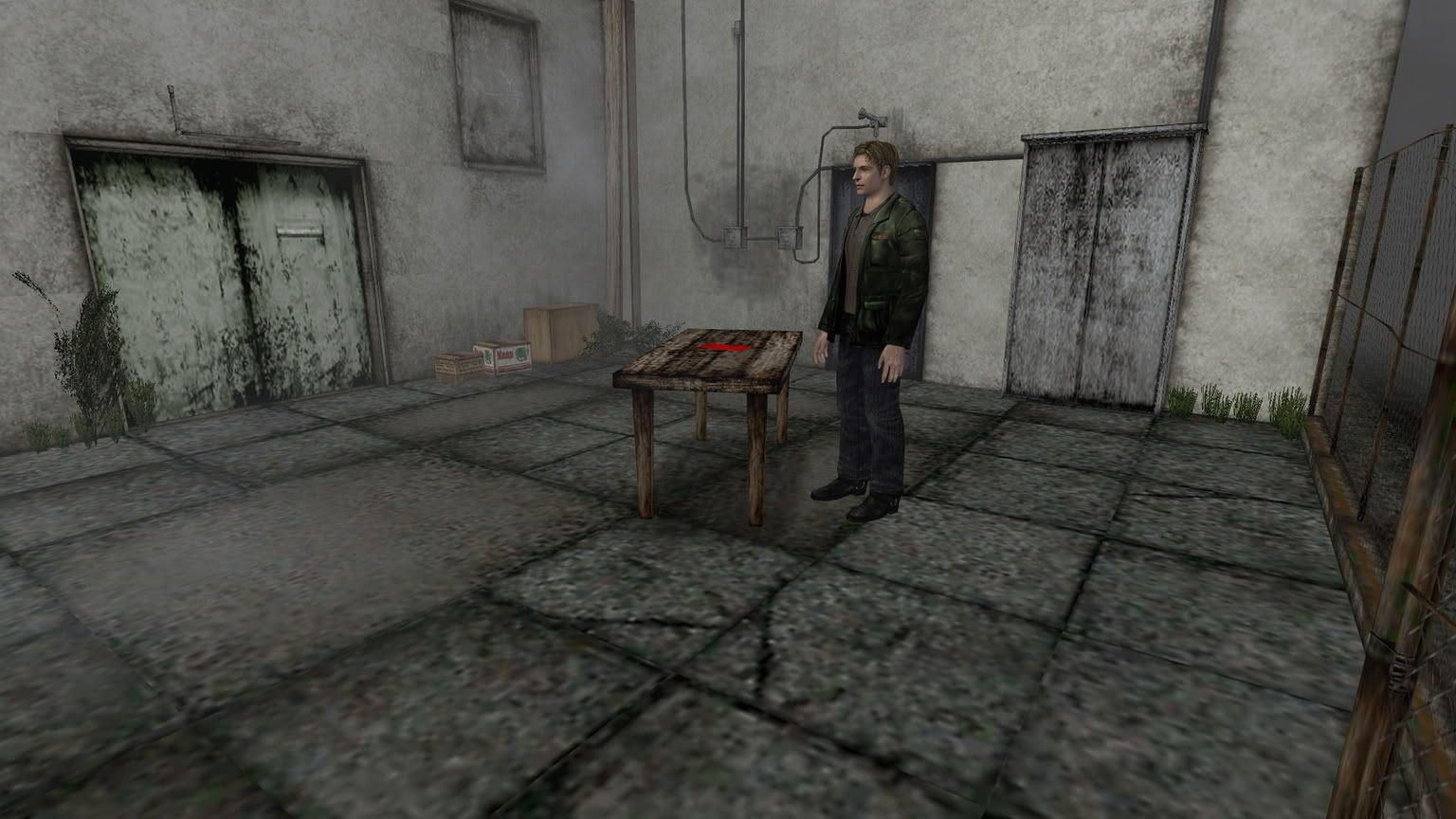
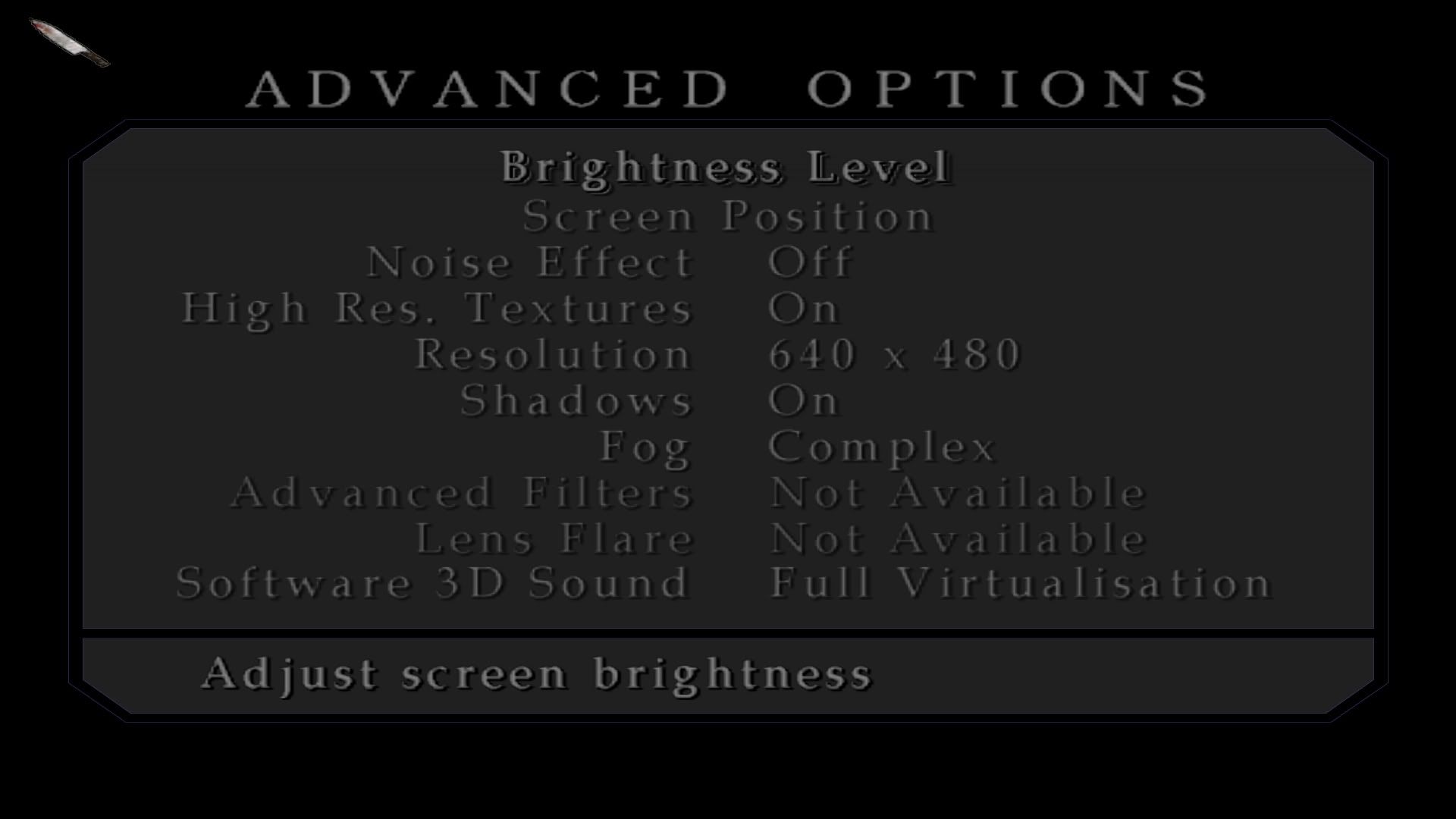
But I have a question: Why now the options "Advanced Filters" and "Lens Flare" are Not Available? :?
Thanks again, bro. :bowdown
I have follow all your's steps and it work like a charm.
But I have a question: Why now the options "Advanced Filters" and "Lens Flare" are Not Available? :?
Thanks again, bro. :bowdown
Re: squ1zzy hack readme?
Thank you very much for this, it works brilliantly :D
@Blackpill: If you have used any applications to override the games' AA, it will not allow you to enable Advanced Filters or Lens flares :(
by the way, your screenshots look a LOT better than my game does >< How did you remove the film grain?
Cheers
@Blackpill: If you have used any applications to override the games' AA, it will not allow you to enable Advanced Filters or Lens flares :(
by the way, your screenshots look a LOT better than my game does >< How did you remove the film grain?
Cheers
Re: squ1zzy hack readme?
How did you remove the film grain?
Turn "Noise Effect" off.
Re: squ1zzy hack readme?
Thanks Abram, i clearly wasnt paying attention ><
Looking forward to enjoying the game again.. nostalgia is setting in :)
Looking forward to enjoying the game again.. nostalgia is setting in :)
Re: squ1zzy hack readme?
Thanks for answer me, Zalgradis.
I gonna try do not force the AA from VGA and see what happens. But I guess that is the only way to get AA in this game :oops: . Anyway, with that two options disabled the game look great the same.
Hug.
I gonna try do not force the AA from VGA and see what happens. But I guess that is the only way to get AA in this game :oops: . Anyway, with that two options disabled the game look great the same.
Hug.
-
xdaywalkerx
- Posts: 1
- Joined: 22 Jun 2011, 09:16
Re: squ1zzy hack readme?
the offset is'nt always 4A1A6E
in some case (rzr crack - supports german language) it is 004A1470!
in some case (rzr crack - supports german language) it is 004A1470!
hey someone can give me
hey someone can give me 2560x1440 codes hex right, because i miss something :/
thanks ^^
thanks ^^
Who is online
Users browsing this forum: Bing [Bot] and 14 guests