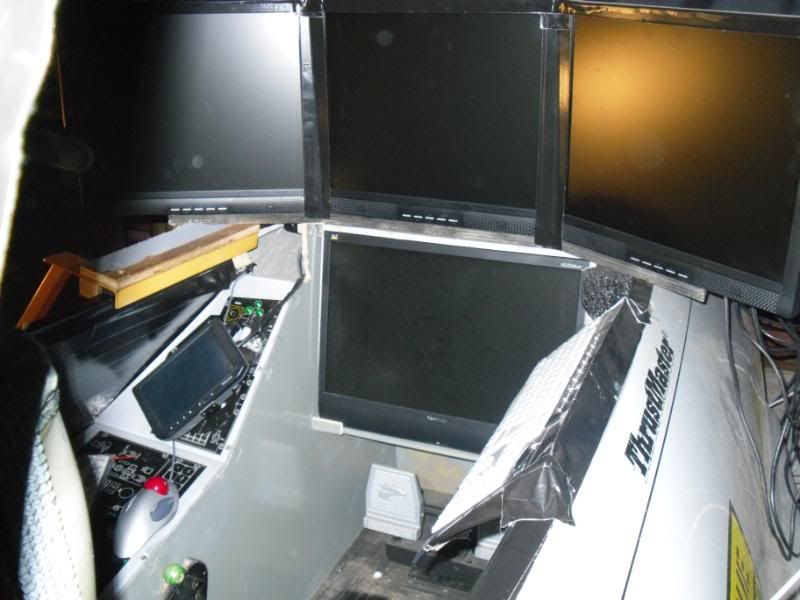
My 1st question is my 21" screen in the pit is set to as my master machine just rendering the instrument panel resolution is 1650X1080. When I scroll the instrument panel down there is a little bit on the top that shows the outside world in front of the plane I would like to just see the instrumnet panel & nothing else, is this possible?
My 2nd question is I have 3 19" screens ran by a 3head2go rendering full view no HUD all I see is the outside world, my resolution is 3072X768 which the 3head2go converts 1024X768 automaticaly to all 3 screens, my moving map is also set to 1024X768 but that works fine. I now have 2 22"WS monitors mounted for a left, & right view they are also set to 1024X768. I have them set to full view no HUD, the reason for this is I don't want to see part of the outside window, wing, or instrument panel with the 45 degree offset all I want to see is the outside world as you would in a real airplane. Using the rendering options I have it close using the vertical, & lateral offsets but it's not quite right. What I want is when the front view passes an object on the ground, sky, whatever I want it to continue on the left, & right screen. Right now there is a gap from the front to the sides, & the vertical doesn't line up correctly. Has anyone ever done this & if so can you please tell me the correct numbers to put in the offsets.