Lego Star Wars II is an action adventure game by LucasArts. It is a unique retelling of the original Star Wars trilogy (Episodes IV-VI) utilizing the Lego kits based on the Star Wars universe.
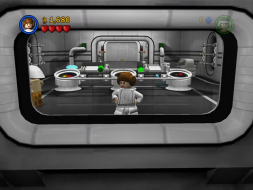
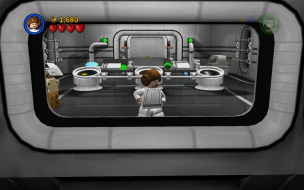
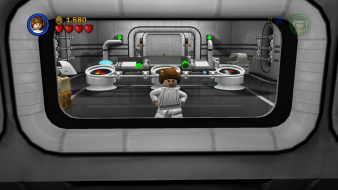
Thought I'd add to the discussion here. I took two screen caps at the same location - one at 1600x1200 and one at 1920x1200. This was done at "max zoom" out.
I then overlaid them in PSE and adjusted the size of them until the architecture (and my character) matched up. I then adjusted the transparency to show was was added to the hor, and removed from the vert.
This is similar behavior as Guild Wars. But unlike Guild Wars, the hor+ seems a hair larger than the vert-. Since we don't have a hor+/vert-, this might as well be called hor+. I can't think of a better system at the moment.
Im running lego starwars II on an external monitor from my laptop. Its a 20 in res is 1680x1050.
I can play the game fine on my m170 at 1920x1200 if the monitor is disconnected but as soon as i try and run from teh external monitor whenever i clieck video the game crashes to desktop please help.
A little festive info for you ... :D
Santa Clause can be unlocked for play in LEGO Star Wars II: The Original Trilogy ... http://uk.pc.ign.com/articles/752/752263p1.html
Mine natively supports 3840x768 on my TH2Go 3x widescreen setup, but it is stretched. Is there a way to change the FOV possibly? Also, how do you get the custom 1680x1050 res?
(Crap. The demo has no widescreen option and just stretches in all ws ARs, so don't bother folks. I'll have the full game back next week-end, but I'm pretty sure 15:9 and TH are unsupported/stretched i.e same ws support as in Thrillville. And another one bites the dust...)