Homeworld 2

Detailed breakdowns of how games react to widescreen, ultra-wide, 4k and multi-mon
Post Reply
User avatar
X-Warrior
Posts: 1045
Joined: 24 Jun 2005, 22:58

Homeworld 2

Post by X-Warrior »


Widescreen Grade: B
Ultra-Widescreen Grade: Incomplete
Multi-monitor Grade: C
4k Grade: Incomplete

Read Full Detailed Report - Homeworld 2

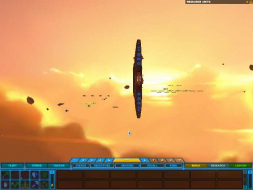
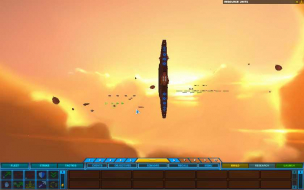
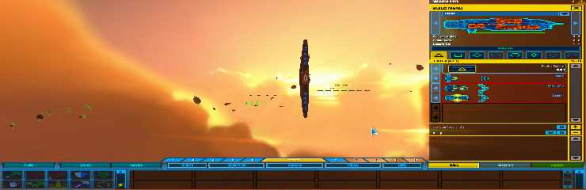
Homeworld 2 is the 2nd game in the Series by Relic & Sierra. The Homeworld series is a Scf-Fi space-based RTS. It was (and largely still is) unique in it's integration of easy-to-navigate 3D battles.


4:3


16:10


16:9


3x1

Last edited by X-Warrior on 28 Feb 2014, 15:28, edited 4 times in total.
Reason: Edit
The_cranky_hermit
Insiders
Insiders
Posts: 3010
Joined: 07 Nov 2005, 04:16

Homeworld 2: Detailed Report

Post by The_cranky_hermit »

And now the commentary:

==Singleplayer anomalies==
Can you show comparison screenshots of stretching 2D elements (other than the HUD) here?

==Grading==
The grade is C+, due to the somewhat obscure solution. It would potentially be a B if the solution were native.

Minor unresolved issues:
What you described is a bug, not an unresolved issue. An unresolved issue is a portion of the report that you are not 100% sure about.
CodE-E
Posts: 183
Joined: 15 Apr 2005, 13:46

Homeworld 2: Detailed Report

Post by CodE-E »

Because most of the interface elements are fairly plain and square in shape, I wasn't really bothered by it being streched. In fact, I didn't even notice it when I played. So the widescreen support may not be technically great, but it's good in practice, imho.
User avatar
X-Warrior
Posts: 1045
Joined: 24 Jun 2005, 22:58

Homeworld 2: Detailed Report

Post by X-Warrior »

And now the commentary:

==Singleplayer anomalies==
Can you show comparison screenshots of stretching 2D elements (other than the HUD) here?


Done.


==Grading==
The grade is C+, due to the somewhat obscure solution. It would potentially be a B if the solution were native.


Actually, Homeworld 2 was already filled in in your rubrick, and got full score for native support. Should this be lowered then ? If yes, how much ?

Minor unresolved issues:
What you described is a bug, not an unresolved issue. An unresolved issue is a portion of the report that you are not 100% sure about.


Removed. Images used for menu stretch example ;)


Because most of the interface elements are fairly plain and square in shape, I wasn't really bothered by it being streched. In fact, I didn't even notice it when I played. So the widescreen support may not be technically great, but it's good in practice, imho.


Indeed... I've been thinking about the system that's used around here concerning widescreen scores and it's quite unforgiving. There is really nothing detrimental in this game, and it plays perfect in any resolution, yet it only gets a C+... Agreed it shouldn't be certified because there are some minor issues, but C+ is rather low.
The_cranky_hermit
Insiders
Insiders
Posts: 3010
Joined: 07 Nov 2005, 04:16

Homeworld 2: Detailed Report

Post by The_cranky_hermit »

Update: I've found a better solution for enabling widescreen. If you can update your report to use this solution, the calculated grade becomes a B-, with a potential grade of B. Minor unresolved issues would just be the untested resolutions.
User avatar
X-Warrior
Posts: 1045
Joined: 24 Jun 2005, 22:58

Homeworld 2: Detailed Report

Post by X-Warrior »

I noticed your post :)

Nice, I'll be using that from now on I think.

I hope you don't mind the quote in the original post :)

Updated.
Nabil
Posts: 36
Joined: 09 Jul 2006, 09:18

Homeworld 2: Detailed Report

Post by Nabil »

The command line solution is so much easier and simpler than your supposedly "better" solution for the average person...
The_cranky_hermit
Insiders
Insiders
Posts: 3010
Joined: 07 Nov 2005, 04:16

Homeworld 2: Detailed Report

Post by The_cranky_hermit »

The only solution that could be described as easy and simple for the "average" user would be enabling widescreen via the options screen. But to a widescreen gaming veteran, editing config files is second nature, while command line solutions are unusual and a little awkward. Plus, once you edit the config file, you can just launch the game by doubleclicking the executable. You don't have to keep launching the game via command line or have to use a special shortcut.
User avatar
X-Warrior
Posts: 1045
Joined: 24 Jun 2005, 22:58

Homeworld 2: Detailed Report

Post by X-Warrior »

The only solution that could be described as easy and simple for the "average" user would be enabling widescreen via the options screen. But to a widescreen gaming veteran, editing config files is second nature, while command line solutions are unusual and a little awkward. Plus, once you edit the config file, you can just launch the game by doubleclicking the executable. You don't have to keep launching the game via command line or have to use a special shortcut.


Yep, though I simply edited the shortcut on my desktop to include the correct resolutions.
And the command line solution was ideal for taking all those different resolution screenshots ;)
But I have to agree with The_cranky_hermit, once you got stuff up and running, the cfg file is the best solution, as it's more permanent.
Nabil
Posts: 36
Joined: 09 Jul 2006, 09:18

Homeworld 2: Detailed Report

Post by Nabil »

Yes I agree, I was just saying for the average dude it's much simpler to just right click the shortcut and add a few words...
DrPhunk
Posts: 1
Joined: 09 May 2006, 05:00

Homeworld 2: Detailed Report

Post by DrPhunk »

I've tested at 1920 x 1200 and it works perfectly!

Really a gorgeous game...
The_cranky_hermit
Insiders
Insiders
Posts: 3010
Joined: 07 Nov 2005, 04:16

Homeworld 2: Detailed Report

Post by The_cranky_hermit »

Now we just need someone to test 1920x1080, and this gets upgraded to a B.
LeeNux
Posts: 97
Joined: 16 May 2009, 16:27

Homeworld 2: Detailed Report

Post by LeeNux »

tested 1920x1080 on my hdtv, works just fine
The_cranky_hermit
Insiders
Insiders
Posts: 3010
Joined: 07 Nov 2005, 04:16

Homeworld 2: Detailed Report

Post by The_cranky_hermit »

==Grading==

Calculated grade: B-
Potential grade: B

Minor outstanding DR omissions:
Need Faux-TH comparison.

Cranky's coverage estimate: 99.5%
User avatar
Skid
Administrators
Administrators
Posts: 1031
Joined: 02 Nov 2009, 12:14
Location: Lincoln, UK
Contact:

Re: Homeworld 2: Detailed Report

Post by Skid »

I'm trying to see if I can't get this working in TH, and I found that you got your command line switches are wrong, its -w not -v, the game works with height and width not horizontal and vertical.

I can't push the width past 4090, putting it any higher then that makes the game only render in 1 pixal width, however since the game runs in sudo fullscreen mode it will still display at the screens native resolution, ie you can go 4080x1050 over 2 and a bit monitors. I'll get some screenshots in a bit.

Correction, it work in sudo fullscreen mode in none preset resolutions, otherwise it goes to normal fullscreen mode. 4080x768 worked but you couldn't see any objects unless you viewed them one of a few angles, I couldn't find anyway to fix this, there is a similar thing in all the other resolutions as well but its no where near as bad.

1680x1050
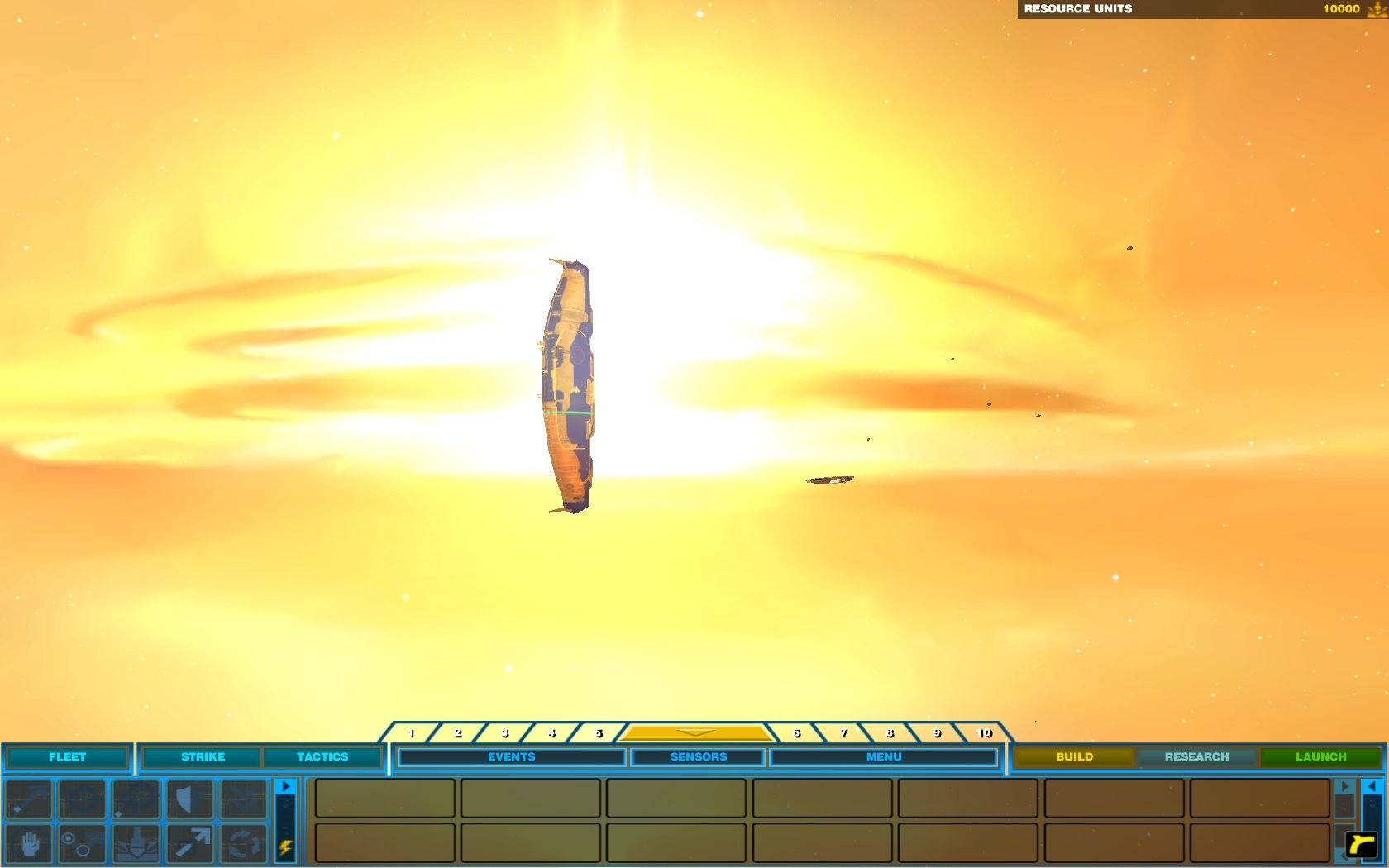

3840x960
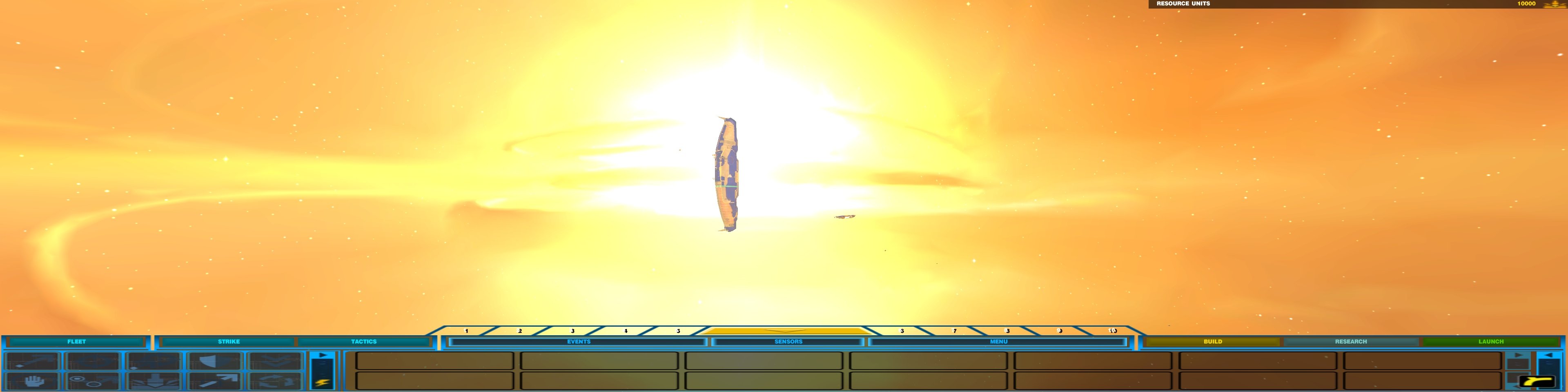

4080x1050
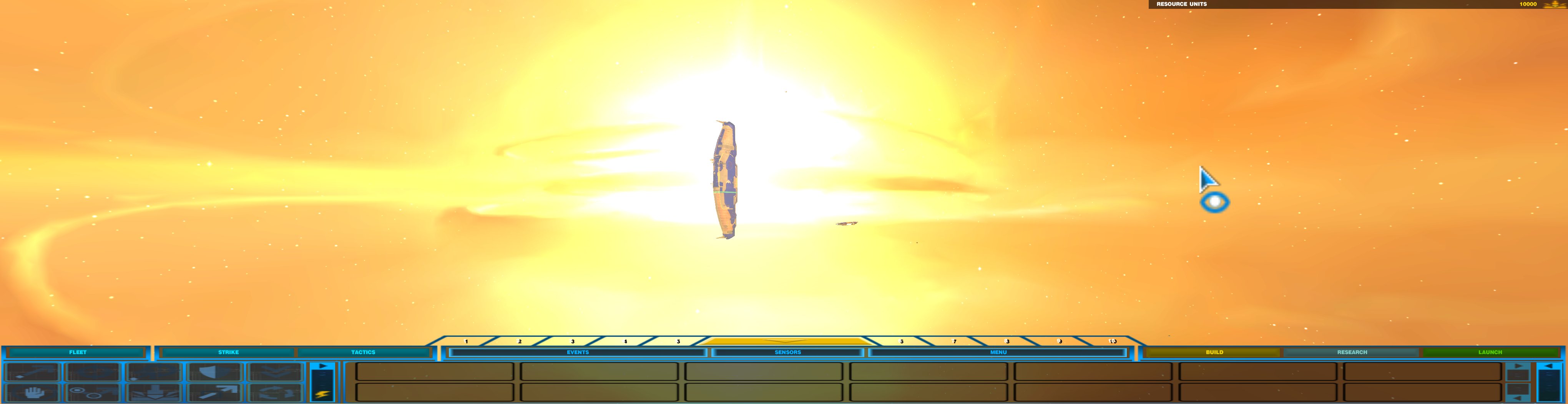
: ) Skid : )
My Multi-Monitor Focused YouTube Channel: http://www.youtube.com/c/SkidIncGaming
My Twitch channel which I've been known to stream on from time to time: http://www.twitch.tv/SkidInc
"Imagination is the only weapon in the war against reality."
User avatar
3lfk1ng
Posts: 20
Joined: 03 Dec 2011, 09:35

I decided to reinstall an old

Post by 3lfk1ng »

I decided to reinstall an old favorite on my current computer while I wait for the next Guild Wars 2 BETA weekend event.

Anyway, for those interested. This is the only way to get a legit copy of Homeworld 2 to function on a Windows 7 64-bit machine:

Big cursor issue?
add "-hardwarecursor" to .exe

Camera issues?
Turn on Vsync

Game not loading after double-clicking on the .exe?
Download the German .exe file

Seeing lots of wacky colorful triangles?
Add "-noVBO" to .exe

Cannot see ships at 5760x1080+ resolutions?
I can't either, I'll let you know when I find a fix. So far it seems to be ATI driver related. The game works fine at 1920x1080 though.
Computer: Intel i7-2600k @ 5GHz | Asus Z68 Maximuz Gene-Z/GEN3 | 240GB Corsair Force 3 GT | 240GB OCZ Vertex 3 | 16GB 30nm Samsung DDR3-1600 | Sapphire Toxic 6950 2GB flashed to 6970 | 3x 23" Dell u2312HMt (LG IPS panels) 5940x1080

Cooling: EK Supreme H
Post Reply

Who is online

Users browsing this forum: No registered users and 9 guests