Prey (2017)

Discussions about getting games to run in a Multi-Mon setup.
dt1000
Posts: 26
Joined: 10 Sep 2010, 03:28

Prey (2017)

Post by dt1000 »

Hello there!
I starting playing the new Prey this morning - an awesome game so far!!!
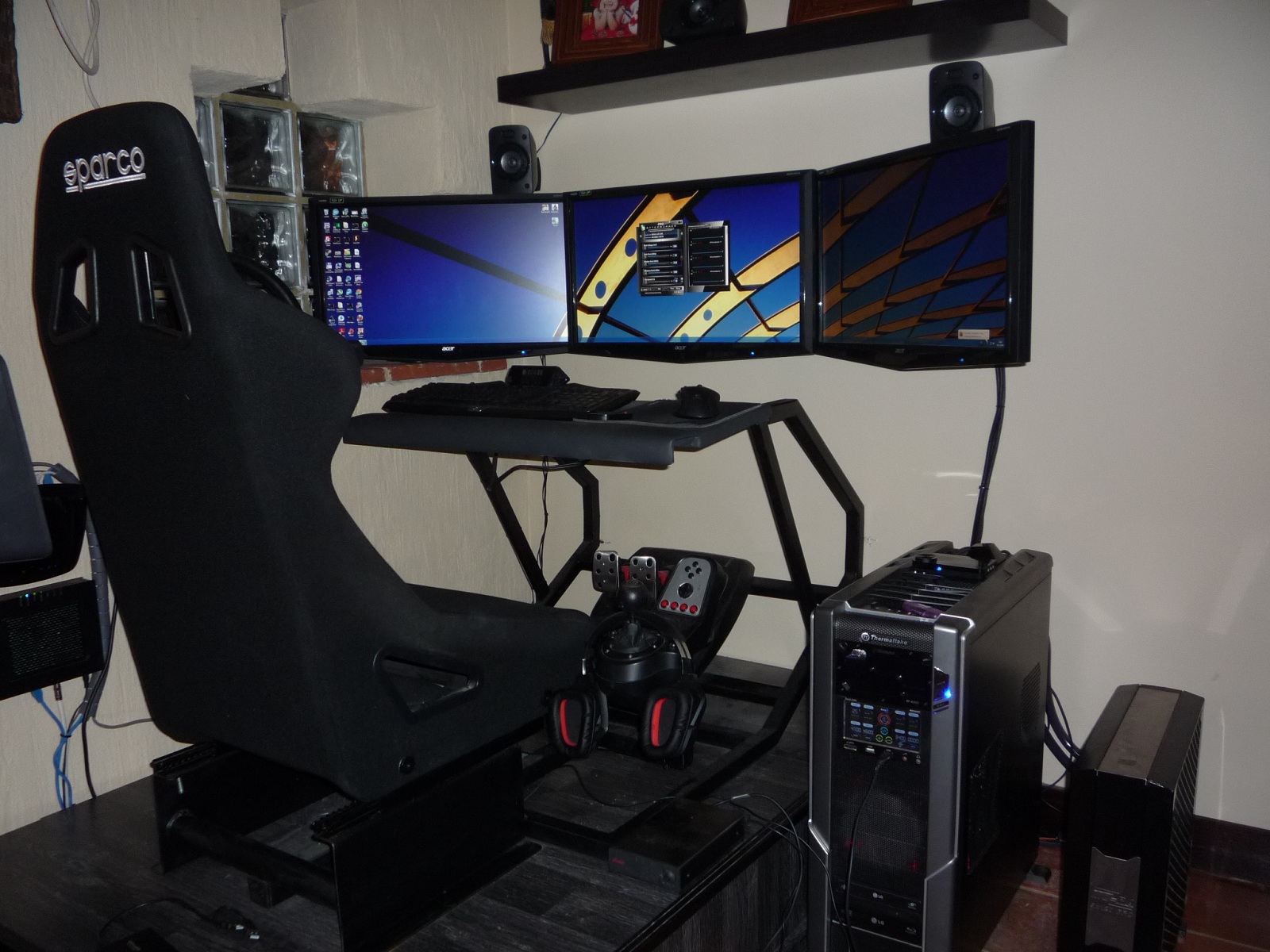
It works well on 3 screens but I was wondering...
1) Is there any way to adjust the FOV?
2) Is there any way to make the UI stick to just the centre screen?

I couldn't spot any obvious .ini files to twiddle with, but it's a CryEnging game, so maybe somebody might have some pointers?

Thanks.
Dan

:triplewide:
pudel
Posts: 71
Joined: 12 Jun 2007, 08:39

Re: Prey (2017)

Post by pudel »

there should be a cfg file under C:\Users\<my_username>\Saved Games\Arkane Studios\Prey, where you can change fov (cl_hfov). make sure you have set all settings ingame to your desire, than change cfg and make it read only.

but what do you mean with the UI? Is the UI fucked up and stretching all over the place? how about ingame menu's? Could you upload some pics showing whats wrong with UI?

thanks
pudel
Vynny
Posts: 1
Joined: 05 May 2017, 21:33

Re: Prey (2017)

Post by Vynny »

My problem with the game is that its to far zoomed in, the fov is at max (120) according to the ini tweak i did, but im missing a large portion of my top and bottom frame of the game, so much so that the middle cursor is no longer in the middle at 5760x1080 its way towards the bottom. Anyone else having the same problem?
Amon Amarth
I Donated
I Donated
Posts: 513
Joined: 18 Jul 2007, 04:19

Re: Prey (2017)

Post by Amon Amarth »

pudel wrote:Could you upload some pics showing whats wrong with UI?
User avatar
Funkengreuven
I Donated
I Donated
Posts: 92
Joined: 30 May 2012, 03:56

Re: Prey (2017)

Post by Funkengreuven »

Vynny wrote:My problem with the game is that its to far zoomed in, the fov is at max (120) according to the ini tweak i did, but im missing a large portion of my top and bottom frame of the game, so much so that the middle cursor is no longer in the middle at 5760x1080 its way towards the bottom. Anyone else having the same problem?


I feel like the game is cropped off top & bottom too. It's hard to get used to, but you can change where the reticle is situated on the screen...
Go to C:\programfiles\steam\SteamApps\common\Prey\GameSDK\ and open the "game.cfg" file. Look for g_reticleYPercentage and lower it a bit. I have mine set at 0.515 and it works perfectly. If you"rasie" the number it "lowers" the reticle on the screen & vice versa. You don't have to change the value much for it to make a difference. Cheers!
Last edited by Funkengreuven on 06 May 2017, 03:12, edited 1 time in total.
| i7 3930K | 16GB Mushkin Redline 2133MHz | ASUS Rampage IV Formula | EVGA 2080ti SC ULTRA | EVGA Supernova 1200W PS | 2x Samsung EVO 500GB SSD RAID 0 | 2x IBM 520 SSD 240GB | Rosewill Blackhawk | 3x Acer Predator G-Sync 144MHz @ 7680x1440 |
User avatar
Funkengreuven
I Donated
I Donated
Posts: 92
Joined: 30 May 2012, 03:56

Re: Prey (2017)

Post by Funkengreuven »

Also, it says on the post on Steam that the maximum FOV percentage is 120, but that's for a single monitor. If you're playing on multi-monitor resolution you can push it up higher than 120. I don't know why, but I have mine set at 163.94 which is 120 degrees at my resolution when measured on the FOV calculator on this website. I only realized this because from the start the game defaulted to 146.58 or something similar when I first changed the resolution to 5892x1080 which is what I play at (bezel corrected) and then checked the .cfg file. This is obviously higher than 120 and I didn't mess with it beforehand. I don't know what the game's maximum FOV number is for multi-monitor, except that it's some number larger than 120. One thing I did notice is if you go too high it seems like it defaults back to the minimum again. I tried 220 and it was worse than when I kept it at 163.94. You can experiment and see what works. All of this could be wrong, but it's the best I could figure out and seemed to work as well as I could get it to.
| i7 3930K | 16GB Mushkin Redline 2133MHz | ASUS Rampage IV Formula | EVGA 2080ti SC ULTRA | EVGA Supernova 1200W PS | 2x Samsung EVO 500GB SSD RAID 0 | 2x IBM 520 SSD 240GB | Rosewill Blackhawk | 3x Acer Predator G-Sync 144MHz @ 7680x1440 |
Amon Amarth
I Donated
I Donated
Posts: 513
Joined: 18 Jul 2007, 04:19

Re: Prey (2017)

Post by Amon Amarth »

It looks like you can't get higher FoV than 120 on multi-monitor. The default FoV is supposedly 136.376968. When you restart the game after making a new cfg file the FoV is rather cramped and seems smaller than the first time you run it with a new cfg. I don't think the game will let you get higher FoV unless we use a 3rd party program.
H.A.M.mer
Posts: 13
Joined: 27 Feb 2011, 01:43

Re: Prey (2017)

Post by H.A.M.mer »

Think I stumbled across a solution for getting a FOV > 120 for multi-monitor-joy:
[*]open game.cfg
[*]delete "cg_hfov = XXX" (regardless of the value)
[*]close game.cfg and make it read-only

Do this for both game.cfg files. The one in C:\Users\{Username}\Saved Games\Arkane Studios\Prey and the one in C:\Program Files (x86)\Steam\steamapps\common\Prey\USER. Also disable Steam-Cloud.

For some reason this way the game somehow uses a correct FOV for 5760x1080 which is around 140.
It seems that if you have "cg_hfov" in game.cfg the FOV is indeed capped to 120. But if you remove the command and don't let the game re-create it (hence the read-only) it works.

Here is hope that the dev includes a proper support in an upcoming patch. At least they have done so with Dishonored 1/2.
Hope this helps you out.
User avatar
Funkengreuven
I Donated
I Donated
Posts: 92
Joined: 30 May 2012, 03:56

Re: Prey (2017)

Post by Funkengreuven »

H.A.M.mer wrote:Think I stumbled across a solution for getting a FOV > 120 for multi-monitor-joy:
[*]open game.cfg
[*]delete "cg_hfov = XXX" (regardless of the value)
[*]close game.cfg and make it read-only

Do this for both game.cfg files. The one in C:\Users\{Username}\Saved Games\Arkane Studios\Prey and the one in C:\Program Files (x86)\Steam\steamapps\common\Prey\USER. Also disable Steam-Cloud.

For some reason this way the game somehow uses a correct FOV for 5760x1080 which is around 140.
It seems that if you have "cg_hfov" in game.cfg the FOV is indeed capped to 120. But if you remove the command and don't let the game re-create it (hence the read-only) it works.

Here is hope that the dev includes a proper support in an upcoming patch. At least they have done so with Dishonored 1/2.
Hope this helps you out.


I don't have a "USER" folder in C:\Program Files (x86)\Steam\steamapps\common\Prey\ as listed in your post. The second "game.cfg" file I see is in a folder called "GameSDK" at the following path C:\Program Files (x86)\Steam\steamapps\common\Prey\GameSDK. That's where you can change the value for the reticle. I'll try deleting it from the other place and see it it works. If you can explain where you see the other "USER" folder or the other game.cfg file I will be thankful.

BTW, I read somewhere that you can add "r_motionblur = 0" to the game.cfg file in C:\Users\{Username}\Saved Games\Arkane Studios\Prey and it disables motion blur. To be honest, i can't tell for sure if it works, but it seems to.
| i7 3930K | 16GB Mushkin Redline 2133MHz | ASUS Rampage IV Formula | EVGA 2080ti SC ULTRA | EVGA Supernova 1200W PS | 2x Samsung EVO 500GB SSD RAID 0 | 2x IBM 520 SSD 240GB | Rosewill Blackhawk | 3x Acer Predator G-Sync 144MHz @ 7680x1440 |
X1XNobleX1X
Posts: 51
Joined: 25 Oct 2013, 21:04

Re: Prey (2017)

Post by X1XNobleX1X »

Funkengreuven wrote:
H.A.M.mer wrote:Think I stumbled across a solution for getting a FOV > 120 for multi-monitor-joy:
[*]open game.cfg
[*]delete "cg_hfov = XXX" (regardless of the value)
[*]close game.cfg and make it read-only

Do this for both game.cfg files. The one in C:\Users\{Username}\Saved Games\Arkane Studios\Prey and the one in C:\Program Files (x86)\Steam\steamapps\common\Prey\USER. Also disable Steam-Cloud.

For some reason this way the game somehow uses a correct FOV for 5760x1080 which is around 140.
It seems that if you have "cg_hfov" in game.cfg the FOV is indeed capped to 120. But if you remove the command and don't let the game re-create it (hence the read-only) it works.

Here is hope that the dev includes a proper support in an upcoming patch. At least they have done so with Dishonored 1/2.
Hope this helps you out.


I don't have a "USER" folder in C:\Program Files (x86)\Steam\steamapps\common\Prey\ as listed in your post. The second "game.cfg" file I see is in a folder called "GameSDK" at the following path C:\Program Files (x86)\Steam\steamapps\common\Prey\GameSDK. That's where you can change the value for the reticle. I'll try deleting it from the other place and see it it works. If you can explain where you see the other "USER" folder or the other game.cfg file I will be thankful.

BTW, I read somewhere that you can add "r_motionblur = 0" to the game.cfg file in C:\Users\{Username}\Saved Games\Arkane Studios\Prey and it disables motion blur. To be honest, i can't tell for sure if it works, but it seems to.


The Prey folder that is found by going to the user folder is found by going to:

C:\Users\(username)\Saved Games\Arkane Studios\Prey


The other issues seem to be fixed, although I'm getting some parts of the UI that are shown on the left and right screen. For instance mission text / and the icon where the phone call come in.

Haven't really played the game yet, just my observations from checking out the first 5 minutes .
User avatar
HaYDeN
Insiders
Insiders
Posts: 761
Joined: 14 Feb 2010, 13:39

Re: Prey (2017)

Post by HaYDeN »

Image

Image


NOTE: Pretty much entirely untested.
Resident Jester - Flawless Widescreen - Widescreen gaming the way it should be.
[Steam Profile]

Want to keep Flawless Widescreen alive? Donate Here
User avatar
HaYDeN
Insiders
Insiders
Posts: 761
Joined: 14 Feb 2010, 13:39

Re: Prey (2017)

Post by HaYDeN »

There was a bug I discovered about 20 mins after release where monitors (in-game) are black - I've since updated the fix, if your having that problem, right click the fix and click re-install.

There also seems to be a problem with the HUD being on the left monitors depending on your monitor aspect ratio, ie. 21:9
Last edited by HaYDeN on 07 May 2017, 13:23, edited 1 time in total.
Resident Jester - Flawless Widescreen - Widescreen gaming the way it should be.
[Steam Profile]

Want to keep Flawless Widescreen alive? Donate Here
dt1000
Posts: 26
Joined: 10 Sep 2010, 03:28

Re: Prey (2017)

Post by dt1000 »

HaYDeN, you are a legend as always! :D
User avatar
Csavez
Posts: 18
Joined: 21 Aug 2010, 22:00

Re: Prey (2017)

Post by Csavez »

Yes HaYden!
My old video.
https://youtu.be/KD6zbvf0834
User avatar
Csavez
Posts: 18
Joined: 21 Aug 2010, 22:00

Re: Prey (2017)

Post by Csavez »

[youtube]https://www.youtube.com/v/KD6zbvf0834&feature=youtu.be[/youtube]
pudel
Posts: 71
Joined: 12 Jun 2007, 08:39

Re: Prey (2017)

Post by pudel »

@hayden

thx for the fix. however flws gives me error: "failed to open process. error code=5". what could be wrong?
User avatar
HaYDeN
Insiders
Insiders
Posts: 761
Joined: 14 Feb 2010, 13:39

Re: Prey (2017)

Post by HaYDeN »

pudel wrote:@hayden

thx for the fix. however flws gives me error: "failed to open process. error code=5". what could be wrong?


Error code 5 is access denied, would suggest you are not running FWS with sufficient privileges.
Resident Jester - Flawless Widescreen - Widescreen gaming the way it should be.
[Steam Profile]

Want to keep Flawless Widescreen alive? Donate Here
User avatar
HaYDeN
Insiders
Insiders
Posts: 761
Joined: 14 Feb 2010, 13:39

Re: Prey (2017)

Post by HaYDeN »

Changed the position of the injection for HUD centering, update is live, click Check for Updates.

May or may not break a bunch of stuff, it seems to work for me on both 16:9 and non 16:9 resolutions.
Resident Jester - Flawless Widescreen - Widescreen gaming the way it should be.
[Steam Profile]

Want to keep Flawless Widescreen alive? Donate Here
themanatee
Posts: 1
Joined: 08 May 2017, 17:13

Re: Prey (2017)

Post by themanatee »

Great work as always hayden. Just a question. Is weapon FOV manipulation even a possibility for a future revision? People have been trying r_drawnearFOV since it's on cryengine but this command hasn't been working.
User avatar
Ufolog
Posts: 9
Joined: 31 Dec 2011, 07:15

Re: Prey (2017)

Post by Ufolog »

Thank you HaYDeN!
Buy I experience a trouble using Flawless Widescreen.
The game menu and all in-game interface have dissapeared once fix is enabled.
Disabling it and switching to desktop and back brings all back again.
Below is some console logs when I'm enabling/disabling the fix
Thanks.

Code: Select all

DisplayDetection -> Scanning process for signs of SoftTH injection
c_HackTool -> Successfully opened process, ID=2120
Suspending Thread
HUDFix1 - Addr=Prey.exe+2A96E8
HUDFix2 - Addr=Prey.exe+2A96FB
HUDFix3 - Addr=Prey.exe+2A9992
FOVPtr - Addr=Prey.exe+240D5B0 (Acquired)
FOVPtr - Addr=Prey.exe+FFFFFFFEFFE1E968 (float=120.00) (Offset=8)
Un-Suspending Thread
Configure Success = true
Inject delay: 1500ms, Configure() took: 275ms, Adjusted Inject delay: 1225ms
Actual delay: 1225ms
Suspending Thread
c_HackTool -> JMP candidate for HUDFix3_cc, NOPS=0, Address=0x1402a9992
c_HackTool -> Successfully allocated 4096 bytes at 0x14a3e0000 for ASM block "Fixes"
c_HackTool -> Assembly compile was successful
Un-Suspending Thread
DisplayDetection -> Resolution change detected
DisplayDetection -> Found AMD Device: AMD Radeon R9 200 Series
DisplayDetection -> Eyefinity Display Detected, Res: 1920x1080, AR: 1.78, Position: {X:0, Y:0}
DisplayDetection ->  * Display (1/2): Res: 0x0, Pos: {X:0, Y:0}
DisplayDetection ->  * Display (2/2): Res: 1920x1080, Pos: {X:1920, Y:0}
DisplayDetection -> Found AMD Device: AMD Radeon R9 200 Series
DisplayDetection -> No displays associated with this device.
DisplayDetection -> NVIDIA Library not found, skipping NVIDIA detection
DisplayDetection -> Preferred Display \\.\DISPLAY1 connected to AMD Radeon R9 200 Series
DisplayDetection -> Scanning process for signs of SoftTH injection
c_HackTool -> Successfully opened process, ID=2120
Suspending Thread
HUDFix1 - Addr=Prey.exe+2A96E8
HUDFix2 - Addr=Prey.exe+2A96FB
HUDFix3 - Addr=Prey.exe+2A9992
FOVPtr - Addr=Prey.exe+240D5B0 (Acquired)
FOVPtr - Addr=Prey.exe+FFFFFFFEFFE1E968 (float=120.00) (Offset=8)
Un-Suspending Thread
Configure Success = true
Suspending Thread
c_HackTool -> JMP candidate for HUDFix3_cc, NOPS=0, Address=0x1402a9992
c_HackTool -> Successfully allocated 4096 bytes at 0x17fd10000 for ASM block "Fixes"
c_HackTool -> Assembly compile was successful
Un-Suspending Thread
DisplayDetection -> Resolution change detected
DisplayDetection -> Found AMD Device: AMD Radeon R9 200 Series
DisplayDetection -> Eyefinity Display Detected, Res: 1920x1080, AR: 1.78, Position: {X:0, Y:0}
DisplayDetection ->  * Display (1/2): Res: 0x0, Pos: {X:0, Y:0}
DisplayDetection ->  * Display (2/2): Res: 1920x1080, Pos: {X:1920, Y:0}
DisplayDetection -> Found AMD Device: AMD Radeon R9 200 Series
DisplayDetection -> No displays associated with this device.
DisplayDetection -> NVIDIA Library not found, skipping NVIDIA detection
DisplayDetection -> Preferred Display \\.\DISPLAY1 connected to AMD Radeon R9 200 Series
DisplayDetection -> Resolution change detected
DisplayDetection -> Found AMD Device: AMD Radeon R9 200 Series
DisplayDetection -> Eyefinity Display Detected, Res: 1920x1080, AR: 1.78, Position: {X:0, Y:0}
DisplayDetection ->  * Display (1/2): Res: 0x0, Pos: {X:0, Y:0}
DisplayDetection ->  * Display (2/2): Res: 1920x1080, Pos: {X:1920, Y:0}
DisplayDetection -> Found AMD Device: AMD Radeon R9 200 Series
DisplayDetection -> No displays associated with this device.
DisplayDetection -> NVIDIA Library not found, skipping NVIDIA detection
DisplayDetection -> Preferred Display \\.\DISPLAY1 connected to AMD Radeon R9 200 Series


Specs: GPU - AMD R9 295X2, 5760x1080, Crimson 17.5.1, Prey Profile for Crossfire enabled, Win 10 64 bit.

Post Reply

Who is online

Users browsing this forum: No registered users and 9 guests