
Features:
-Pick supported widescreen resolutions in the display menu, the 16 Bit modes have been removed.
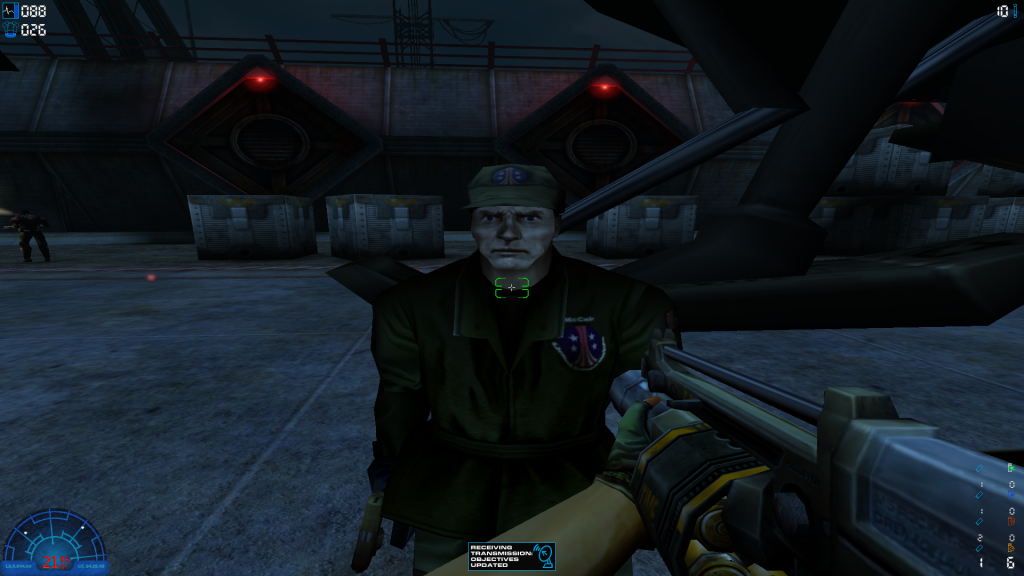
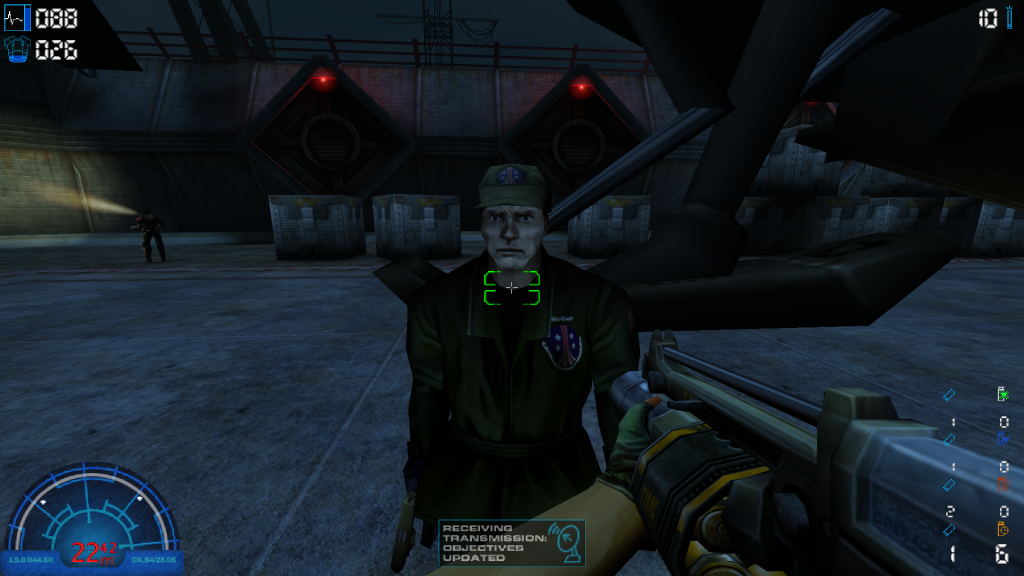
-The FOV in the game and cutscenes is Hor+ (the larger the aspect raio, the more is seen).
-The splashscreen and menu backgrounds etc. are no longer stretched.
-all HUD Elements scale automatically with resolution and can also be adjusted manually.
Installation:
1. Put the "WidescreenPatch.rez" file in your AvP2 directory.
2. Run the launcher, click on "Options".
3. Put this into the commandline field: „-rez "WidescreenPatch.rez"„ (without the outer quotes).
4. Make sure "always pass these command-line parameters" is checked.
5. If you want to set the HUD scale to another value, add „+InterfaceScale "value"„ to the end of the
command line (once again without the outer quotes).
The default value is 0.75 (relative to the size in 640x480 resolution).
3. Start the game, go to display and select the desired resolution.
Enjoy the game!
Known Problems:
Spoiler:
Download from here
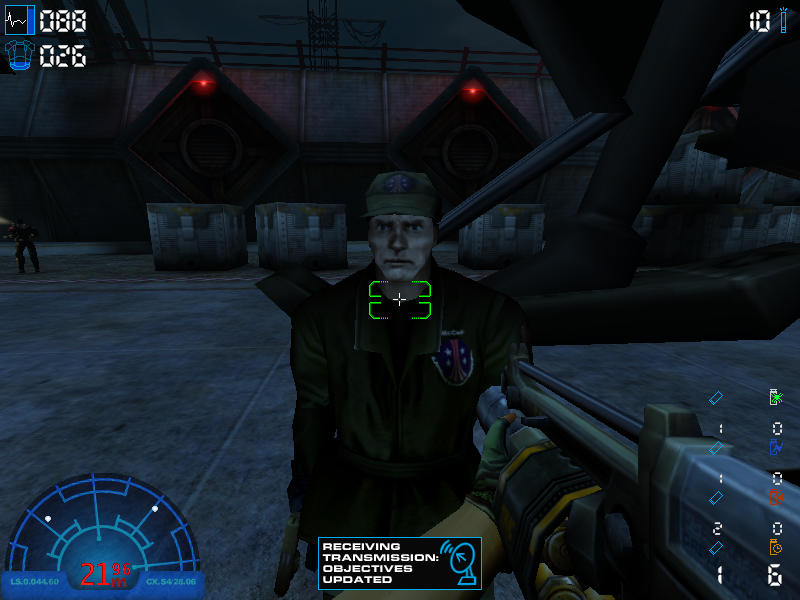
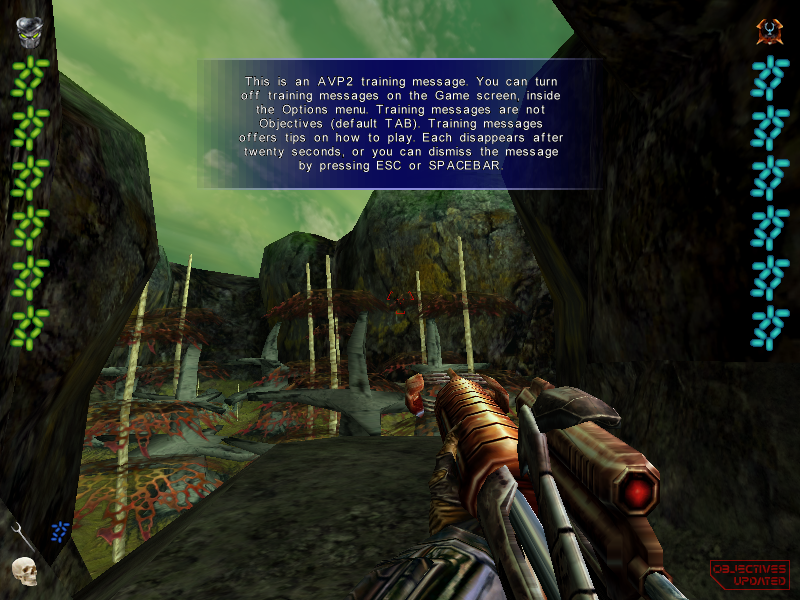
Comparisons:
Spoiler:
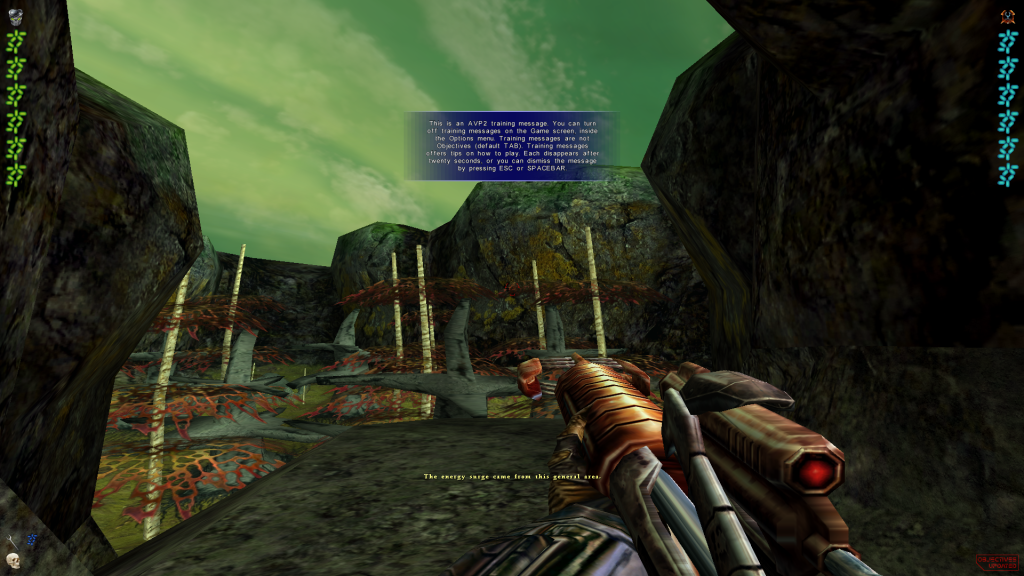
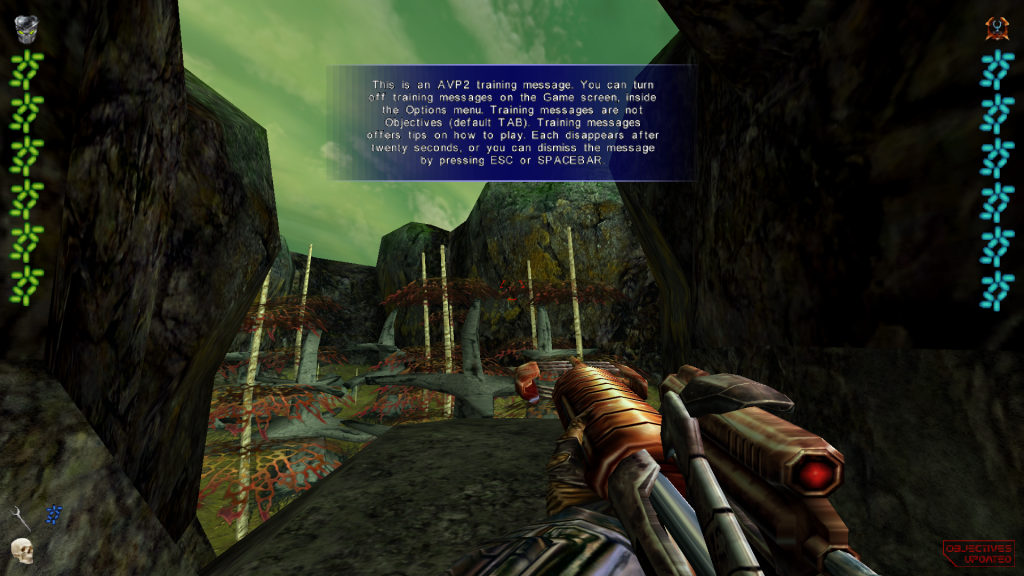
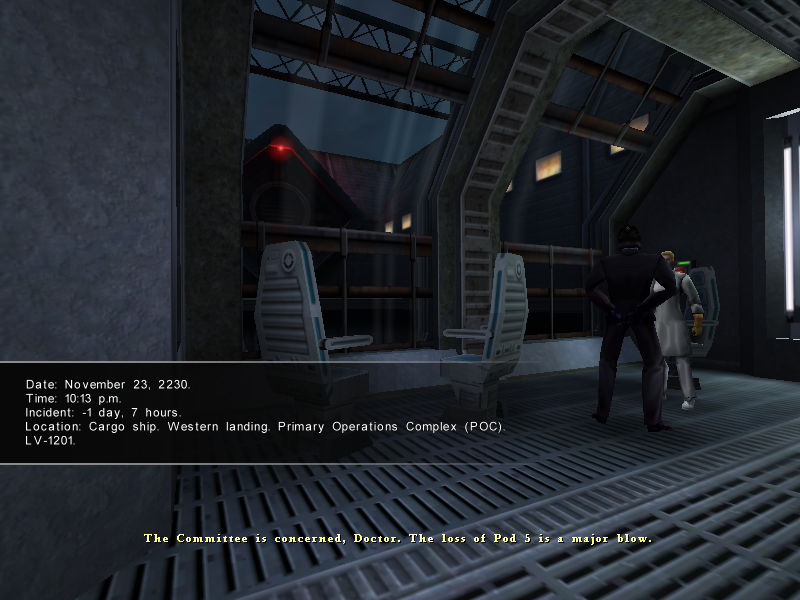
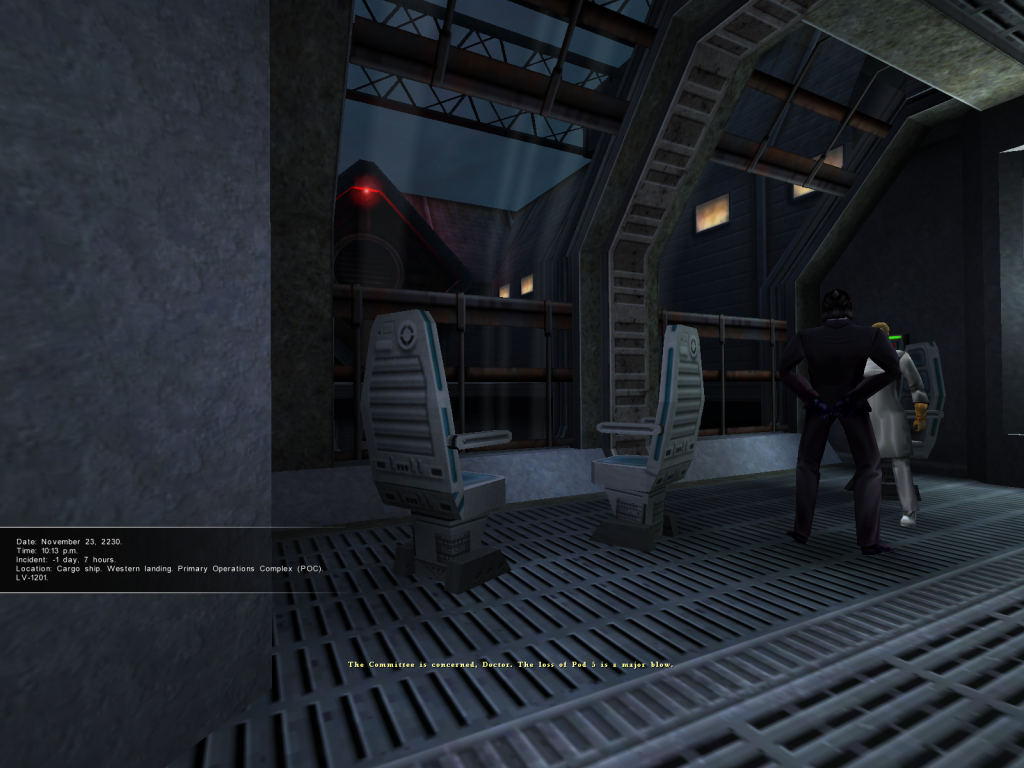
If you cant choose your resolution ingame, copy this DLL from jackfuste in your game folder







