PROPS to Tales of Zestiria

Gaming on 21:9 and ultra-wide single screen monitors
AntiRivet
Posts: 28
Joined: 28 May 2015, 02:38

PROPS to Tales of Zestiria

Post by AntiRivet »

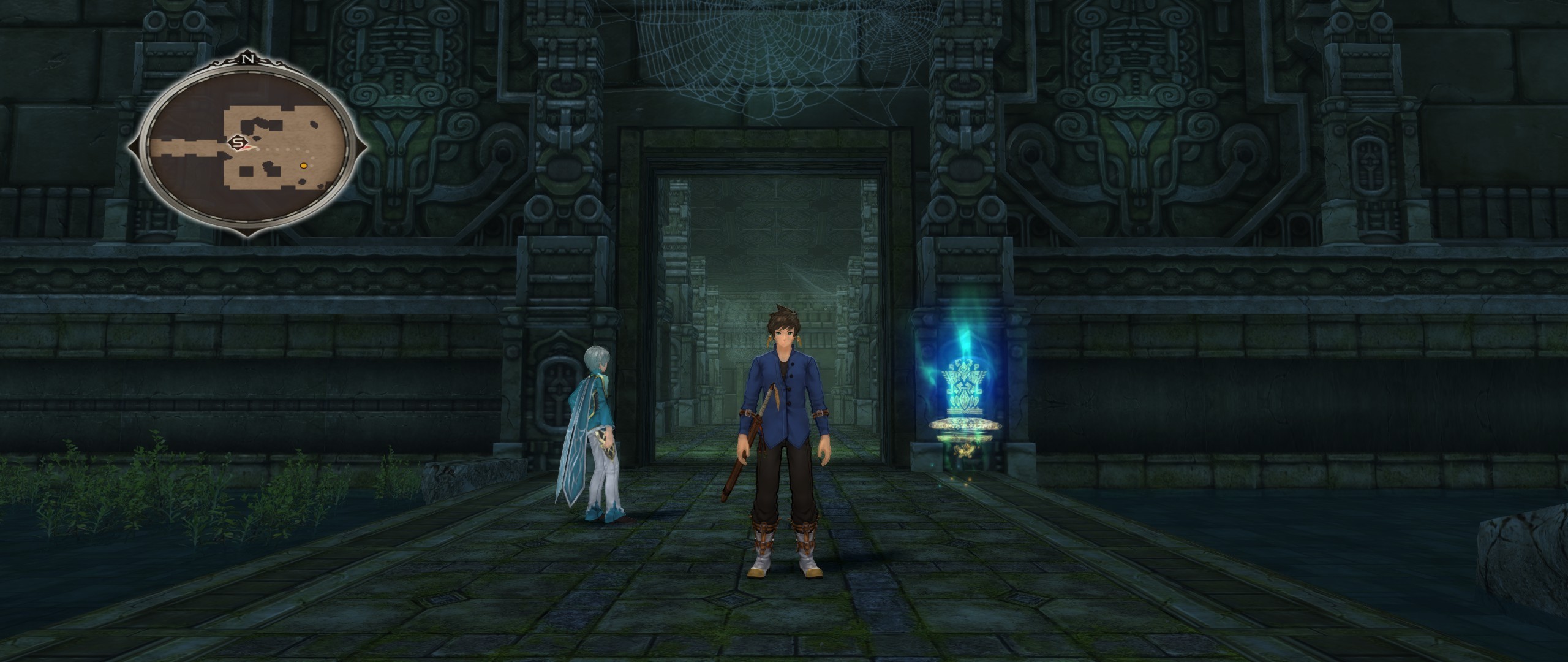
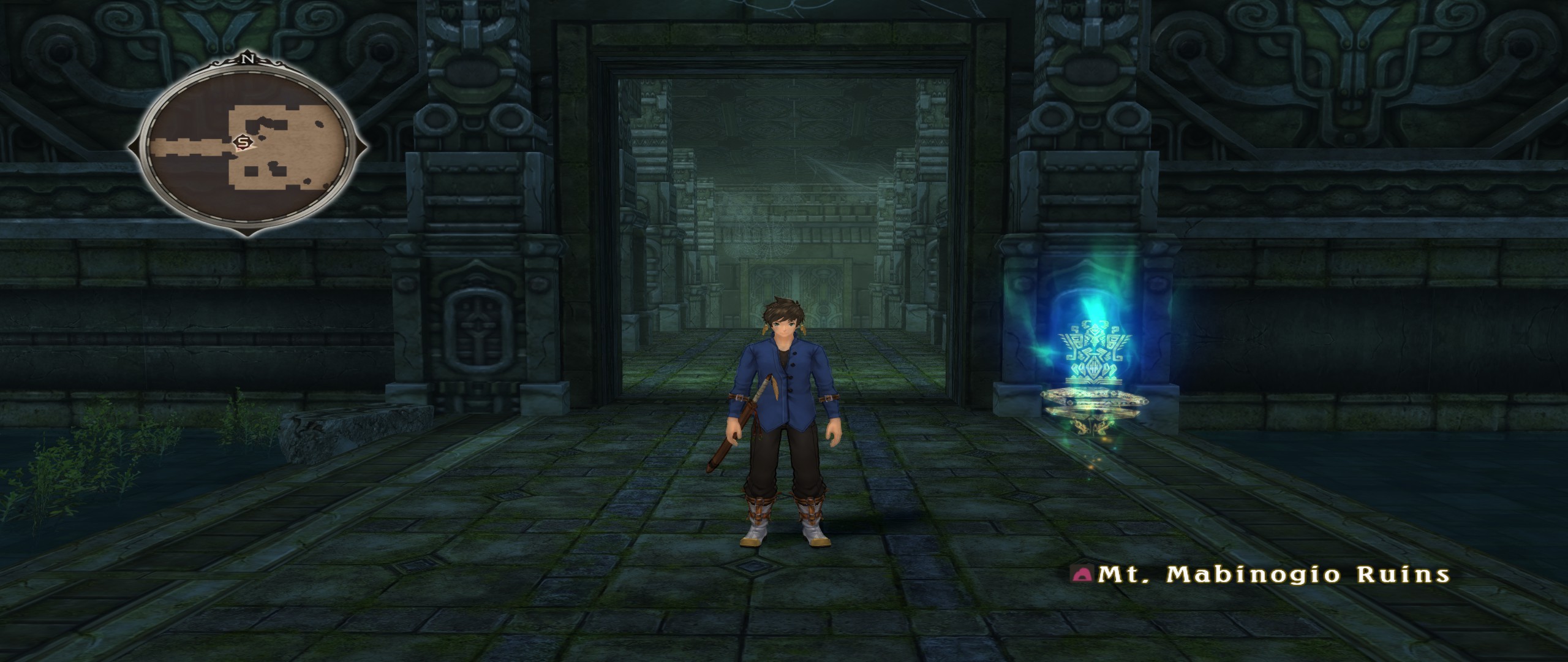
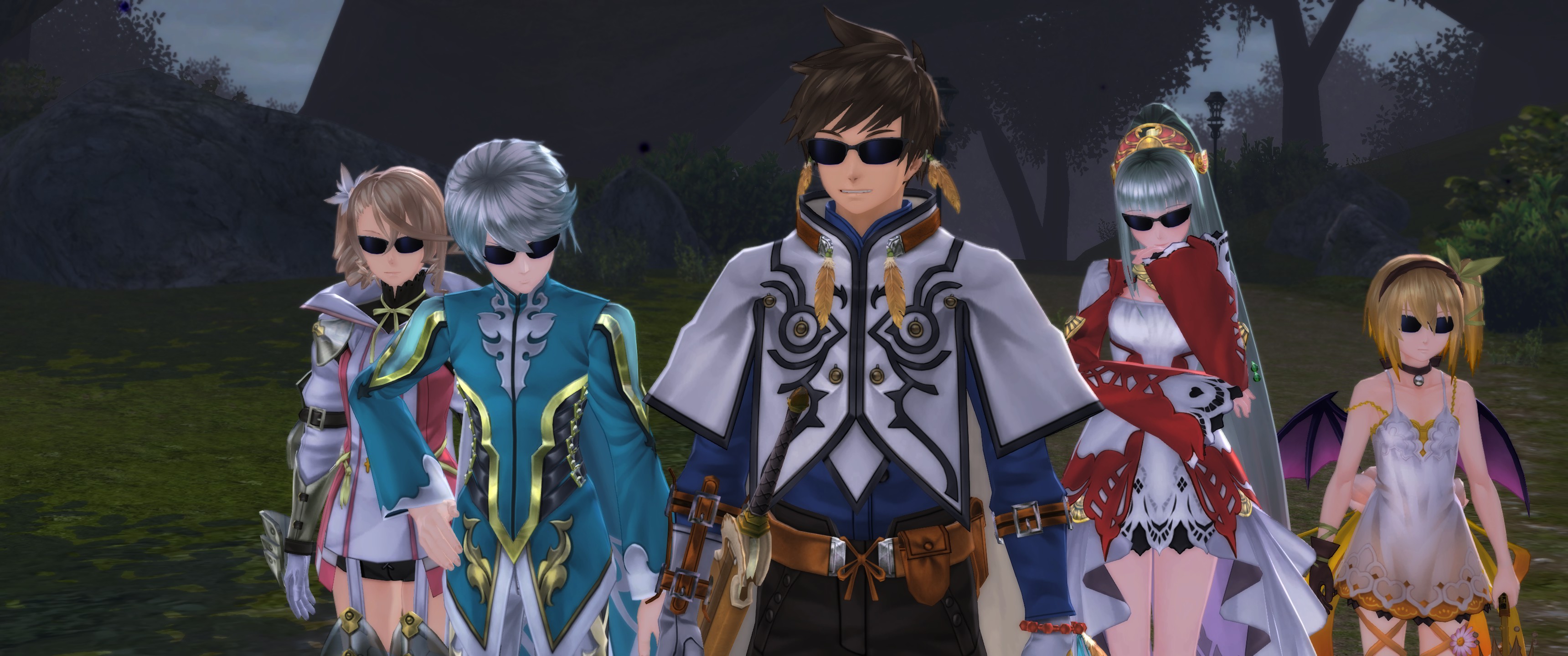
FLAWLESS 21:9 support, even in the animated cutscenes! Impressive! The framerate issue is a downer, yes, but otherwise, kudos.

Edit: Yeah, it's stretched, BUT to be fair, I was very sure they weren't even going to try.

EDIT 2: Made a 3440x1440 .exe for the overwhelmingly lazy among you. :P http://www.filedropper.com/talesofzestiria
Last edited by AntiRivet on 20 Oct 2015, 14:38, edited 2 times in total.
Kazuya-Ni
Posts: 11
Joined: 08 Apr 2015, 07:43

Re: PROPS to Tales of Zestiria

Post by Kazuya-Ni »

I tried to do it in triple monitors surround but it stretches (11520x2160), hope to find a fix plz :D
Lando999
Posts: 1
Joined: 20 Oct 2015, 02:03

Re: PROPS to Tales of Zestiria

Post by Lando999 »

AntiRivet wrote:FLAWLESS 21:9 support, even in the animated cutscenes! Impressive! The framerate issue is a downer, yes, but otherwise, well done!


Sorry but this game does not have Flawless 21:9 support. All you're seeing is the 16:9 image being stretched to fit the 21:9 screen. I have the game as well and tested it my self on a Dell 34 Ultrawide, all we have is a stretched image unfortunately.
childofthevault
Posts: 1
Joined: 20 Oct 2015, 03:11

Re: PROPS to Tales of Zestiria

Post by childofthevault »

Yep, it's only a stretched image. I'm hoping someone can create a fix like they did with MGS V.
While I'm glad it's available, it looks really awkward.
If it's not true 21:9 support, the option shouldn't be there.

1920 x 1080:
http://imgur.com/iVlxwQt

2560 x 1080:
http://imgur.com/hq0R5rI

1920 x 1080 stretched to 2560 x 1080:
http://imgur.com/LsUNpK6
AntiRivet
Posts: 28
Joined: 28 May 2015, 02:38

Re: PROPS to Tales of Zestiria

Post by AntiRivet »

childofthevault wrote:Yep, it's only a stretched image. I'm hoping someone can create a fix like they did with MGS V.
While I'm glad it's available, it looks really awkward.
If it's not true 21:9 support, the option shouldn't be there.

1920 x 1080:
http://imgur.com/iVlxwQt

2560 x 1080:
http://imgur.com/hq0R5rI

1920 x 1080 stretched to 2560 x 1080:
http://imgur.com/LsUNpK6


Yeah I noticed a little while in. Bummer. It was still damn refreshing to see even a little effort put in to it.
preset_
Posts: 1
Joined: 20 Oct 2015, 11:22

Re: PROPS to Tales of Zestiria

Post by preset_ »

if you follow jackfuste's instructions from the MGSV:TPP thread:
jackfuste wrote:
  • Calculate your aspect ratio
    For example:
    2560/1080 = 2.37037037037
  • Convert it to hex value here - http://babbage.cs.qc.cuny.edu/IEEE-754/
    You get - 40 17 B4 26
    Now write bytes from right to left, so it will be 26 B4 17 40
  • Open Tales of Zestiria.exe in HEX-editor
  • Find value 39 8E E3 3F and change it to 26 B4 17 40
  • Save file
  • Play


You will get something like this:
Image
...instead of:
Image
AntiRivet
Posts: 28
Joined: 28 May 2015, 02:38

Re: PROPS to Tales of Zestiria

Post by AntiRivet »

preset_ wrote:if you follow jackfuste's instructions from the MGSV:TPP thread:
jackfuste wrote:
  • Calculate your aspect ratio
    For example:
    2560/1080 = 2.37037037037
  • Convert it to hex value here - http://babbage.cs.qc.cuny.edu/IEEE-754/
    You get - 40 17 B4 26
    Now write bytes from right to left, so it will be 26 B4 17 40
  • Open Tales of Zestiria.exe in HEX-editor
  • Find value 39 8E E3 3F and change it to 26 B4 17 40
  • Save file
  • Play


You will get something like this:
Image
...instead of:
Image


Tried it for 3440x1440 with some luck!
Image
Kaldire
Posts: 9
Joined: 20 Oct 2015, 19:54

Re: PROPS to Tales of Zestiria

Post by Kaldire »

Hello

Can someone help with 5:4 res?
I tried that hex calc, cant figure it out.
I tried contacting support (there is none for usa)

I want to run 1280x1024 but the game smashes it VERTICALLY not horizontally like in the images above

can someone let me know what the hex to edit would be for this res? or how to use the calc, I know how to use hexeditor, just not that calc.

sorry this is in the widescreen thread but its not just widescreen having issues and you all seem tech savvy.

hope you can help!
Kaldire
Posts: 9
Joined: 20 Oct 2015, 19:54

Re: PROPS to Tales of Zestiria

Post by Kaldire »

ah seems my hex is just to simple I thought it was not the real number

my res is 1280x1024
my hex value=3FC00000 thats 32 bit ( so i reverse that to 00 00 C0 3F? and where do I put it?

might I ask what I need to look for in the exe to edit? is it the same one as the 39 8E listed above?
Kaldire
Posts: 9
Joined: 20 Oct 2015, 19:54

Re: PROPS to Tales of Zestiria

Post by Kaldire »

heya

ok I changed my hex string to the proper hex value for my res
it didnt change anything.
still looks like a lemon standing up, your screens look like a lemon laying down (if that makes sense)

ughh wish there was a real fix, can someone maybe.. help this old fart?
Nosiphoros
I Donated
I Donated
Posts: 24
Joined: 19 Aug 2014, 22:46
Location: N.Y., U.S.

Re: PROPS to Tales of Zestiria

Post by Nosiphoros »

5400 x 1920
5400 x 1920
2015-10-20_00001.jpg (2.68 MiB) Viewed 7627 times


Thanks for this. I use eyefinity 5x1, and applied the hex value fix to my exe and it's all good now :). To Kaldire, your hex value should be this 00 00 A0 3F
Protozoa
Posts: 3
Joined: 20 Oct 2015, 22:50

Re: PROPS to Tales of Zestiria

Post by Protozoa »

I'm new to ultra wide screen gaming. I just purchased a 2560x1080 21:9 monitor. I apologize for asking, but can anyone make an exe for Zestiria with the correct hex values? I'm not sure how to edit them manually. Again, I apologize, I just don't know how to do it myself.
Nosiphoros
I Donated
I Donated
Posts: 24
Joined: 19 Aug 2014, 22:46
Location: N.Y., U.S.

Re: PROPS to Tales of Zestiria

Post by Nosiphoros »

Protozoa wrote:I'm new to ultra wide screen gaming. I just purchased a 2560x1080 21:9 monitor. I apologize for asking, but can anyone make an exe for Zestiria with the correct hex values? I'm not sure how to edit them manually. Again, I apologize, I just don't know how to do it myself.


Download this program at http://download.cnet.com/HxD-Hex-Editor ... 91068.html
once you install and run the program, click on File and open, and locate the game's exe file. Then it'll show you the hex code for the game. Then click on search, then find, and type in 39 8E E3 3F . The search will locate it, and then change that to 26 B4 17 40. Click on file, and then save it. Then you're done.
Protozoa
Posts: 3
Joined: 20 Oct 2015, 22:50

Re: PROPS to Tales of Zestiria

Post by Protozoa »

Nosiphoros wrote:
Protozoa wrote:I'm new to ultra wide screen gaming. I just purchased a 2560x1080 21:9 monitor. I apologize for asking, but can anyone make an exe for Zestiria with the correct hex values? I'm not sure how to edit them manually. Again, I apologize, I just don't know how to do it myself.


Download this program at http://download.cnet.com/HxD-Hex-Editor ... 91068.html
once you install and run the program, click on File and open, and locate the game's exe file. Then it'll show you the hex code for the game. Then click on search, then find, and type in 39 8E E3 3F . The search will locate it, and then change that to 26 B4 17 40. Click on file, and then save it. Then you're done.

Thanks for the information, I appreciate it! :)
Nosiphoros
I Donated
I Donated
Posts: 24
Joined: 19 Aug 2014, 22:46
Location: N.Y., U.S.

Re: PROPS to Tales of Zestiria

Post by Nosiphoros »

Protozoa wrote:
Nosiphoros wrote:
Protozoa wrote:I'm new to ultra wide screen gaming. I just purchased a 2560x1080 21:9 monitor. I apologize for asking, but can anyone make an exe for Zestiria with the correct hex values? I'm not sure how to edit them manually. Again, I apologize, I just don't know how to do it myself.


Download this program at http://download.cnet.com/HxD-Hex-Editor ... 91068.html
once you install and run the program, click on File and open, and locate the game's exe file. Then it'll show you the hex code for the game. Then click on search, then find, and type in 39 8E E3 3F . The search will locate it, and then change that to 26 B4 17 40. Click on file, and then save it. Then you're done.

Thanks for the information, I appreciate it! :)

You're welcome, glad to make your gaming enjoyable :).
Protozoa
Posts: 3
Joined: 20 Oct 2015, 22:50

Re: PROPS to Tales of Zestiria

Post by Protozoa »

I just applied the hex edit, and the game looks so much better now on my LG 29UM67. I'm really enjoying wide-screen gaming, I just wish I got into it sooner :) Thanks again!
User avatar
czarman
Insiders
Insiders
Posts: 685
Joined: 11 Dec 2008, 23:51
Location: Germany

Re: PROPS to Tales of Zestiria

Post by czarman »

you can try (5:4) = 00 00 A0 3F or (4:3) = AB AA AA 3F
CZARMAN aka 彼得爸爸
Kaldire
Posts: 9
Joined: 20 Oct 2015, 19:54

Re: PROPS to Tales of Zestiria

Post by Kaldire »

heya I got the 5:4 put in, it didnt change anything!
I mean it set the res to 1280x1024 but the round circle still is not round, and the gfx are smashed for me horizontally vs vertically like the widescreen,

so same lemon shape just mine is on its side, is there another fix or.. something?
some reason it didnt work for me?

I know how to hex edit, I know I did that correctly. so...
im at a loss for what to do.

1. this title has ZERO support
thats no phone, no email, no forums nothing. emails from usa just are sent to hq then forwarded no reply is ever given
2. this game doesnt work for about 1/5 now the people who got the game due to many issues with no patch in sight!

3 I only have the aspect issue.. cant play far enough to see if there are other issues.

can someone help? id really appreciate it!
Kazuya-Ni
Posts: 11
Joined: 08 Apr 2015, 07:43

Re: PROPS to Tales of Zestiria

Post by Kazuya-Ni »

Still not being able to run surround for this game, my res is 11520x2160
Kaldire
Posts: 9
Joined: 20 Oct 2015, 19:54

Re: PROPS to Tales of Zestiria

Post by Kaldire »

surround isnt working for this game, read the steam threads
only stereo. make sure to use only stereo until the patch if one comes.

sorry mate just a wonky bad port truly

Bump on my issue?
Post Reply

Who is online

Users browsing this forum: No registered users and 6 guests