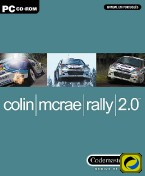
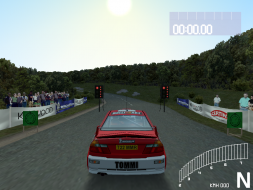
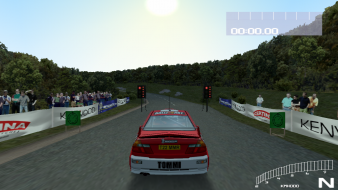
It makes me sad that I can't get this to work on my UWS monitor. All custom 1:1 resolutions that I create are listed in-game as "0x0" and selecting any one of them causes the game to crash. I'm using the demo, though. (Of course it doesn't work in Surround either, since Nvidia broke the ability to create custom resolutions in Surround a year ago)
Resolutions that are display ingame for me are 640x600, 720x800, 756x1080, 768x768, 84x1050. That for 16 bit snd 32 bit color.
Some resolutions strangely only available in 16 bit for me: 900x900, 944x1050, 960x960, 1080x1080 and 32 bit option displayed as 0x0 for them.
Try to find something that works for you. Also if I try to make a resolution that is less the 640 on horizontal scale it isn't selectable in game at all.
Got it to work @1080x1080 on one of my 1920x1200 monitors (DVI, Surround off) but that's it. Maybe connecting my UWS monitor through DVI instead of DP would help.
A very exciting workaround nonetheless... one has to wonder how many more stretchy games it might fix.





 Cocorico !