
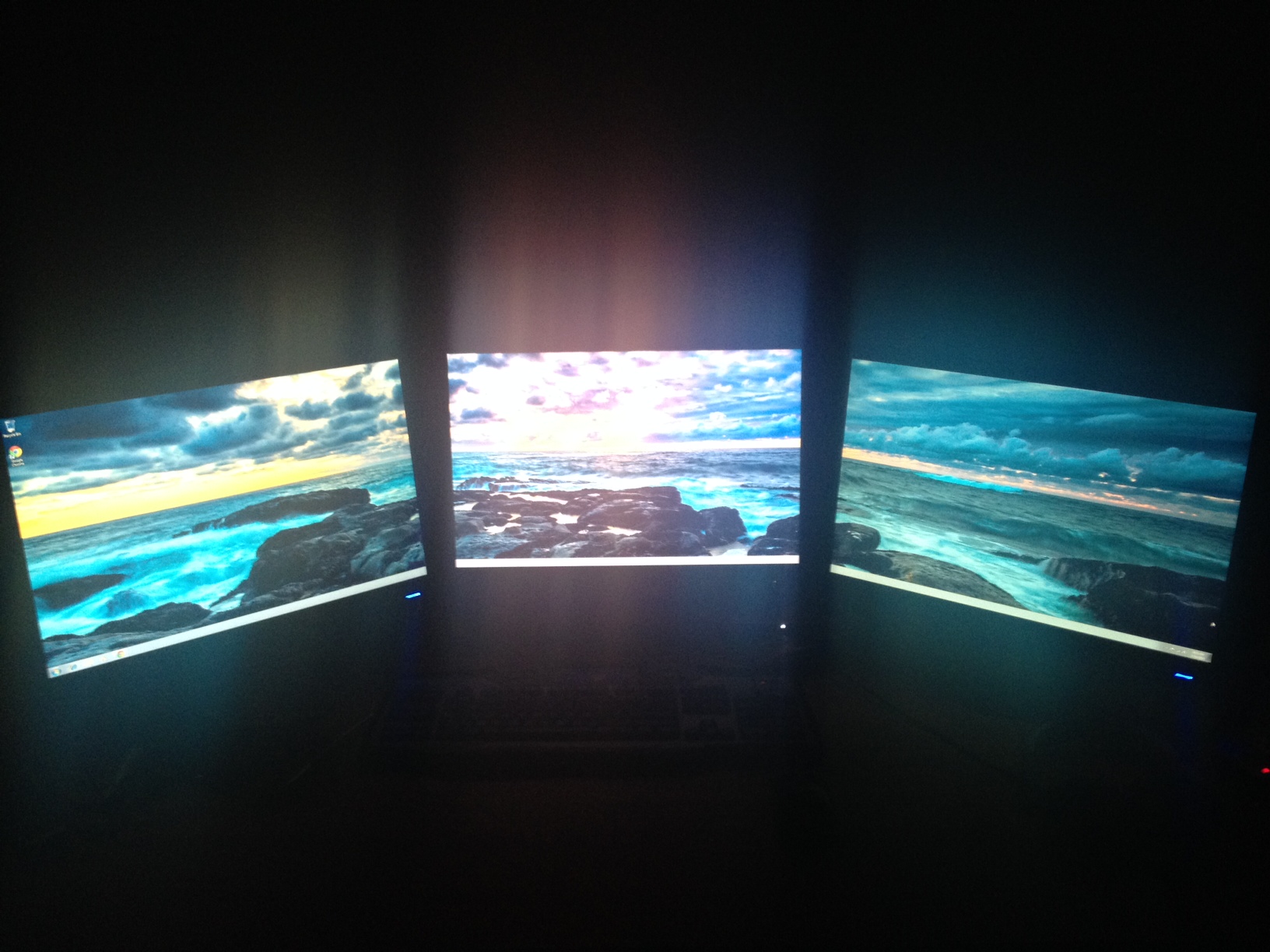
It seems that when I start to play a game.. only one screen works. I have followed so many guides and I still am at a dead end.
If I go into the games settings in this case "Black Ops 1" when I select the max resolution 5040 x 1050
everything becomes very big and un even. The other two monitors on either side of the primary set one turn on but the game text looks really big and uneven.
When I set it back to 1680 x 1050 , the other two monitors go on standby and the primary one loads the game.
I am having some big issues here and it would really be great if I got to enjoy eyefinity for the first time.
I have 2x W2242TQ monitors and in the middle I have a HP L2245w - all the same max resolution and refresh rate. ( 22")
1. set at 5040 x 1050 totally fat and uneven

2. close up at 5040 x 1050

3. set back to 1680 x 1050 and now the other two go into standby mode
