Game spreads perfect, except prominent background-art on loading screens is stretched full, & NPC dialog windows likely popup across inner bezel (they aren't centered). Hor+; FOV & HUD proper (HUD customizable, both size & element-positions *). Rendered cutscenes hor+, FMVs (rare) are pillarboxed, & both are letterboxed. All text proper, menus proper (all menus & character screens have hor+ rendered background).

(PLP screenshot with bezel effect)

(stationary view)

(1080p general comparison; CP1)

(run view)
Borderless (recommended; DX9 only):
1. In-game main menu Options, Display:
A. Video card: Direct3d 9 or 9ex.
B. Display Mode: Windowed (not Windowed Maximized).
C. Aspect Ratio: Auto.
2. Quit. Restart, get to gameworld.
3. Press Enter-key to open chat & type/paste (command): /screen_pos_size -#### 0 #### #### (respectively: negative width of side, top-position of zero, & your fullscreen width & height).
4. Press enter. Game remembers on restart.
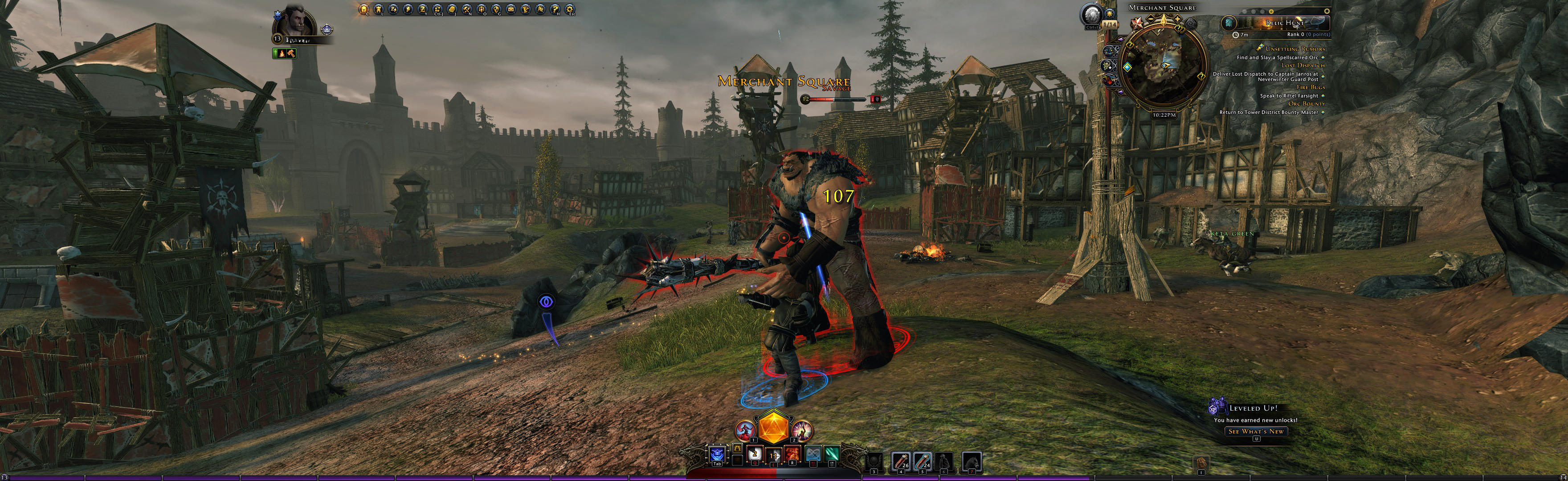


OR Windowed (DX9-DX11):
In-game windowed, then physically spread out window (drag out sides, & use Aero to snap to center's height).
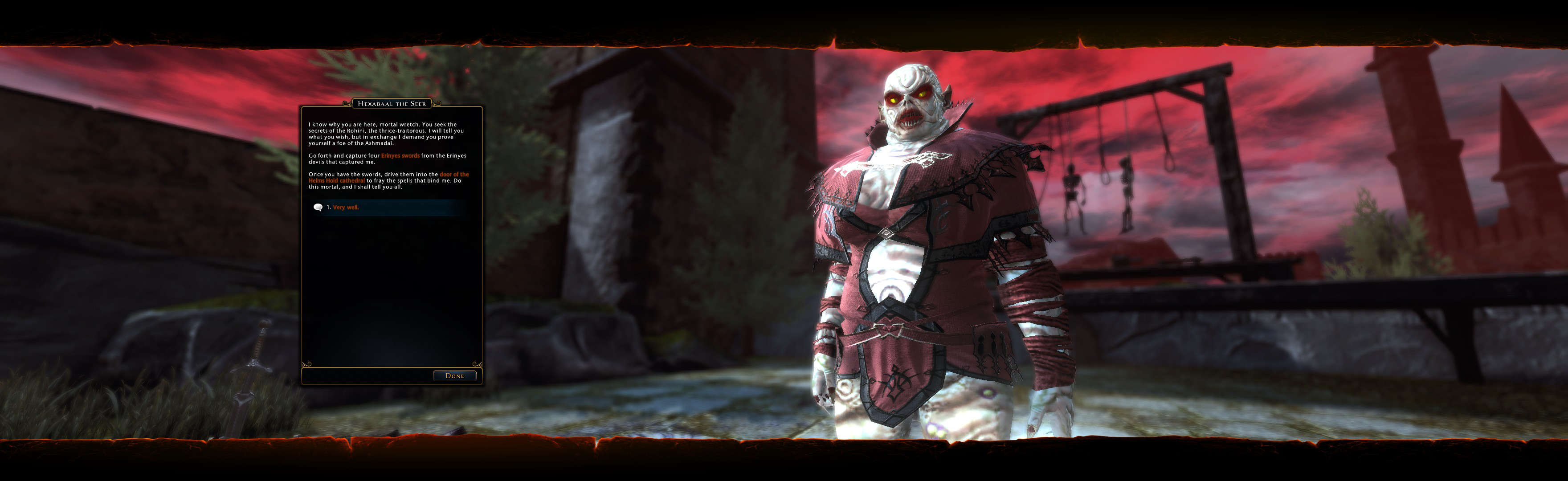
(dialog example, notice popup window position)

(main UI's window positioning; e.g. catalog of user-made adventures)

(character creation example)
NOTES:
1. The Foundry (adventure-creation toolset) also spreads hor+ & works proper.
2. DX9 VS DX11 game:
A. Visuals seem to be identical; no noticable difference.
B. DX11 has 10% higher FPS than DX9.
3. * UI Positioning:
A. Chat window shrinks & moves using mouse (like a normal window).
B. HUD elements are re-positioned via Esc, Rearrange HUD.
4. Optional FOV (not needed, untested):
A. Command /gfxsetdefaultfov # in launcher/chat.
OR B. Find file Gameprefs.Pref, likely in (path-to-game)\Neverwinter\Live\localdata\ (if it's not there, use Search). Edit (Notepad): GfxSettings.DefaultFov #.
5. Windows 8.1 & older OS spreads game full. But Windows 10 removes all borders, leaving uncorrectable sliver of desktop on Right side of game. Workaround unknown.

(rendered cutscene)

(FMV cutscene)
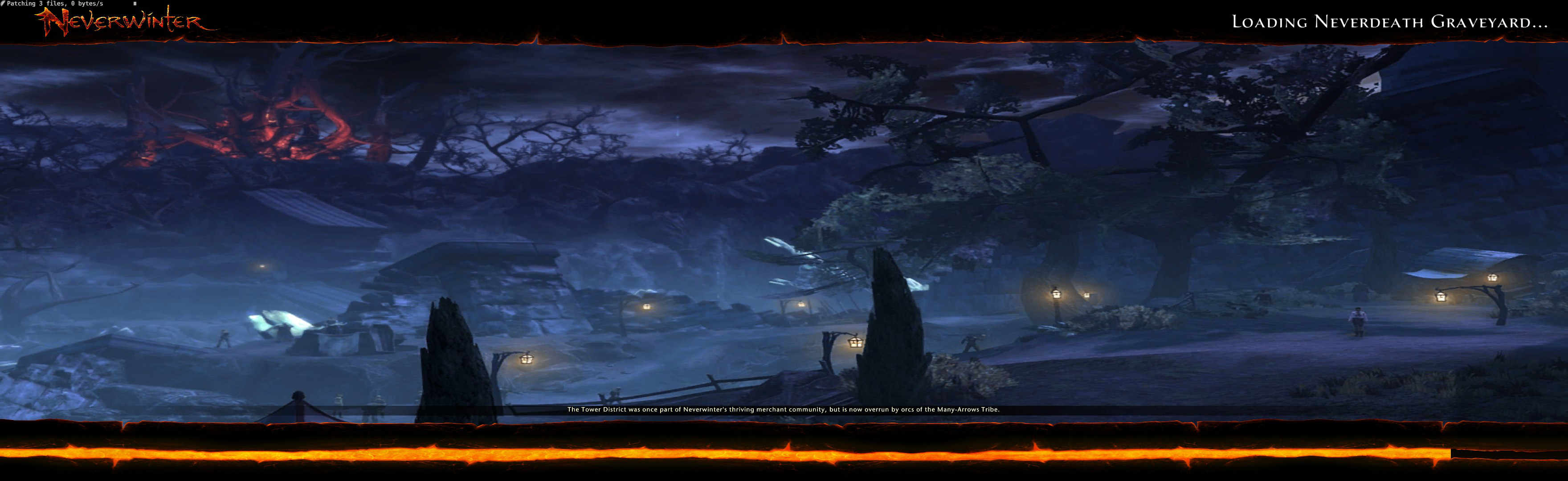
(loading screen, prominent background art stretched full)

(The Foundry - toolset to make & share your own adventures)
View guide for general help with the instructions.