| Author |
Message |
Forum: Multi-Monitor Gaming Topic: Fallout New Vegas: Problems |
| curto |
|
Posted: 05 Dec 2010, 08:14
|
|
Replies: 159 Views: 94242
|
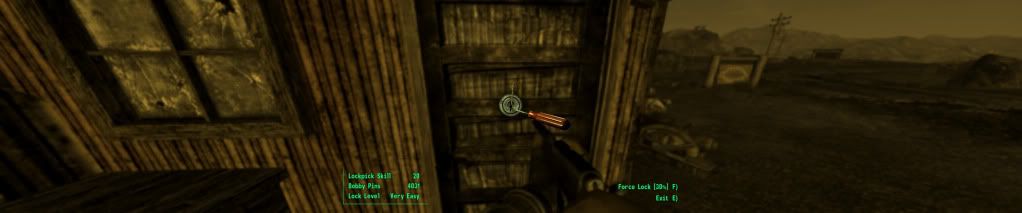
just so people know what we're talking about :wink:
EDIT: excuse the resolution, photobucket must scale down my pictures unless im a premium member or something |
|
 |
Forum: Multi-Monitor Gaming Topic: Fallout New Vegas: Problems |
| curto |
|
Posted: 04 Dec 2010, 05:15
|
|
Replies: 159 Views: 94242
|
| Uhhh terminalFOV is what you want to change, i think. I've doen so much messing with my prefs.ini that I'm not too sure... but i use: fRenderedTerminalFOV=0.20 fRenderedTerminalZoom=36 And terminals and lockpicking are the correct size. Terminals are a little hard to read still, but theyr'e good en... |
|
 |
Forum: Multi-Monitor Gaming Topic: Fallout New Vegas: Problems |
| curto |
|
Posted: 04 Dec 2010, 00:00
|
|
Replies: 159 Views: 94242
|
| ok guys no one has said anything about this game for a while which is weird cause i dont think all the problems have been resolved. anyways ive managed to get everything perfect except for lockpicking where its way too zoomed out. not sure how to fix this although i havent done any research into it ... |
|
 |
| Sort by: |
