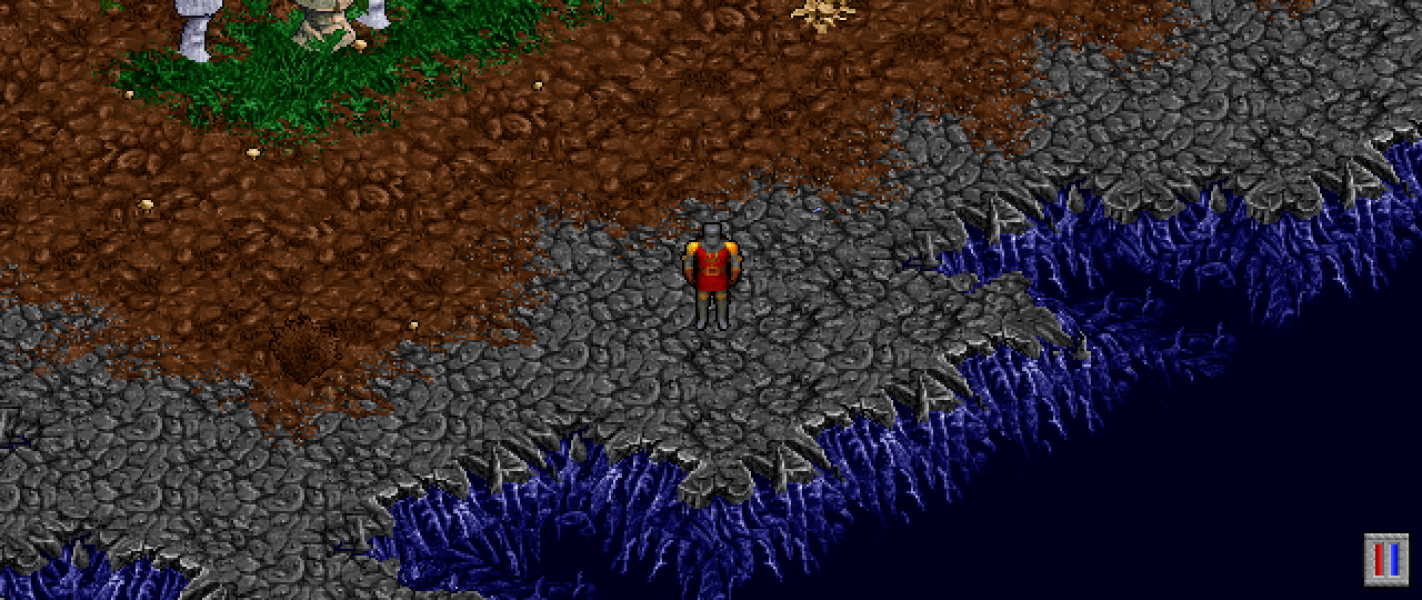
Escape the doomed world of Pagan in the eighth main entry in the Ultima series of RPGs.
Support Summary
Widescreen | Ultra/Super‑Wide | Multi-Monitor | 4K Ultra HD | |
Support | ||||
Method | ||||
HUD | ||||
Cutscenes | ||||
FMVs |
Game Information
Screenshots Comparison
Solutions & Issues
Install Pentagram and set your resolution in pentagram.ini (%APPDATA%\Pentagram).
width= and height= are the actual output resolution, scalex= and scaley= are the internal resolution. Text and other elements don't scale as the resolution increases so may be too small if you set the scaled resolution the same as your native resolution. Setting the scaled resolution to exactly half of your native resolution will produce a doubled output (e.g. if your native resolution is 1920x1080 this would be scalex=960 and scaley=540).
Everything has the correct dimensions as long as the scaled resolution used has the same aspect ratio as the output resolution.
Pentagram is still under development so some game features might not work the same as in the original DOS game.
Same as widescreen.
Same as widescreen.
Gameplay Screenshots