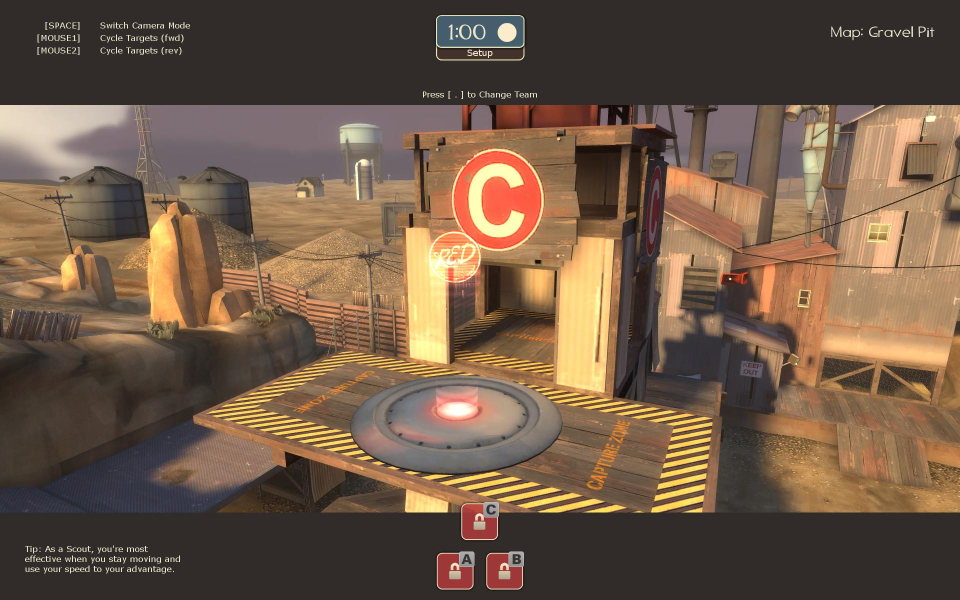


Developed by Valve, Team Fortress 2 is a class-based, multiplayer FPS. Players choose teams and then compete against one another with various winning objectives such as "capture the flag". There are nine specialized classes that the player can select. Players are encouraged to work together as teams to compensate for the weaknesses of different classes. The game has a unique, cartoon style which allows you to enjoy your repeated deaths at the hands of your turncoat friends.
Support Summary
Screenshots Comparison
Solutions & Issues
Hor + in fullscreen, but Vert- in Windowed mode by default, depending on the value of sv_restrict_aspect_ratio_fov as described in it's description:
"sv_restrict_aspect_ratio_fov" = "1" min. 0.000000 max. 2.000000
- This can be used to limit the effective FOV of users using wide-screen
resolutions with aspect ratios wider than 1.85:1 (slightly wider than 16:9).
0 = do not cap effective FOV
1 = limit the effective FOV on windowed mode users using resolutions
greater than 1.85:1
2 = limit the effective FOV on both windowed mode and full-screen users
It's replicated so it cannot be changed client-side and can only be set by a server administrator.
Changing the resolution without restarting can lead to anomalies in the HUD/UI.
Hor+ in fullscreen but Vert- in Windowed by default, same as widescreen.
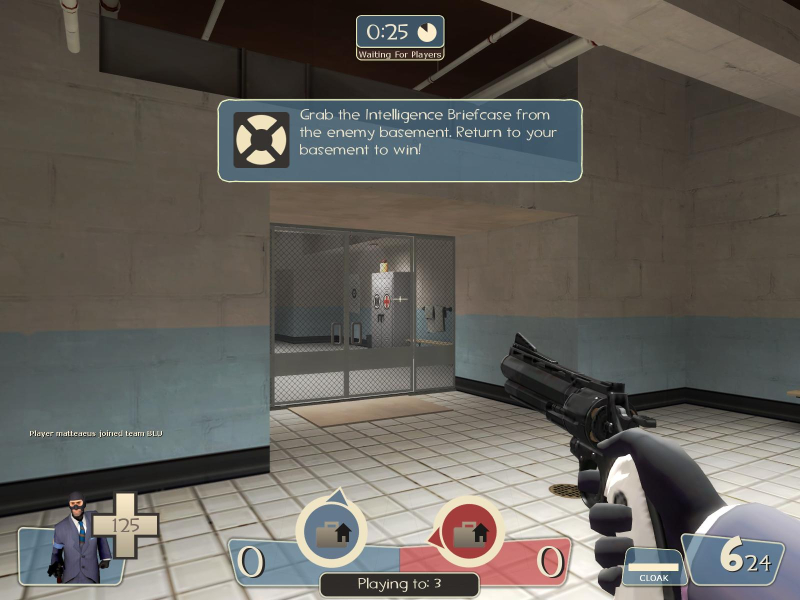
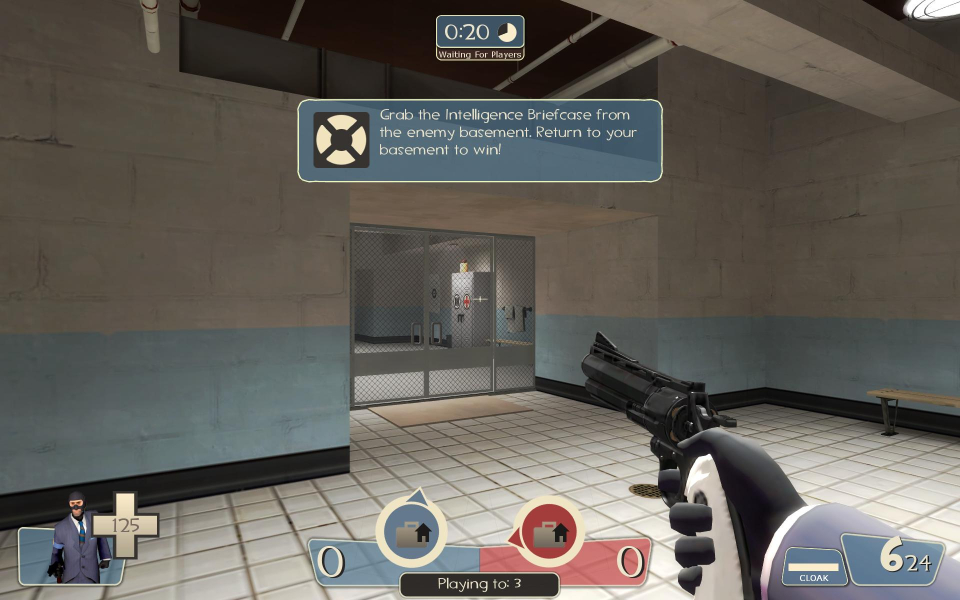
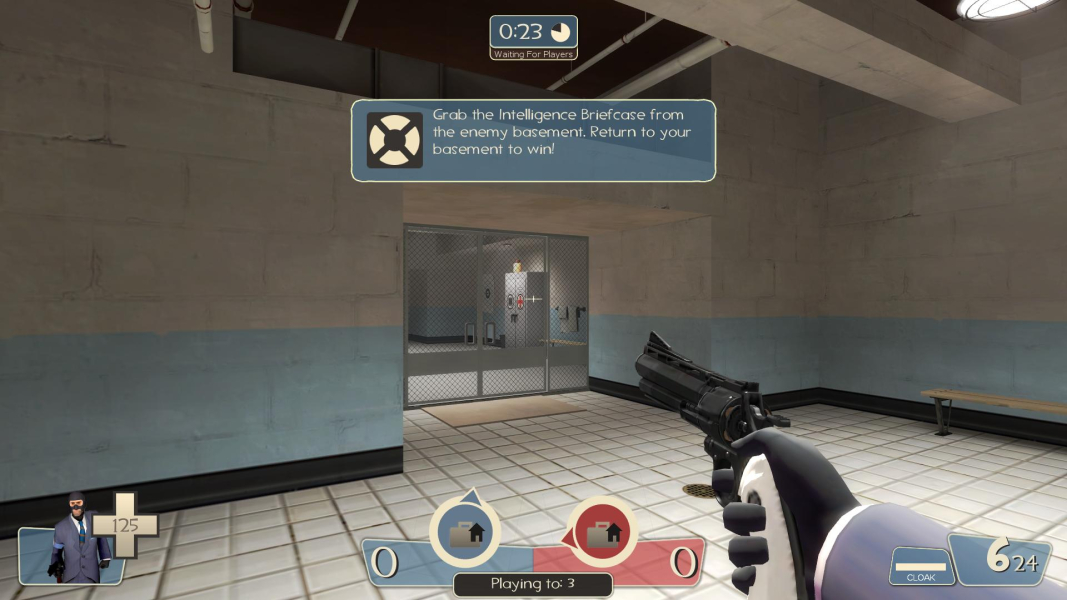
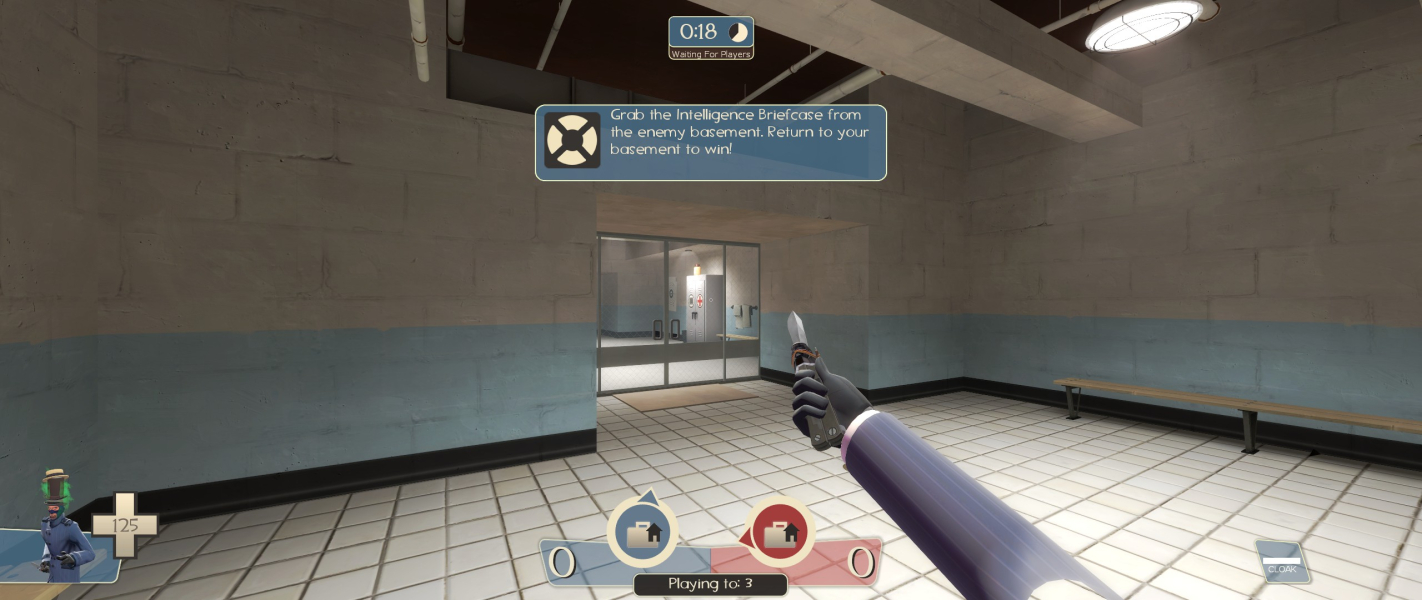
Original HUD is locked in the corner of the screen.
If you need to make it lock in 16:9, use any custom HUD.
The rest are fine, such as no stretching images or HUD in gameplay except for the loading screens.
Parts of the skybox near the edge of the screen can sometimes cause a hall of mirrors effect.
Hor+ in fullscreen but Vert- in Windowed by default, same as widescreen.
Mobster007 posted his CS: S centered HUD. I took a look at the changes in the script and figured, hey I can do that! So a friend and I sat down and started working on the changes and we've got the HUD centered. This fix only works for 3840x1024
https://files.filefront.com/Teamfortress+2+UI+Tweak/;9684253;/fileinfo.html
Place the script file in your \Steam\steamapps\common\Team Fortress 2\tf\scripts if you don't have a script folder, create one.
Same skybox anomaly as ultrawide/32:9, but presumably worse.
Gameplay Screenshots


FMV Cutscenes

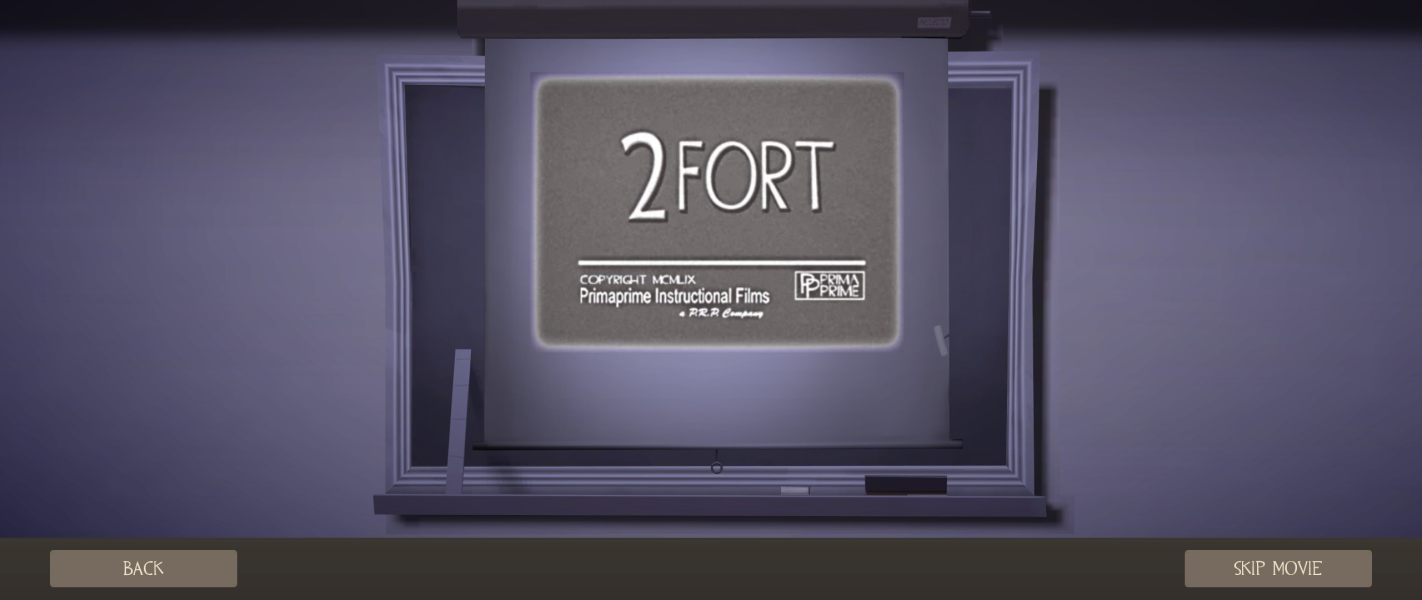
Menu Screenshots
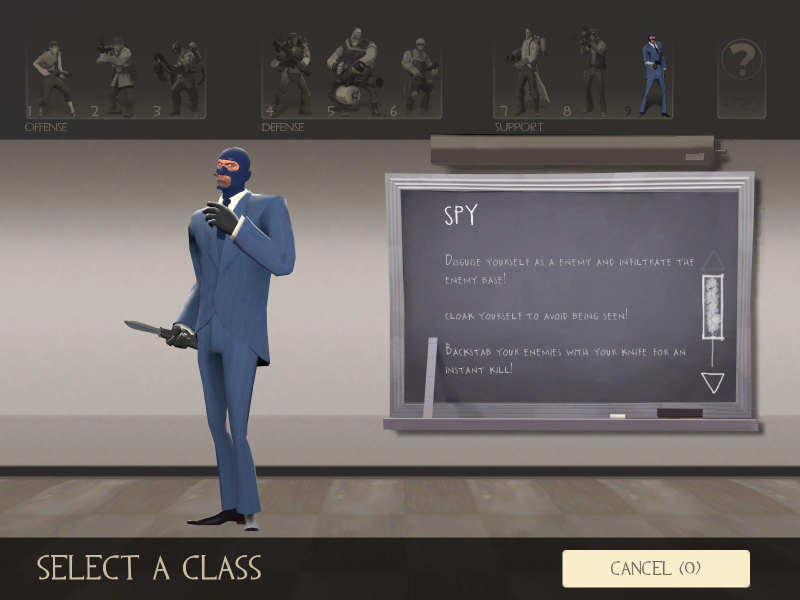
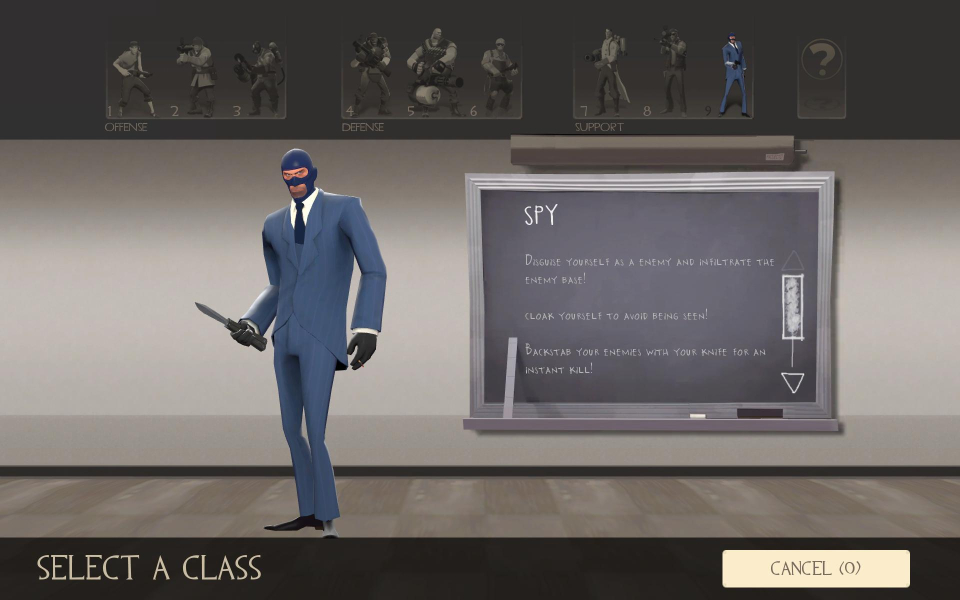
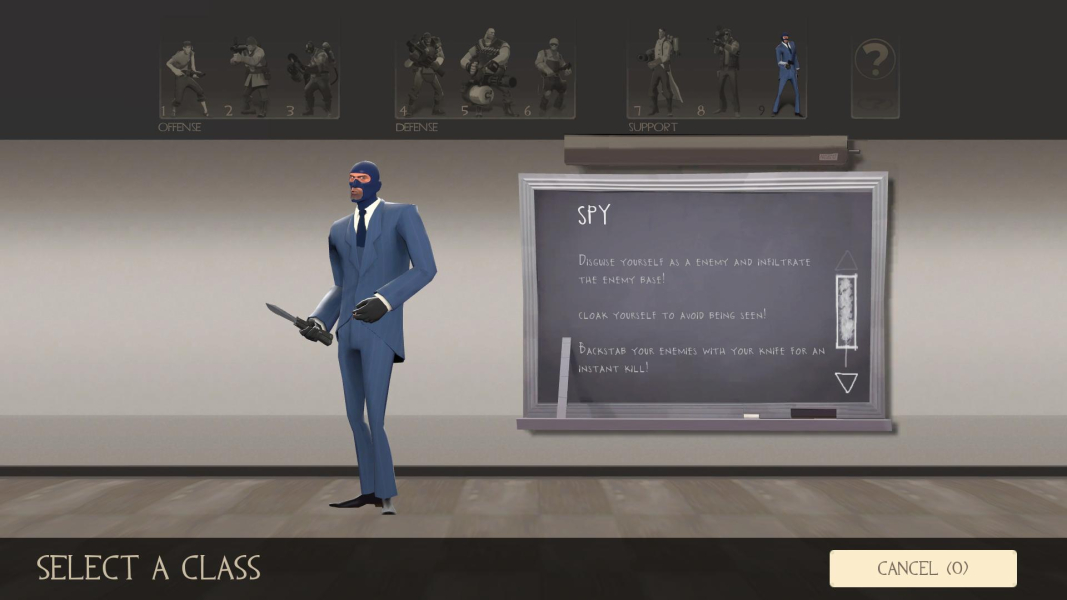
Additional Screenshots