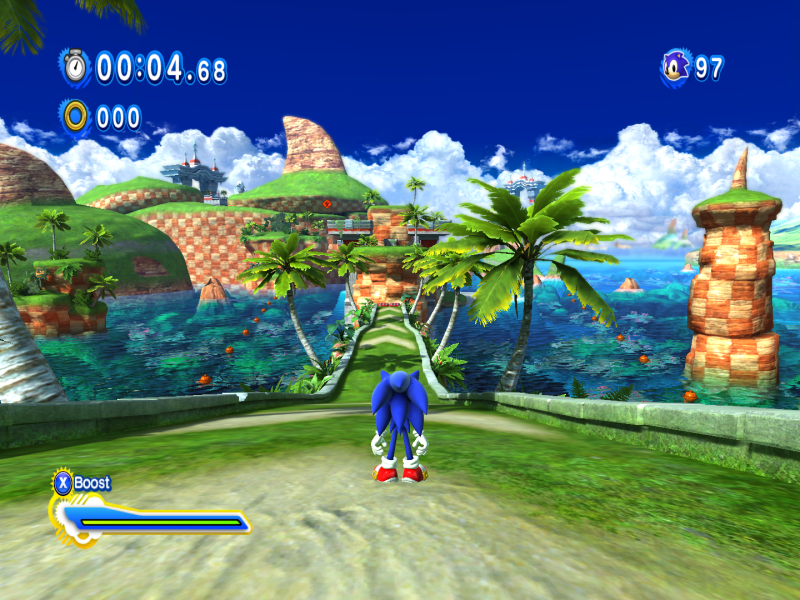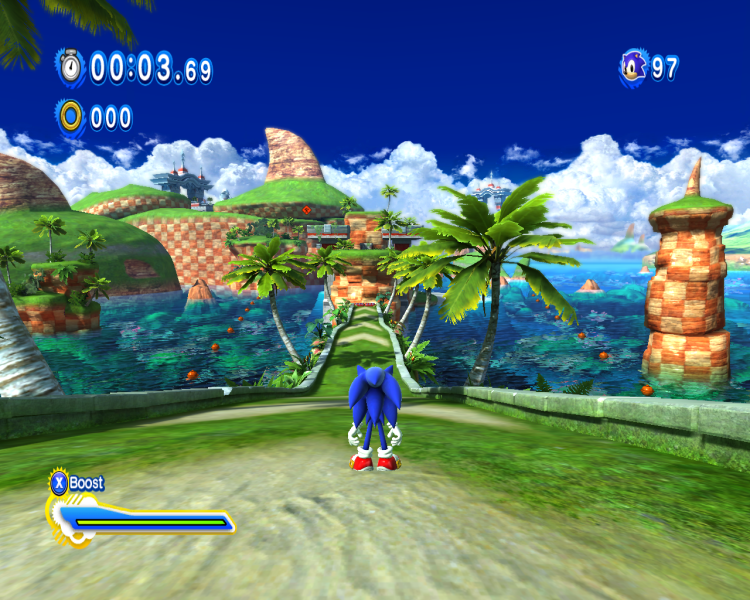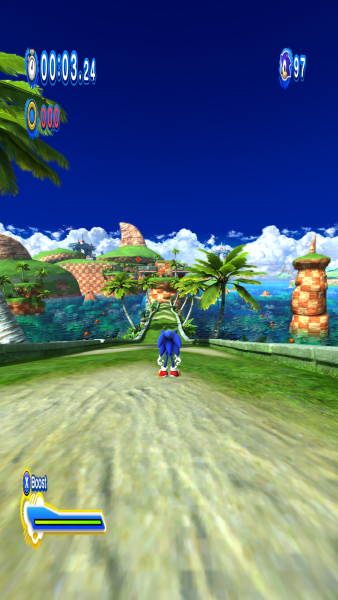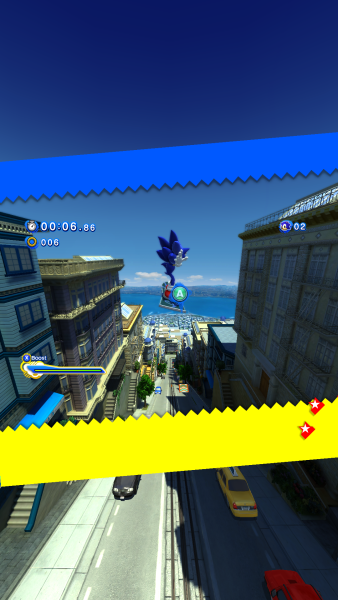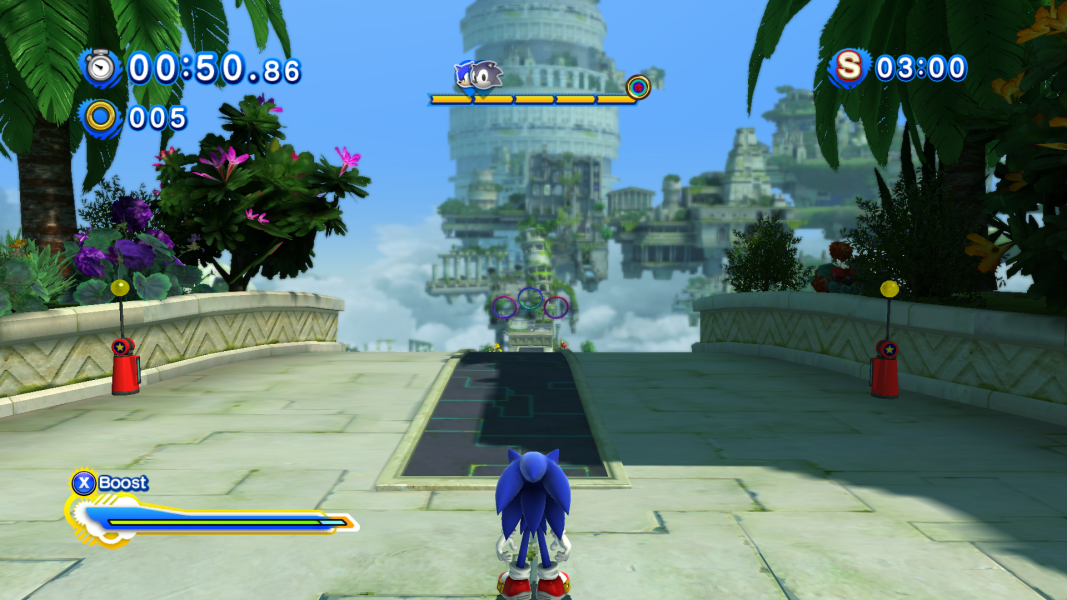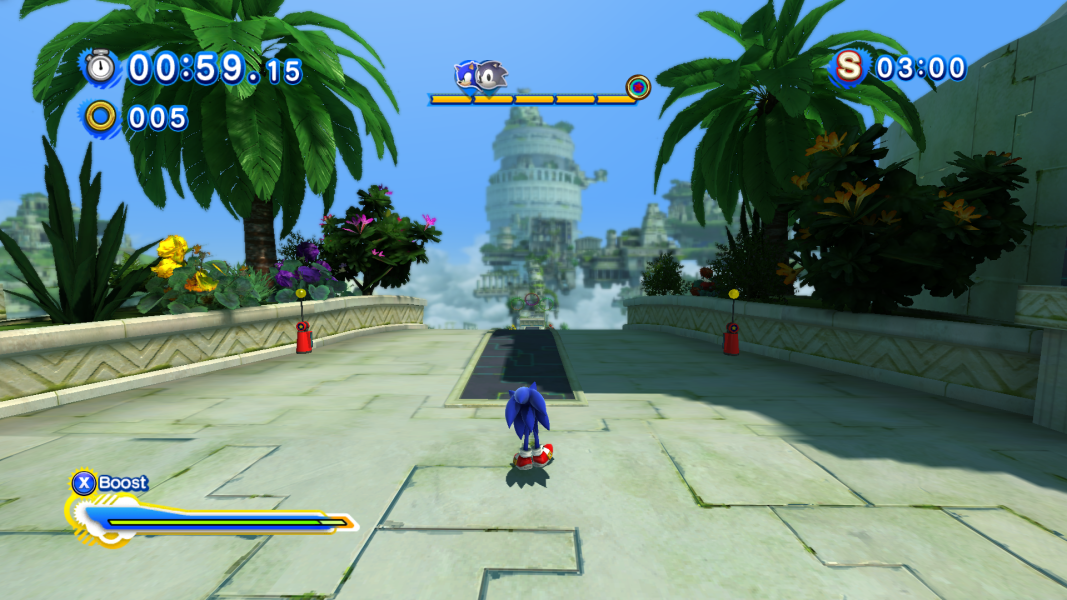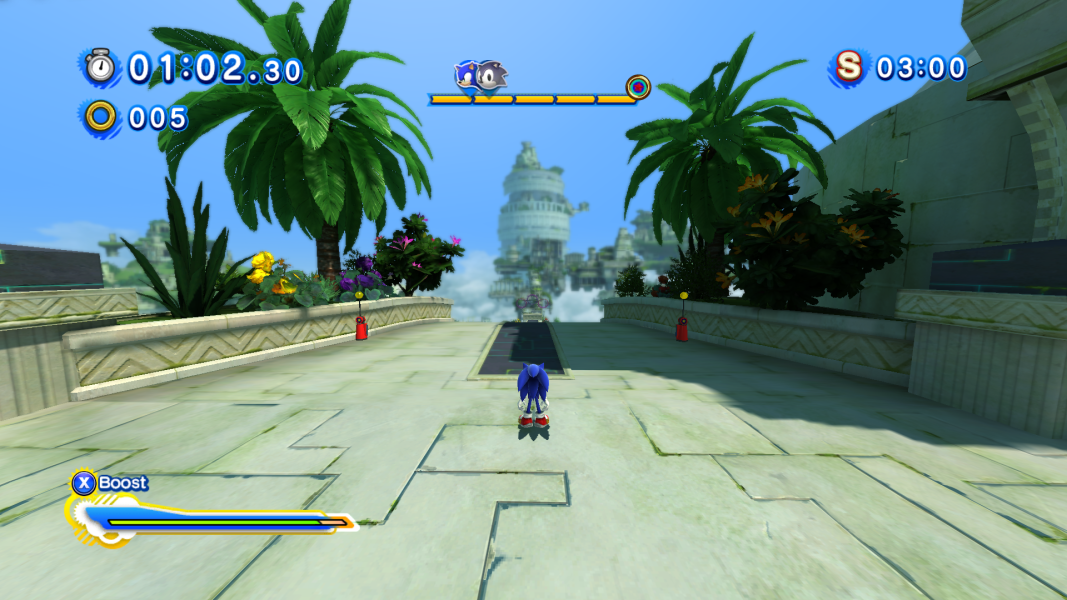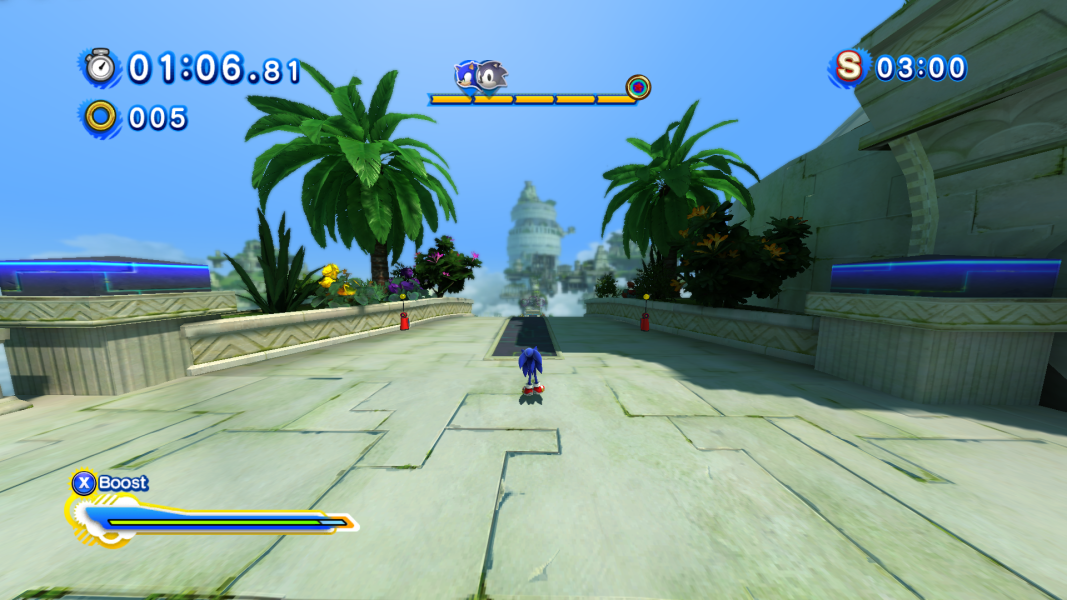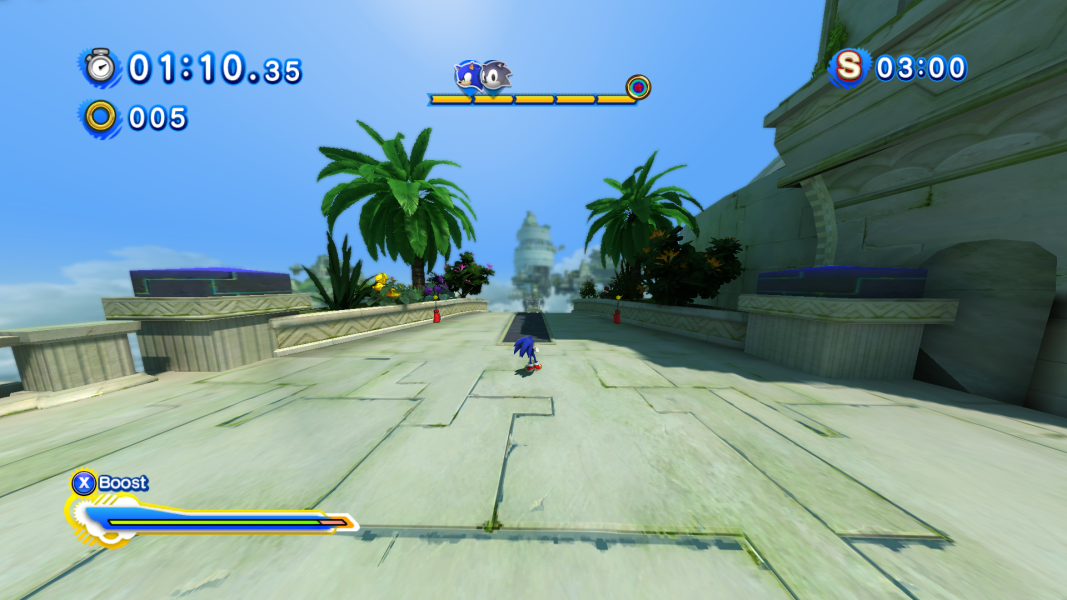


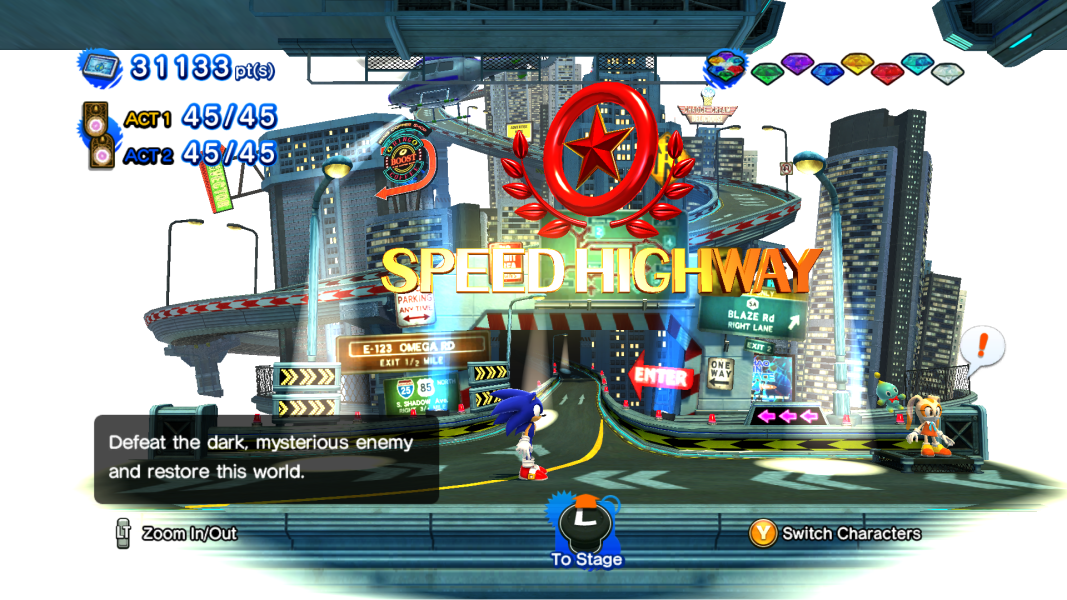
Set across three defining eras from 20 years of Sonic the Hedgehog video game history, the instantly recognisable environments of Sonic Generations have been re-built in stunning HD and are now playable in both classic side scrolling 2D from 1991, as well as modern 3D style found in Sonic's most recent adventures. Each incarnation of Sonic in Sonic Generations comes complete with his trademark special move, Spin Dash and Spin Attack for Classic Sonic, and Homing Attack and Sonic Boost for Modern Sonic. An innovative new interactive menu system allows for complete immersion in Sonic's universe with favourite characters and hidden treasures gradually being revealed throughout the game.
Support Summary
Game Information
Screenshots Comparison
Solutions & Issues
A memory editing hack is needed to fix the FOV and achieve hor+.
Flawless Widescreen is able to fix FOV without any problems or bugs. You can find this tool HERE. The HUD can be un-stretched by placing a modified script in the FWS directory:
C:\Program Files (x86)\Flawless Widescreen\PluginCache\FWS_Plugins\Modules\SonicGenerations\Dependencies\Scripts
It can also be done using Brandondorf's fixed exe for version 1.0.0.5. To achieve that, download the archive containing the edited exe, extract the contents and then copy "SonicGenerations.exe" to "C:\Program Files(x86)\Steam\steamapps\common\sonic generations\". The screen change for this hack is vert+ as the game's original aspect ratio is 16:9.
Optional FOV:
To get a higher FOV, open up SonicGenerations.exe in any hex editor of your choice, then go to offset FC10B5 and change 00 00 80 3F to a lower value such as 00 00 40 3F - see Additional Screenshots.
If you are using Flawless Widescreen and you want to adjust the FOV, download the modified script and place it in the directory as said with the HUD fix.
If you are running FWS, then restart it and you'll see the FOV slider which you can adjust it if the aspect ratio hack is enabled.
Note: The HUD is still in experimental stage since somethings maybe misplaced.
Same solution as in Widescreen.
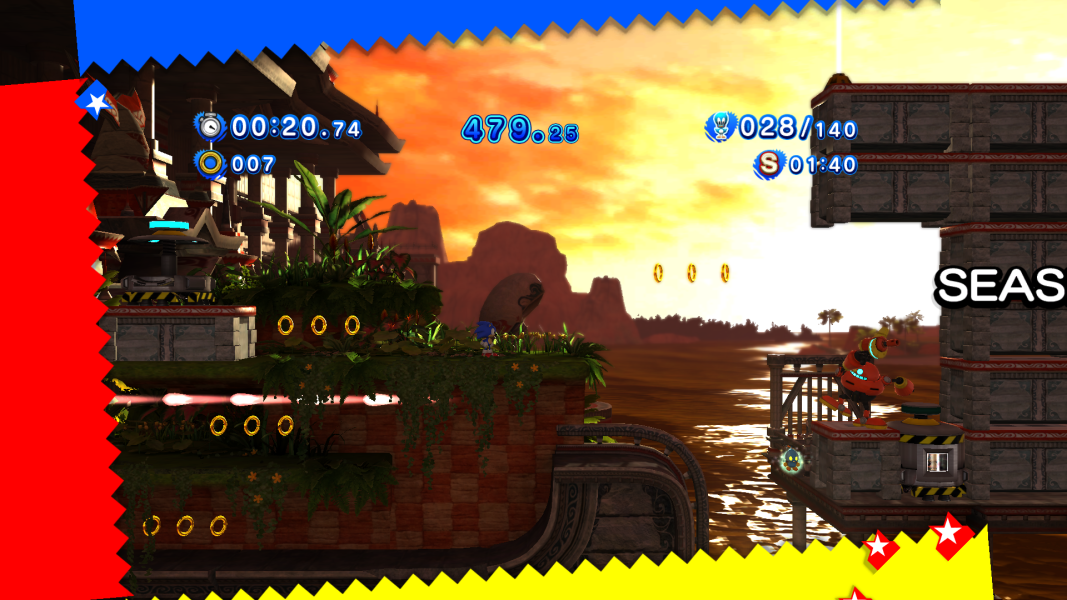
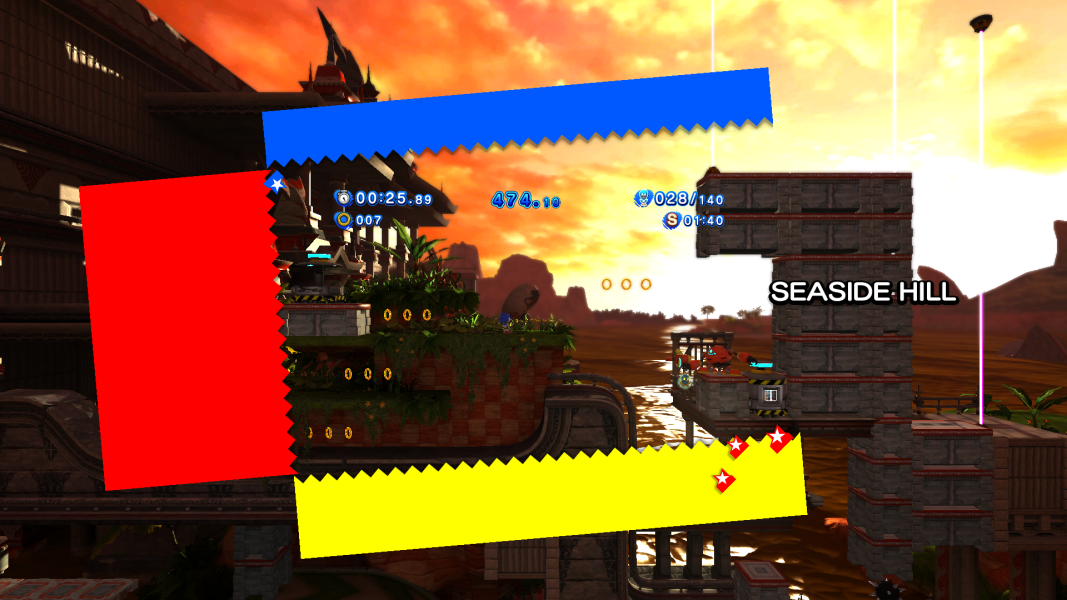
Same solution for widescreen, but issues may persist with objects not appearing on the far left and right hand sides of the screen. This is Sonic Generations' way of saving memory, using frustum culling to render objects that are supposed to be in the viewport as programmed. A mod has been created to fully disable frustum culling, which will eliminate the issue of geometry loading late.
To use the mod, you must install it the same way as any other Sonic Generations mod would be installed using SonicGMI or HedgeModManager.
Gameplay Screenshots





Menu Screenshots




Additional Screenshots