

Fuel is a racing and exploration game featuring bikes, quads and all sorts of four-wheeled vehicles in a huge, seamless, free-to-roam region of deserted roads and barred landscapes.
Support Summary
Game Information
Screenshots Comparison
Solutions & Issues
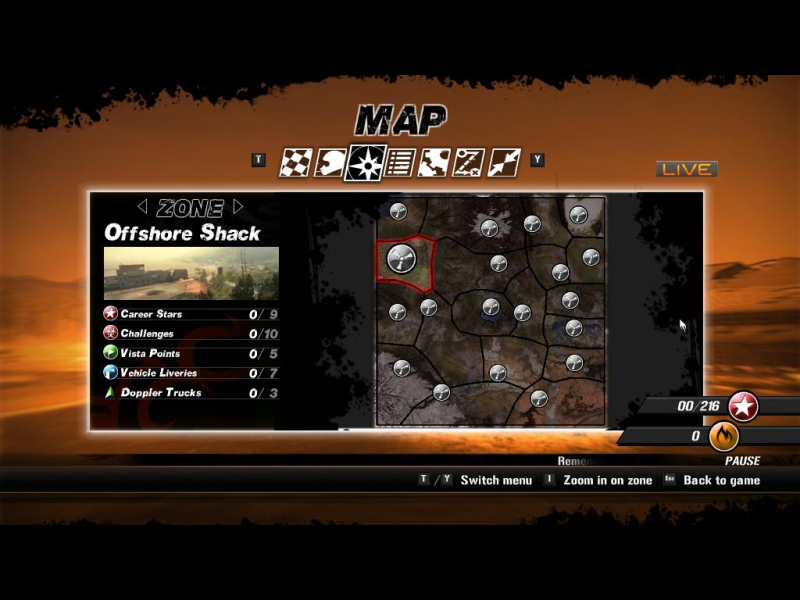
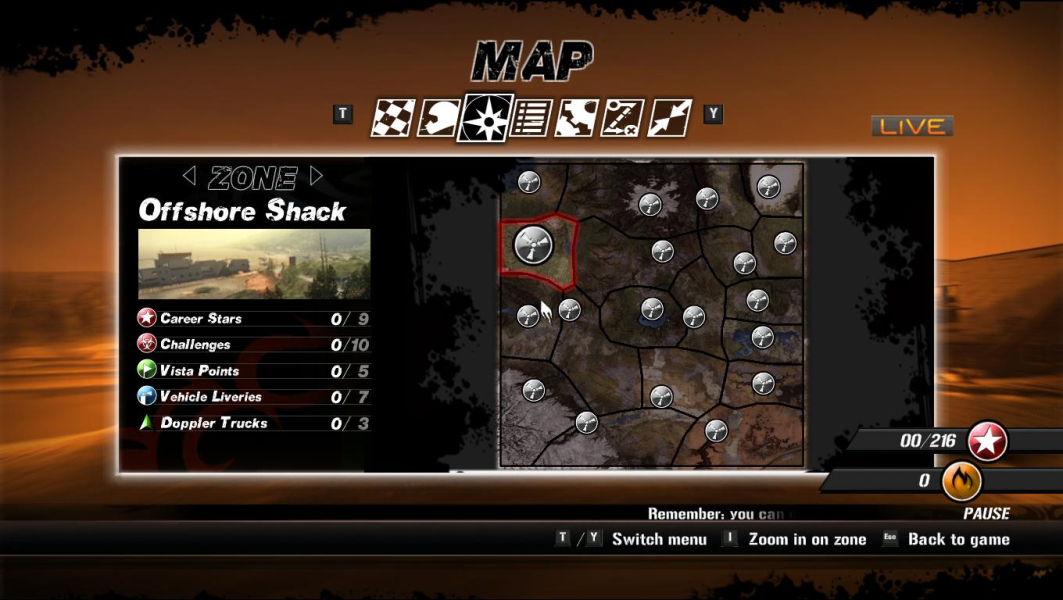
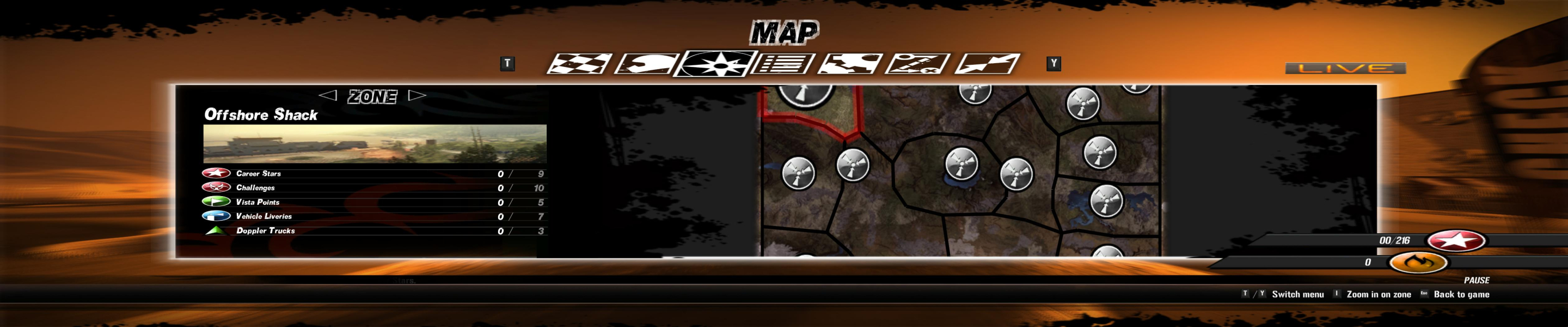
Native. The map screen is anamorphic.
See the Multi-monitor method below and input these values:
2560x1080 — 04380A00
3440x1440 — 05A00D70
Registry edit required.
1) Launch the game once to adjust Video options to your liking. You can then Quit the launcher app.
2) In regedit, navigate to
HKEY_CURRENT_USER\Software\Fuel
Edit the VideoResolution value.
5040x1050 : 41a13b0
3840x800 : 3200f00
3840x1024 : 4000f00
3) Launching the game through GameSetup.exe seems to override any manual registry edits. So change your shortcut's target to SecuLauncher.exe or you'll be back to a single-screen res.
If you ever need to run GameSetup later, don't forget to re-edit VideoResolution in the registry afterwards.
To improve visual quality, you might want to disable Shadow Maps in Surround resolutions. To do so without using GameSetup, simply enter 0 as the VideoShadowMap value.
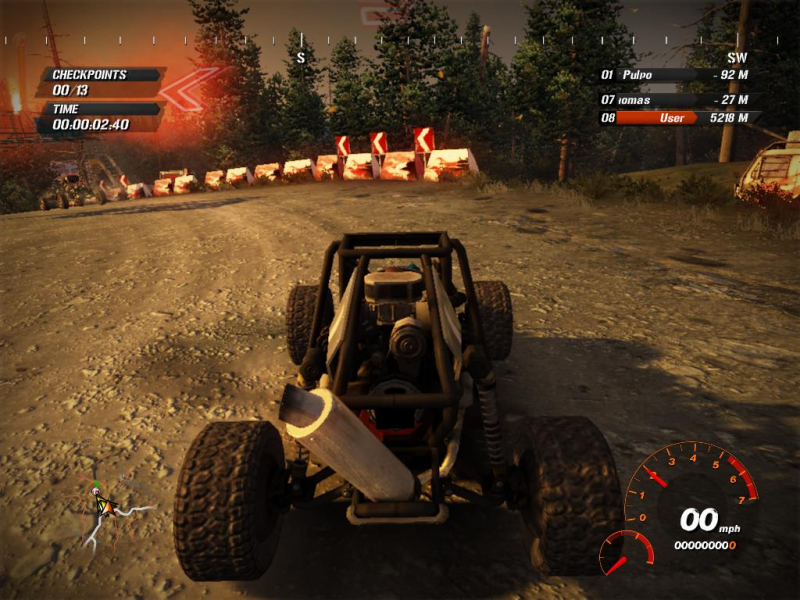
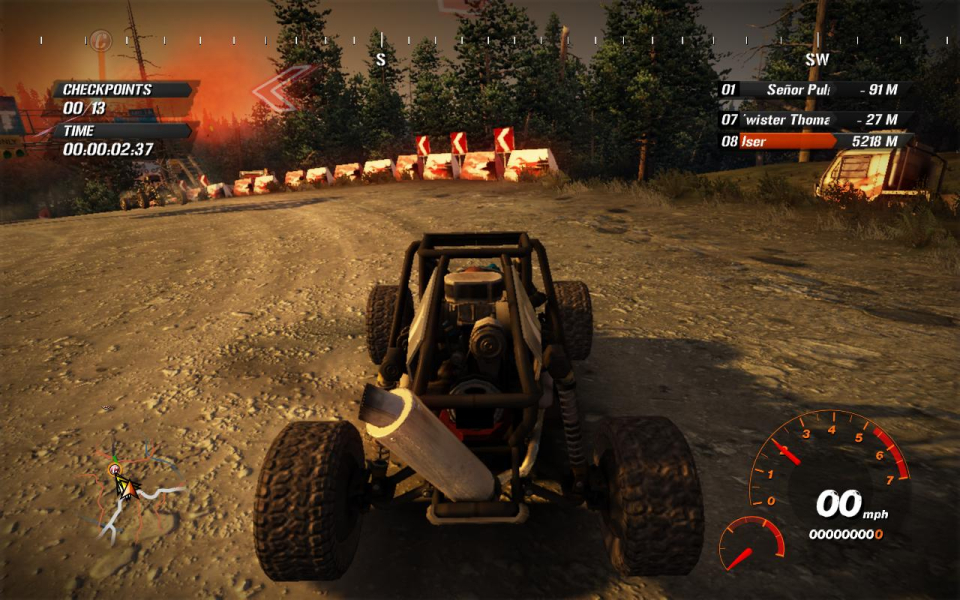
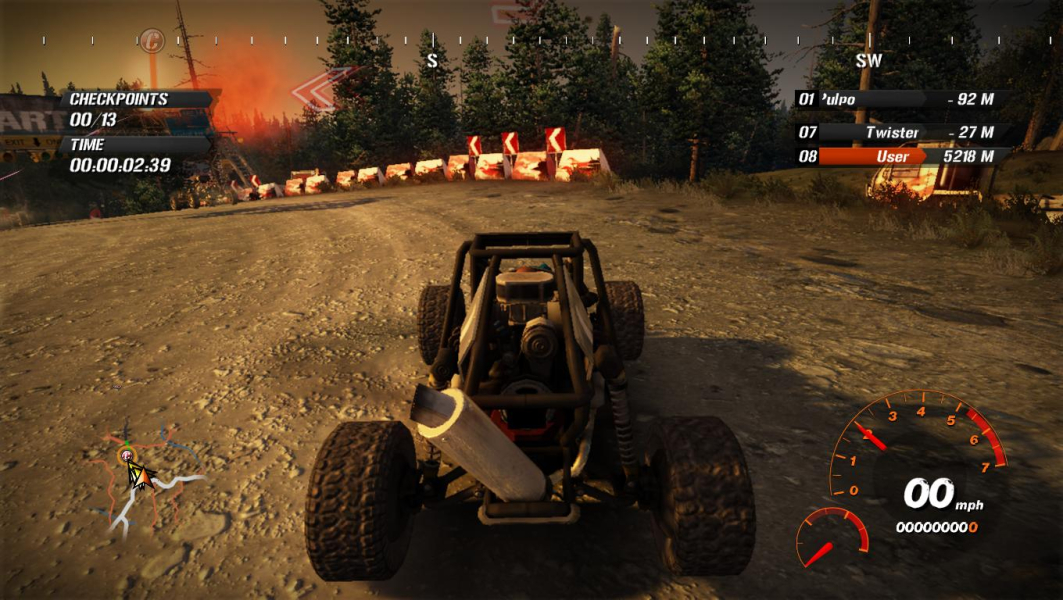
Beyond a 16:9 AR, the HUD is affected in a number of ways (top to bottom) :
-the compass kind of inflates (big letters) but is fully functional
-the 'smart GPS' (flying red arrows) scales correctly
-the timers' and opponents list's frames stretch but all text scales correctly
-the tachymeter and damage gauge stretch
-the lower part of the 'dirt mask' doesn't stretch past a 16:9 rectangle, as can be seen on some of the screenshots I posted: http://www.widescreengamingforum.com/forum/viewtopic.php?t=16796
-the minimap is Vert- (the main map is, too), which is the only real issue.
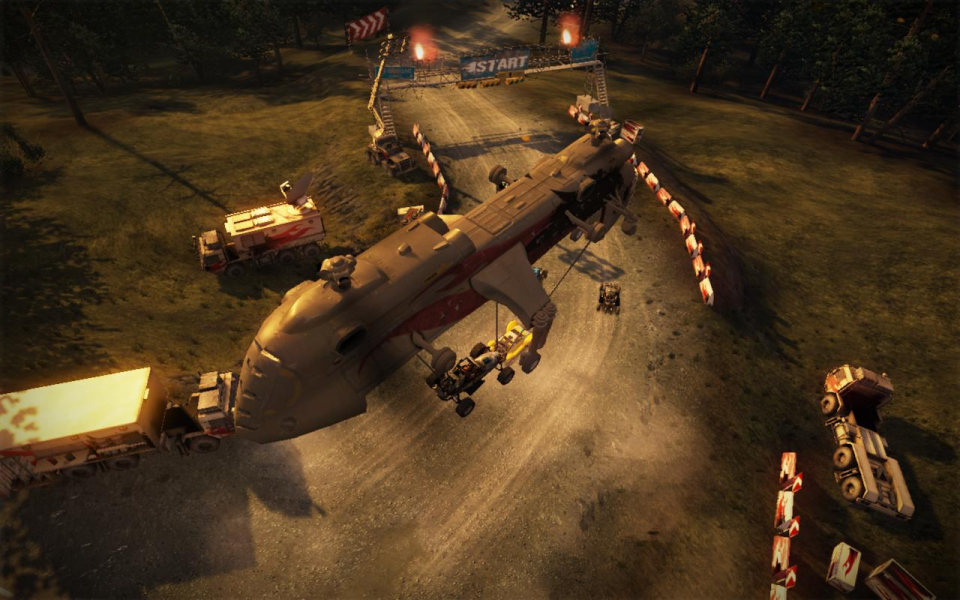
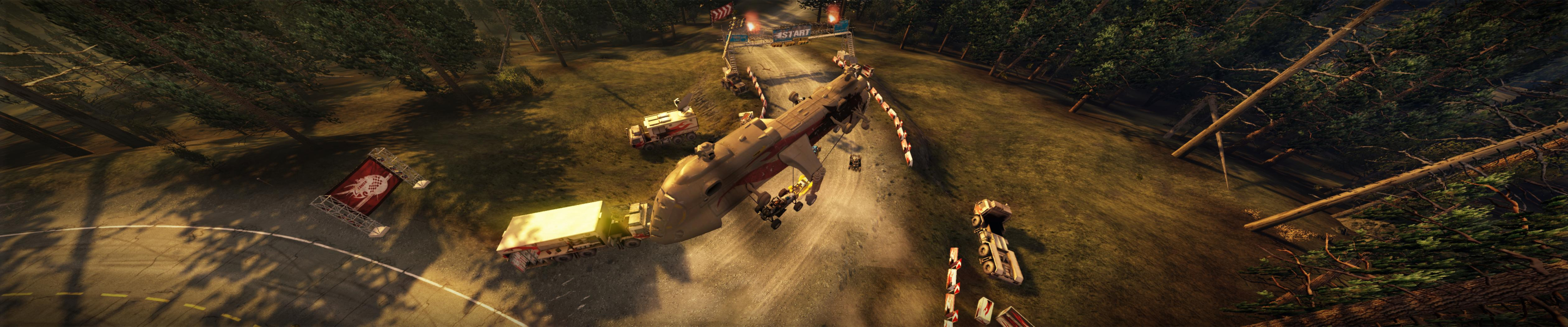
Gameplay Screenshots


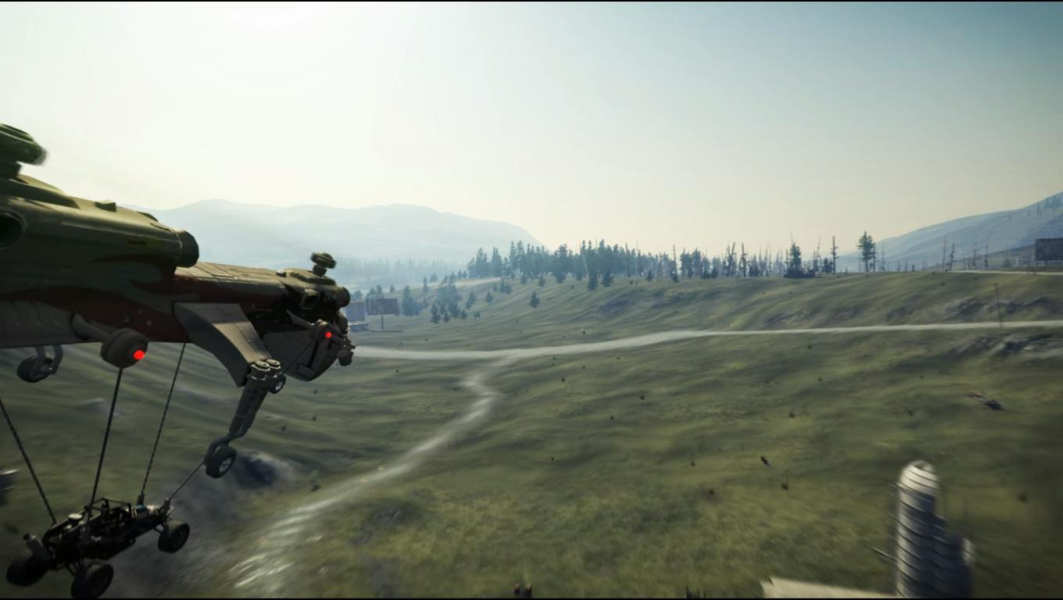
In-Game (Rendered) Cutscenes

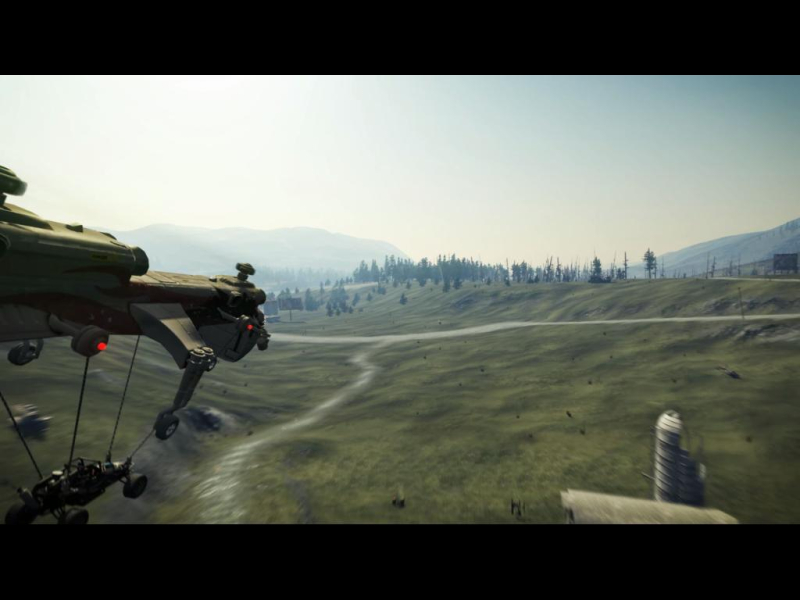
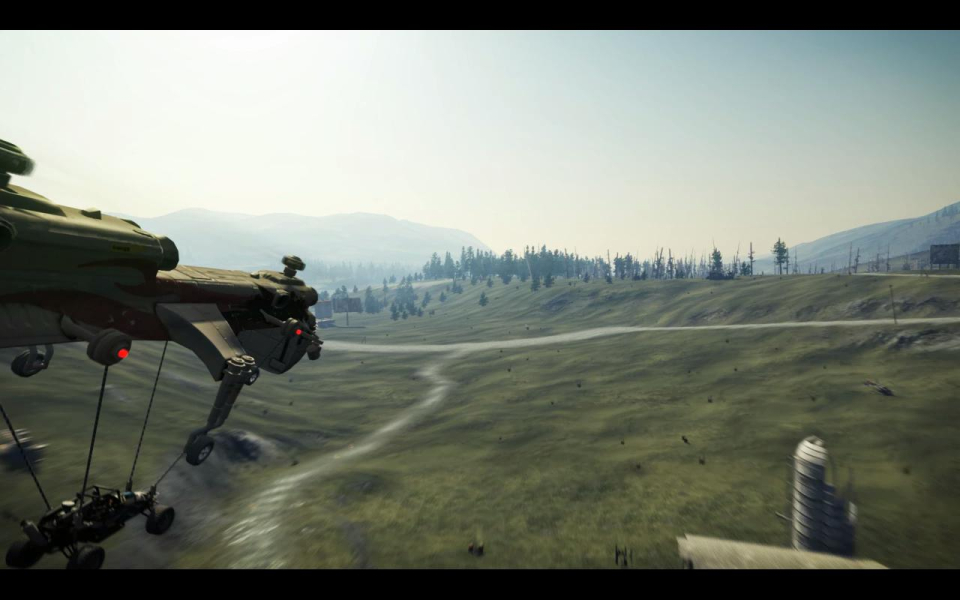
FMV Cutscenes

Menu Screenshots