Far Cry Primal

Tired of going medieval on mercs in subtropical settings? Go mesolithic then, and unleash the fury of forest animals on unsuspecting arsonists and cannibals. Primal is the first Far Cry to feature neither guns nor intelligible dialogs. It follows the exploits of Takkar, an unfortunate hunter trying to organize the Wenja against vicious rival tribes invading the lush land of Oros.

Support Summary

Widescreen
Ultra/Super‑Wide
Multi-Monitor
4K Ultra HD
Support
Method
HUD
Cutscenes
FMVs

Game Information

Game Status:Released
Release Date:
Tested Version:Uplay
Play Styles:Single-Player
Genre:FPS
Developer:Ubisoft

Screenshots Comparison

4:3 Screenshot
16:10 Screenshot
16:9 Screenshot
21:9 Screenshot
32:9 Screenshot
Eyefinity / Surround Screenshot
Solutions & Issues
Widescreen Solution & Issues:

A 'Field Of View Scaling' slider can be found under Advanced Settings in Video Options.

  • FOV Scaling affects both gameplay and cut-scenes.
  • Takkar's hands/weapons are unaffected. Their appearance depends solely on aspect ratio.
Ultra/Super-Wide Specific Solution & Issues:

Native Hor+ support up to FOV 100; at FOV 120 UWS compared to 16:9 is strictly Vert-. Rose's solution allows to remove the FOV restriction.

Eyefinity / Surround Specific Solution & Issues:

Native support with smart UI options... ruined by a flawed FOV.

  • The wider the MM resolution, the more the Vert loss and the less the effect of the FOV slider.
    Starting with standard resolutions...
    ...default FOV 75 is Hor+ up to 12:3. TripleWidescreen compared to 12:3 is Hor+/Vert-.
    ...at max FOV 120 screen change is strictly Vert- across the board.
    ...at min FOV 60 screen change is Vert- in widescreen, then Hor+ from UWS to TripleWide.

    As a result classic TripleHead beats TripleWide. Lowering the FOV to 60 in 16:9 is the only way to make a WS vs. TW comparison look good.
    For the record the 48:10 screenshots below were taken at FOV "120", which is identical to FOVs 75 and up and barely higher than FOV 60.

  • Multi-monitor-friendly UI settings in Video Options:
    Main Monitor: where all menus, FMVs, loading screens are displayed. 2 on a 3x1 setup = center. Does not affect the HUD, selection wheel or inventory/menagerie pop-ups.
    Window Mode: Bezel Corrected Eyefinity/Surround. Uncorrected resolutions are listed separately.
    Multimonitor HUD: Auto (adjusted to bezel compensation), Fixed Aspect (16:9 centered), Fit To Display (spanned).
  • Rose's solution allows to remove the FOV restrictions.
4K UHD Specific Solution & Issues:

Native support.

4:3 Screenshot
16:10 Screenshot
16:9 Screenshot
21:9 Screenshot
32:9 Screenshot
Eyefinity / Surround Screenshot
4:3 Cutscene
16:10 Cutscene
16:9 Cutscene
21:9 Cutscene
Eyefinity / Surround Cutscene
4:3 FMV Cutscene
16:10 FMV Cutscene
16:9 FMV Cutscene
21:9 FMV Cutscene
Eyefinity / Surround FMV Cutscene
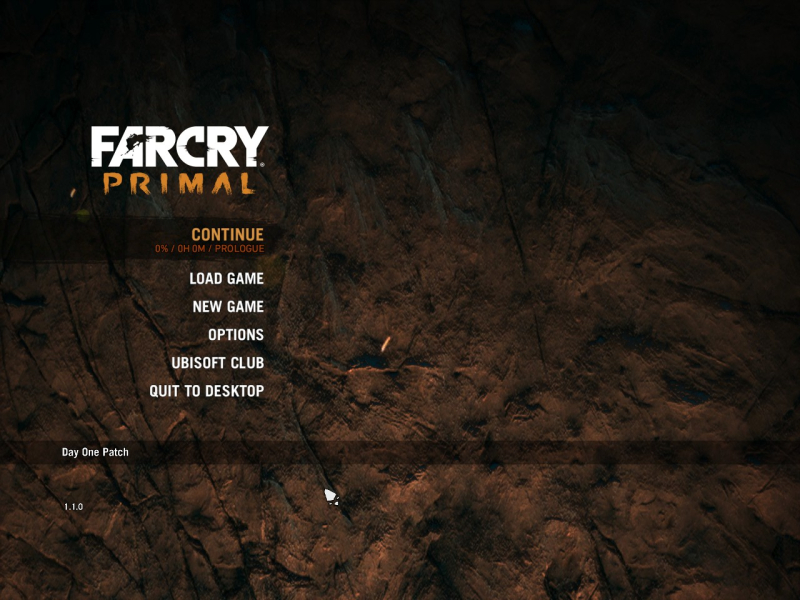
4:3 Menu
16:10 Menu
16:9 Menu
21:9 Menu
Eyefinity / Surround Menu
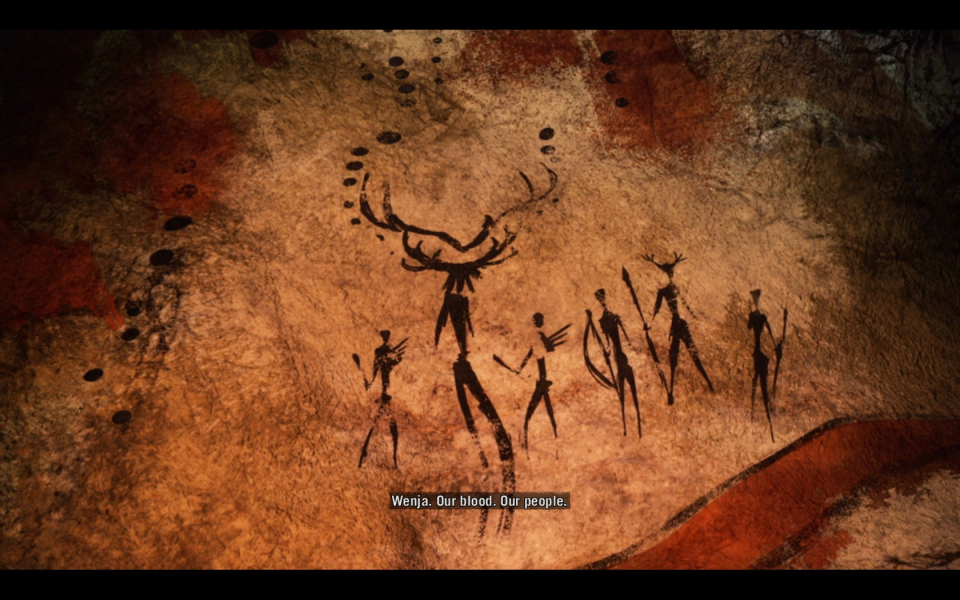
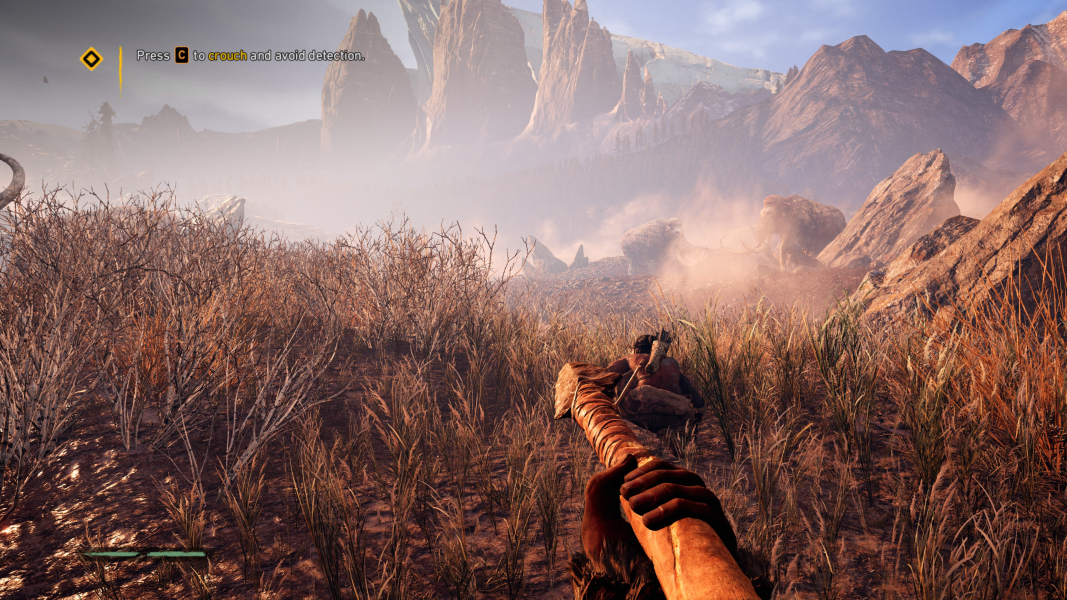
4K Gameplay Screenshot
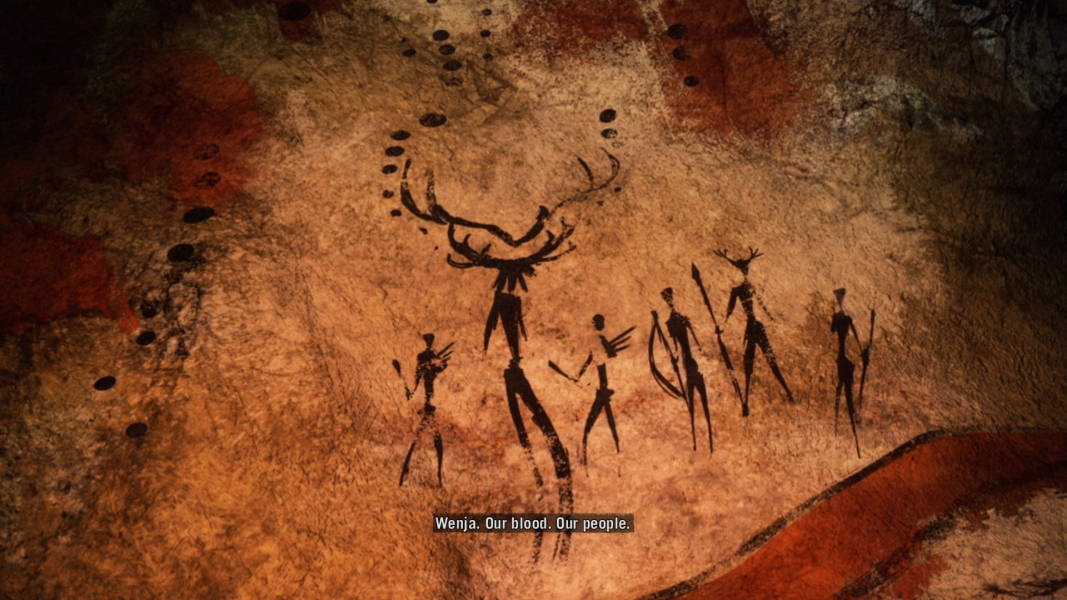
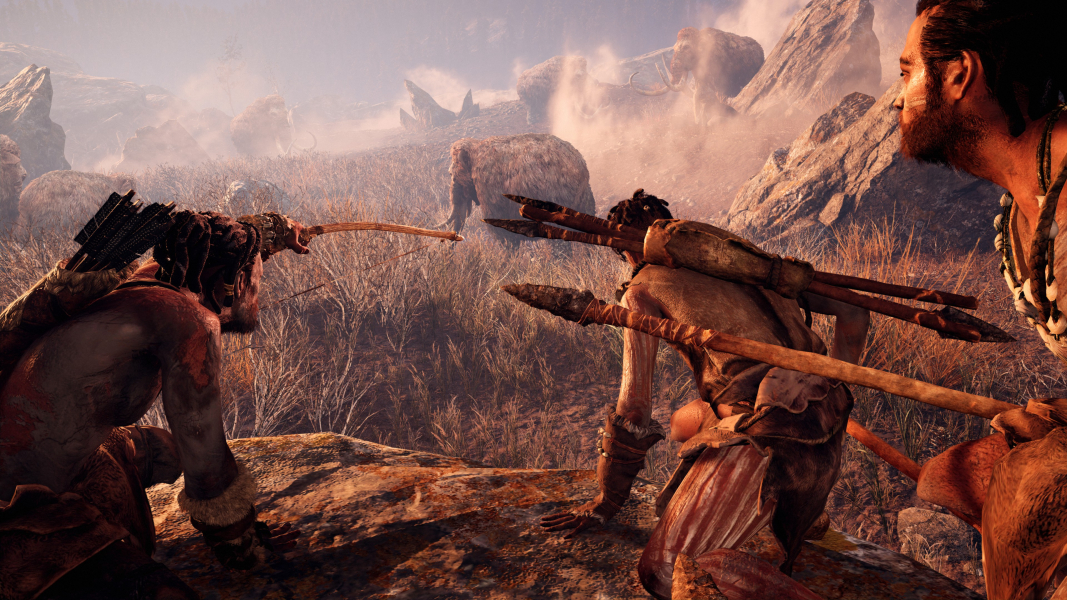
4K In-Game Cutscene
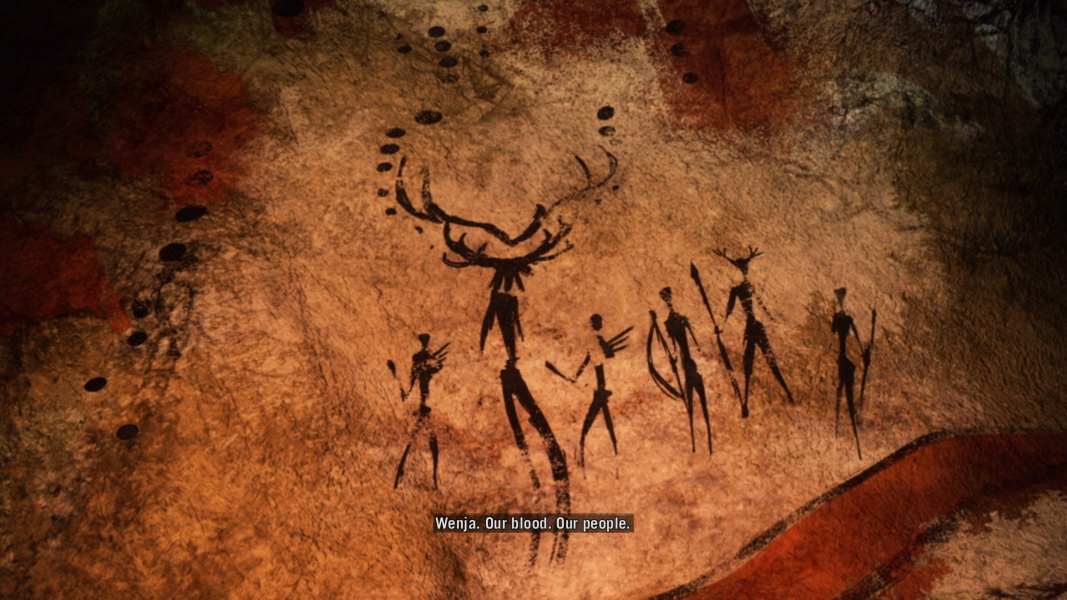
4K FMV Cutscene
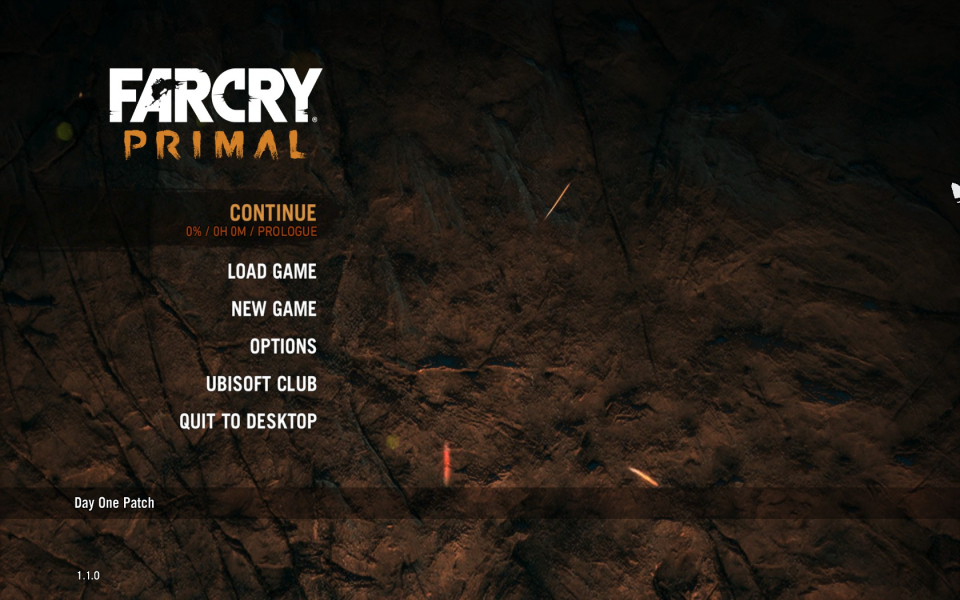
4K Menu Screenshot
Uploaded by: skipclarke
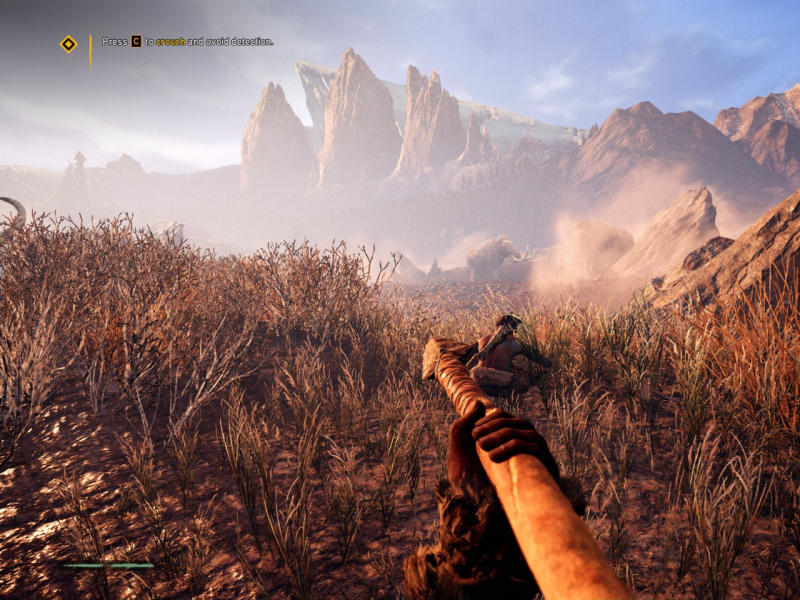
Takkar - FOV 75, 4:3
Uploaded by: skipclarke
Takkar - FOV 75, 16:10
Uploaded by: skipclarke
Takkar - FOV 75, 16:9
Uploaded by: skipclarke
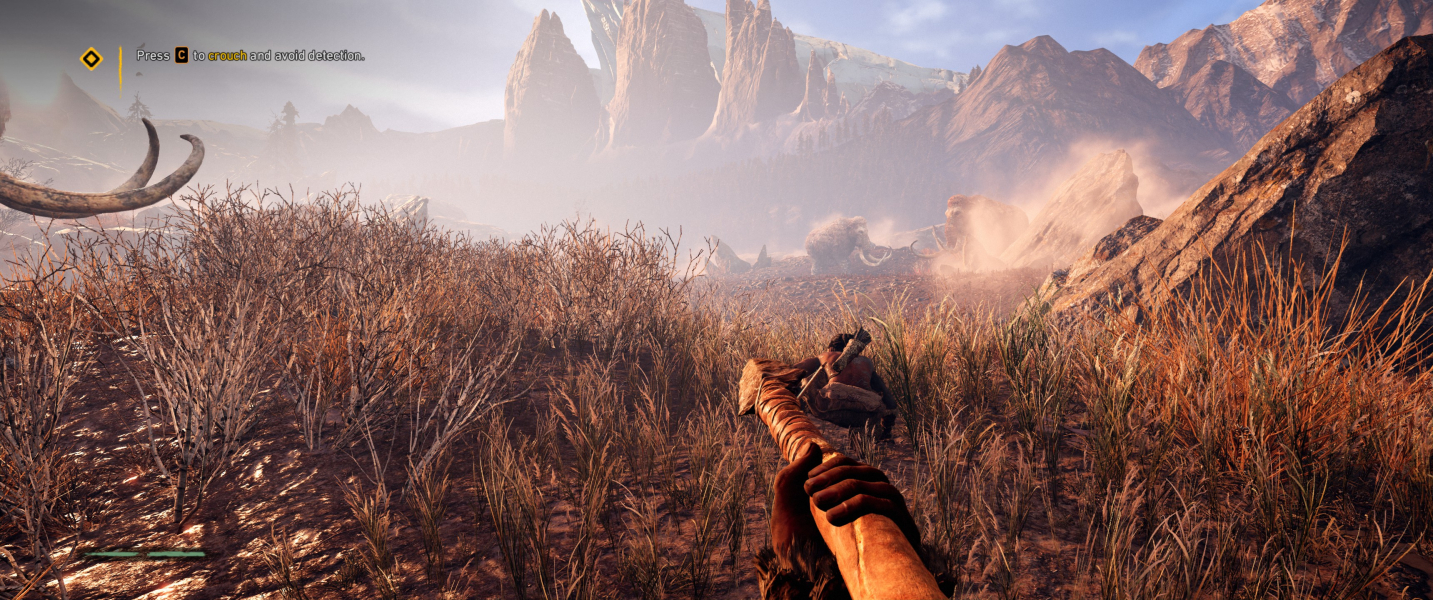
Takkar - FOV 75, 21:9
Uploaded by: skipclarke
Takkar - FOV 75, 15:4
Uploaded by: skipclarke
Takkar - FOV 120, 48:10
Uploaded by: skipclarke
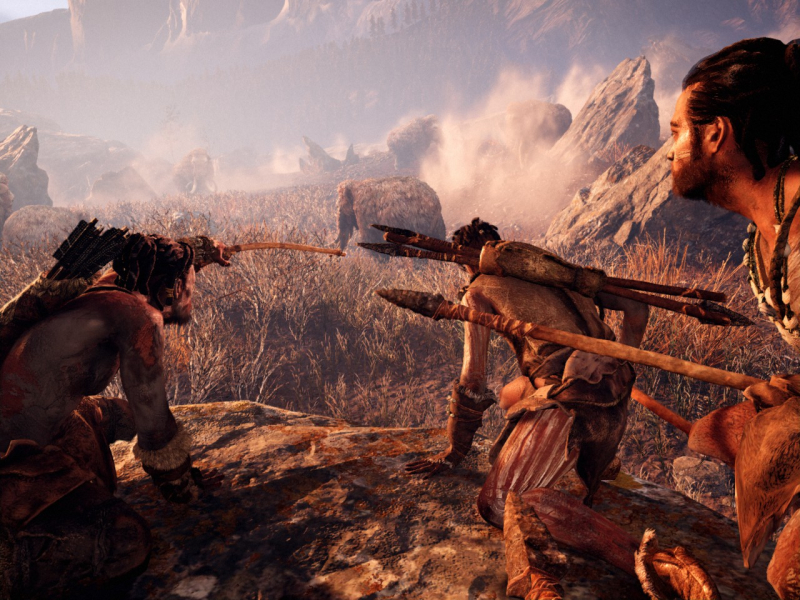
Owl - FOV 75, 4:3
Uploaded by: skipclarke
Owl - FOV 75, 16:10
Uploaded by: skipclarke
Owl - FOV 75, 16:9
Uploaded by: skipclarke
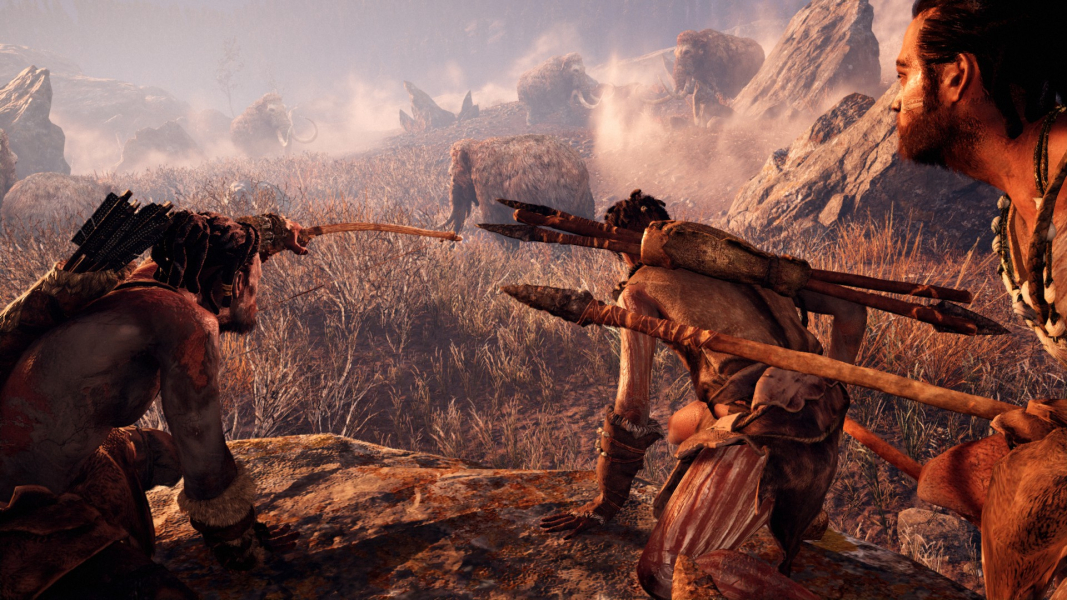
Owl - FOV 75, 21:9
Uploaded by: skipclarke
Owl - FOV 120, 48:10
Uploaded by: skipclarke
Owl - FOV 120, 16:9
Uploaded by: skipclarke
Owl - FOV 120, 21:9
Uploaded by: skipclarke
Benchmark - FOV 75, 4:3
Uploaded by: skipclarke
Benchmark - FOV 75, 16:10
Uploaded by: skipclarke
Benchmark - FOV 75, 16:9
Uploaded by: skipclarke
Benchmark - FOV 75, 21:9
Uploaded by: skipclarke
Benchmark - FOV 120, 48:10
Uploaded by: skipclarke
Tallscreen Spear !
Uploaded by: skipclarke
Tallscreen Cut-Scene !
Uploaded by: skipclarke
Tallscreen Cave Stretch !
Uploaded by: skipclarke
Tallscreen Bow !
Uploaded by: skipclarke
Tallscreen Hoot !
Uploaded by: skipclarke
Tallscreen Owl !
Uploaded by: skipclarke
Tallscreen Benchmark !
Uploaded by: skipclarke
Native 48:9 FOV to compare to that of Rose's fix.
Uploaded by: skipclarke
48:9 with Rose's solution.
15:9 Resolutions:1280x768
16:10 Resolutions:
16:9 Resolutions:
Ultra/Super-Wide (21:9/32:9) Resolutions:3440x1440
Eyefinity / Surround Resolutions:
4K UHD Resolutions:3840x2160
Multi-Monitor Types:Nvidia Surround
Multi-Monitor Layouts:3x1-L