


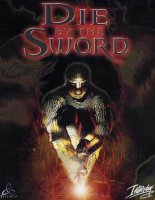


Die by the Sword is a fantasy action-adventure game featuring an active combat system that gives direct control over the character's weapon arm with the mouse, controller or number pad.
Support Summary
Game Information
Game Status:Released
Release Date:
Tested Version:1.0
Play Styles:
Setting:Fantasy
Genre:Action-Adventure
Developer:Treyarch
Store Links:
Screenshots Comparison
Solutions & Issues
Widescreen Solution & Issues:
- Install Die by the Sword - Xtended (requires the Limb from Limb expansion). This adds widescreen support and fixes various issues.
- Run xLauncher.exe in the installation folder to choose your resolution and other settings; all normal resolutions are detected automatically.
- Launch the game through xLauncher.exe or directly with xwindie.exe (do not use the original WINDIE.EXE).
UI elements and FMV cut-scenes are stretched from 4:3 while gameplay and rendered cut-scenes are Hor+ with the correct aspect ratio.
Gameplay Screenshots
4:3 Screenshot
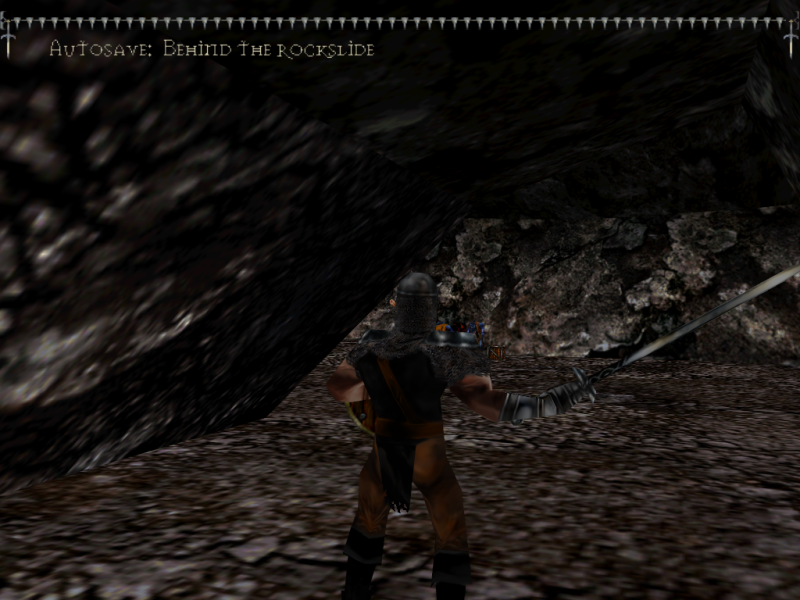
4:3 gameplay
16:10 Screenshot

16:10 gameplay
16:9 Screenshot

16:9 gameplay
21:9 Screenshot

32:9 Screenshot

Eyefinity / Surround Screenshot


