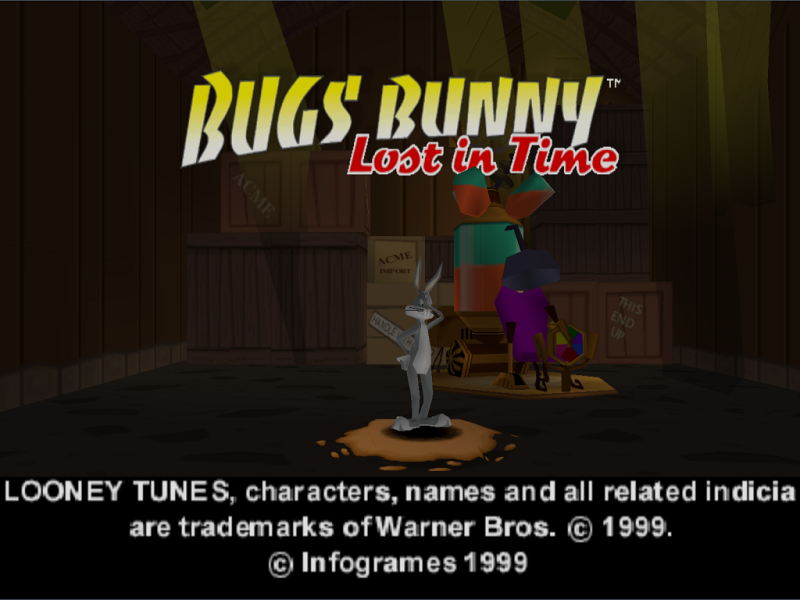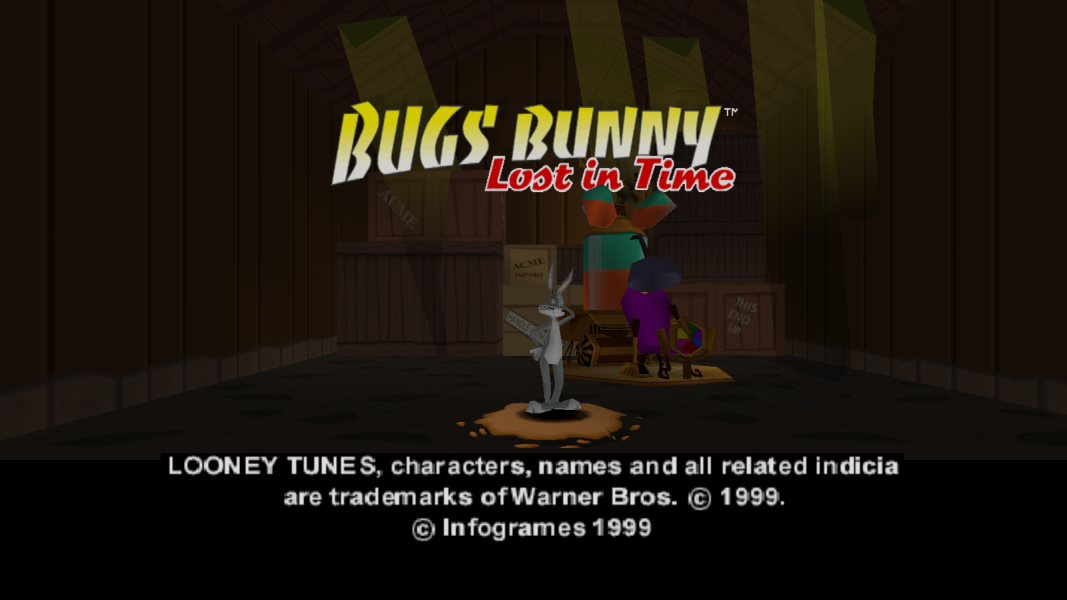


Bugs Bunny: Lost in Time is a Looney Tunes platform video game released for the PlayStation and Microsoft Windows in 1999. An indirect sequel, Bugs Bunny & Taz: Time Busters, was released for the same platforms in 2000. The game stars cartoon character Bugs Bunny who finds and activates a time machine (mistaking it for a carrot juice dispenser) after taking a wrong turn at Albuquerque. He ends up in Nowhere, home of a sorcerer named Merlin Munroe. Merlin then informs Bugs that he is lost in time and that he must travel through five different eras of time (spanning 21 levels in total) in order to collect clock symbols and golden carrots that will allow him to return to the present.
The objective of this game is to collect time clocks to progress through different eras via the time machine. Bugs must utilize his unique abilities to solve puzzles and defeat various enemies throughout the levels. At the end of each era, Bugs must confront and defeat a boss character to unlock the next era.
- Wikipedia
Support Summary
Game Information
Screenshots Comparison
Solutions & Issues
Changing game resolution
Normally the game can only be opened with these resolutions:
- 320x240
- 512x384
- 640x480
- 800x600
- 1024x768
You can use custom resolutions by making a shortcut to "bugs.exe" (in bin folder) with these arguments:
/x - width
/y - height
/win - windowed mode
/skip_intro
/opengl - 3D acceleration mode
Alternatively you can use a hex editor (for example HxD) to change the size of the window. (it will only stretch the game without the cheat table.)
Open "BugsBunny.exe" in HxD
Let's pick 1024x768. In hex it is 00 04 00 03
Search for it and change to the resolution you want.
For example
720p - 00 05 D0 02
1080p - 80 07 38 04
Widescreen
You will need Cheat Engine.
Download the Cheat Engine table from the files available from the PC Gaming Wiki Community Files (search there) and change the Horizontal FOV. The value varies for each aspect ratio. (Default [4:3] = 144)
2560x1080 (21:9) = 50
1920x1080 (16:9) = 90
1920x1200 (16:10) = 100
You can also edit Horizontal and Vertical stretch for true widescreen. The values varies for each aspect ratio. (default Horizontal [4:3] = 50 Vertical [4:3] = 37)
16:9
H= 40 V= 37
16:10
H= 42 V= 37
There might be pop-in due to culling. Particles are still stretched.
Gameplay Screenshots


Menu Screenshots