Page 1 of 1
Late shift fix request
Posted: 01 Mar 2019, 21:36
by Oldman
Hello guys,
So this is a pretty weird case, the game in question is FMV type and all the videos are encoded in an ultrawide format (1920x804). However when playing the game the videos are letterboxed on all sides (see attachement).
This game was put together in Unity but the usual fixes do not seem to work.
If someone can find a solution on how to zoom the video to fill the screen it would be great, thanks !
Also, i can upload the games "exe" and "resources.assets" if necessary.
Re: Late shift fix request
Posted: 03 Mar 2019, 17:05
by Oldman
So, I'm replying to myself with the least "elegant" solution possible

... but hey, as long as it works

You can use windows built in magnifier (Windows key + Plus sign), be sure to change the zoom increment and disable mouse tracking beforehand.
Both things can be done by clicking the settings icon in the magnifier window.
Re: Late shift fix request
Posted: 03 Mar 2019, 18:17
by Rose
I got the game as a gift today as well. The videos in the game folder are all in 21:9, filling the screen when played in any media player. I searched for 39 8E E3 3F within the game files, found two hits in UnityPlayer.dll, changed them to an ultrawide ratio value to no effect. It definitely requires more changes.
Re: Late shift fix request
Posted: 05 Mar 2019, 17:50
by Rose
Alright, so after two days of research, I used dNSpy suggested by Brandondorf9999 to get to the bottom of this.
The modified DLL should be put into \LateShift_Data\Managed\ .
It will display everything but the menu at 2560x1080. I ran the game for a couple of minutes to test it but I'll be playing through it later. I will publish a stretched menu version if I see that the game can benefit from it.
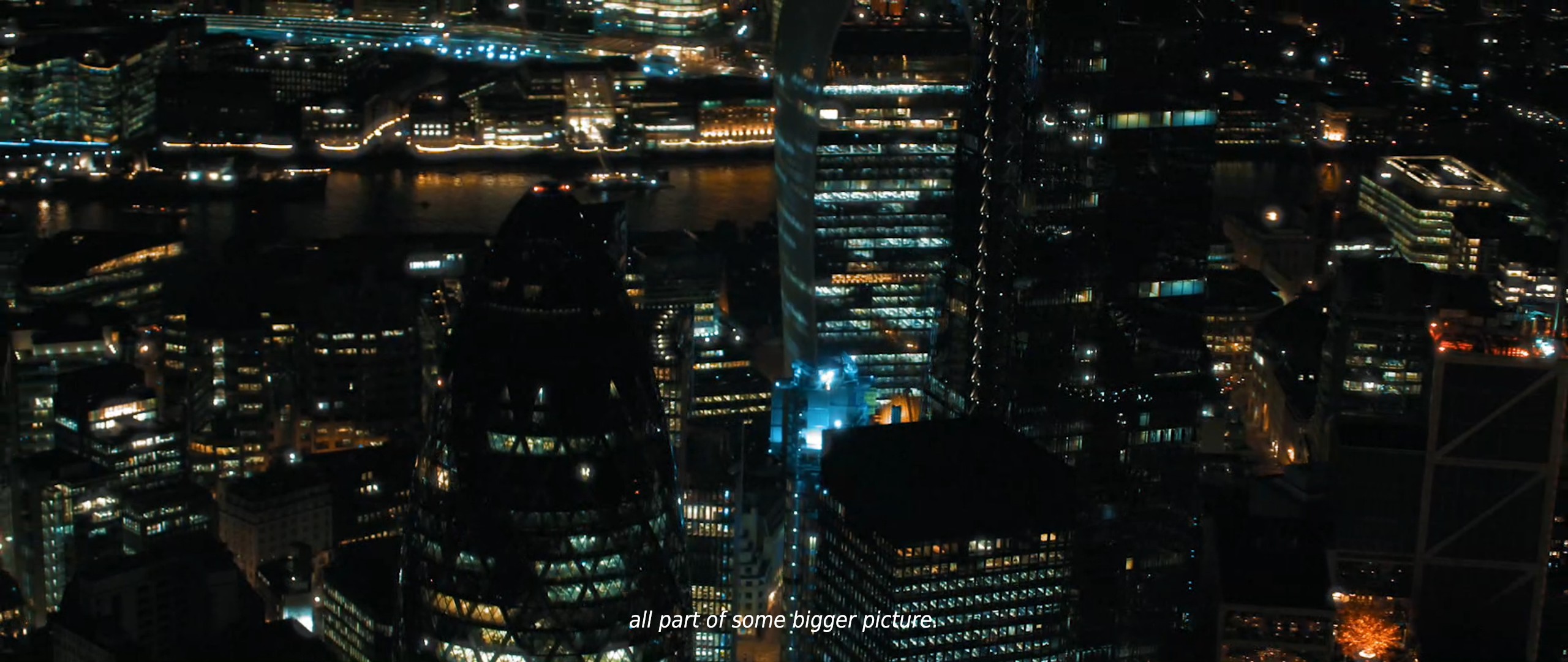
- Subtitles are displayed
- 20190305213100_1.jpg (418.22 KiB) Viewed 9639 times
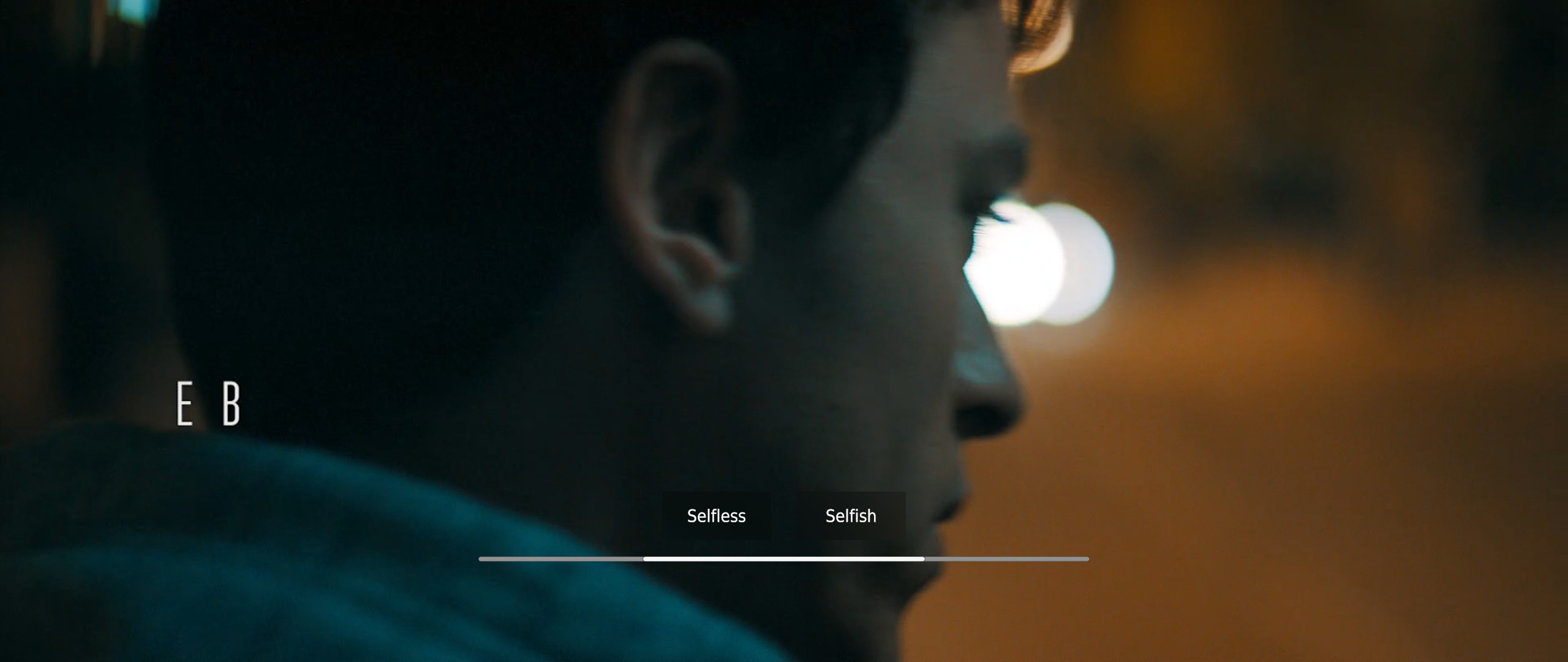
- Choices are displayed
- 20190305213154_1.jpg (166.69 KiB) Viewed 9630 times
Re: Late shift fix request
Posted: 05 Mar 2019, 22:55
by Oldman
First of all thank you !
Is there a specific value to look for/modify for other resolutions ? maybe on other games ?
Re: Late shift fix request
Posted: 05 Mar 2019, 23:44
by susahamat
thanks rose , i'll try this game . it seems interesting

Re: Late shift fix request
Posted: 06 Mar 2019, 06:22
by Rose
Oldman wrote:First of all thank you !
Is there a specific value to look for/modify for other resolutions ? maybe on other games ?
The game is mainly a media player. There's no custom aspect ratio or FOV, and the resolution is uncommon because of the dimensions of the video files. You can look for 8007 and 2403 in the dll file and replace them with your width and height in hex, though the image is obviously going to look more blurry.