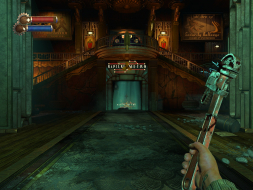
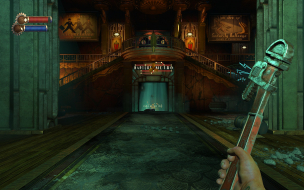
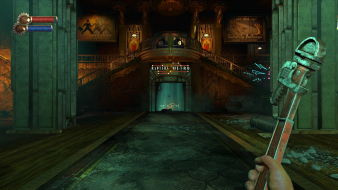
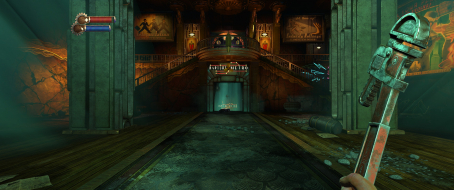
Detailed breakdowns of how games react to widescreen, ultra-wide, 4k and multi-mon
czarman
Insiders
Posts: 685 Joined: 11 Dec 2008, 23:51Location: Germany
Post
by czarman 24 Oct 2016, 15:59
Widescreen Grade: A Ultra-Widescreen Grade: B Multi-monitor Grade: B 4k Grade: A Read Full Detailed Report - BioShock Remastered Return to the cities of Rapture and Columbia and experience the award-winning BioShock franchise like never before, beautifully remastered in 1080p.
Last edited by
czarman on 13 Nov 2016, 22:51, edited 2 times in total.
Reason: Edit CZARMAN aka 彼得爸爸
ambivert
Posts: 22 Joined: 09 Dec 2010, 02:32
Post
by ambivert 01 Sep 2018, 01:49
I've found a way to fix the ultrazoomed in issues with the cut scenes and the movies and the viewmodels (hand and weapon FOV). You need to go to your AppData/Roaming/BioshokHD/Bioshock folder and edit the Bioshock.ini.
VRman
Posts: 30 Joined: 29 Sep 2009, 05:04
Post
by VRman 29 Sep 2018, 15:45
Thanks ambivert, that helped. The FOV slider at max 130 is still too zoomed in for me.
Users browsing this forum: No registered users and 1 guest