Manual PLP ini file challenges
Posted: 06 Jan 2016, 16:56
Hi all,
I recently upgraded my monitor setup to 20"-30"-20" Dell PLP setup (had a couple of old 2007fp I could use) and it is absolutely awesome.
However as I realize spreading games in PLP is not so easy and Eyefinity is only supported by GCN 1.2 and above. Unfortunately I have a 290x, which is awesome in many aspects except PLP eyefinity support.
Now I see that it is possible to make games run in 4960x1600 by manual methods. I am playing with ShiftWindow, which works on a very few games:
Star Wars Battlefront borderless window works perfectly with shiftwindow.
GTA V works only in window, not borderless
But many games don't work at all or it streches the graphics (the content does not change resolution) and it looks horrible.
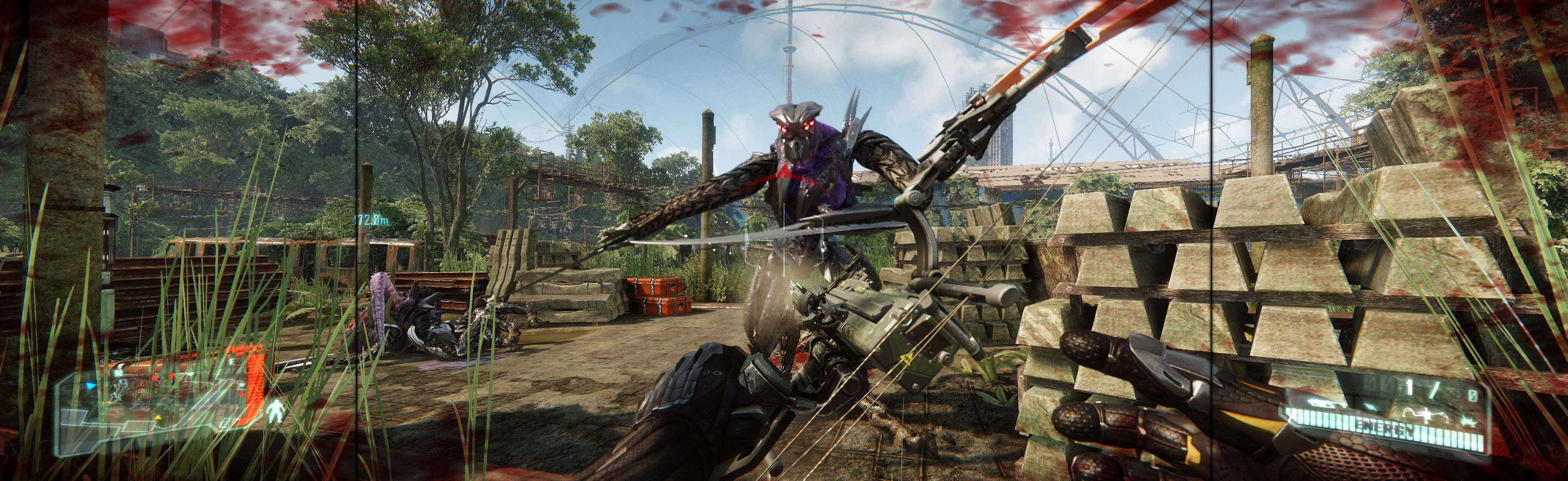
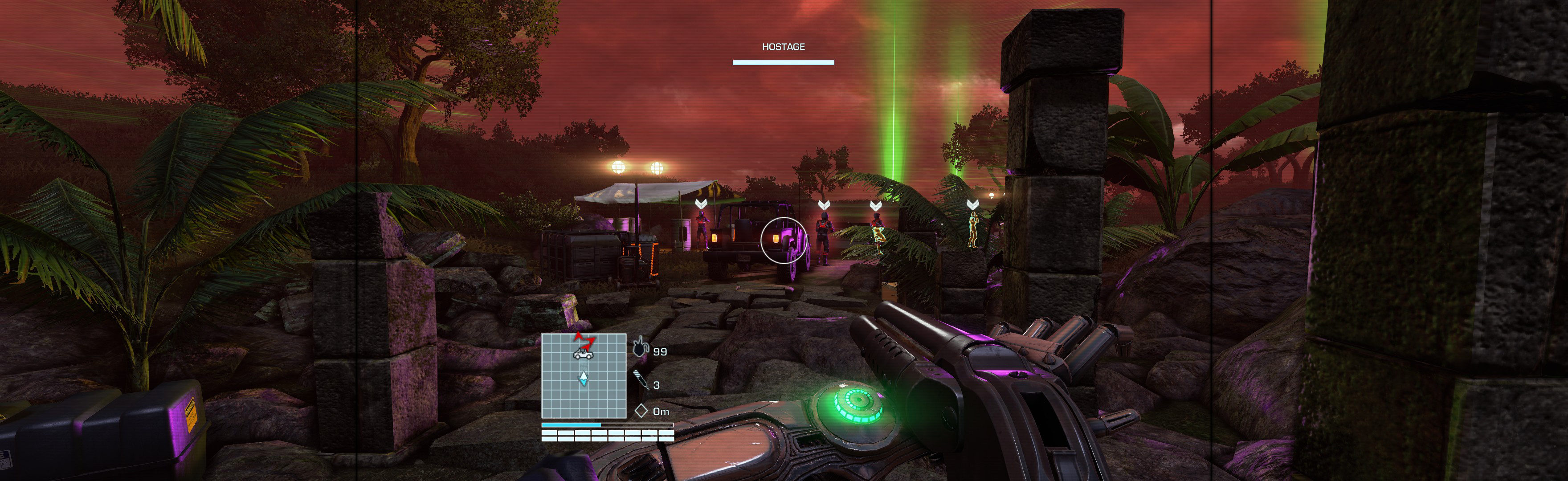
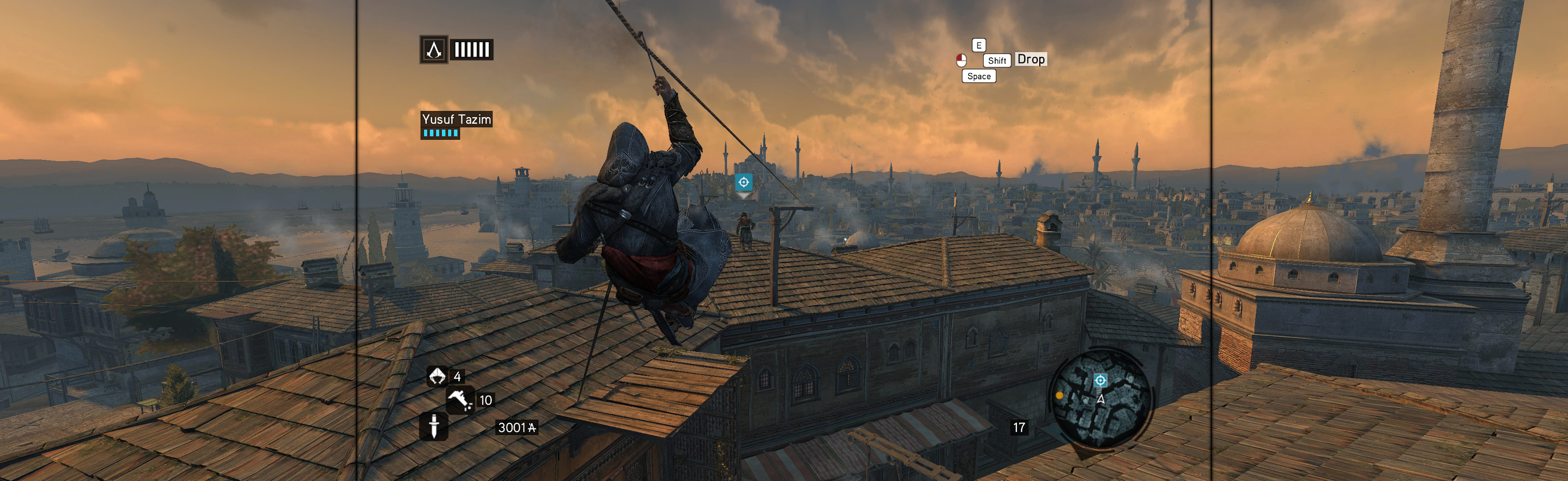
Looking through the splendid guides on this site, I come across games that are stated as working perfectly just by manually editing the ini files (Far Cry games, Crysis, Assassin's Creed etc).
However when I try these methods I can't get it to work no matter what I try. Crysis 3 for example. I edit the ini file and it powers up a window that goes across all 3 screens, looks like it will work, then quickly switches the window to only use the center screen. Then if I try ShiftWindow it will stretch the 2560x1600 to 4960x1600 window and it looks horrible.
How do you make the games disregard the resolution of the center screen? It looks like they try to boot up using the ini settings, then find out it is not a feasible resolution, and matches it to the center screen. It's like I need something to make the games "not" see Windows screen settings.
How do you make it run just by editing ini files? I can't make this work on any game (tried Assassin's Creed games too, which are supposed to work flawlessly but don't). They keep going to center screen only.
I recently upgraded my monitor setup to 20"-30"-20" Dell PLP setup (had a couple of old 2007fp I could use) and it is absolutely awesome.
However as I realize spreading games in PLP is not so easy and Eyefinity is only supported by GCN 1.2 and above. Unfortunately I have a 290x, which is awesome in many aspects except PLP eyefinity support.
Now I see that it is possible to make games run in 4960x1600 by manual methods. I am playing with ShiftWindow, which works on a very few games:
Star Wars Battlefront borderless window works perfectly with shiftwindow.
GTA V works only in window, not borderless
But many games don't work at all or it streches the graphics (the content does not change resolution) and it looks horrible.
Looking through the splendid guides on this site, I come across games that are stated as working perfectly just by manually editing the ini files (Far Cry games, Crysis, Assassin's Creed etc).
However when I try these methods I can't get it to work no matter what I try. Crysis 3 for example. I edit the ini file and it powers up a window that goes across all 3 screens, looks like it will work, then quickly switches the window to only use the center screen. Then if I try ShiftWindow it will stretch the 2560x1600 to 4960x1600 window and it looks horrible.
How do you make the games disregard the resolution of the center screen? It looks like they try to boot up using the ini settings, then find out it is not a feasible resolution, and matches it to the center screen. It's like I need something to make the games "not" see Windows screen settings.
How do you make it run just by editing ini files? I can't make this work on any game (tried Assassin's Creed games too, which are supposed to work flawlessly but don't). They keep going to center screen only.