Page 1 of 1
Dark Souls PTDE in 21x9, what am I doing wrong?
Posted: 28 Mar 2015, 07:45
by epspl9
After a lot of trial and error I finally got the game to actually display the image let alone let me select and keep 2560x1080 but the image is squished.
The beta update is in, AA turned off, and ingame res set to 2560x1080. WidescreenFixer recognizes the game and its settings are setup to detect the resolution automatically and the DS plugin from 3dsurroundgaming is applied. DSfix2.4 is in and renderwidth/height are set appropriately.
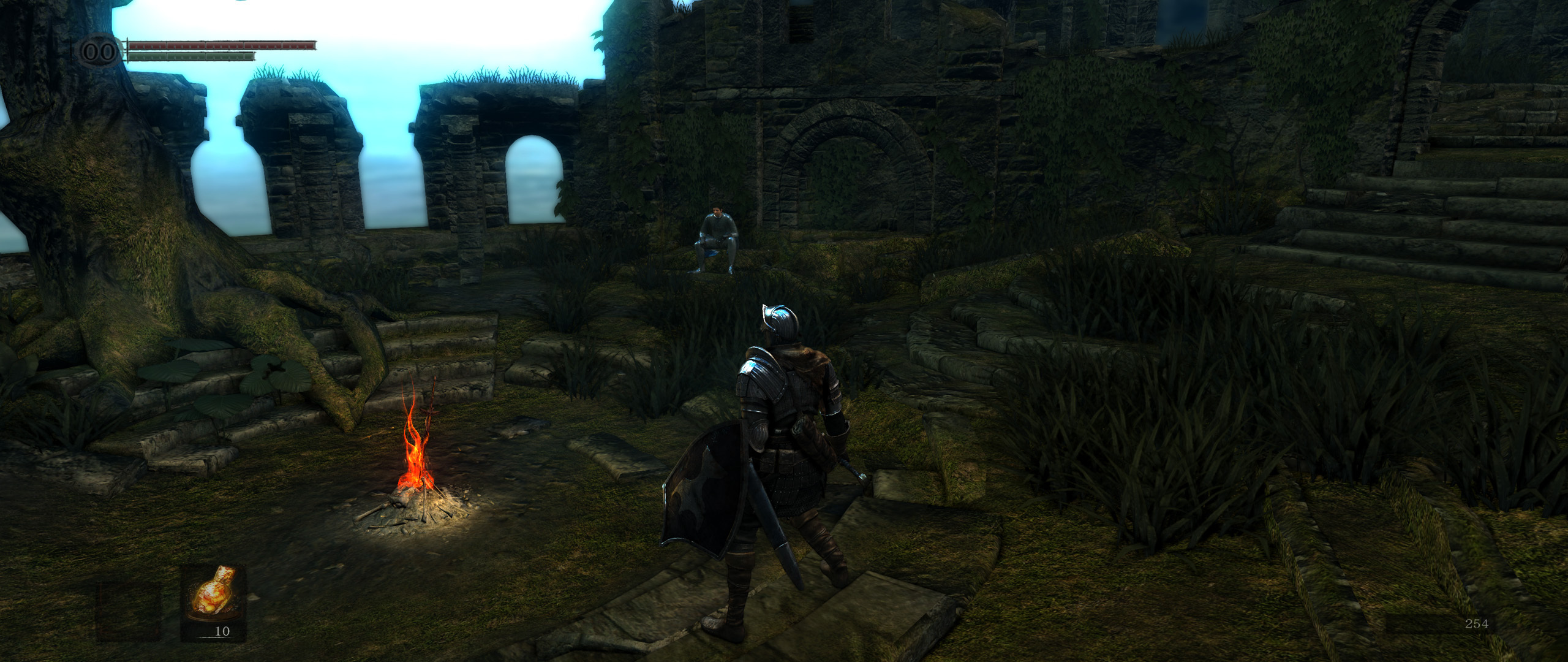
Here's a screenshot: It looks fine at first but there's subtle stretching
Re: Dark Souls PTDE in 21x9, what am I doing wrong?
Posted: 28 Mar 2015, 11:00
by PyroDonkey
I have been setting up Dark Souls to play on a 21:9 resolution, and I think the game only supports 16:9 stretched to 21:9.
Re: Dark Souls PTDE in 21x9, what am I doing wrong?
Posted: 29 Mar 2015, 22:38
by epspl9
PyroDonkey wrote:I have been setting up Dark Souls to play on a 21:9 resolution, and I think the game only supports 16:9 stretched to 21:9.
It used to work fine before the new beta patch
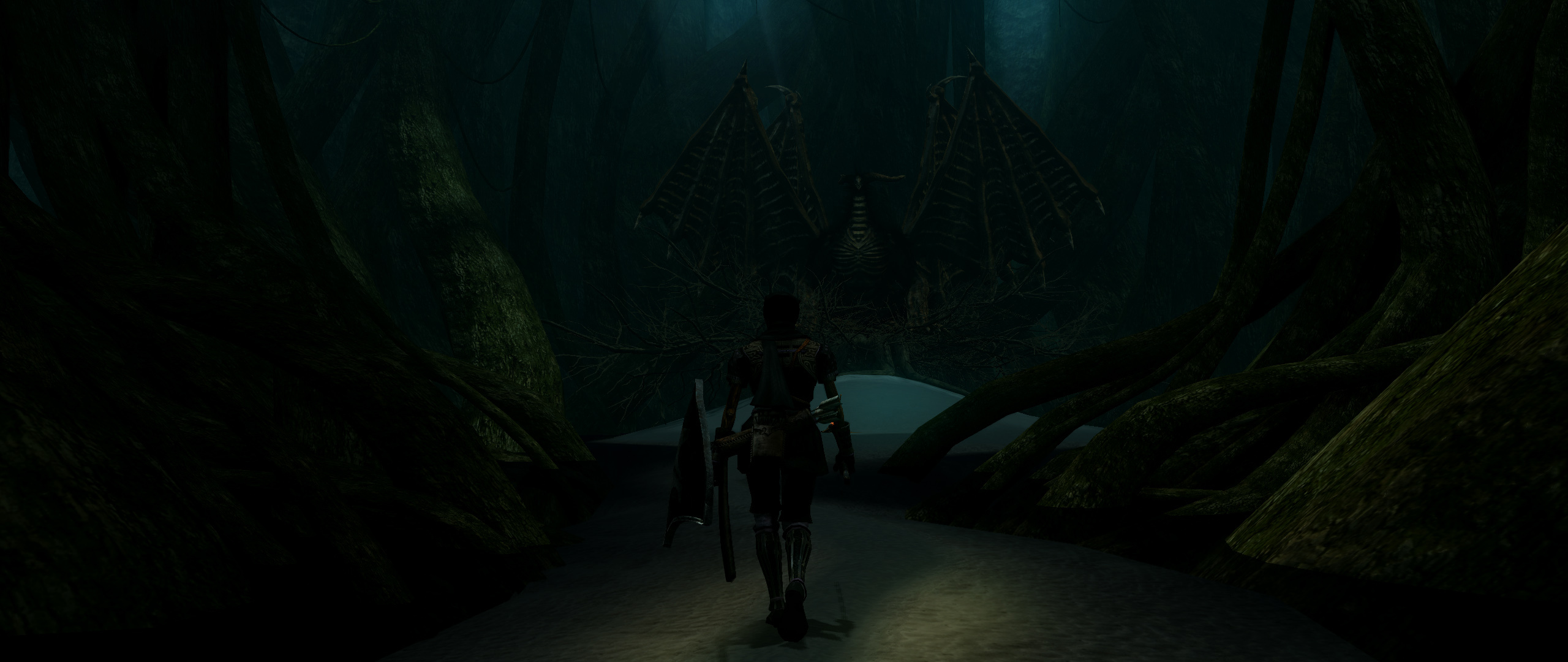
Some old screenshots that I took


Re: Dark Souls PTDE in 21x9, what am I doing wrong?
Posted: 05 Apr 2015, 05:16
by epspl9
Well I finally managed to fix the stretching so in case somebody stumbles along in here looking for a fix here's how to get rid of the stretching. In dsfix set your downsampling res to a multiple of 2560x1080, in my case 5120x2160, and then in widescreenfixer uncheck automatic resolution detection and type in 5120x2160 in all the boxes.

Re: Dark Souls PTDE in 21x9, what am I doing wrong?
Posted: 05 Apr 2015, 21:49
by PyroDonkey
I tried that out to see if I could get it working on my system, but I'm not sure if I did or not. The screenshot I took ended up in 16:9, so I think it may still be stretched. Are you using the beta steam verison?
Re: Dark Souls PTDE in 21x9, what am I doing wrong?
Posted: 06 Apr 2015, 01:58
by epspl9
PyroDonkey wrote:I tried that out to see if I could get it working on my system, but I'm not sure if I did or not. The screenshot I took ended up in 16:9, so I think it may still be stretched. Are you using the beta steam verison?
yeah I've got the steam beta update.
Just to summarize:
Get the beta update
Disable aa
Get widescreenfixer
Get the dark souls plugin for wsf here
http://3dsurroundgaming.com/WSF.html overwrite
get dsfix and set your resolution renderwidth/height to a 21x9 one
select your ingame resolution to match (if the screen goes blank press left arrow then enter)
exit
launch wsf select the latest version, uncheck automatic resolution detection, type your res manually into the boxes
no need for downsamploing stuff like I thought earlier, it works with native just the same.
Re: Dark Souls PTDE in 21x9, what am I doing wrong?
Posted: 06 Apr 2015, 09:40
by PyroDonkey

Got it! For others who many want to try this, you need to have the game in fullscreen mode. It won't work if you set DSFix to run the game in borderless fullscreen. The hud looks stretched to me, but I'm not 100% sure if it is or not.
Re: Dark Souls PTDE in 21x9, what am I doing wrong?
Posted: 06 Apr 2015, 23:33
by MobsterOO7
That's definitely a stretched HUD, neighbor. Not that badly though.
Re: Dark Souls PTDE in 21x9, what am I doing wrong?
Posted: 07 Apr 2015, 01:16
by epspl9
PyroDonkey wrote:Got it! For others who many want to try this, you need to have the game in fullscreen mode. It won't work if you set DSFix to run the game in borderless fullscreen. The hud looks stretched to me, but I'm not 100% sure if it is or not.
Enable the hud mod in dsfix and play with the size

Re: Dark Souls PTDE in 21x9, what am I doing wrong?
Posted: 07 Apr 2015, 01:43
by PyroDonkey
MobsterOO7 wrote:That's definitely a stretched HUD, neighbor. Not that badly though.
It's not horrible, but it looks pretty big in game.
epspl9 wrote:Enable the hud mod in dsfix and play with the size
You can only really adjust the size if the HUD, not much else. I wish there was a way to make it just display in 16:9 or something.
Re: Dark Souls PTDE in 21x9, what am I doing wrong?
Posted: 07 Apr 2015, 03:34
by epspl9
PyroDonkey wrote:MobsterOO7 wrote:That's definitely a stretched HUD, neighbor. Not that badly though.
It's not horrible, but it looks pretty big in game.
epspl9 wrote:Enable the hud mod in dsfix and play with the size
You can only really adjust the size if the HUD, not much else. I wish there was a way to make it just display in 16:9 or something.
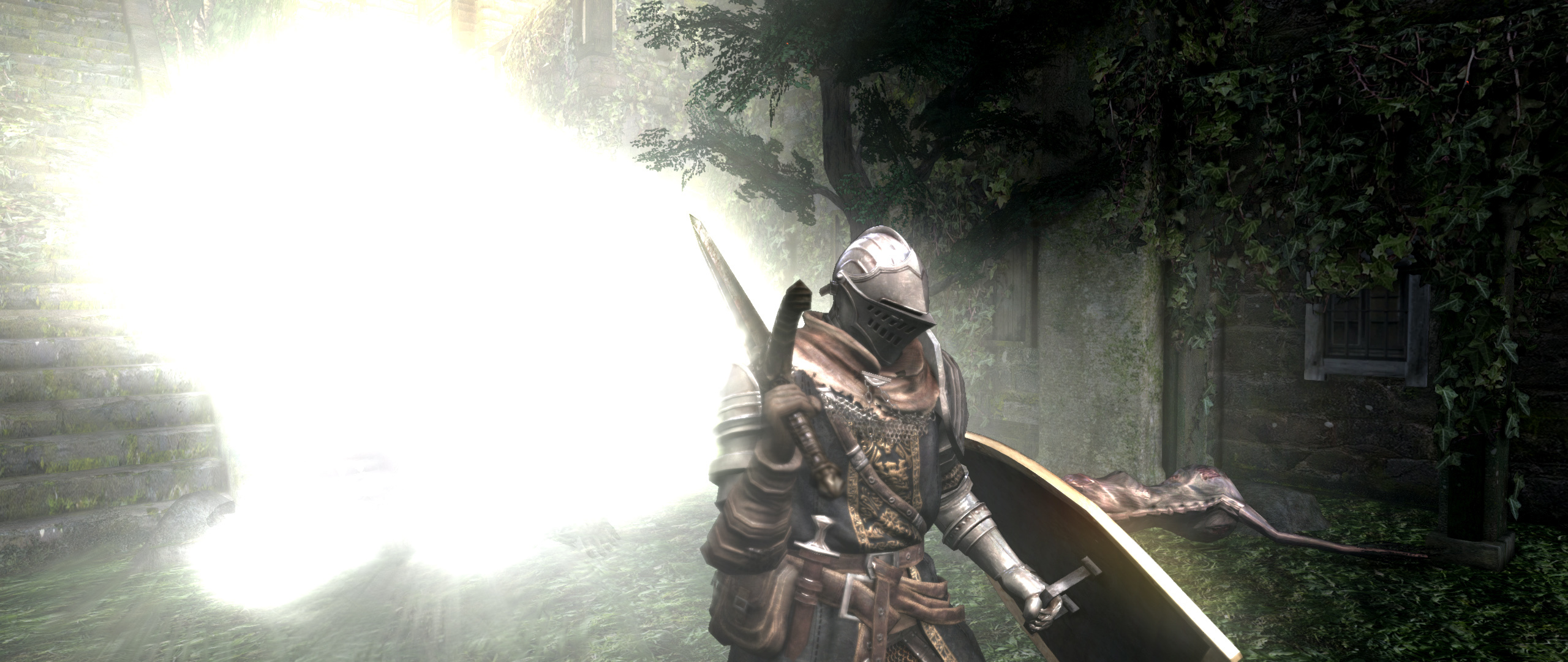
Looks good here with hudmod and it isn't stretched