[-noun] Web community dedicated to ensuring PC games run properly on your tablet, netbook, personal computer, HDTV and multi-monitor gaming rig. https://www.wsgf.org/phpBB3/
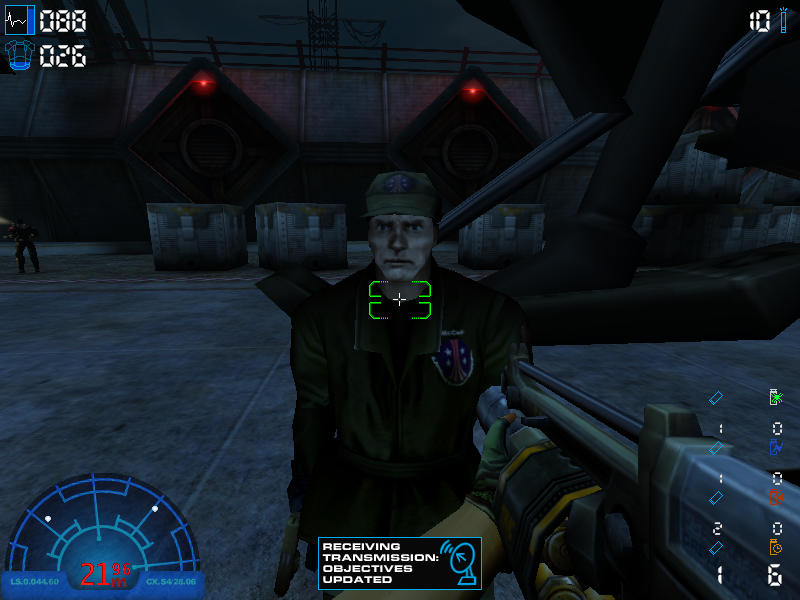
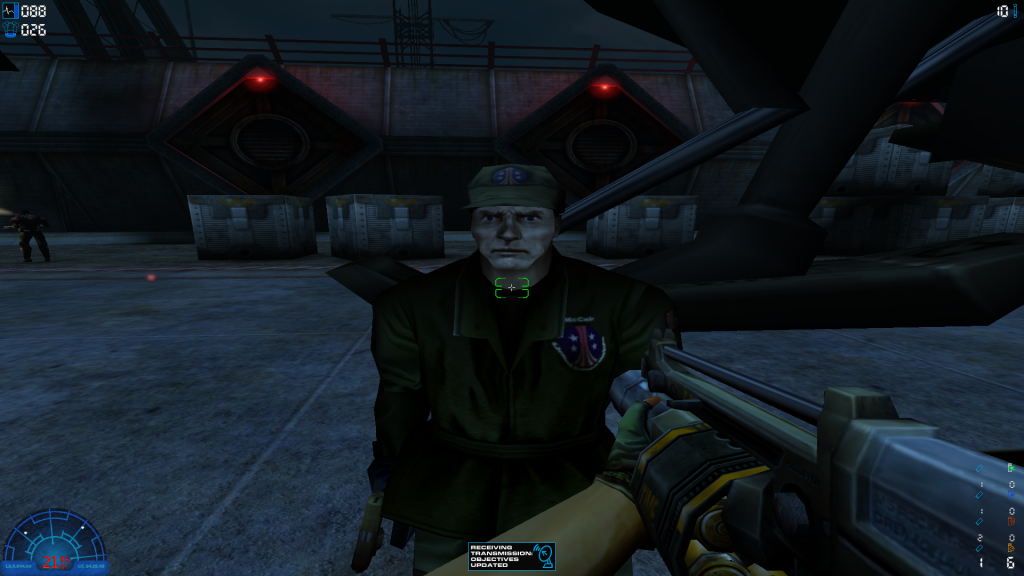
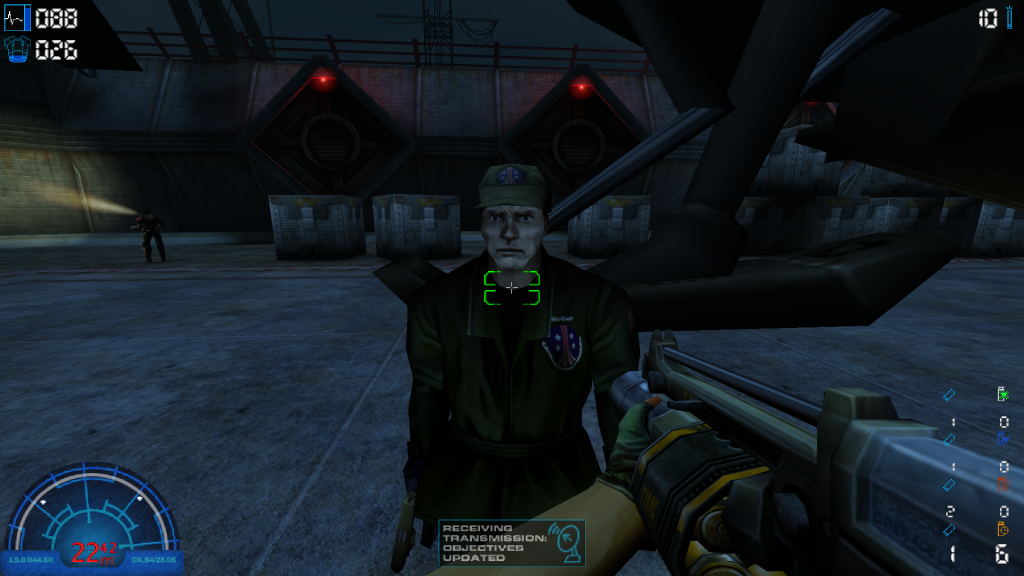
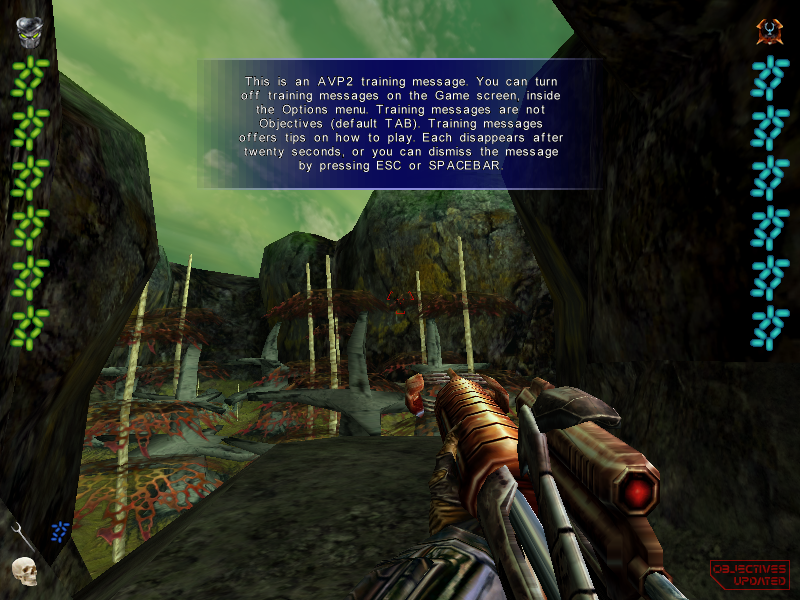
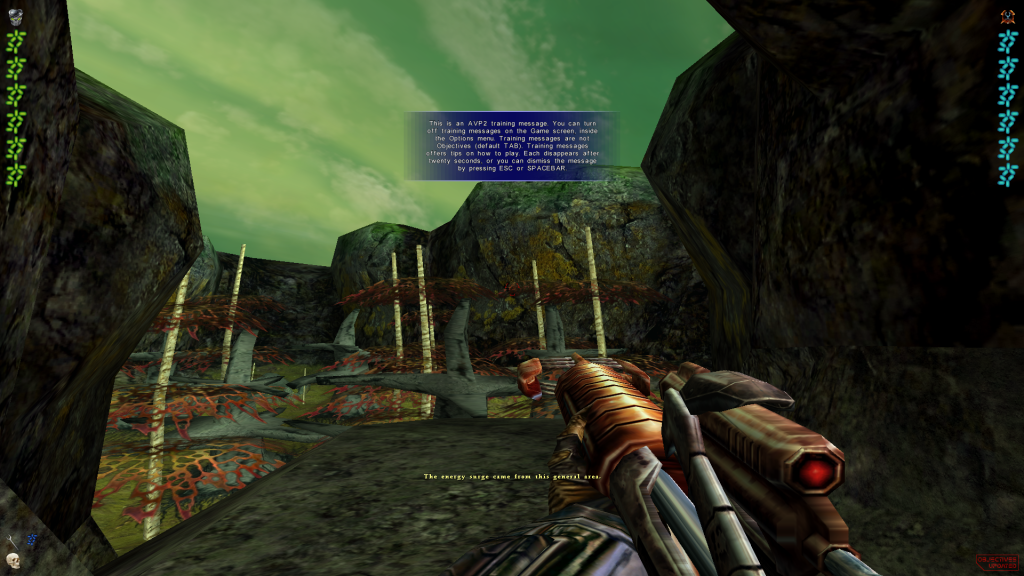
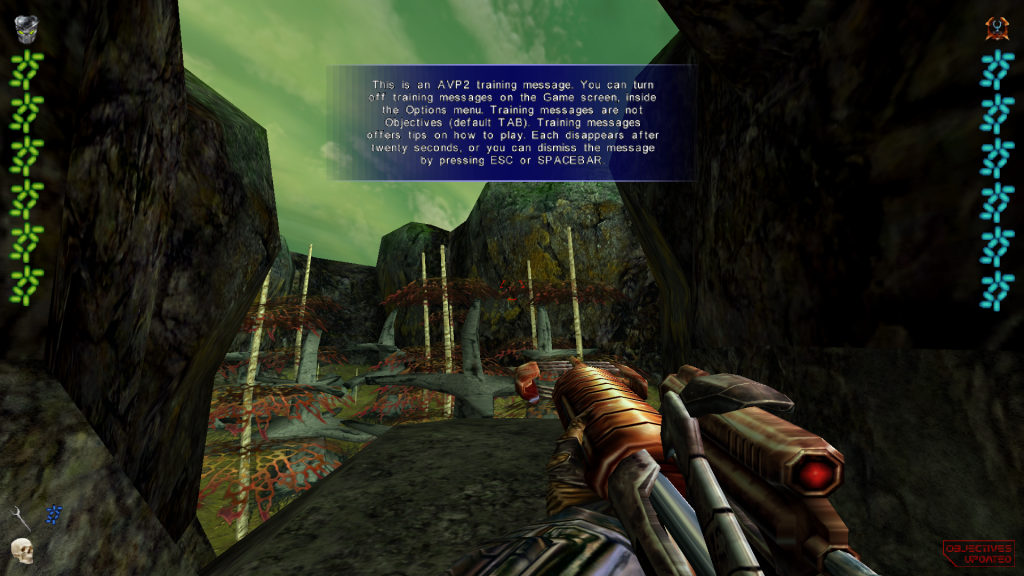
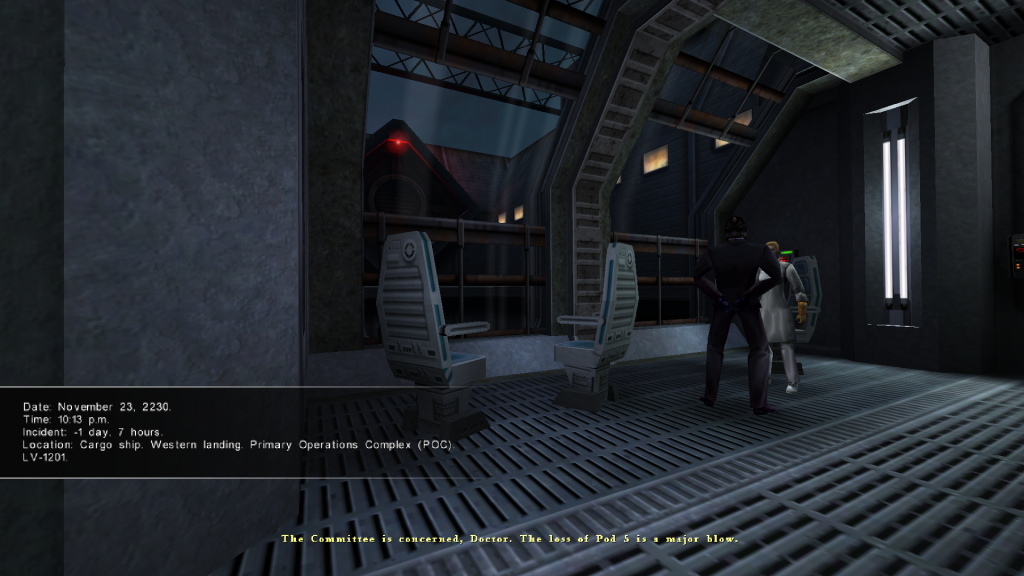
Here is my widescreen patch vor AvP 2. I know that there is already a number of fixes. However a lot of atmosphere when playing a carine or predator comes from the HUD and in HD resolution it becomes far too small. Therefore I decided to make a patch that also scales the HUD elements.
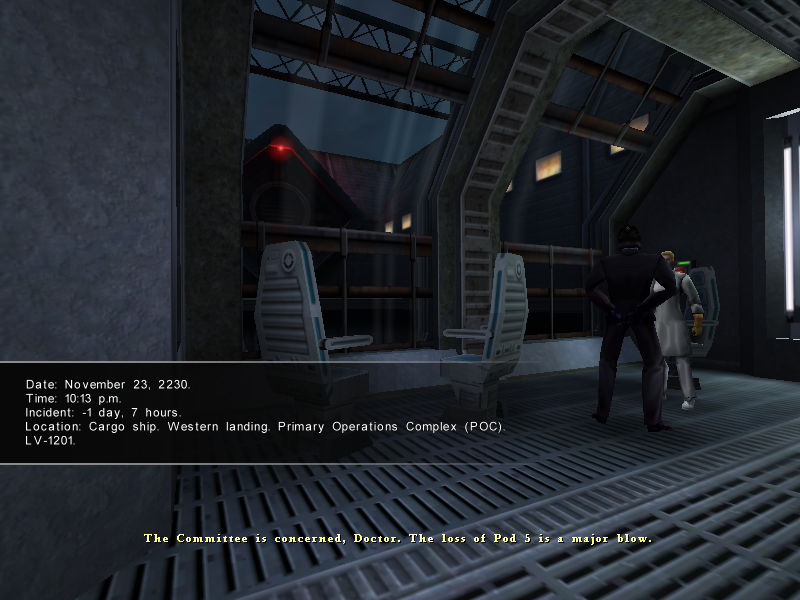
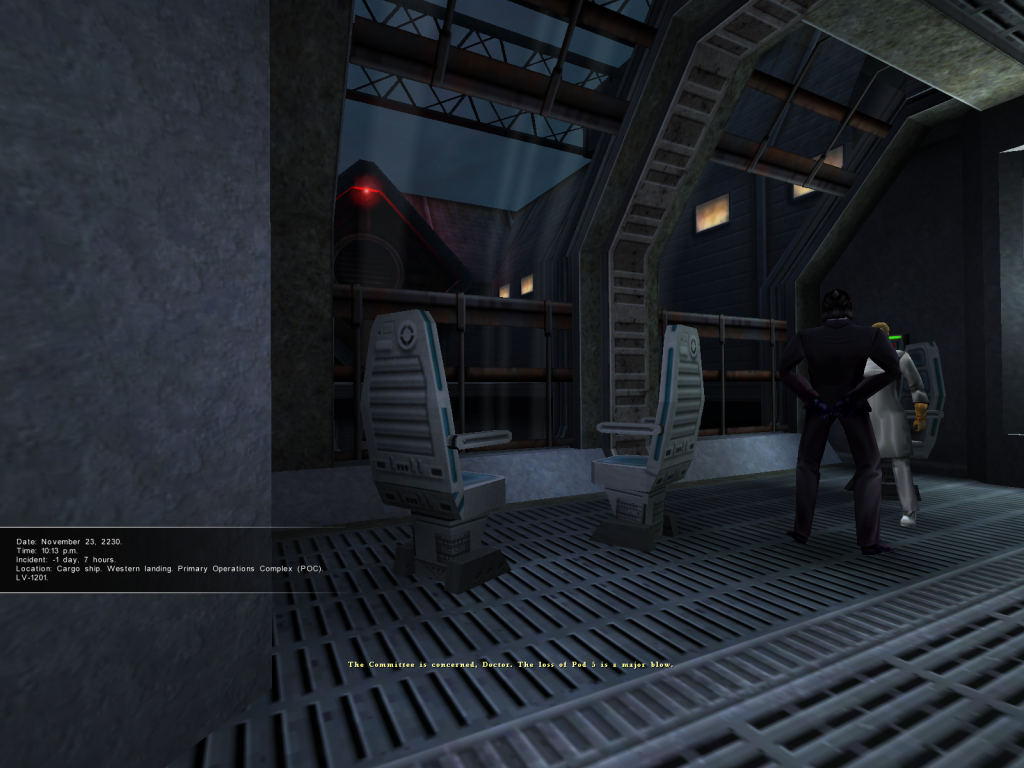
Features: -Pick supported widescreen resolutions in the display menu, the 16 Bit modes have been removed. -The FOV in the game and cutscenes is Hor+ (the larger the aspect raio, the more is seen). -The splashscreen and menu backgrounds etc. are no longer stretched. -all HUD Elements scale automatically with resolution and can also be adjusted manually.
Installation: 1. Put the "WidescreenPatch.rez" file in your AvP2 directory. 2. Run the launcher, click on "Options". 3. Put this into the commandline field: „-rez "WidescreenPatch.rez"„ (without the outer quotes). 4. Make sure "always pass these command-line parameters" is checked. 5. If you want to set the HUD scale to another value, add „+InterfaceScale "value"„ to the end of the command line (once again without the outer quotes). The default value is 0.75 (relative to the size in 640x480 resolution). 3. Start the game, go to display and select the desired resolution. Enjoy the game!
Known Problems:
Spoiler:
-This mod will not work online because it is not compatible with any mod that modifies the ClientShell DLL. -Loading will take 2-4 times the original time. The original upscaling function cuts off pixel at the bottom and right, therefore all surfaces are upscaled manually which takes much longer. If loading takes too long, add the Parameter „+QuickScaling 1„ to activate the fast incorrect original scaling. -The first person weapons stretch, this could only be fixed by modifying the renderer and/or exe file.
This is awesome and totally belongs in the DR, so I've mave a quick edit and attached the file there if you don't mind.
Solutions are piling up, it's a pity we don't have complete & updated screenshot comparisons, innit ?
Re: Alien vs. Predator 2 Widescreen patch
Posted: 10 Mar 2015, 00:00
by StoneyJackson
Hi! I'm new here. Anyway, I just wanted to let you know that the download for the widescreen patch is actually missing the widescreen.rez file! Currently, it only contains the installation readme.
Re: Alien vs. Predator 2 Widescreen patch
Posted: 12 Mar 2015, 16:51
by Wobak
Oh, thanks for telling me! I added the actual path to the archive now. @scavvenjahh: do you mean comparisons of the 5 or so different fixes?
Re: Alien vs. Predator 2 Widescreen patch
Posted: 12 Mar 2015, 18:04
by scavvenjahh
Not at all, just the usual standard/widescreen/überwide comparisons for gameplay and cut-scenes, using any one fix. The screenshots we have were added over the years using different solutions and show all sorts of flaws. It'd be great to replace them with better ones.
Re: Alien vs. Predator 2 Widescreen patch
Posted: 14 Mar 2015, 01:43
by czarman
Hi, the +InterfaceScale command does not work for me - how should i put in the command line exactly? -rez WidescreenPatch.rez , +InterfaceScale 0.75 - does not work for me.....
Re: Alien vs. Predator 2 Widescreen patch
Posted: 15 Mar 2015, 17:30
by Wobak
Have you tried another number? 0.75 is the default. Oh, and you dont need to seperate the commands with a comma.
Re: Alien vs. Predator 2 Widescreen patch
Posted: 20 Mar 2015, 19:29
by czarman
Hmm still the same Problem:
Re: Alien vs. Predator 2 Widescreen patch
Posted: 08 Aug 2015, 11:45
by shaboo
Wobak wrote:Here is my widescreen patch vor AvP 2. I know that there is already a number of fixes. However a lot of atmosphere when playing a carine or predator comes from the HUD and in HD resolution it becomes far too small. Therefore I decided to make a patch that also scales the HUD elements.
Thanks! It's very nice to pick the resolution ingame (no more autoexec.cfg fiddling) and to have a scaled HUD
Is there a chance to see a working fix for "Primal Hunt", too?
Re: Alien vs. Predator 2 Widescreen patch
Posted: 03 Nov 2015, 10:54
by kindred
For Primal Hunt, use this res changer. Make sure you set up all your graphics settings first, exit game then apply whatever resolution you want. For FOV use the FOV cheat in game.
Does anyone know of a fix for the flashing menus when using Nvidia AA?
Re: Alien vs. Predator 2 Widescreen patch
Posted: 09 Sep 2017, 19:31
by cesar300
Hi: I downloaded this patch and I have a serious problem. Installs fine but after 5 minutes playing, the game freezes, hud icons disspaear and make strange things and even crashes to desktop. I switched to task manager and the ram usage was 1,1 GB! Eats a very big amount of memory. Will be fixed on the next version? Thanks. PD: I like too much this game and I have a Full HD display. Without this patch the HUD is too small.
Re: Alien vs. Predator 2 Widescreen patch
Posted: 03 Oct 2017, 17:56
by kindred
Have you tried the change res patch that I posted. That patch worked for me with the Primal Hunt Expansion.
[Admin Edit: Google flagged this link as malware. Had to remove. Sorry.]
I wish I could get Nvidia AA working with this game. The menus are flashing with any kind of AA and when in game there's an awful flickering white line at the left side and top of screen that's get considerably worse as you play through the game. FXAA works fine but makes everything blurry.
kindred wrote:Have you tried the change res patch that I posted. That patch worked for me with the Primal Hunt Expansion.
[Admin Edit: Google flagged this link as malware. Had to remove. Sorry.]
I wish I could get Nvidia AA working with this game. The menus are flashing with any kind of AA and when in game there's an awful flickering white line at the left side and top of screen that's get considerably worse as you play through the game. FXAA works fine but makes everything blurry.