Page 1 of 1
Capsized Resolution Patcher
Posted: 10 Aug 2012, 03:54
by GeneralAdmission
Here is a tool that will patch any custom resolution into Capsized. For surround users this enables fullscreen Hor+ display.
DOWNLOADScreens:
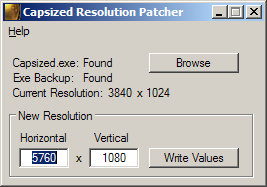
- CapResPatcherScreen.png (9.05 KiB) Viewed 3634 times
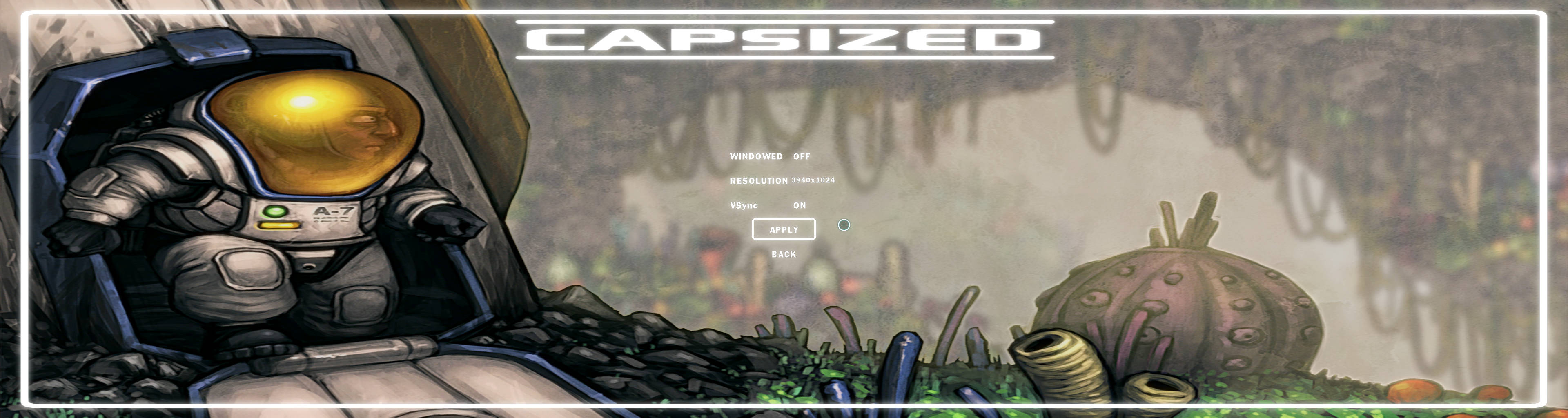
- Capsized-SurroundRes.jpg (409.99 KiB) Viewed 3666 times
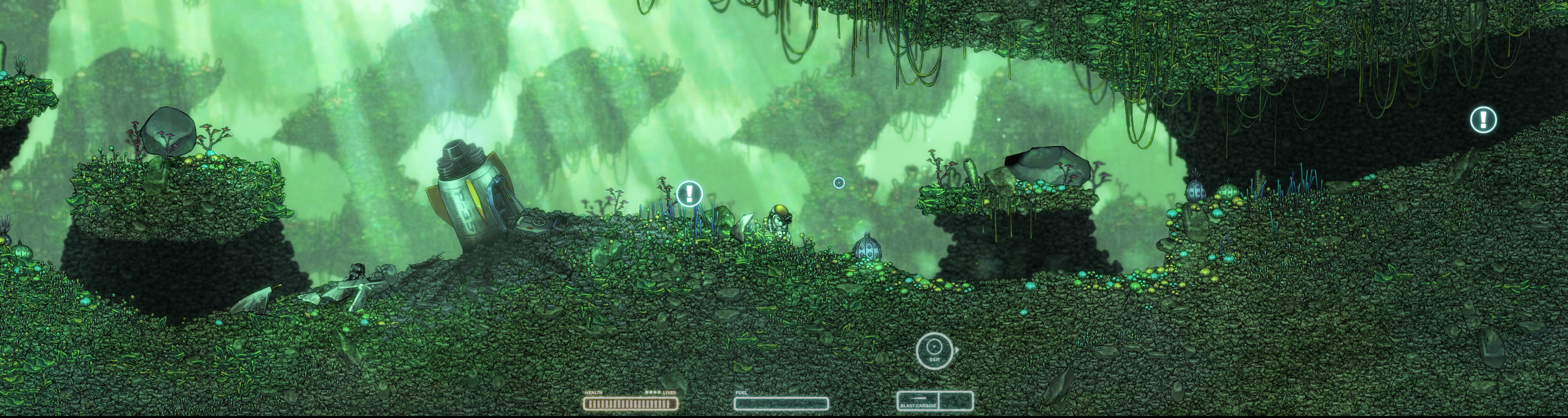
- Capsized-SurroundInGame.jpg (783.27 KiB) Viewed 3640 times
Please report any issues/feedback.
Fantastic, that is cool! It's
Posted: 13 Aug 2012, 08:45
by AussieTimmeh
Fantastic, that is cool! It's actually a great looking game. Cheers!
Re: Capsized Resolution Patcher
Posted: 07 Jun 2017, 00:37
by b0n3z
This doesn't seem to find the EXE correctly even when pointing to the correct directory. Maybe the game has been updated and a different EXE version is now being used? It would be nice to know how to hex edit the exe for those values.
Thank you,
-b0n3z
Re: Capsized Resolution Patcher
Posted: 07 Jun 2017, 10:47
by czarman
Strange the FIX does still work for me, i was curious and downloaded the Game in Steam. To use the patcher, extract the Attachment into your Game Folder where the Capsized.exe is. Run it, write your custom resolution and apply it. Go into the game and select it from the list of resolutions. I added the 4K Solution.
Re: Capsized Resolution Patcher
Posted: 08 Jun 2017, 05:27
by GeneralAdmission
Hello b0n3z,
When you run the tool and it detects the game's exe properly, the Current Resolution line in the gui should show some valid numbers (default of 1440x900) that you can then patch with the New Res fields. Are you using the Steam version of the game? Versions from other vendors are likely different, but I can try adding support.
GA