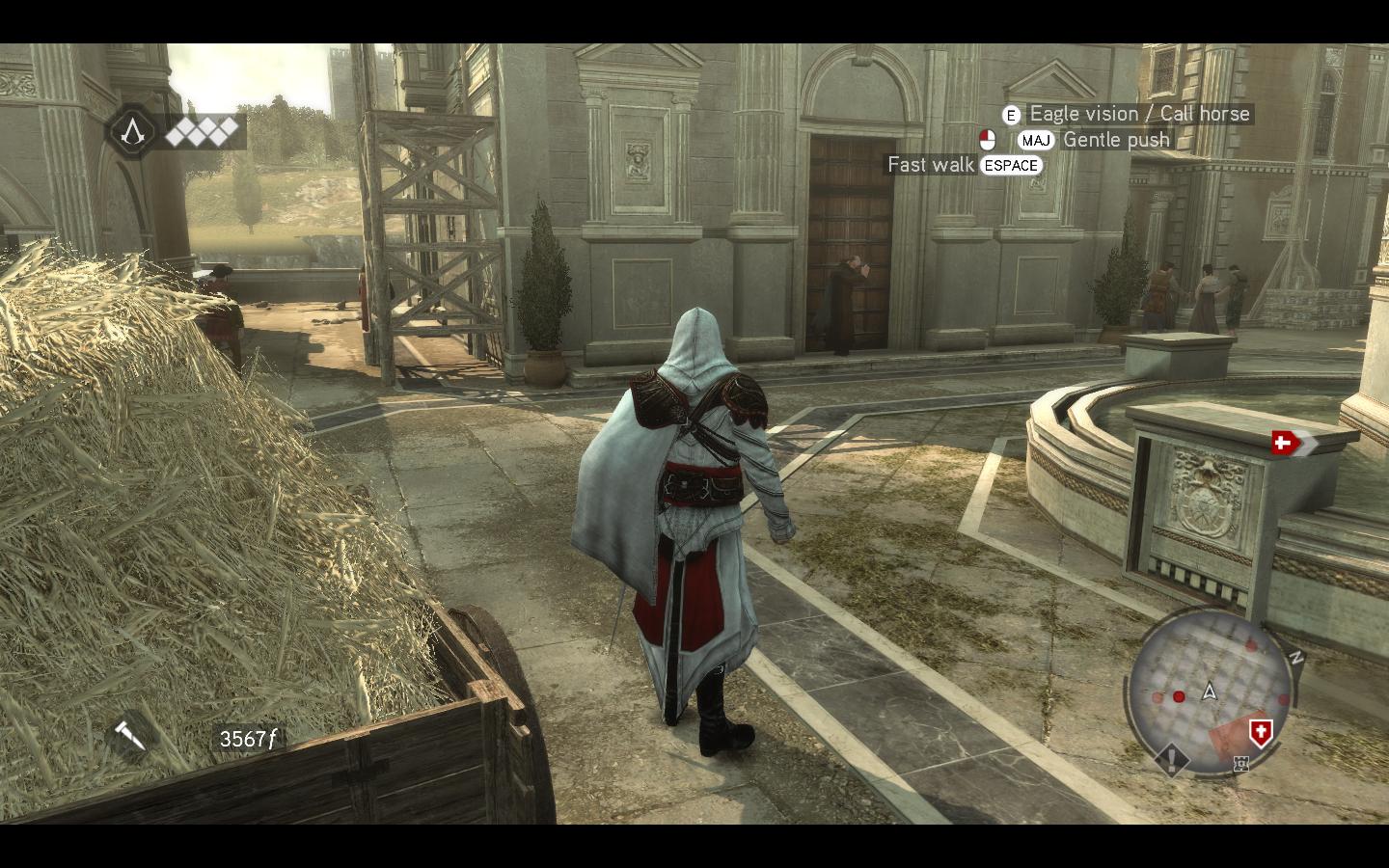
Page 1 of 1
Assassin's Creed: Brotherhood
Posted: 12 Apr 2011, 10:36
by scavvenjahh
 Widescreen Grade: AUltra-Widescreen Grade: BMulti-monitor Grade: A4k Grade: IncompleteRead Full Detailed Report - Assassin's Creed: BrotherhoodThe story of Brotherhood takes place immediately after the events depicted in Assassin's Creed 2, following Ezio Auditore to 15th century Rome. New features include impressively refined graphics, VR training missions, and matchmaking-based multiplayer modes.
Re: Assassin's Creed Brotherhood
Posted: 22 Apr 2011, 19:59
by stone
So now we need a fix for 3 screens Eyefinity portrait layout. The menu in this layout is not fully visible, because both side screens turn black :)
Yes please help with that - I
Posted: 15 Aug 2011, 12:56
by Manav
Yes please help with that - I want to play this and can't in portrait mode
Re: Assassin's Creed: Brotherhood
Posted: 20 Jan 2016, 12:09
by vladabakanj
Is it possible to make Black Bars FIX for this game like for Assassin's Creed II and I
Re: Assassin's Creed: Brotherhood
Posted: 20 Jan 2016, 17:53
by imusrt
vladabakanj, you should try SoftTH. Pretty good chance it will fix your black bars in this game. Like this:
http://www.wsgf.org/blog/imusrt/2015/05/04/assassins-creed-revelations-2011-manual-plp-instructionsFailing that, low chance: you could try resolution edit in %USERPROFILE%\Saved Games\Assassin's Creed Brotherhood\(game-name).ini.
Re: Assassin's Creed: Brotherhood
Posted: 21 Jan 2016, 14:42
by vladabakanj
I'm sorry for bad english, maybe you did not understand what kind of black bars i think. My monitor have 16:10 aspect ratio, it seems that the problem is 16:10 monitors are not supported for this game and make black bars like this
http://www.wsgf.org/f/u/contrib/dr/731/ingame_16x10.jpg
Re: Assassin's Creed: Brotherhood
Posted: 21 Jan 2016, 21:35
by jackfuste
vladabakanj wrote:I'm sorry for bad english, maybe you did not understand what kind of black bars i think. My monitor have 16:10 aspect ratio, it seems that the problem is 16:10 monitors are not supported for this game and make black bars like this
http://www.wsgf.org/f/u/contrib/dr/731/ingame_16x10.jpg
Try it -
Assassins_Creed_Brotherhood_BlackBars_FIX_16_10.7z 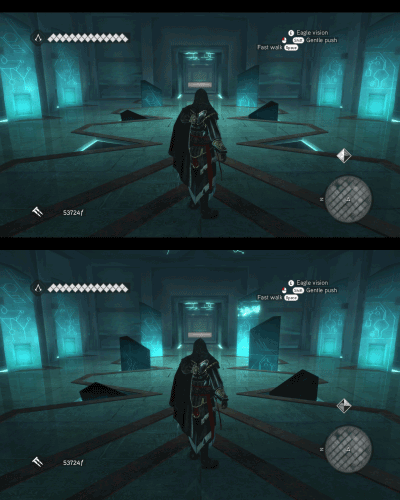
Re: Assassin's Creed: Brotherhood
Posted: 22 Jan 2016, 14:55
by vladabakanj
Work, thank you very much for fix
Re: Assassin's Creed: Brotherhood
Posted: 03 Feb 2017, 15:19
by Syeef
Any fix for 21:9 (2560x1080) cutscenes ? SoftTH doesn't seem to work with Windows 10.
Re: Assassin's Creed: Brotherhood
Posted: 24 May 2017, 23:43
by gamecuber23
The file that "jackfuste" added just yesterday works for me. I did only try the opening cut scenes up until climbing out of the pit to reach Mario. However on the main menu i did notice something different. One of the options on the main menu is "Discover the Shrine in the Basilica di San Pietro" lol. And "Discover the Shrine in the Cloaca Maxima" is an option under Reflection Quality. Other than that, the black bars seem to be gone.