Page 1 of 24
My Monitor keeps going out ? ? ?
Posted: 09 Oct 2009, 22:49
by djspiel
My Monitor keeps going out ? ? ?
Posted: 09 Oct 2009, 22:52
by Gilly
is the adaptor getting stable power from its PSU? is the HDMI cable, adaptor and everything working? does the screen still do the same if you swap the one thats in the DP adaptor for one thats in DVI1 for example? does the problem move to the screen that is then in the DP connection?
My Monitor keeps going out ? ? ?
Posted: 09 Oct 2009, 23:32
by djspiel
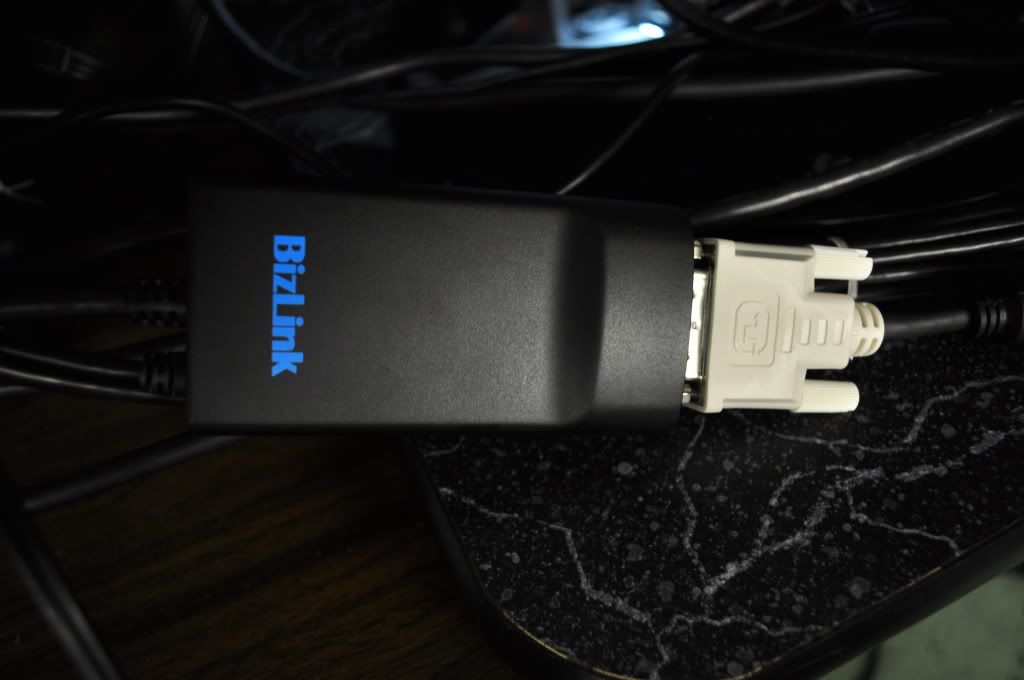
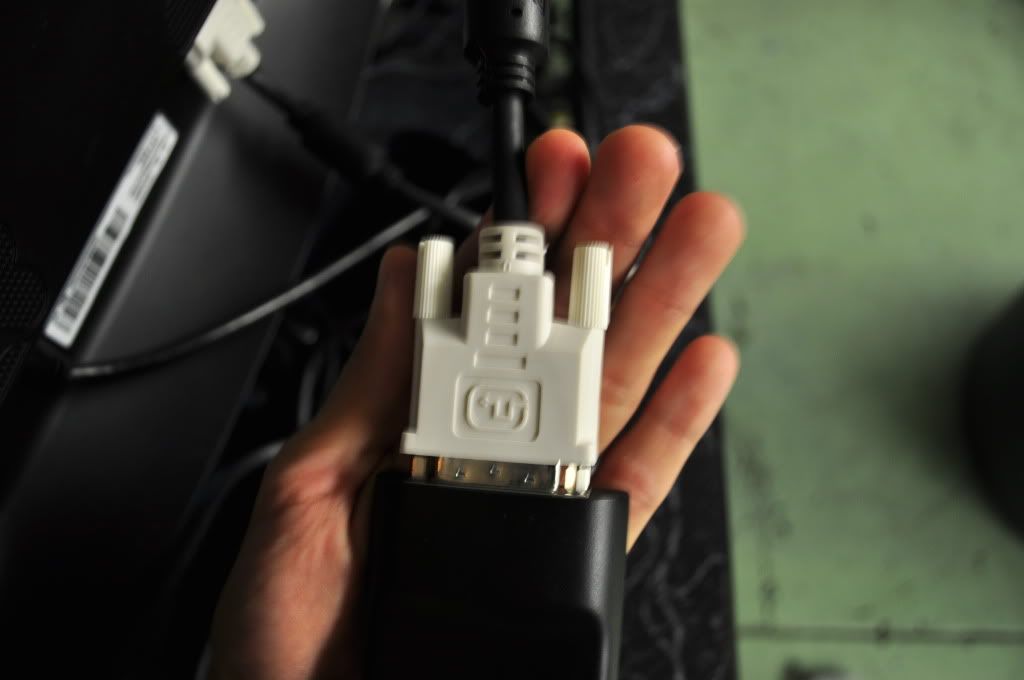
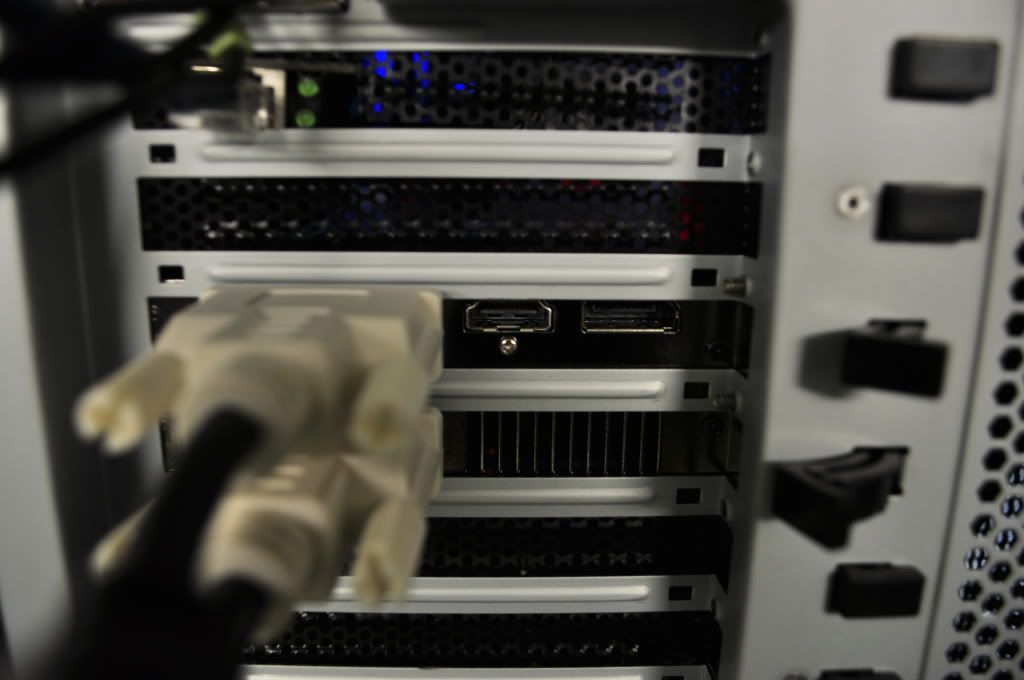
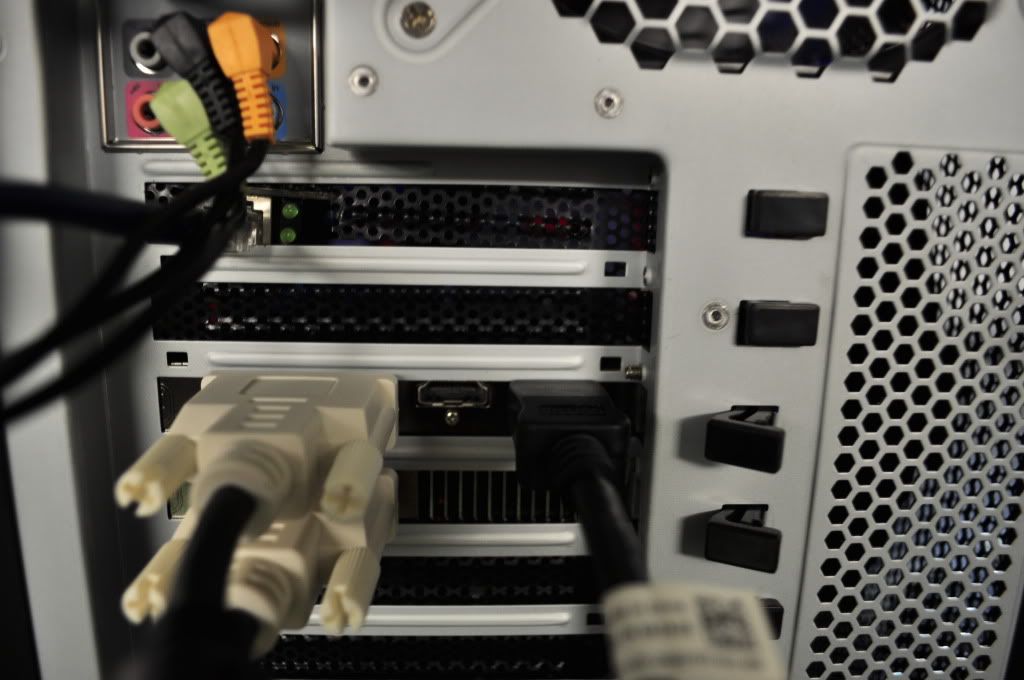
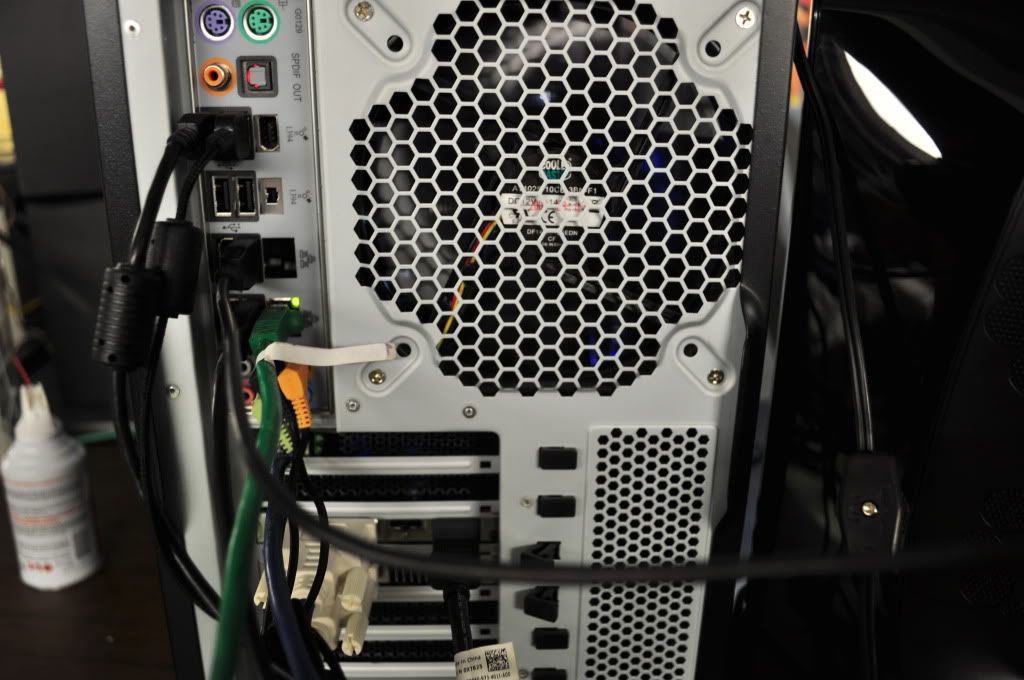
BUMP sorry for confusion....pics edited.
My Monitor keeps going out ? ? ?
Posted: 11 Oct 2009, 05:06
by burlap
I'm getting the same problem. Another way I've found to get it to fix itself, is cycling the power to the adapter, or unplugging the dp plug and replugging it. It sucks because i have to leave my pc outside my cabinet now, but I firmly believe it's a driver issue.
Power isn't a problem for me, and all my monitors are the same model (s2409w).
My Monitor keeps going out ? ? ?
Posted: 11 Oct 2009, 05:32
by djspiel
I switched DVI cables....it hasnt happened again yet.
My Monitor keeps going out ? ? ?
Posted: 11 Oct 2009, 16:32
by burlap
I've tried switching the dvi's around, and no such luck for me. The problem follows to another monitor (always the display port one).
I've gone through all three versions of the 9.10 driver set that i've been able to find, and all do the same thing.
Any ideas???
My Monitor keeps going out ? ? ?
Posted: 11 Oct 2009, 16:36
by Tamlin
Did you check if there is any power saving feature on your screen or on your machine that disturbs the connection? :)
Try disabling power saving both through your screens osd/osm and on your computer (power mode: Always on).
My Monitor keeps going out ? ? ?
Posted: 11 Oct 2009, 16:53
by burlap
Did you check if there is any power saving feature on your screen or on your machine that disturbs the connection? :)
Try disabling power saving both through your screens osd/osm and on your computer (power mode: Always on).
Thanks for your input, man. I appreciate it.
I just tried that, and no luck. :(
I'll type out the message on the monitor, maybe more info will help:
"Message
The current input timing is not supported by the monitor display. Please change your input timing to 1920X1080@60hz or any other monitor listed timing as per the monitor specifications."
I already have it set there, and just to clarify, EF works for me if I plug and replug the USB plug on my BIZLINK adapter (power cycle).
The problem occurs whenever the displays would be making a "resolution change"; booting windows, starting a game (even tho the resolution is the same as the desktop), tabbing back to desktop from game.
Supreme Commander, Team Fortress 2, and Hawx (demo) all work with a power cycle, although sometimes I do get lucky and the display decides it will work. I'd say around 40%.
My rig:
MSI GD-80
Core I7-860
XFX 5870
1 TB HDD
Antec True Power 750W PSU
That said, cooling is definitely not a problem. Case panel is off and 4 120mm fans pushing air around keeps it good to go. USB Power irregularities was suggested, so I put in the extra USB tab that takes up a PCI tab in the rear of the case. I plugged the Adapter into that USB port on it's own, no help. I changed over a couple heavy energy draws to the new USB tab, and moved the adapted back to the MOBO USB slots (different slot), and same issues.
Like I said, thanks for your help, I'm perplexed, but not frustrated... yet :twisted: .
My Monitor keeps going out ? ? ?
Posted: 11 Oct 2009, 17:15
by burlap
I think I found a "good enough" fix that will work.
It seems that it's the s2409w model that has the problem in general. Whether it be the adapter, or the drivers pushing to the monitor, or what, but after the monitor goes "out." If I simply press the power button on the montior on and off (DUH!!!!!!!), it pops up like magic.
I'm really not sure as to what could be causing this, as it makes me think that the card is pushing the wrong frequency for just a moment, or the adapter pushes the wrong frequency to my monitor and confuses it.
My assessment: s2409w does not have active scanning on it's port. After it decides the signal is bad, it gives up until the signal changes, regardless of the signal it's getting. Just what I've put together so far. If I can figure out a better answer, I'll post it up.
But, if you guys have a different idea, or perhaps a new driver set I haven't tried...
My Monitor keeps going out ? ? ?
Posted: 11 Oct 2009, 22:03
by djspiel
im still going strong!!!
mon hasnt given out yet!
My Monitor keeps going out ? ? ?
Posted: 13 Oct 2009, 01:29
by djspiel
My issue has been fixed.
What I did?
Swapped DVI cables...I was usiing a Thicker more shielded cable. So i switched to a thinner DVI Cable.
I took the USB power from the Displayport and I routed it to a USB powered HUB that takes DC power.
My Monitor keeps going out ? ? ?
Posted: 15 Oct 2009, 03:42
by djspiel
Well IT HAPPEND AGAIN!!!!!!!!!!!!!!!!!!!!!!!!!!!!!!!!!!!
My Monitor keeps going out ? ? ?
Posted: 15 Oct 2009, 11:30
by Paradigm Shifter
But took a lot longer?
My Monitor keeps going out ? ? ?
Posted: 15 Oct 2009, 21:16
by suiken_2mieu
How long is your DVI cable that comes out of the adapter? If it's long, use a shorter cable. That's what i had to do when I was using a 10' from my triplehead2go.
omg same thing is happening to me
Posted: 16 Oct 2009, 03:52
by DocWonder
i have the same adapter from dell... the bizlink adapter. Both dvi inputs work flawlessly... however when i hook up the displayport-dvi adpater to any of the monitors, it starts to mess up... it will turn off and on and off and on... its insanely annoying. Anyone figure it out yet?
I think it may be just a faulty displayport-dvi adapter...
My Monitor keeps going out ? ? ?
Posted: 17 Oct 2009, 03:10
by DocWonder
bump....
anyone figure out what is causing the monitor connected to the displayport via a bizlink displayport to dvi adapter to turn off and on like it loses a connection?
My Monitor keeps going out ? ? ?
Posted: 17 Oct 2009, 04:59
by suiken_2mieu
bump....
anyone figure out what is causing the monitor connected to the displayport via a bizlink displayport to dvi adapter to turn off and on like it loses a connection?
didja try using a shorter cable?
My Monitor keeps going out ? ? ?
Posted: 17 Oct 2009, 18:17
by DocWonder
Yea, i tried several different dvi cables... all of them dual link.
My Monitor keeps going out ? ? ?
Posted: 17 Oct 2009, 20:10
by Deke
After seeing that this is a problem with the Displayport and the adaptor, I was wondering what everyone was talking about, as I too have 3 monitors and all of them are DVI inputs so I am using the Active adpator much like everyone else but mine is made supposedly by seawell where I ordered it from.
When I start a game the displayport monitor goes off for a second, as I'm using Vista x64 Premium it shows that the Windows Color scheme was changed by the running progam FSX when it started.
So I changed to the Windows Standard Color Scheme and it no longer does this.
Not sure if this is what everyone is talking about or not.
Deke :)
same prob
Posted: 27 Oct 2009, 02:34
by mikkey
config: i7 860, 5870 gigabyte, eyefinity config with 3 dell 30"
I experience same problem with the active displayport adapter from dell (bizlink) and 5870 from Gigabyte. 3rd monitor connected to the displayport adapter blinking off then on with no principle. Sometimes no blinking long time sometimes very often.
I think it's the adapter or 5870 issue. If we see someone with 100% stable triple eyefinity config working other brand adapter (not dell/bizlink) we can figure out the adapter's issue.
______________________________________________________________
i7 860 @ 4.01 / 8gb g.skill @ 1910 / 5870 gigabyte / eyefinity triple dell 30"
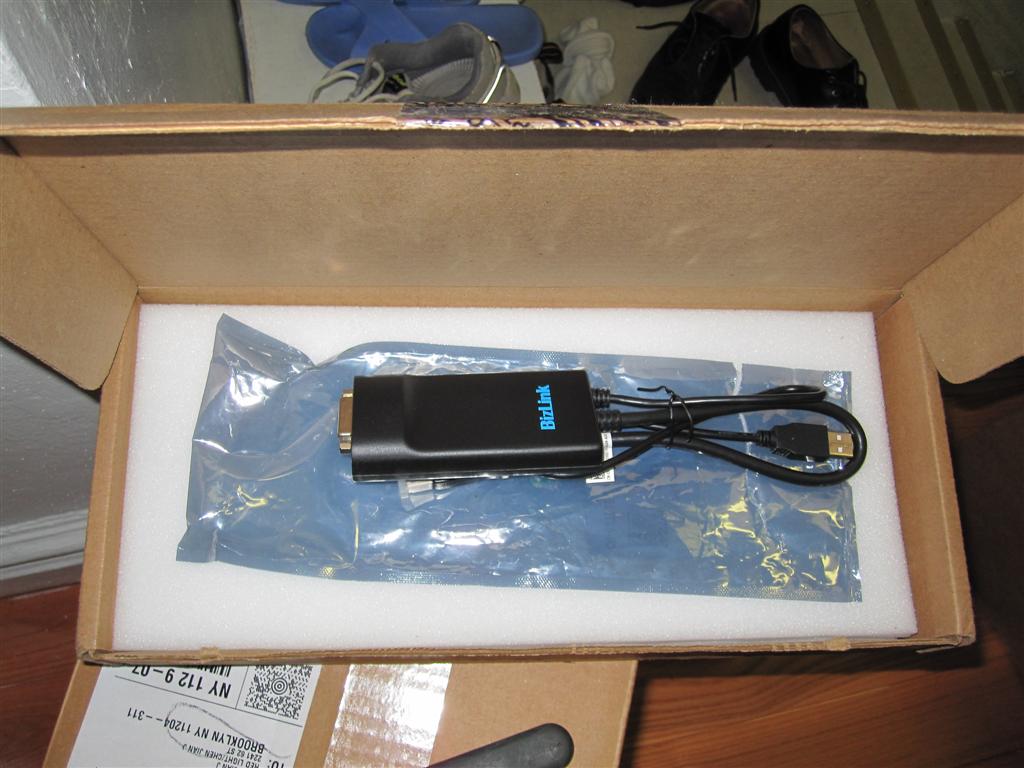
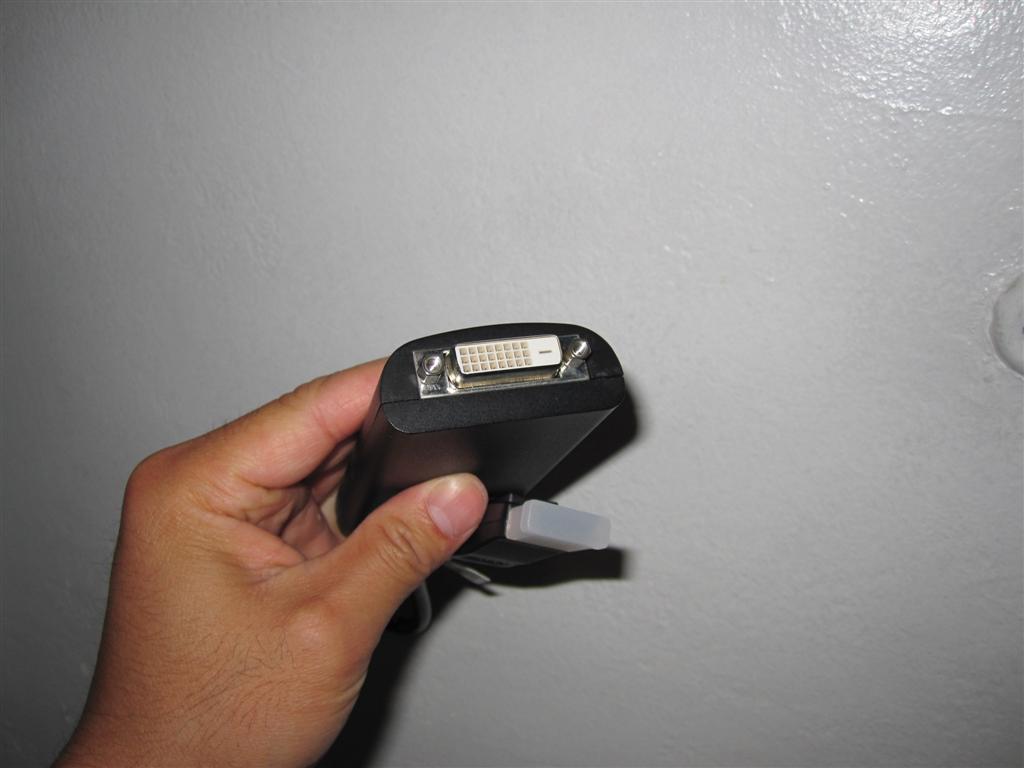 USB POWERED ^^^^^