Page 1 of 2
Finally got around to setting up my EyeFinity
Posted: 28 Sep 2009, 02:20
by geniv2
Finally got around and got EyeFinity setup at 3am last night....
What a pain in the arss.. I got the card friday afternoon..
1) the card needs to have an Active DP-> DVI adapter or a display with native DP input to run in triple monitor mode
2) Triple monitor mode won't work on WinXP with the current drivers. (not sure when it will) so I have to install Windows 7 64bit.
(first time using it.. it do seem pretty good. but now I have to reinstall bunch of programs and setting I use)
3) I have to open one of my monitor that I have to resell to test
4) take out a drive cage on my case..
good thing I got a native DP monitor new to test.
anyway its all done heres some pictures
Size Comparison. (it hard to tell but the 5870 is longer by alittle)

just a tad too long

have to take out the drive cage

I have to use plastic strap to keep the drive in place

all in

heres a knife to prove the rig is mine :P

Finally got around to setting up my EyeFinity
Posted: 28 Sep 2009, 02:22
by geniv2
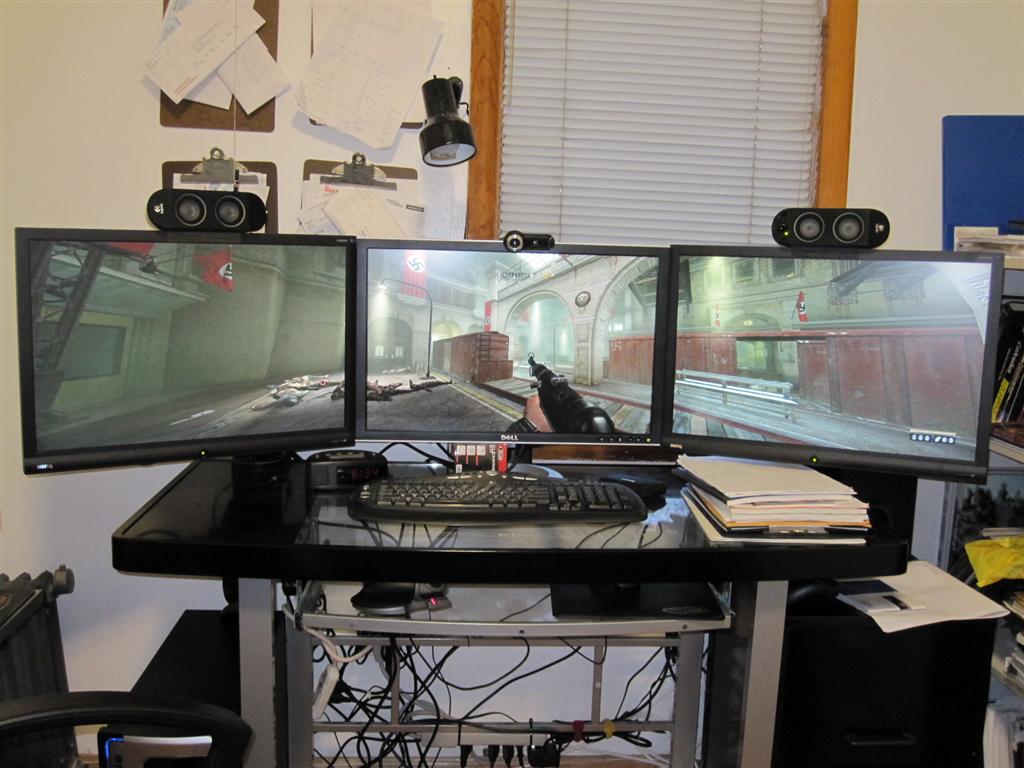
some games running on 3x1920x1200
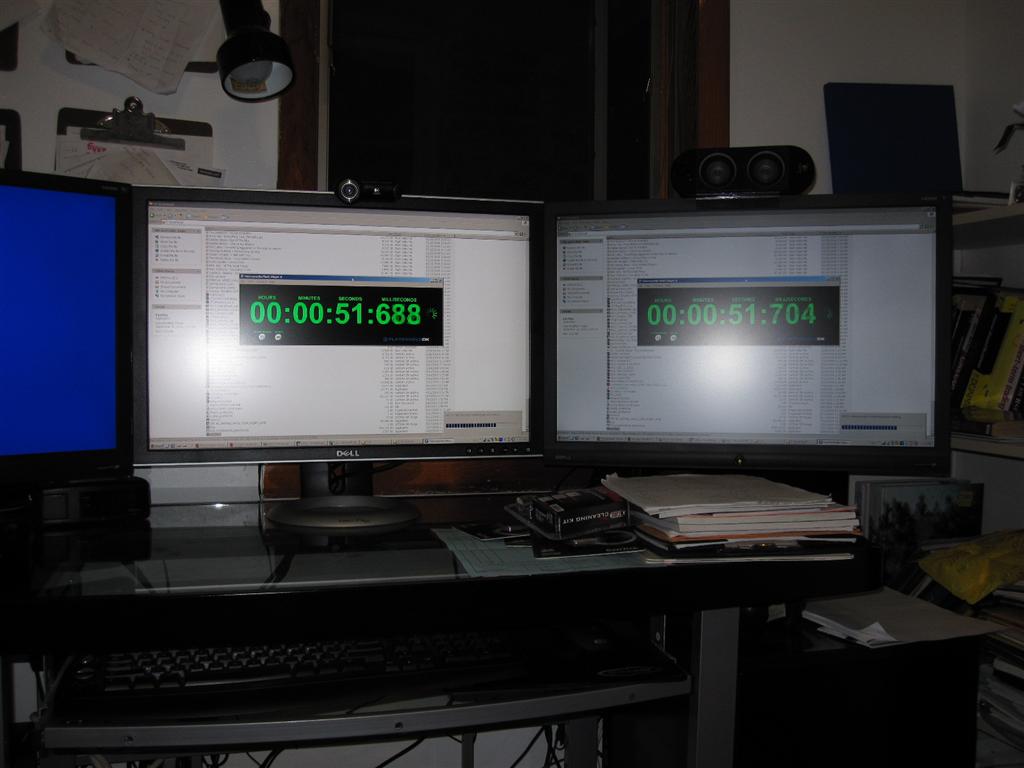
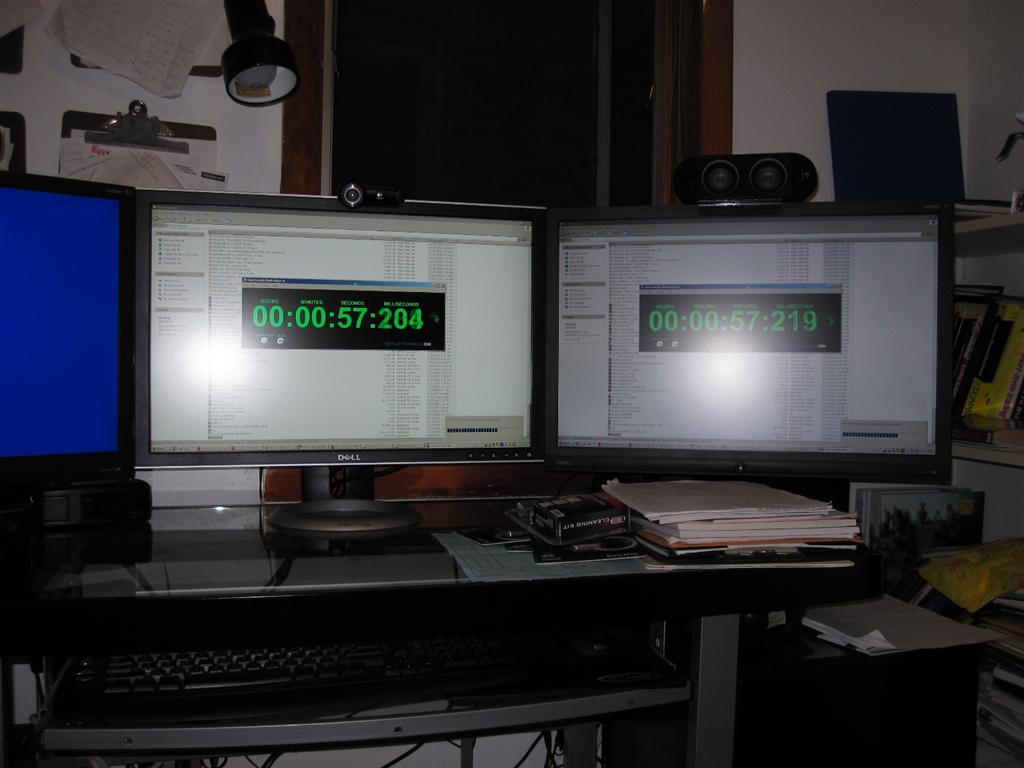
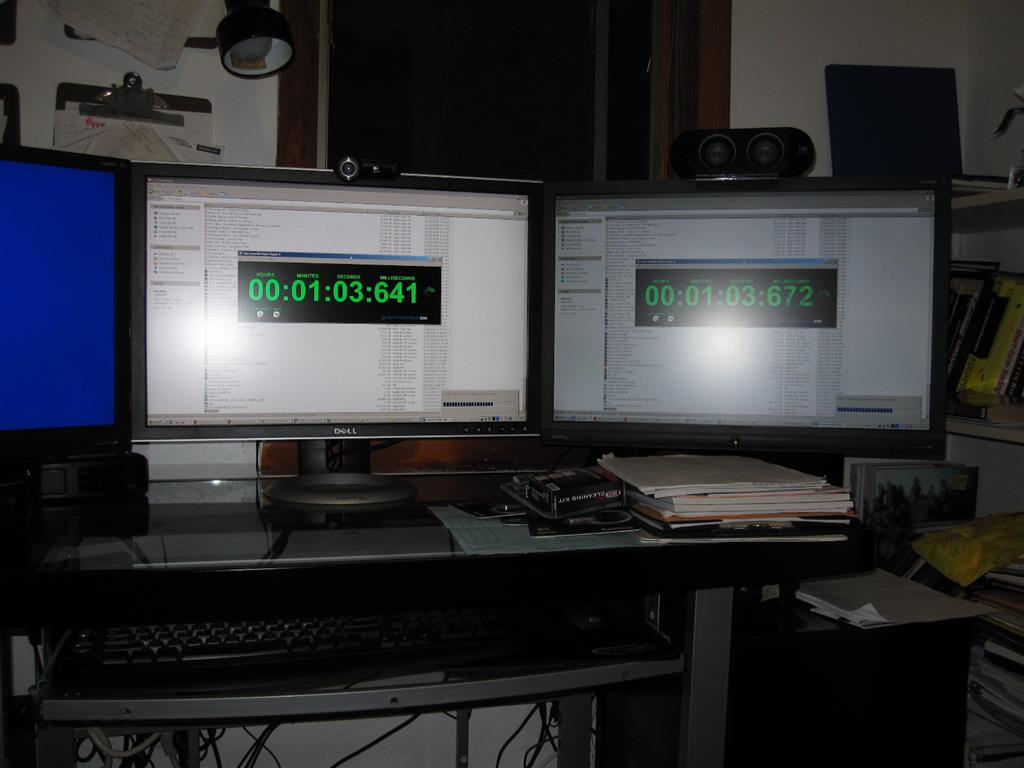
Here's some pic of the input lag between the BenQ G2400WD vs the Dell 2408WFPb A02
Finally got around to setting up my EyeFinity
Posted: 28 Sep 2009, 02:28
by geniv2
All running in 3x1920x1200. I tried about 7 games (mostly current ones) and they all work with the exception of 1 (sega rally Revo).
The game that doesn't run I think it have more to do with it being on Win7 as it won't even run on regular 1920x1200 resolution.
Those games were already working and preconfigured for Th2g already.
The actual setup of the games for eyefinity was just changing the resolution from my preconfigured 4320x900 to 5760x1200.
I really have to admit playing in in full triple 1920x1200 native resolution is such a better/clearer/shaper picture than the 1440x900 triple I use to do on the Th2g.
Wolfenstein 3
deadspace
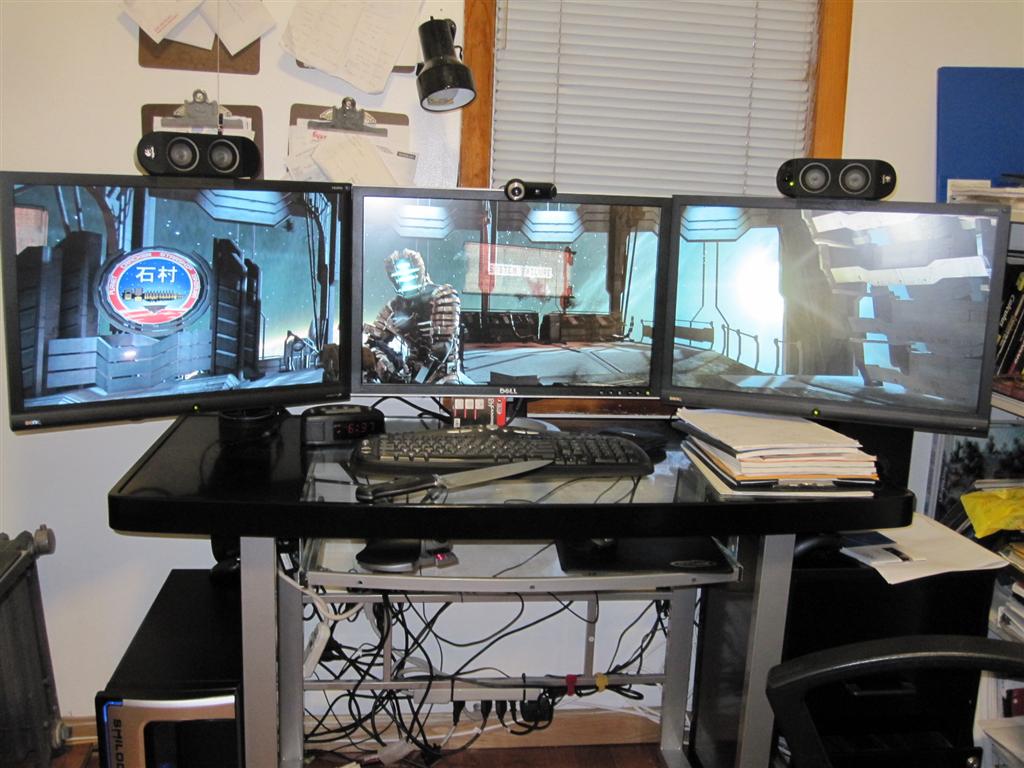
COD4
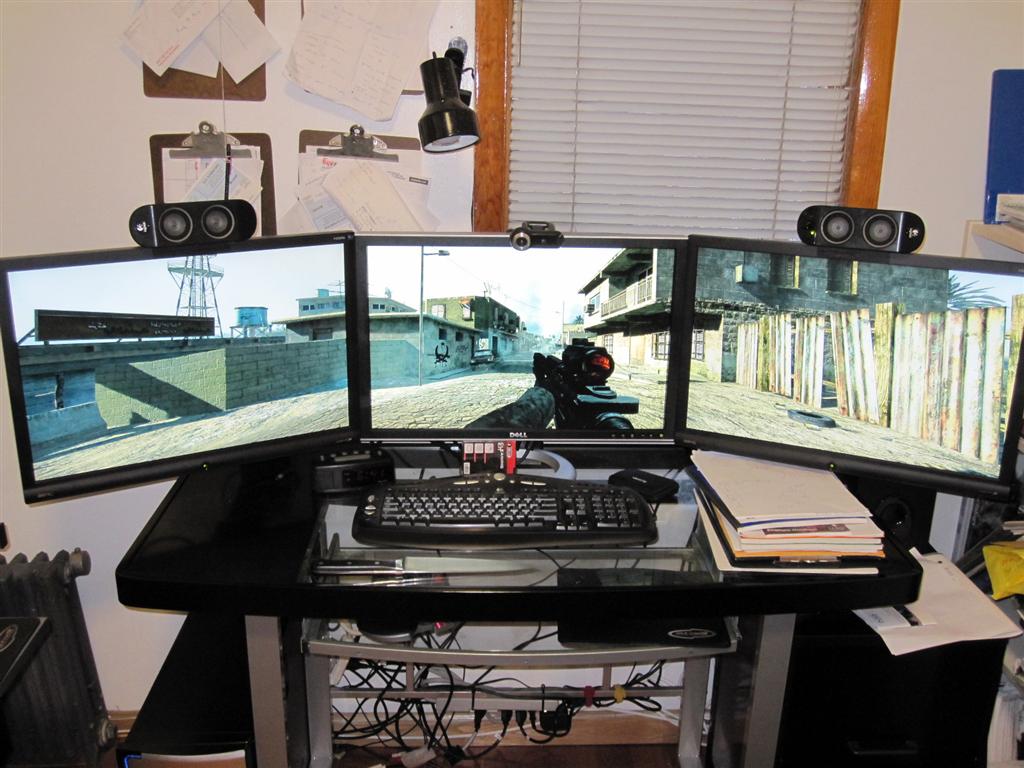
nEED for Speed: Shift
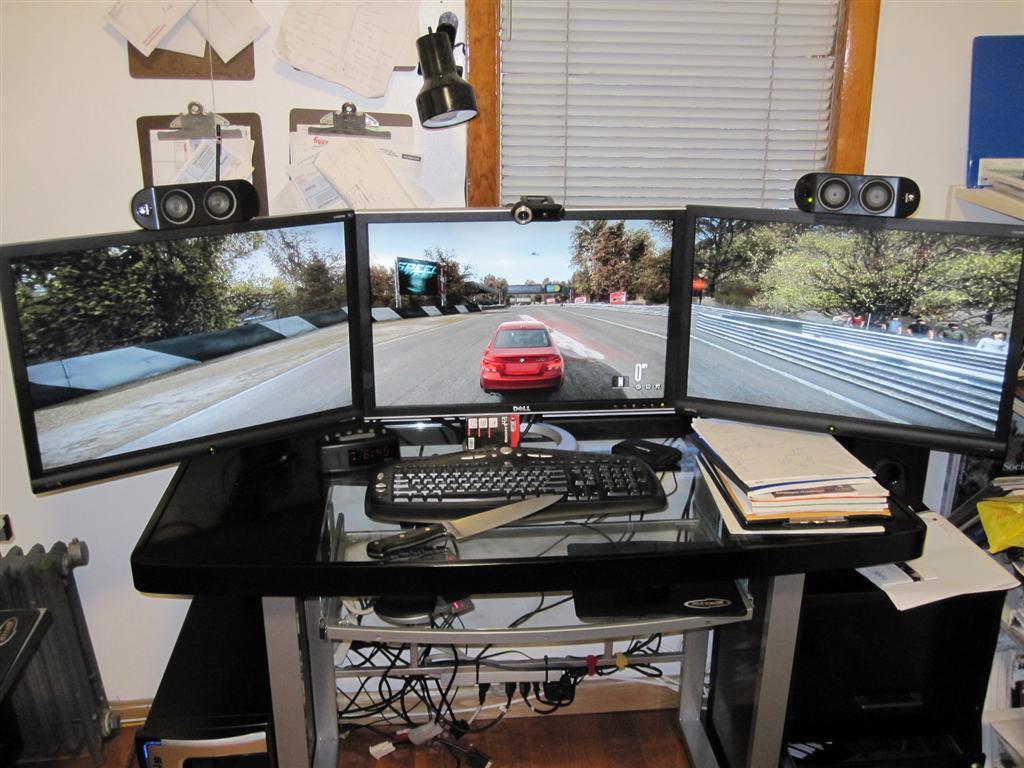
PainKiller
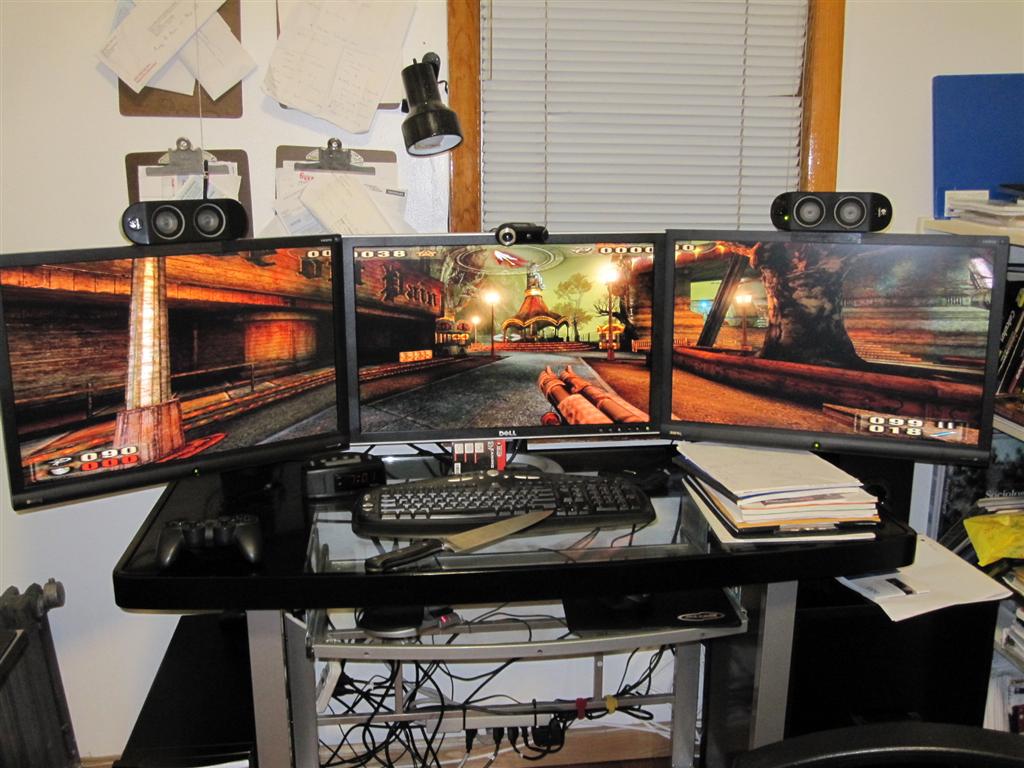
UT2004
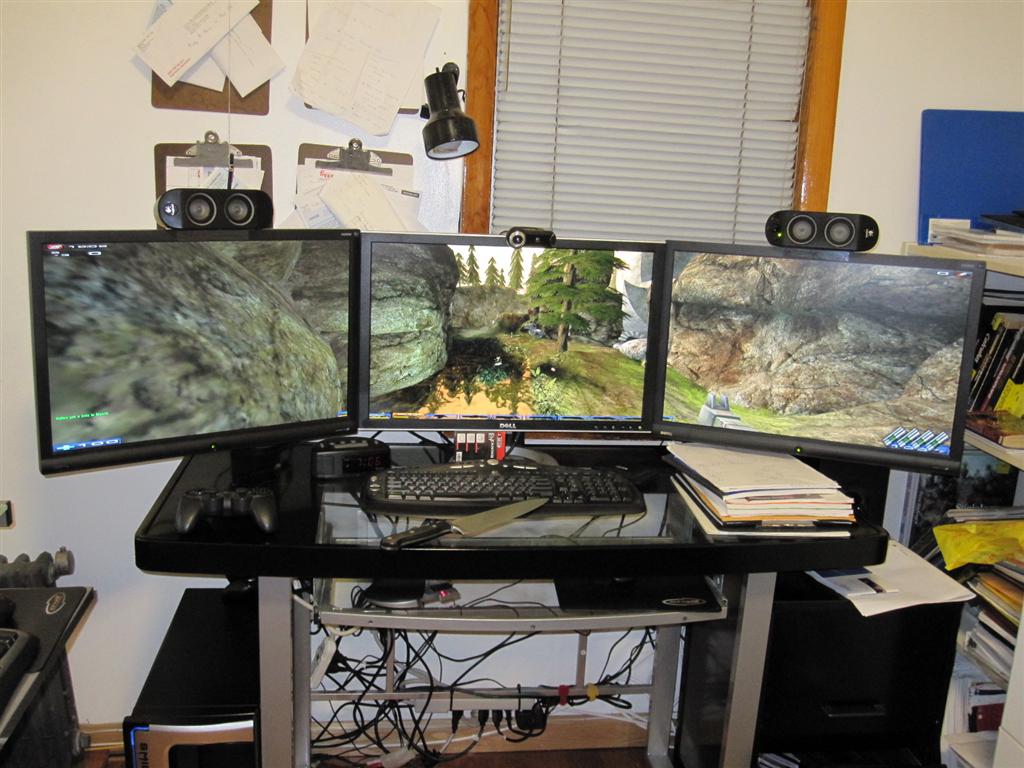
so apparently DX8 games do support higher thank 4096 resolution
Finally got around to setting up my EyeFinity
Posted: 28 Sep 2009, 03:40
by packerfan
Nice shots, Update the sig ;)
Its crazy how the minor distance in length between the 9800gx2 and the 5870 caused you to have to remove the drive cage, just how tight was it before?
Finally got around to setting up my EyeFinity
Posted: 28 Sep 2009, 05:10
by ViciousXUSMC
Ooo I forgot Dead Space supported triple wide, I'll have to revisit that one. Wonder if its less/more creepy than the super zoomed in shoulder cam with just 1 screen.
Finally got around to setting up my EyeFinity
Posted: 28 Sep 2009, 05:18
by morolen
a glimmer of hope for WSG it seems, good to hear and thanks for the 3am crunchfest!
Finally got around to setting up my EyeFinity
Posted: 28 Sep 2009, 07:28
by cybereality
Oh crap, now we are cooking with gas!!!
heres a knife to prove the rig is mine
But how can I be sure that knife belongs to you?
Finally got around to setting up my EyeFinity
Posted: 28 Sep 2009, 07:34
by ViciousXUSMC
Framerates good at full native on all 3 24" panels?
I am a bit concerned with newer games that a single card may not be enough.
Finally got around to setting up my EyeFinity
Posted: 28 Sep 2009, 09:19
by Omarko
looks great buddy .... thanks for posting that up ...
I am patiently waiting on whats gonna happen with this whole Eyefinity fiasco ...
Finally got around to setting up my EyeFinity
Posted: 28 Sep 2009, 11:12
by scavvenjahh
Need another Wolfenstein shot - with Da Knife. :mrgreen:
Congrats mate. 3x 1920 with no third-party hard- or software... if you except the OS and DP panel. Impressive anyway.
Finally got around to setting up my EyeFinity
Posted: 28 Sep 2009, 11:20
by thales100
Congratulations geniv2, looks great. :)
Finally got around to setting up my EyeFinity
Posted: 28 Sep 2009, 11:31
by craigae
Thanks for the useful pics!
Finally got around to setting up my EyeFinity
Posted: 28 Sep 2009, 12:08
by Magic Man
Thanks for the pics...
Your next purchase should be a larger case! :D Would help get some of those cables out of the way as well...
Glad I got my HAF932 earlier this year, shouldn't have a any worries with space.
Finally got around to setting up my EyeFinity
Posted: 28 Sep 2009, 12:54
by Abram
What kind of case are you using?
Unrelated - i noticed you Remote Wonder receiver and what i assume is a Logitech RF receiver. How are those connected? Internally somehow, or extrenal and fed into the case? I woudl assuem that the case would interfere with the RF signals, but i guess y ou dont; ahve that problem. Just wondering because i too, have thsoe bastards conencted to my rig, 24/7.
What does that new card measure in length?
Finally got around to setting up my EyeFinity
Posted: 28 Sep 2009, 14:50
by WaveZtream
Framerates good at full native on all 3 24" panels?
I am a bit concerned with newer games that a single card may not be enough.
Like CF will help
Finally got around to setting up my EyeFinity
Posted: 28 Sep 2009, 16:28
by Darthdingo
Looks great :)
Do you play WoW or any MMO's like Aion ? Would love to see some screens of that.
Wolfenstein 3 and COD 4 looks sweet.
yeah looks I am screwed for Eyefinity, I currently have the Apple 30" Display, awesome monitor bought back in 2006, but I can't add anything on either side except 2 more 30" Displays, and no thanks at that high price. My other option was three new 1920x1200res monitors, but that is still a few bucks, oh well...
Finally got around to setting up my EyeFinity
Posted: 28 Sep 2009, 16:49
by geniv2
Ok, I will try to answer everyone's question in one post:
here are more pictures, I just didn't post them all on the thread
http://www.geniv.com/download/Eyefinity/
Specific answers to:
Cybereality
As for the knife.. I was on another forum and some guy got his 5870 faster than me and posted pictures.. and then rubbed it in and posted picture of two of them on one machine.. so I told him to take a picture of the cards from another angle with a kitchen knife to prove its his and not some pic from the internet. so in my pics I put a knife in it as a gag to him.
ViciousXUSMC
All the games run smooothly at 5760x1200 with the exception of Crysis (about 15-19fps) and NSF shift (about 25-30fps, but it's still very playable. If I disable Motion blurr I get very smooth fps).
and I have all gfx options on + 16xAF + 0AA. some older games COD4 I can have all optiosn on with 16xAF +4xAA.
Abram
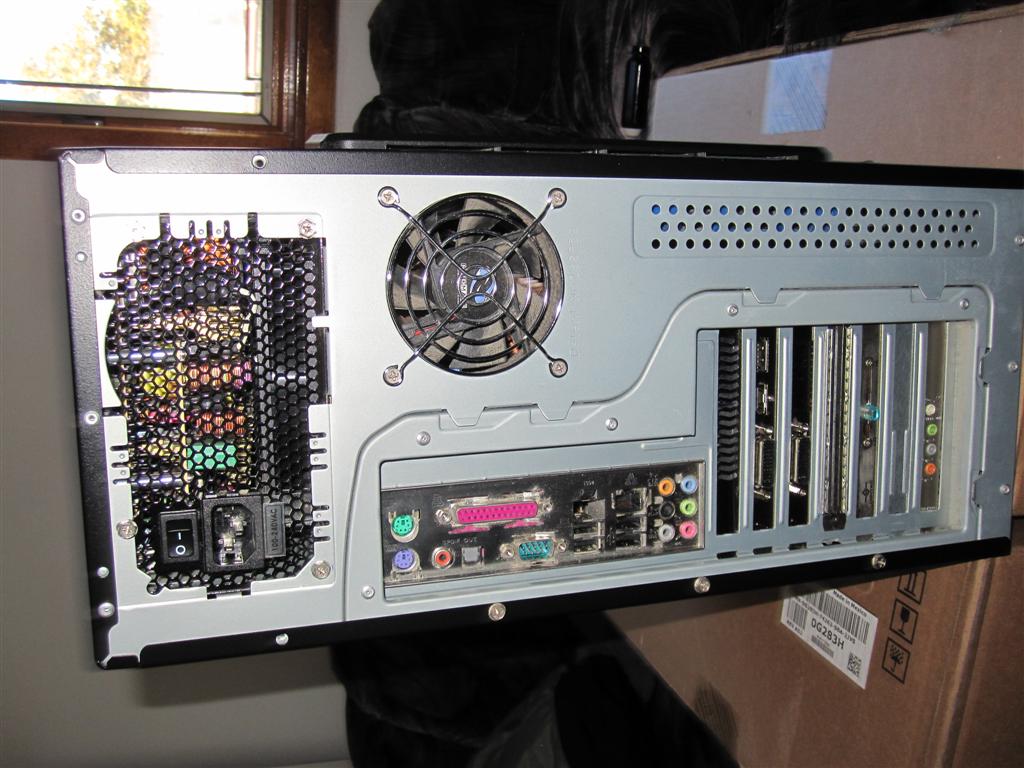
I'm using a 3 year old RAidMax Smilidon case. Yes you are right I have a ATI Remote Wonder II dongle and Logitech Wireless RumblePad 2 dongle. they are connected via regular USB but internally. I took the mounting bracket off those USB brackets that you add to an expansion slot. so I plug that in the
internal USB header and just shove the USB connectors + cables inside the case and connecte the dongles to that inside the case. (the whole cable/usb port thing is all under the 3.5" cage).
As for the Dongles reception.. I game close to the computer anyway so the Logitech wireless rumblepad still get good reception. and the ATI remote.. I drill a little hole in the plastic window to stick the antenna out for better reception:
Notice the white wire sticking out of the case window.
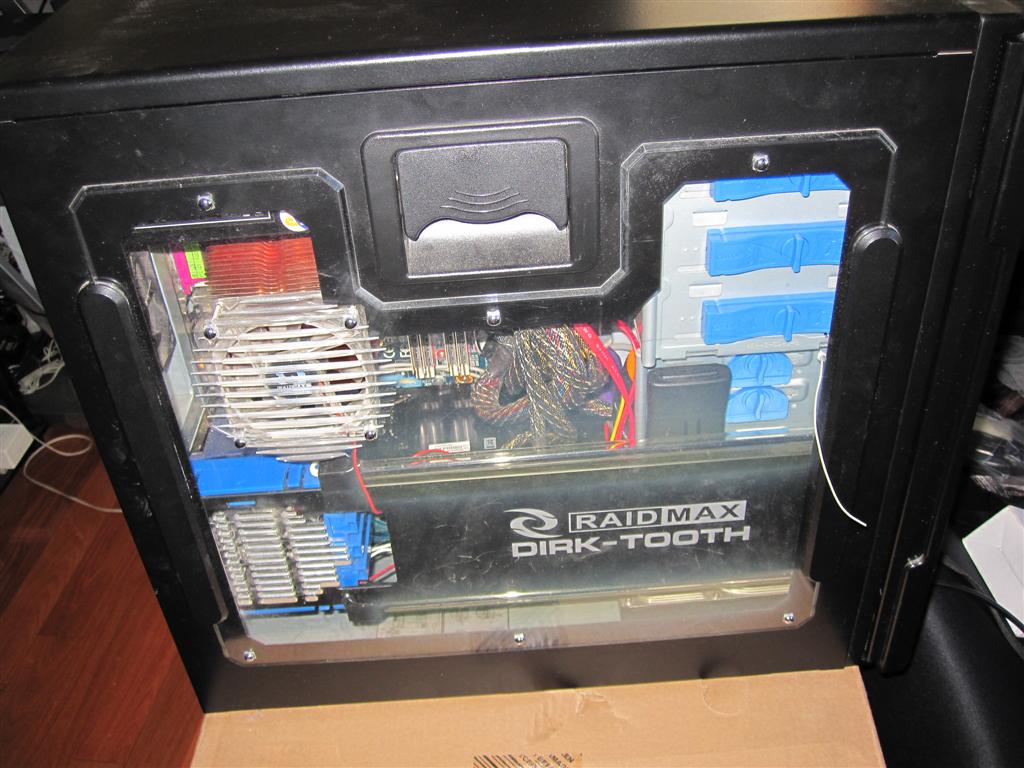
when it's all said and done it's nice and neat and both wireless dongle is inside the case internally with nothing hanging out or run around from the back
Finally got around to setting up my EyeFinity
Posted: 28 Sep 2009, 19:05
by thatdude90210
Oh man, that COD4 screen looks so awesome I want Eyefinity now, damnit. Unfortunately, though my 5870 arrives tomorrow, I'm still on XP and will have to wait til 10/22 for Windows 7.
I guess you could always take a dremel tool to the drive cage if you want add it back. I might have to do that to mine. Mine is not removable and I have ~11 + 1/16" of clearance. I'm not exactly sure on that measurement as the paper I used to measured it with was a touch flexible. It's going to be close.
Finally got around to setting up my EyeFinity
Posted: 28 Sep 2009, 19:41
by Downtown1
Looks pretty sweet, wonder how long that is compared to a 4870 X2?
Finally got around to setting up my EyeFinity
Posted: 28 Sep 2009, 19:53
by ViciousXUSMC
I'll join you soon, got the HIS 5870 this morning from newegg when it came in stock, probably in the next 3 days all my monitors, cables, and the gpu should be here.
I'll find out the hard way if it can push all 4 of my monitors without a 2nd card (not at the same time, need to toggle between one of my 24" monitors to my 37" TV for movies and single screen games)
I have 3 days now to finish building my new desk and get my room back together.