Windows 7 Pillarboxing
Posted: 04 Aug 2009, 16:54
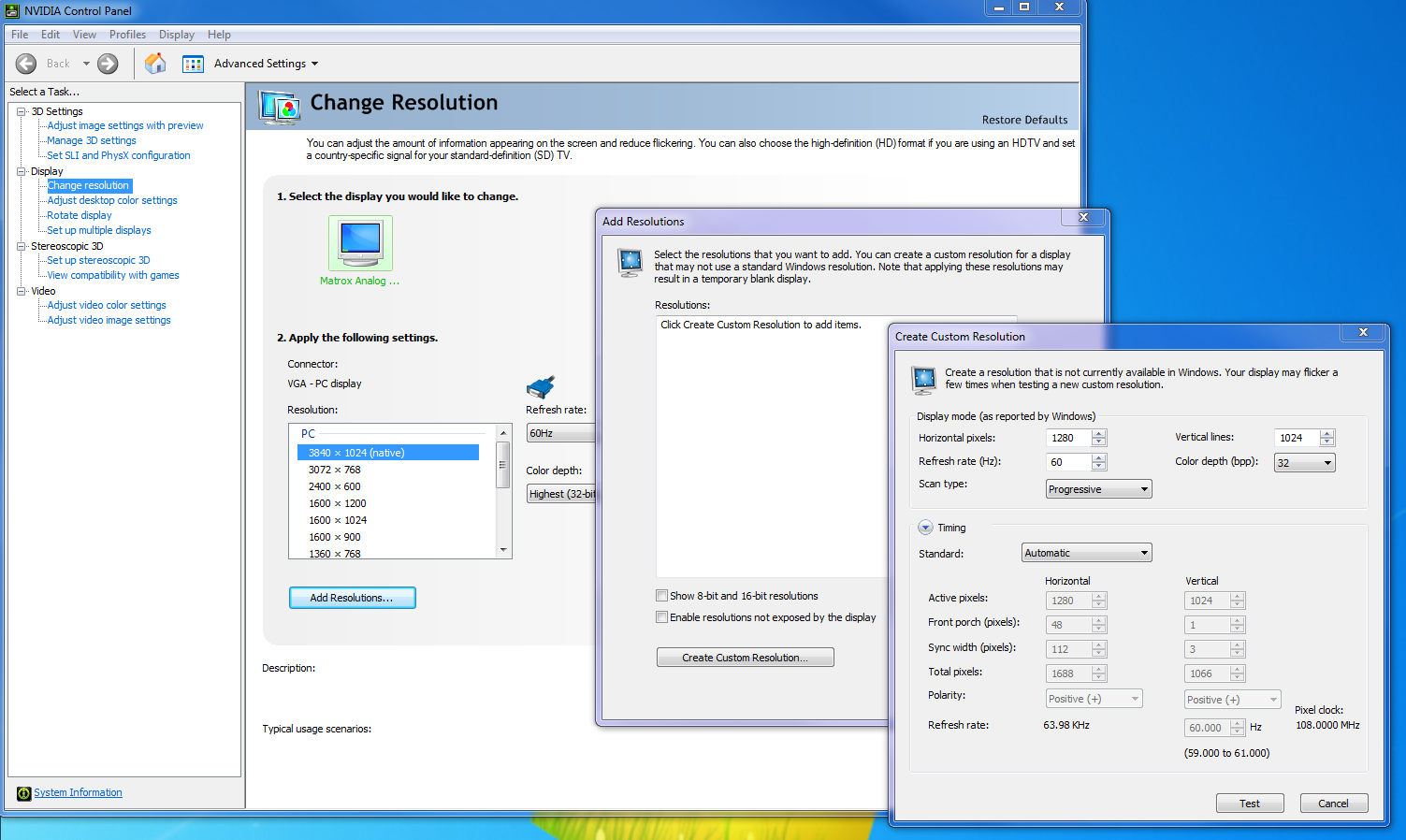
I've been using the Windows 7 RC with my Triplehead setup for about 2 months now without a hitch until now. Windows 7 used to automatically pillarbox resolutions that were smaller than 38040x1024 for me, it was extremely nice.
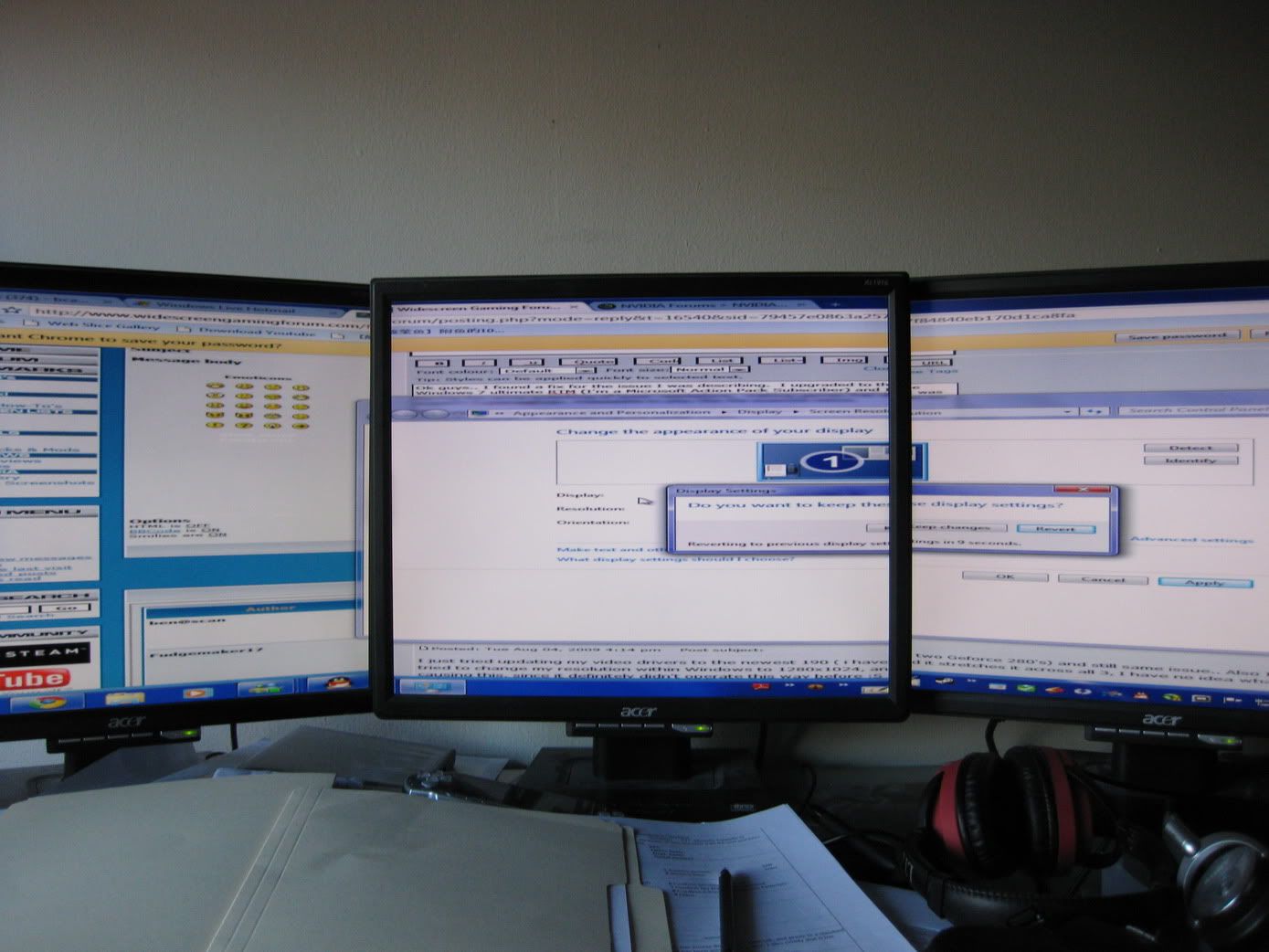
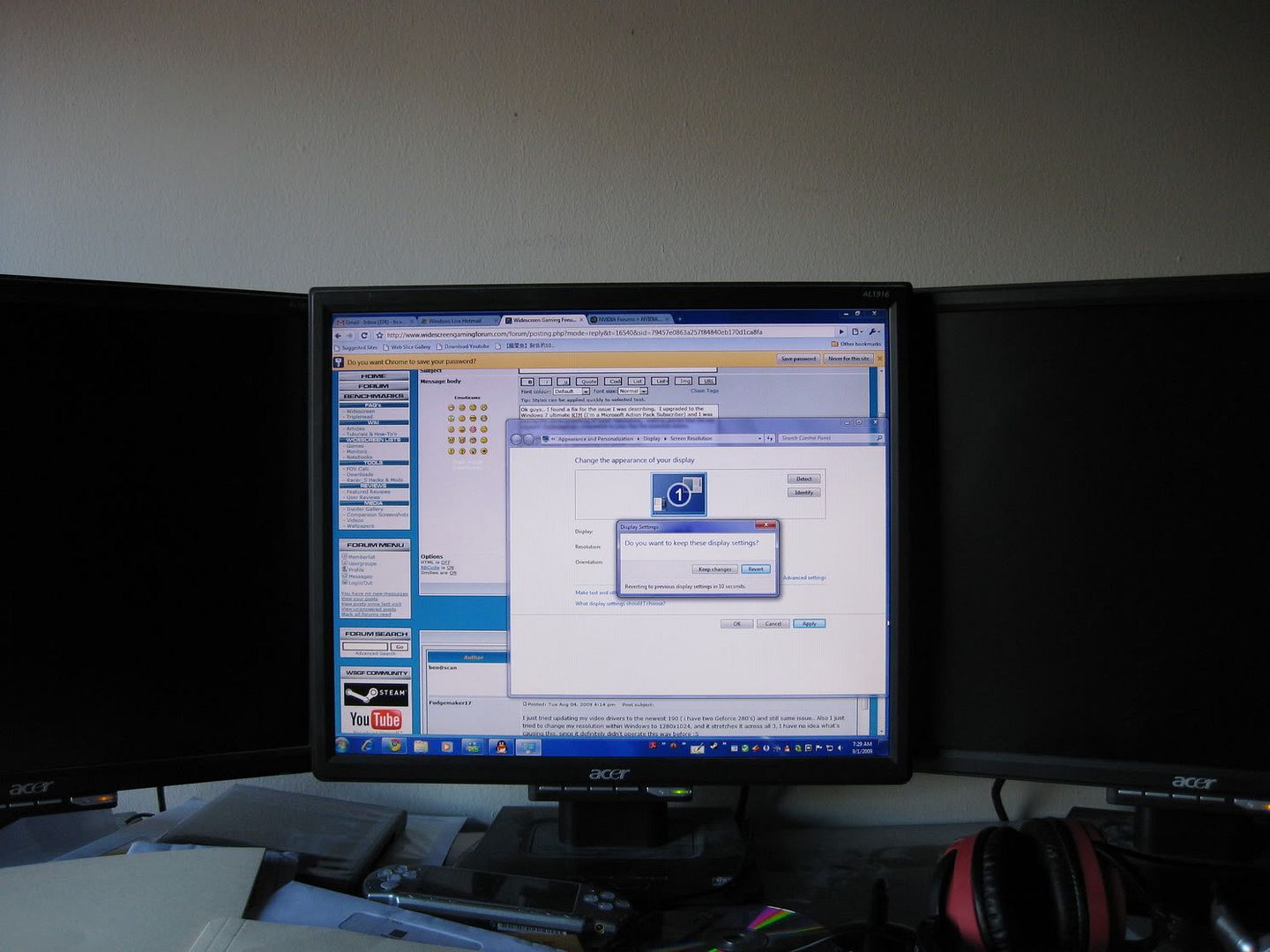
Now I don't know what's changed, I haven't changed drivers or settings on my computer but now, its auto stretching every resolution to fill 3840x1024, I can't even play single monitor mode. Normally If I wanted to play "full screen" a game that didn't do Triplehead I would set the res to 1280x1024, and my left and right monitors would turn off, and I would play using just one of my monitors. But now Its just stretching across all 3 monitors, and 1280x1024 stretched across 3 monitors us Fugly.
However, if I set the game to windowed mode, it puts it in a window of the proper size, the moment I say full screen, it stretches across all 3, no matter what resolution. This is with ALL games so far, not just one, (WoW, Mass Effect, Fallout 3, TF2 and Aion) I've also tried exiting PowerDesk to see if that was causing an issue and no dice. Any ideas?
Now I don't know what's changed, I haven't changed drivers or settings on my computer but now, its auto stretching every resolution to fill 3840x1024, I can't even play single monitor mode. Normally If I wanted to play "full screen" a game that didn't do Triplehead I would set the res to 1280x1024, and my left and right monitors would turn off, and I would play using just one of my monitors. But now Its just stretching across all 3 monitors, and 1280x1024 stretched across 3 monitors us Fugly.
However, if I set the game to windowed mode, it puts it in a window of the proper size, the moment I say full screen, it stretches across all 3, no matter what resolution. This is with ALL games so far, not just one, (WoW, Mass Effect, Fallout 3, TF2 and Aion) I've also tried exiting PowerDesk to see if that was causing an issue and no dice. Any ideas?