Page 1 of 1
The Lord of the Rings: Conquest
Posted: 05 Jun 2009, 20:30
by scavvenjahh
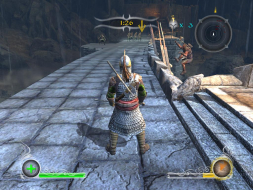
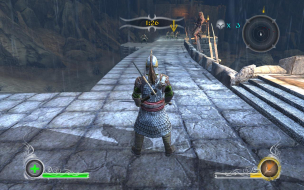
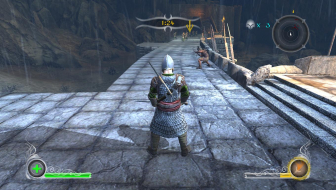
 Widescreen Grade: AUltra-Widescreen Grade: IncompleteMulti-monitor Grade: B4k Grade: IncompleteRead Full Detailed Report - The Lord of the Rings: ConquestEA's last take on the Lord of the Rings movies' license combines the classic gameplay of the Star Wars Battlefront titles and beat-em-up elements from the Return of the King game. It features two solo campaigns and skirmish maps as well as 16-player (only!) multiplayer modes.
LOTR: Conquest
Posted: 06 Jun 2009, 03:02
by The_cranky_hermit
Do you think the issues with TH should be graded as a blemish? I'm inclined to say yes, but you have the game, so I want to hear your opinion.
LOTR: Conquest
Posted: 06 Jun 2009, 18:17
by scavvenjahh
I do not wish my clunky description to make the issues sound worse than they are, but yes, the game is clearly not blemishless. As far as ws/TH support is concerned, Conquest deserves a solid silver medal for native Hor+ across the board, but can't quite get the gold imho.
LOTR: Conquest
Posted: 06 Jun 2009, 22:00
by The_cranky_hermit
Then the game gets a B, and CCE is 100%. The TH issues and subtitle stretching get counted as one blemish each.
LOTR: Conquest
Posted: 25 Oct 2009, 18:27
by kiselk
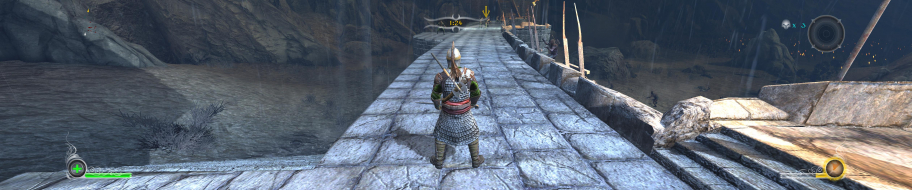
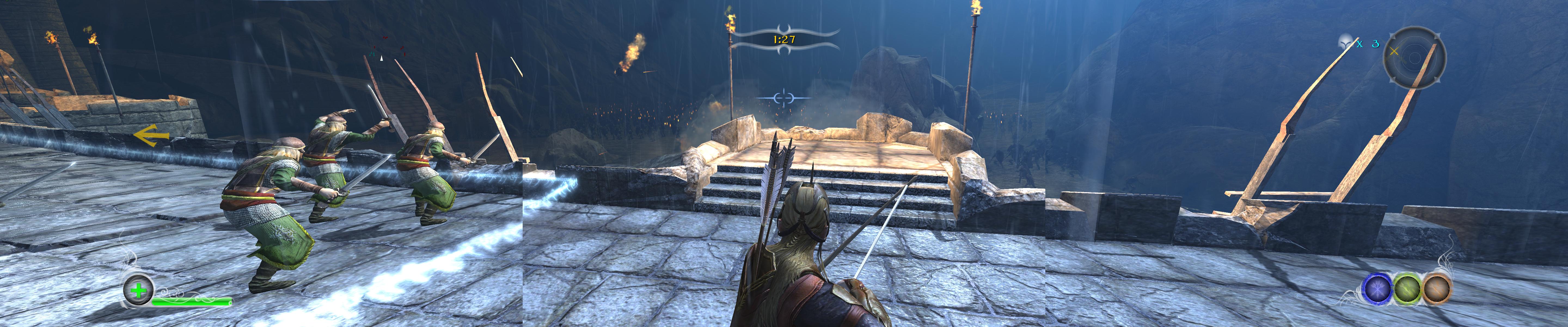
Is this archer's view normal? my knight seems to be too close too. at the screenshot of the knight posted previously it seems to be zoomed out a lot to get the knight almost in the center of the screen. How did he do that?
LOTR: Conquest
Posted: 26 Oct 2009, 09:31
by scavvenjahh
IIRC there's an option somewhere to adjust camera distance, that's all. I'll check again as soon as I can (game is on my now-retired PC).
(That's because of Bezel Management in SoftTH that you get this funny screenshot, right ?)
LOTR: Conquest
Posted: 26 Oct 2009, 11:15
by kiselk
Yes, there are some missing parts, bezel border setting is set to 150 in SoftTH. Would be grateful if you posted some instructions on how to find the camera distance setting.
Re: LOTR: Conquest
Posted: 23 Dec 2009, 09:21
by scavvenjahh
I can finally answer that :oops:
You're looking for the 'Far camera' setting. Note that although you can adjust cam distance for all characters, actual settings are proper to each class, e.g the camera will always be closer to an Archer than to a Warrior.
From the main menu: Options, Display, Far camera Enabled/Disabled

From the pause menu: Options, Display, Far camera On/Off