I currently run 4800x1200. (3) 20" monitors 1600x1200. Is it possible to create an EXE for 4800x1200 or maybe explain how you created this EXE? I would love to learn.
thank you,
b0n3z
ASUS Maximus XII Gene MB | i7 4790k CPU with Corsair Hydro Series H80i | Corsair Dominator Platinum 32GB | (2) EVGA nVidia GeForce GTX1080 Founders Edition in HB SLI | 1TB Samsung EVO SSD | Corsair Digital AX760i PSU | (3) Asus PG279Q (1) Asus PG278Q mounted on WSGF Ultimate Desk Stand v2 with Thru Desk Mount (3+1 Landscape Surround) | HTC Vive | Grace Design m9XX Headphone Amp/DAC | AudioEngine A5+ Bamboo | Ultimate Ears CIEM UE-5 Pro | ErgoDox Infinity Keyboard (Cherry Red) with Custom Keycaps | Logitech G502 Proteus Core Mouse | Win10 Enterprise x64
I currently run 4800x1200. (3) 20" monitors 1600x1200. Is it possible to create an EXE for 4800x1200 or maybe explain how you created this EXE? I would love to learn.
thank you,
b0n3z
In trying to learn, I used HxD to do a hex edit and compare the 7680x3200 and 5760x2160 files. In comparing them I found the following was different:
Block 1A4CE5B - 1A4CE61 (except for 1A4CE5E)
So I'm guess these two areas are the horizontal and vertical. I'm just not sure what translation it's using. So I'm still trying to understand that. Maybe someone who is better at hex editing can figure out what conversion it's using?
Example: 7680x3200 9A 99 19 40 55 55 D5
5760x2160 AB AA 2A 40 00 00 C0
thank you,
b0n3z
ASUS Maximus XII Gene MB | i7 4790k CPU with Corsair Hydro Series H80i | Corsair Dominator Platinum 32GB | (2) EVGA nVidia GeForce GTX1080 Founders Edition in HB SLI | 1TB Samsung EVO SSD | Corsair Digital AX760i PSU | (3) Asus PG279Q (1) Asus PG278Q mounted on WSGF Ultimate Desk Stand v2 with Thru Desk Mount (3+1 Landscape Surround) | HTC Vive | Grace Design m9XX Headphone Amp/DAC | AudioEngine A5+ Bamboo | Ultimate Ears CIEM UE-5 Pro | ErgoDox Infinity Keyboard (Cherry Red) with Custom Keycaps | Logitech G502 Proteus Core Mouse | Win10 Enterprise x64
6030x1200.7z[/quote] I saw that you did a fix for AC3 too ( http://www.wsgf.org/forums/viewtopic.php?f=61&t=25083#p142484 ) but that is only for the Steam version, cant you make a fix for the Uplay version too? thanks
I'm mainly interested in the FOV change and don't have a tripple monitor setup. I did compare the two files with 4800x1200 resolution and different FOV and did find the offset of the changes, but was unable to make sense of it. I tried patching my exe with the same values but the game doesn't start after that.
Could you perhaps post a fix with regular resolution (mine is 1680x1050 if it can only be changed with the resolution as well) but the FOV change?



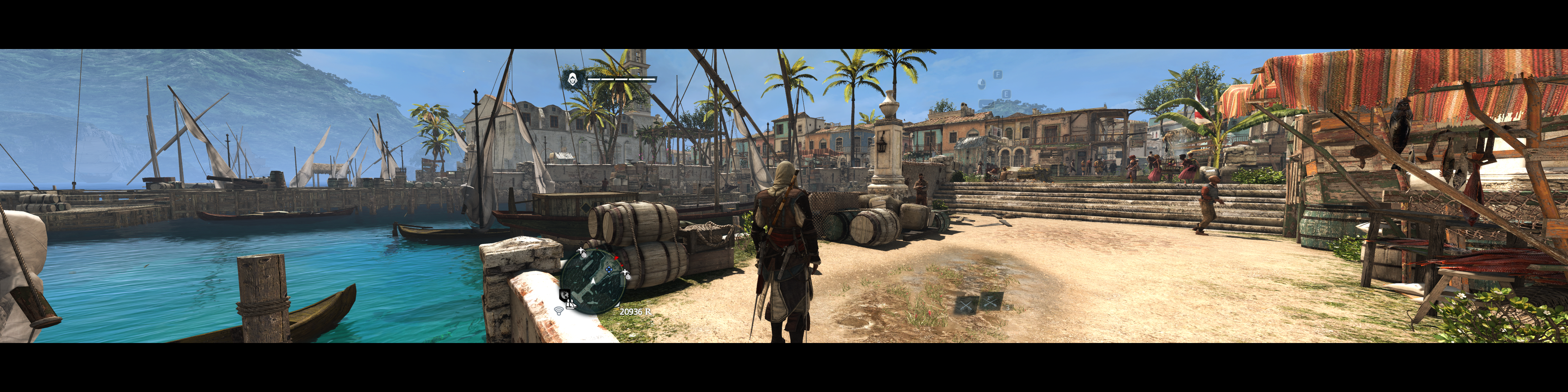
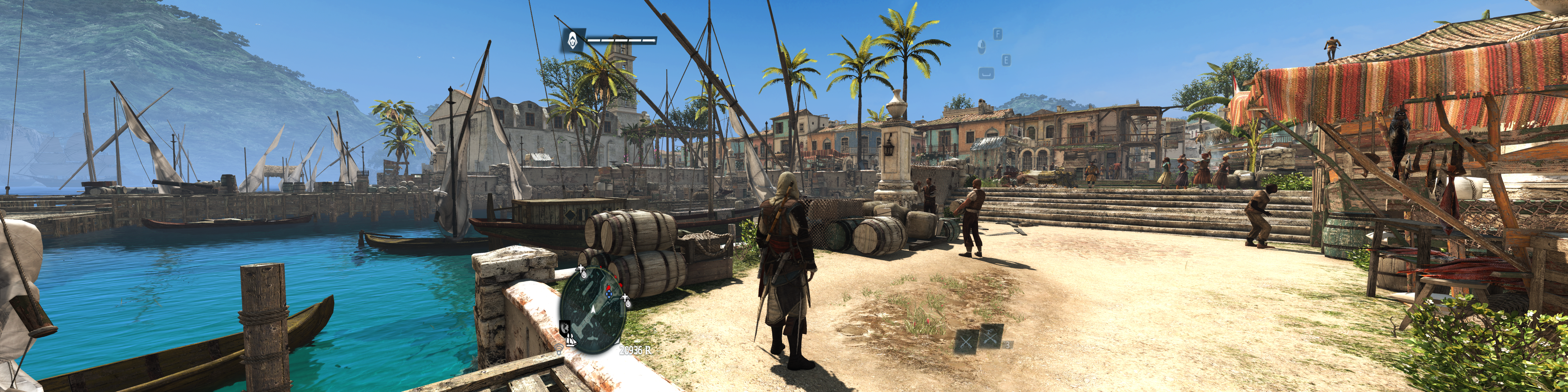
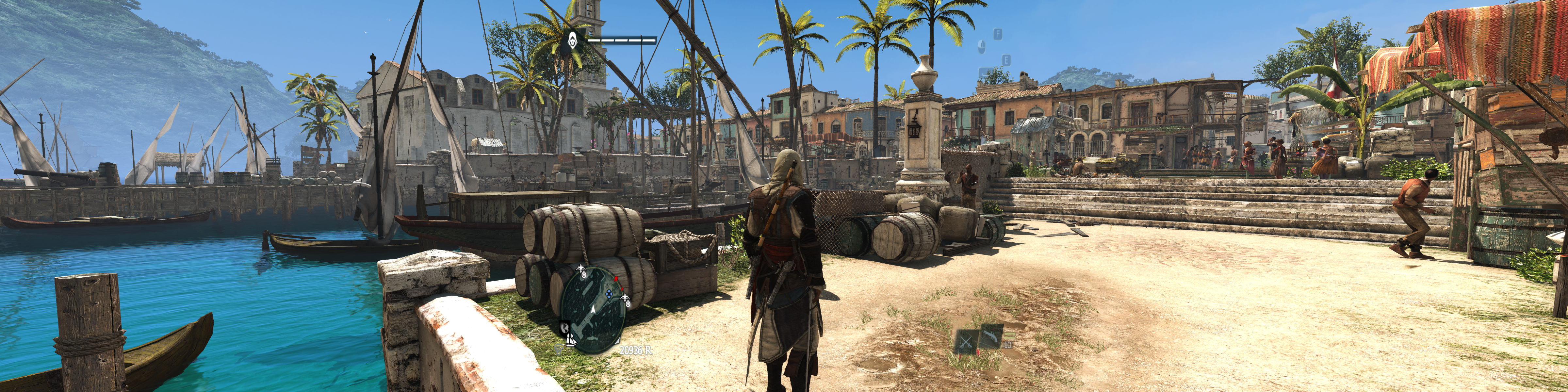


 )
) Thank you very much


