
Dont know if you are planning to change computers soon, but im achieving something like this by using a Motherboard with built in video card, its an Intel HD but it should be enough for instruments and panels.
I have 4 screens connected to a 7970 and 2 connected to the video outs in my motherboard (1 DVI and 1 HDMI), its been working great so far.
4 displays - 3/Surround and 1/non-Surround - Is this possible?
Have a P8Z68V-pro
Have a P8Z68V-pro motherboard, with Intel 3000 graphics. Have 3 x 24" monitors connected to my GTX 670, and single 17" to my Intel, vga port.
When i installed initially, with hit and miss success, could select the 3 monitors as surround, then by enabling the 17" from windows resolution, i got this as an extra monitor working.
Nothing i can see changed, but suddenly when (from surround mode) when i try to enable extend the 17" (monitor 1), the outside monitors switch off and then surround switches to the middle 24 inch and the 17" at the low resolution.
I'm guessing this is to do with poor surround drivers, since even selecting surround seems to cause problems when i switch back (cant access the windows resolution screen from the mouse right click, and the outside monitors get switched off).
It looks to me like the technology is not really mature yet, to accommodate all these combinations required in this thread?. My experience so far with surround is hit-and-miss.
When i installed initially, with hit and miss success, could select the 3 monitors as surround, then by enabling the 17" from windows resolution, i got this as an extra monitor working.
Nothing i can see changed, but suddenly when (from surround mode) when i try to enable extend the 17" (monitor 1), the outside monitors switch off and then surround switches to the middle 24 inch and the 17" at the low resolution.
I'm guessing this is to do with poor surround drivers, since even selecting surround seems to cause problems when i switch back (cant access the windows resolution screen from the mouse right click, and the outside monitors get switched off).
It looks to me like the technology is not really mature yet, to accommodate all these combinations required in this thread?. My experience so far with surround is hit-and-miss.
-
Sh4dowking
- Insiders

- Posts: 156
- Joined: 08 Nov 2011, 09:36
- Location: The Netherlands
Hi guys,I also wanted to
Hi guys,
I also wanted to put 3 displays in surround and 1 display on top of these three. I have 2x GTX560Ti 2GB and i cant add a fourth "accessory" display even with the newest 306 driver.
But i got the sollution:
I bought this 3th card: this
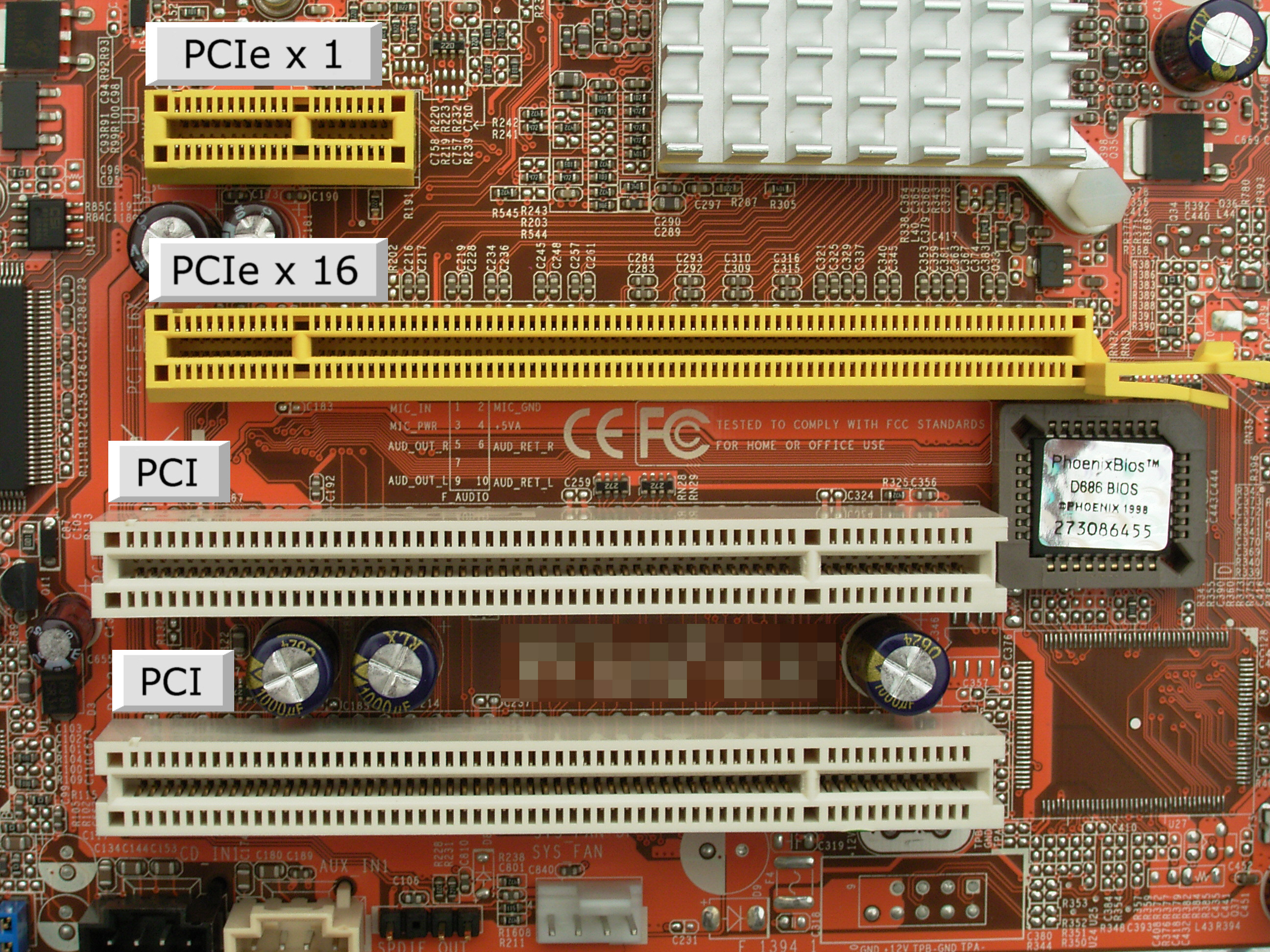
This is a videocard for a 1x slot PCI and it works great. The card is not bad for 1X slot and it has Physx and 3d vision options. I can easly watch 1080p movies on the fourth display without lag. And with this 1x slot pci videocard you can even connect a fifth monitor if u want.
My setup now looks like this:

I am verry happy with it and its really worth a try!
I also wanted to put 3 displays in surround and 1 display on top of these three. I have 2x GTX560Ti 2GB and i cant add a fourth "accessory" display even with the newest 306 driver.
But i got the sollution:
I bought this 3th card: this
This is a videocard for a 1x slot PCI and it works great. The card is not bad for 1X slot and it has Physx and 3d vision options. I can easly watch 1080p movies on the fourth display without lag. And with this 1x slot pci videocard you can even connect a fifth monitor if u want.
My setup now looks like this:
I am verry happy with it and its really worth a try!
Asrock Z77 Extreme 4 ----- Intel Core i7 2700K ----- GTX 680 Twinn Frozer III ----- NVIDIA Geforce GT 520 1x Edition
can u turn on 3d vision
can u turn on 3d vision surround?If extra displays not 3d vision ready??
Intel i7-6850k gtx 1070 sli 3xPredator monitor NVsurround
My setings for 3lcd in nvidia
My setings for 3lcd in nvidia surround and 1lcd for non surround.
surround 1LCD DVI on DVI GTX680
surround 2LCD DVI on DVI GTX680
surround 3LCD DVI with cable reduction of the HDMI GTX680
non surround 4LCD - DVI with cable reduction of the Display port GTX680

Only this solution worked, at other connection was eliminated surround lcd viz. this screen.
surround 1LCD DVI on DVI GTX680
surround 2LCD DVI on DVI GTX680
surround 3LCD DVI with cable reduction of the HDMI GTX680
non surround 4LCD - DVI with cable reduction of the Display port GTX680
Only this solution worked, at other connection was eliminated surround lcd viz. this screen.

Just in case anyone was
Just in case anyone was interested, I have 3 projectors running in 3d surround off my gtx 690, using 3 dvi outs to HDMI, a 4th display is running off the Display port out, I also have a 5th monitor running off a gt440 graphics card using the VGA out.. Using drivers 301, to 306.. The trick is to connect all your monitors but turn off the auxillary monitors in nvidia setup..Then configure the 3 displays for surround and set up the 3d vision, sometimes it fights you but just reboot and try again.. Once 3d surround is working goto nvidia settings and activate the remaining displays..Tested in FSX with warping software and all works well.
Just in case anyone was
Just in case anyone was interested, I have 3 projectors running in 3d surround off my gtx 690, using 3 dvi outs to HDMI, a 4th display is running off the Display port out, I also have a 5th monitor running off a gt440 graphics card using the VGA out.. Using drivers 301, to 306.. The trick is to connect all your monitors but turn off the auxillary monitors in nvidia setup..Then configure the 3 displays for surround and set up the 3d vision, sometimes it fights you but just reboot and try again.. Once 3d surround is working goto nvidia settings and activate the remaining displays..Tested in FSX with warping software and all works well.
-
dinglesniff
- Posts: 60
- Joined: 23 Nov 2011, 00:52
Re: Just in case anyone was
Ghetto wrote:Just in case anyone was interested, I have 3 projectors running in 3d surround off my gtx 690, using 3 dvi outs to HDMI, a 4th display is running off the Display port out, I also have a 5th monitor running off a gt440 graphics card using the VGA out.. Using drivers 301, to 306.. The trick is to connect all your monitors but turn off the auxillary monitors in nvidia setup..Then configure the 3 displays for surround and set up the 3d vision, sometimes it fights you but just reboot and try again.. Once 3d surround is working goto nvidia settings and activate the remaining displays..Tested in FSX with warping software and all works well.
I can get movies on 4 screens with VLC but I cannot get anything like that with Pot Player or MPC.
Re: 4 displays - 3/Surround and 1/non-Surround - Is this pos
Im currently running three Titans with three Asus 27" 144hz monitors purely for gaming and I am getting a fourth monitor with its intended purpose will be to monitor vital stats like frames, temperatures, clock speed, memory usage and of course a live battle map while playing bf4. WSGF hurry up with my Ultimate monitor stand.
Who is online
Users browsing this forum: No registered users and 2 guests