Page 2 of 2
Re: ATI Cursor Bug
Posted: 10 Aug 2010, 12:32
by McKie
10.7 drivers and still have the cusrosr bug though I have the impression that it is less severe and appears less often, still it's pretty annoying... Basically the only problem I have with my setup, hope it will be fixed in an upcoming driver update.
I highly Doubt you'll see a fix any time soon. It's been around for some time now. It's one of those problems they have just sweep under the rug. Maybe on the next series of cards.
Re: ATI Cursor Bug
Posted: 10 Aug 2010, 20:23
by Ergonpandilus
I also noticed this small bug. It doesn't bother me while gaming, but while in Windows it looks nasty.
The workaround for me was to enable mouse traces from control panel (just minimun level) and the corruption disappeared. I just wonder why does it take that long to fix the issue. I saw some threads on ATI forum from early this year. :?
Re: ATI Cursor Bug
Posted: 12 Aug 2010, 08:31
by ddt
Some more new hardware arrived today .... in this lot was my new cyber snipa stinger mouse ... after installing the software I was browsing through the PDF on the left screen ... and the dreaded cursor problem reared it's ugly head .... which surprised me ... till now it only appeared on the center screen ... but by moving the cursor back to the middle screen ... and then back to the left screen the problem fixed it self!
Not sure why ... but I think the answer may be somewhere amongst this ...
• 7,080 frames per second
• 400-3200 dpi laser engine
• Tracking speed of 45 inches per second
• 1000Hz (1ms) report rate
• 8kb of onboard memory
• 16 bit ultra wide data path
Will see what happens over the next few days and get back to you all
Cheers all.
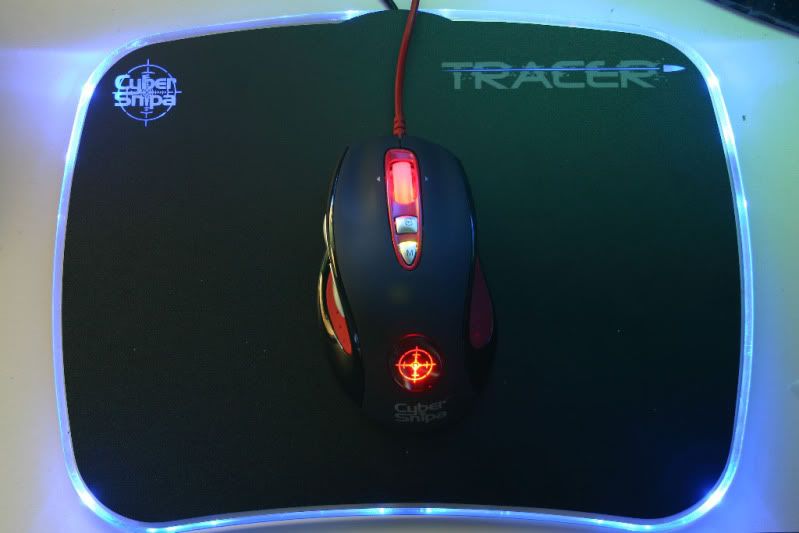
and the pad
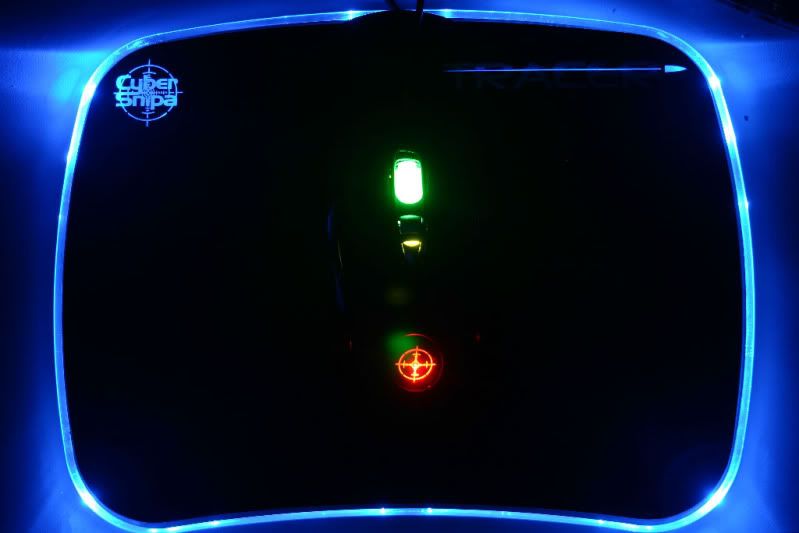
Re: ATI Cursor Bug
Posted: 15 Aug 2010, 12:45
by Abram
So a few driver versions later, and I still get wacky cursors, just as before. Still on one display at a time, and only when using Extended profiles. Never on single, never on Eyefintiy group.
Re: ATI Cursor Bug
Posted: 15 Aug 2010, 22:35
by Ergonpandilus
So a few driver versions later, and I still get wacky cursors, just as before. Still on one display at a time, and only when using Extended profiles. Never on single, never on Eyefintiy group.
Does it work for you, if you enable mouse traces from control panel? It worked for me perfectly.
Re: ATI Cursor Bug
Posted: 16 Aug 2010, 09:19
by Abram
It does work, but even the slightest mouse trail drives me nuts. Far more than a wacky cursor. I've learned to live with it, i was just curious.
Maybe there's a way to keep it technically enabled, but put the trails value to something as close to zero as possible. I shall look into it.
Re: ATI Cursor Bug
Posted: 17 Aug 2010, 13:43
by legoman666
It does work, but even the slightest mouse trail drives me nuts. Far more than a wacky cursor. I've learned to live with it, i was just curious.
Maybe there's a way to keep it technically enabled, but put the trails value to something as close to zero as possible. I shall look into it.
Agreed. I get the mouse cursor corruption bug too, but mouse trails are even worse. I just live with it, doesn't seem to happen all that often.
Re: ATI Cursor Bug
Posted: 17 Aug 2010, 19:50
by Ergonpandilus
Well, with mouse traces on lowest setting I really don't notice it at all, but whatever you like better. :)
Though, I'm not a big fan of mouse traces either and never turned on until now.
Re: ATI Cursor Bug
Posted: 07 Sep 2010, 22:30
by Domdom
I thought I would join the crowd here! with the exact but, I even changed (not the only reason) my ATI 3650 card for that reason!
So ASUS 3650 + driver 9.12 = crippled mouse cursor!
and now Saphirre 5500 with 10.6 = mouse bug as well
I can tell you one thing for sure: definately related to multi monitor setup.
Sometimes the mouse goes off the screen and comes back all distorted, so if I move the mouse from one screen to another quickly, sometimes it gets back to normal WTF!
But this time I got the symptom from the first poster and guess what: all distorted on my main Dell monitor but fine on my second scree: (a Sony projector)
Definately a bug and a big shame on ATI for not fixing this ...
I did mention it in the feedback link but no way of knowing if it will ever be fixed ...
Reboot does fix it, logoff doesnt, the card needs some kind of reset ...
Any idea, please post it here ;-) thanks
--- edit---
best workaround so far is to use the magnifier at 100% (use WINDOWS-U)