Page 2 of 2
Modern warfare 2 fov fix found yet?
Posted: 11 Nov 2009, 07:24
by Sebhael
[quote]But yeah thats pretty stupid that they ripped that out.
World at War and the original Modern Warfare didn't have controller support, so they didn't really rip anything out. It was never there.
It's all just a joke pointing at personal feelings towards the games development. Anyways, I don't really feel like starting a gigantic flame-fest about that here; there's enough of those threads at Infinity Ward, Steam, and various other gaming related site.
So back on-topic!
That current patch allows for custom aspect ratios? Or is it all locked into just providing TH2G?
I was just contemplating reinstalling Operation Flashpoint 2 and while looking through the forums over at Codemasters I saw someone basically "faked" a higher FoV by using a resolution that rigged a higher resolution by providing more horizontal space. Would that be possible with the current patch? (I don't feel like hijacking the original thread since it's TH2G based :[)
OF2:RD thread about what I just said
Modern warfare 2 fov fix found yet?
Posted: 11 Nov 2009, 09:48
by Tahnit
I wouldnt use any tool on the MP. Banned for life doesnt sound good.
Modern warfare 2 fov fix found yet?
Posted: 11 Nov 2009, 17:15
by elclanrs
Does this fix work for 1 single screen on 16:10?
I really DON'T understand why if there's support in the engine for changing FOV they hide it like that, it's really not a good move. IW bring back the FUC**** console!!!
I agree with the quote "the new face of PC gaming" on the ARS article.
I returned the game this afternoon and got it for *free*. I'm not buying it until they fix this FOV shit and add dedicated servers.
Modern warfare 2 fov fix found yet?
Posted: 11 Nov 2009, 22:53
by whismerhill
I returned the game this afternoon and got it for *free*. I'm not buying it until they fix this FOV shit and add dedicated servers.
I would just like to take this opportunity, to those of you attempting to subtly say that you've pirated it... not to.
It's against the rules of the forum, and is a banning offence, should an Administrator feel so inclined. And it's every members responsibility to have read the rules, so the 'I never read them' excuse doesn't wash.
I'm no moderator but paradigm is an admin, felt like you might want to be warned :?
Modern warfare 2 fov fix found yet?
Posted: 12 Nov 2009, 17:14
by Sebhael
Apparently someone has found a way to enable FoV fix in SP
Add this to your config.cfg (
..SteamApps/Common/MW2/Players);
set developer "1"
set sv_cheats "1"
set thereisacow "1337"
bind M "cg_fov 90"
Source - TeknoGods (Also mentions SP cheats and the sort as well)
The config resets everytime you start the game though, regardless of being read-only or anything though--so they are working on a loader for the SP right now.
The same guys are also hacking and slashing the game in attempts to feed off the coop code to create independent servers, instead of relying on IW.NET; so it might be nice to keep up with them.
I have not tested this yet with sv_cheats. I do know that developer did turn on last night; then they added the sv_cheats code; I'll be right back with images.
e:/works, you have to start a new level though I do believe; the changes wouldn't take place on my current save :(
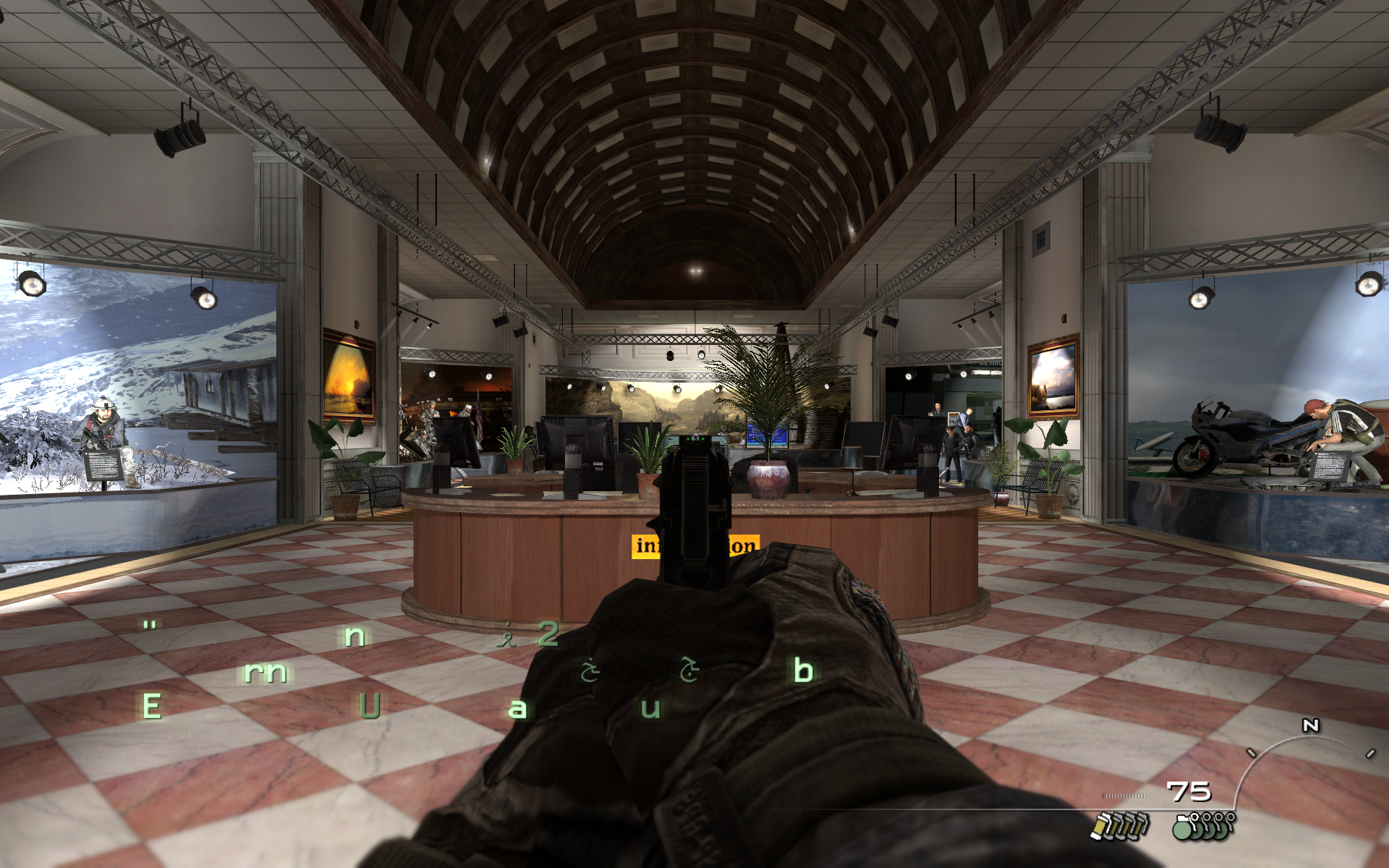
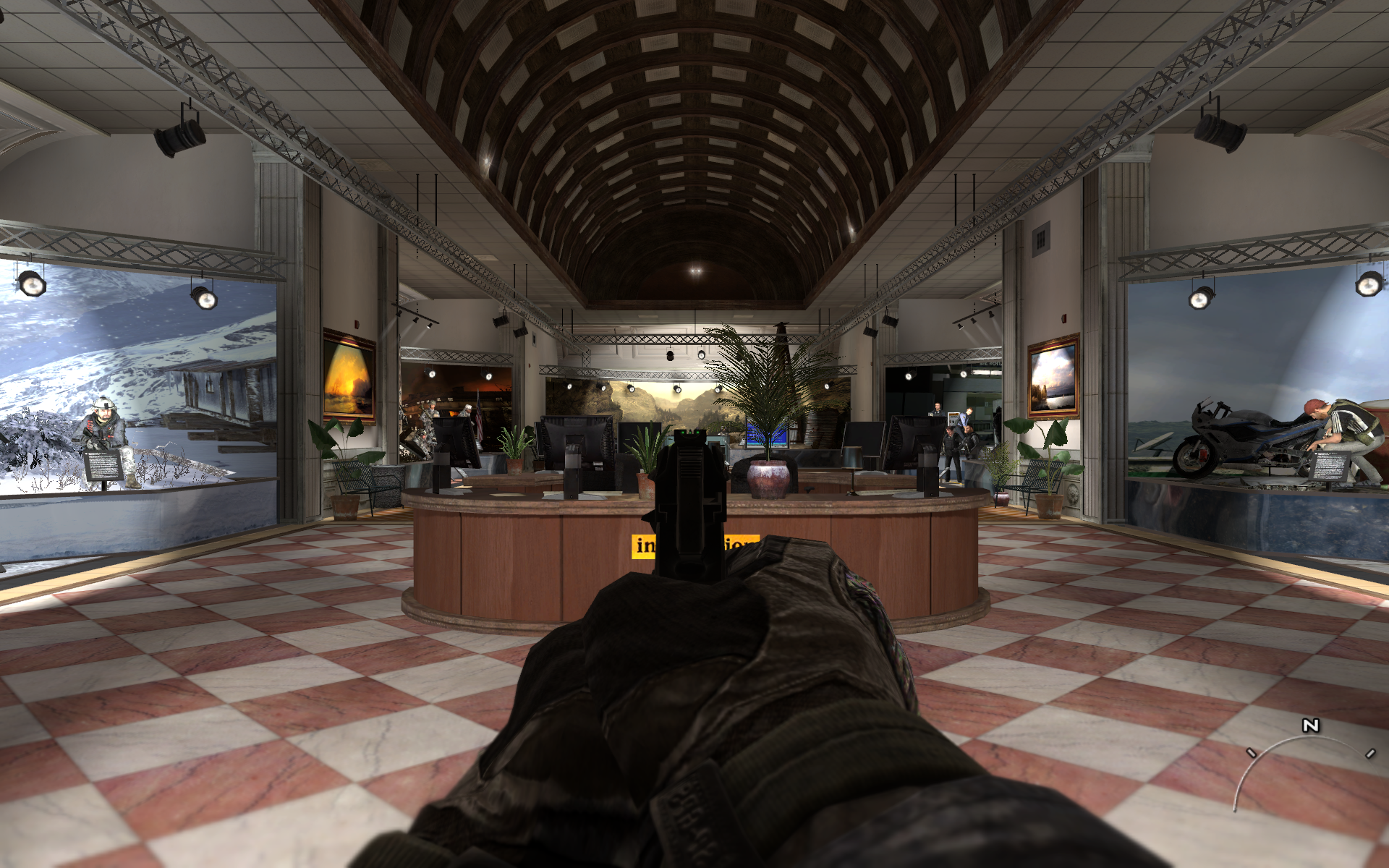
Vanilla FoV
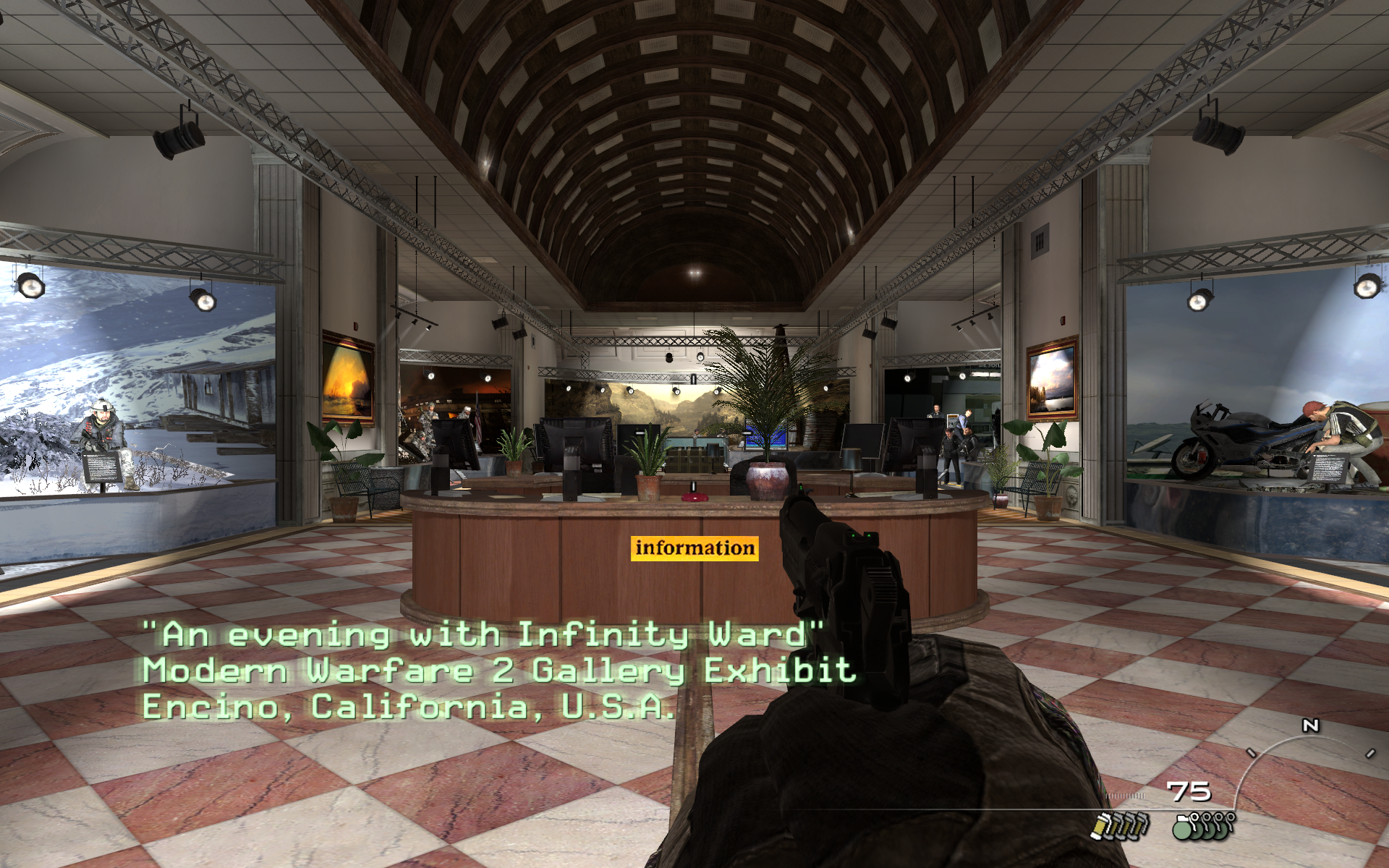
90 FoV
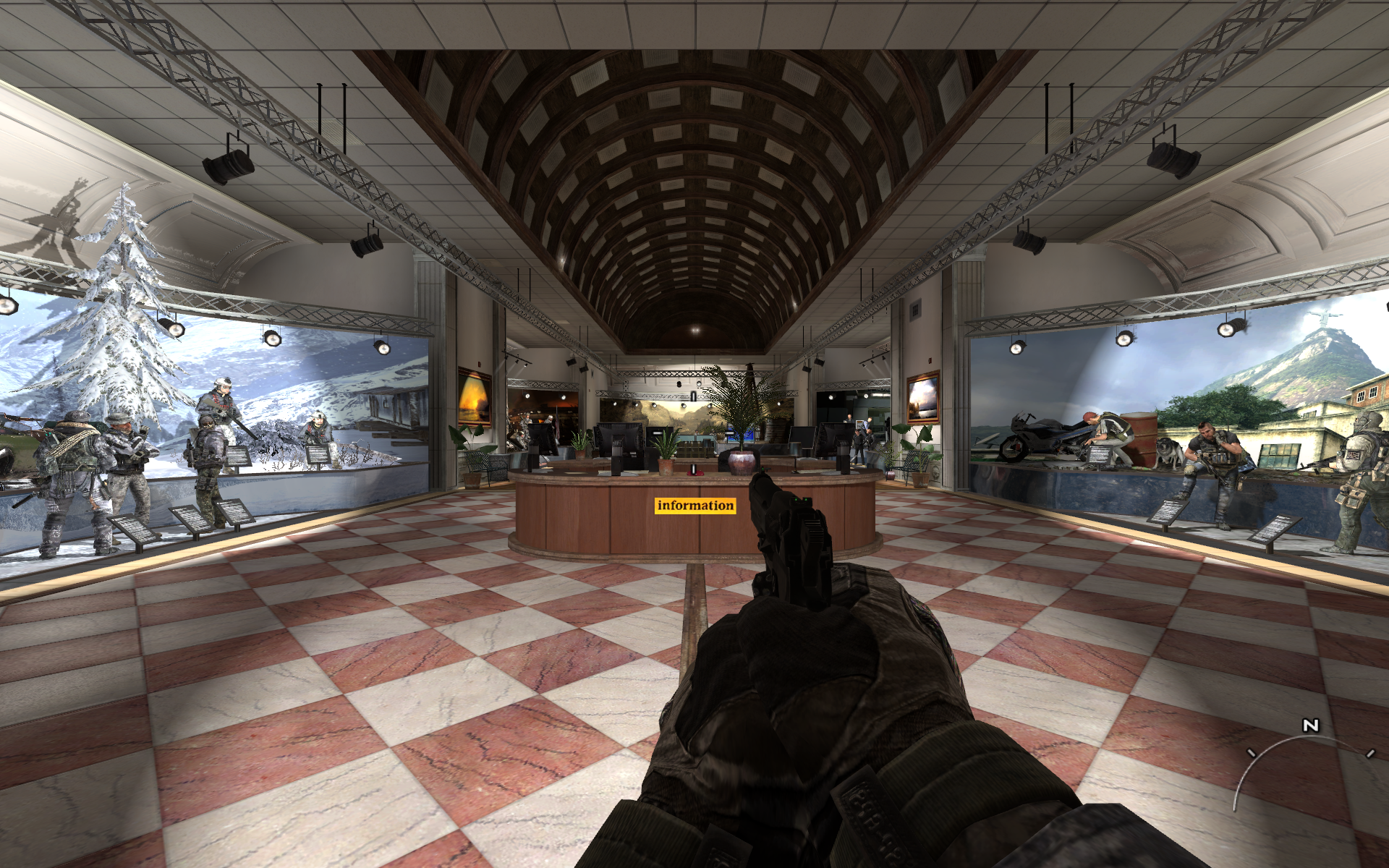
Vanilla
90
===
Even once these guys create the loader, I don't know how comfortable I feel using it. Is it possible to create a .bat file that takes the config from a location and copies it over to /players/ then launches iw4sp? I'm not too versed in bat creation, but it sounds possible; and would make me feel a lot more comfortable.
f:/ I guess putting your "cheat" config in the root directory and creating a .bat with the following works fine...?
@echo off
copy config.cfg players
start iw4sp.exe
Then you can just create a shortcut to the BAT for when you want to play SP.
Modern warfare 2 fov fix found yet?
Posted: 12 Nov 2009, 19:42
by elclanrs
It Works!!! Thanks!
I made a bat file like you said too and it works perfect! Only thing is it doesn't work with saved games but I started all over again anyway, with proper FOV, and now I'm enjoying the SP campaign.
The only problem I get it's a message on the bottom left saying "Too many bsp pretess surfaces - using fallback" but it doesnt affect gameplay.
Modern warfare 2 fov fix found yet?
Posted: 12 Nov 2009, 21:26
by mimix
somebody can explain what is the "FOV" ?
i'm french and i don't understand this abbrevation...
it's a cheat for displaying in correct aspect with surround gaming no ?
you have enter 90 but how calculate this parameter ?
Modern warfare 2 fov fix found yet?
Posted: 12 Nov 2009, 23:39
by Tahnit
does this work in multiplayer?
Modern warfare 2 fov fix found yet?
Posted: 12 Nov 2009, 23:59
by whismerhill
somebody can explain what is the "FOV" ?
i'm french and i don't understand this abbrevation...
it's a cheat for displaying in correct aspect with surround gaming no ?
you have enter 90 but how calculate this parameter ?
FOV means Field Of View
http://www.google.fr/search?q=FOV+wiki
FOV if often assimilated to horizontal FOV and changing it allows to change the AR (Aspect Ratio which is in direct correlation of your screen resolution) of a game, thus correcting any discripancy
however there's also Vertical FOV and it seems here this FOV setting changes both horizontal and Vertical FOV
if you didn't understand, I can explain in french through PM (translation follows)
si tu n'as pas compris, je peux t'expliquer en français en message privé.
Modern warfare 2 fov fix found yet?
Posted: 13 Nov 2009, 00:02
by GregC
Doesn't work. As soon as you start a map the game resets the cfg
Modern warfare 2 fov fix found yet?
Posted: 13 Nov 2009, 01:40
by Robbaz
Doesn't work. As soon as you start a map the game resets the cfg
Same problem.
Modern warfare 2 fov fix found yet?
Posted: 13 Nov 2009, 02:35
by Sebhael
does this work in multiplayer?
No, this is for single-player only as it loads the maps in developer mode (hense why it will sometimes state that there's too many etc on etc, can't play file, etc etc); loads cheats, then allows for the FoV change.
Doesn't work. As soon as you start a map the game resets the cfg
Yeah, I found that out as well--but to say that it
doesn't work is a lie.
The only thing to do is either a.) wait til they release the loader, or b.) restart the game on a new level.
It's some progress, not a sure-fire method; but I'll be quite honest when I say I would much rather reset my game per level than play with that nauseating default FoV.
Which I'm using that .bat file connected to a shortcut in my games folder; so it's really not that hard for me to reset the .cfg and get back in game.
E:/ Actually, I just played and started a new map and just hit my shortcut key again and it worked. I guess I never tried that; did you try that?
Modern warfare 2 fov fix found yet?
Posted: 13 Nov 2009, 04:35
by elclanrs
I just played and started a new map and just hit my shortcut key again and it worked. I guess I never tried that; did you try that?
For me it works on every level when you start from the beginning but not from a save game. But I played 5 missions in a row and it worked nice without having to restart the level or the game.
I bind FOV to W. This way you don't have to remember to press a specified key every time.
I also prefer to play with error messages and to deal with the level stuff rather than playing with that nauseating FOV.
Modern warfare 2 fov fix found yet?
Posted: 13 Nov 2009, 12:51
by mimix
i have understand ;)
and the method of fuc847 is like this FOV mod ?
Modern warfare 2 fov fix found yet?
Posted: 14 Nov 2009, 14:02
by mimix
i have tested the FOV modification with my steam version.
it works but display is always verticaly compressed...
i prefer the method of fuc847 wich appears mor natural.
do you have a solution to solve this problem?
Modern warfare 2 fov fix found yet?
Posted: 14 Nov 2009, 21:05
by Mixelplix
I am finding that in CoD MW2, my best resolution is 4098x768 for 3 21.5" monitors with TH2GO. I have been playing with the tool to try different aspect ratios, but haven't been able to figure out what will give it that non-stretched appearance. Other resolutions I have have available:
3072x768 (works alright)
3840x1024 (looks the best, but leaves large black areas in between the monitors)
4320x900 (very stretched)
5040x1050 (off centered)
Any help would be greatly appreciated as far as what number I should type in with what resolution to get it to look normal!