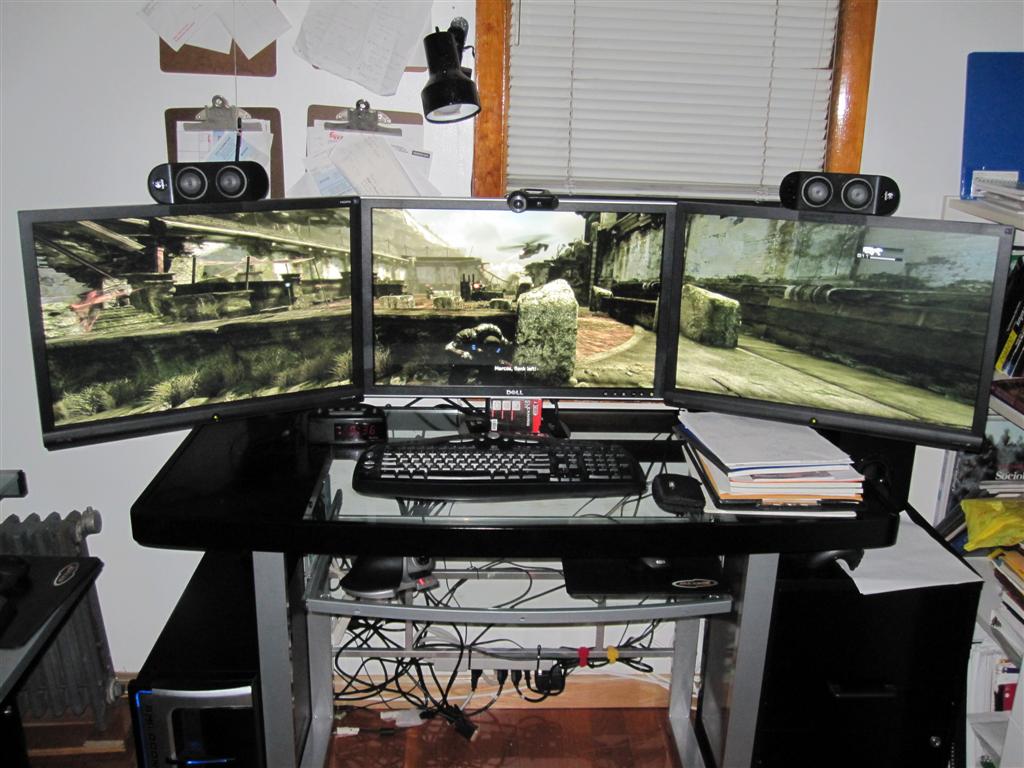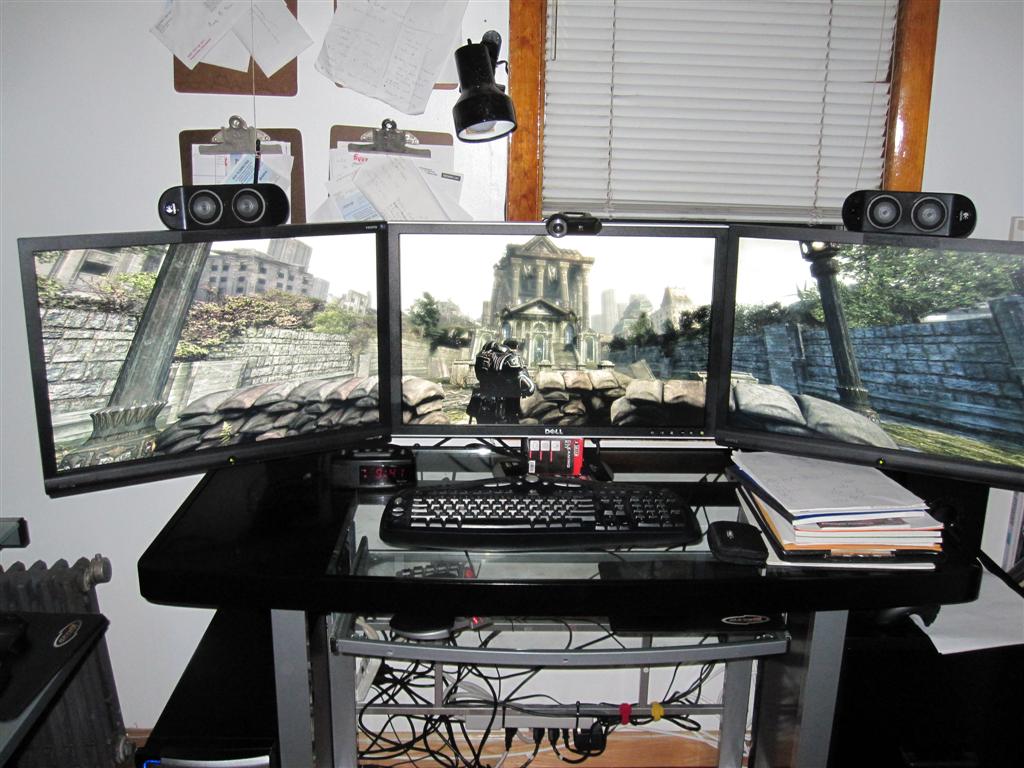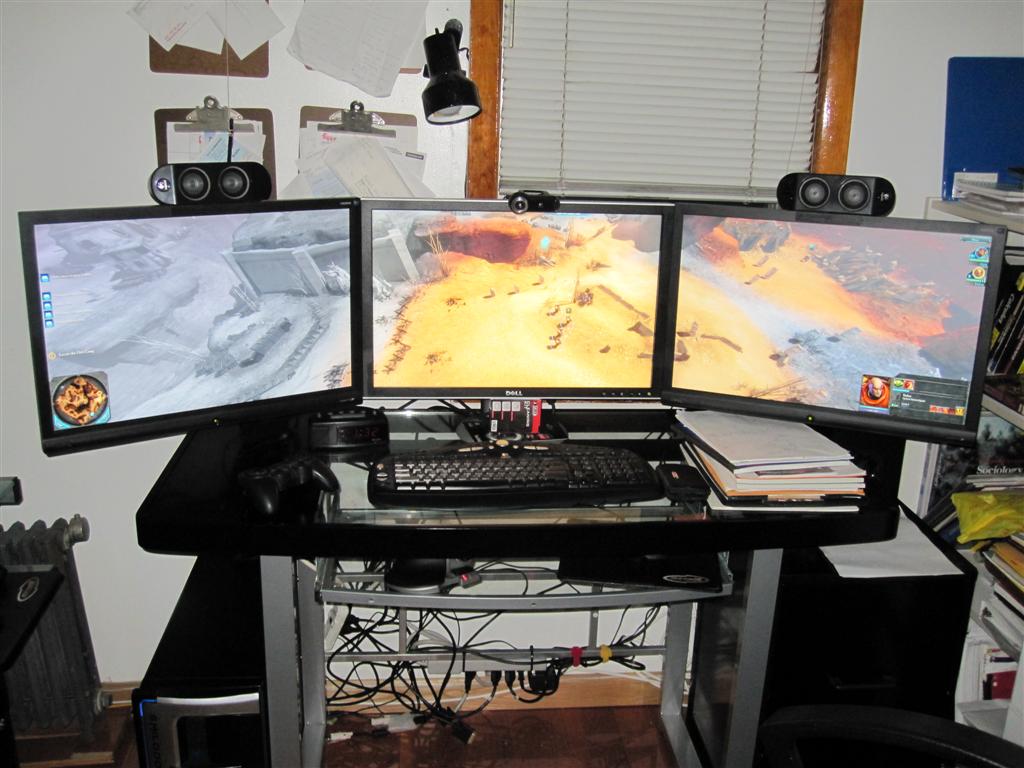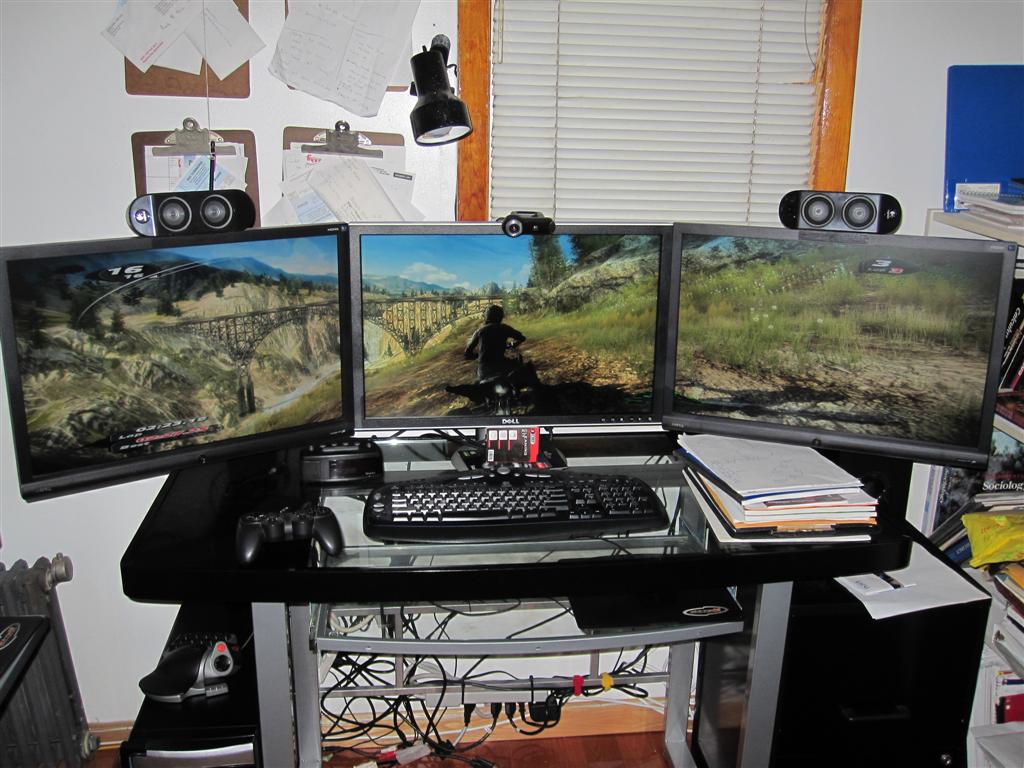
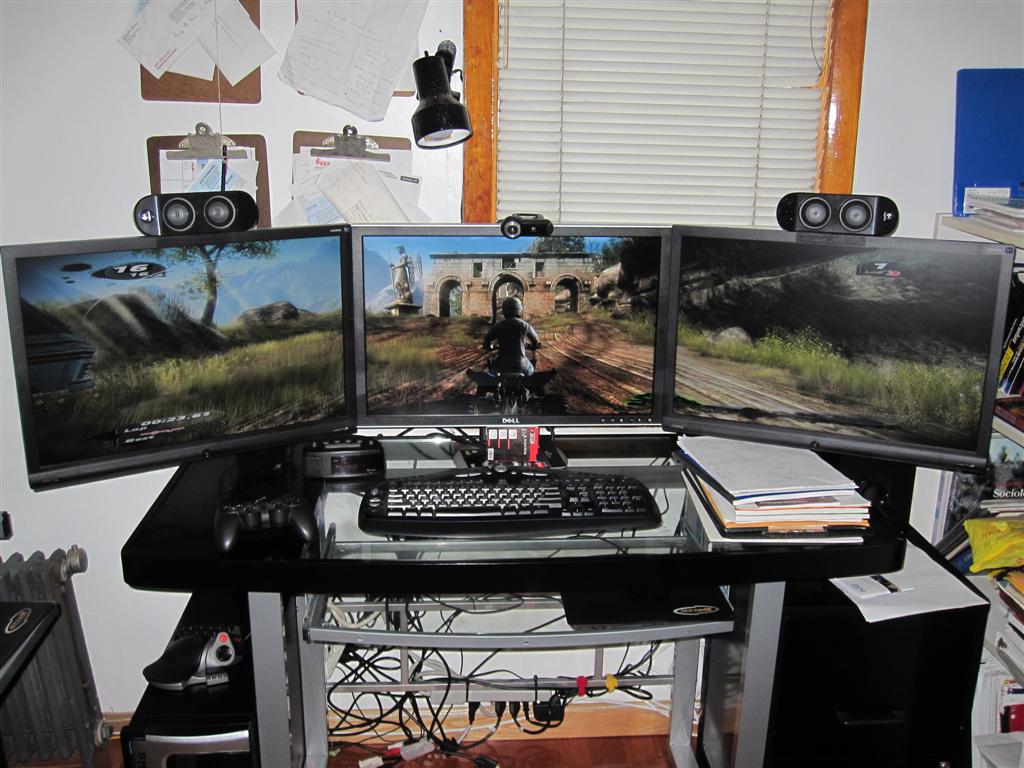
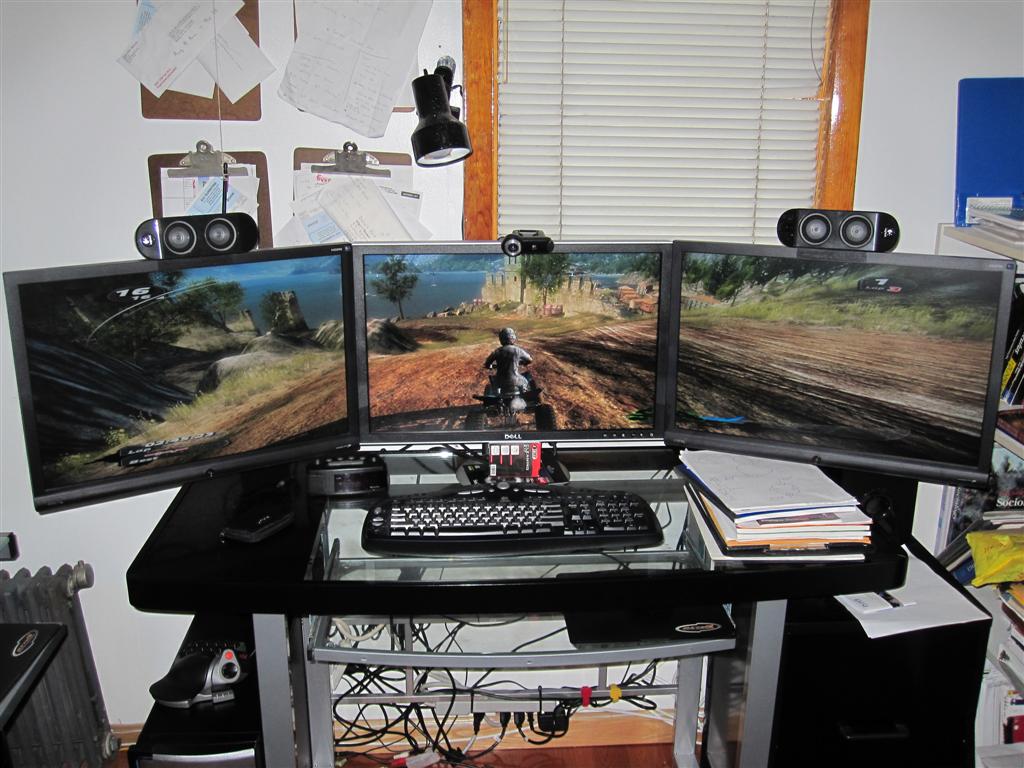
Finally got around to setting up my EyeFinity

Hardware discussions about AMD Eyefinity
geniv2
Posts: 373
Joined: 05 Oct 2008, 05:49

Finally got around to setting up my EyeFinity

Post by geniv2 »

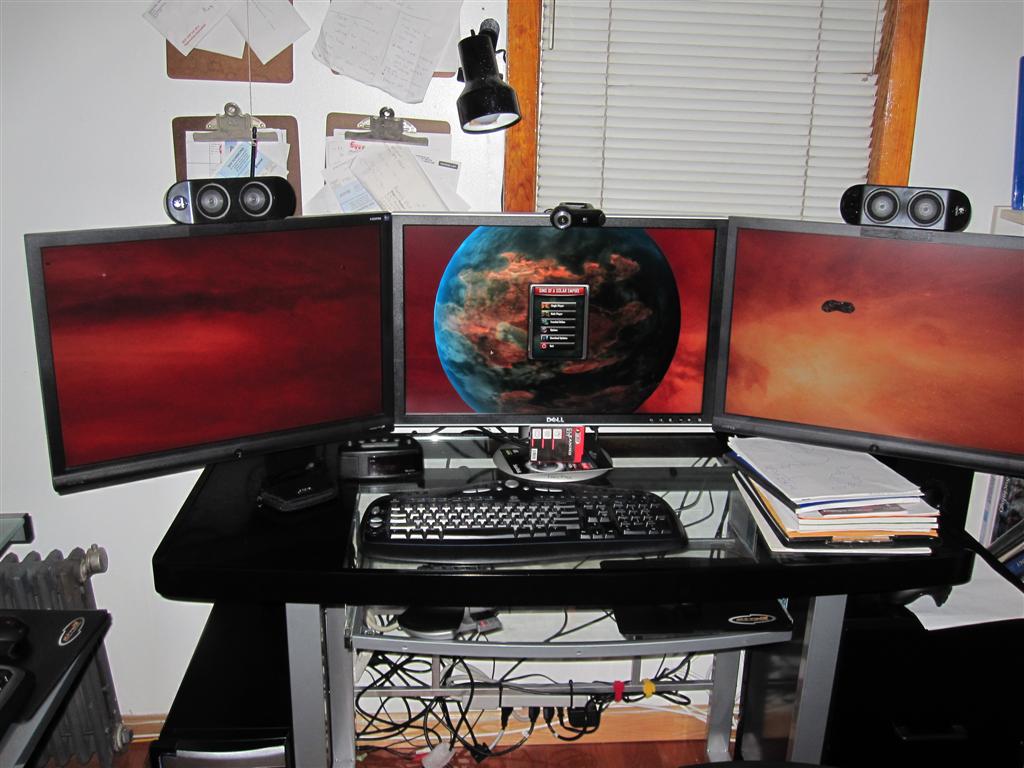
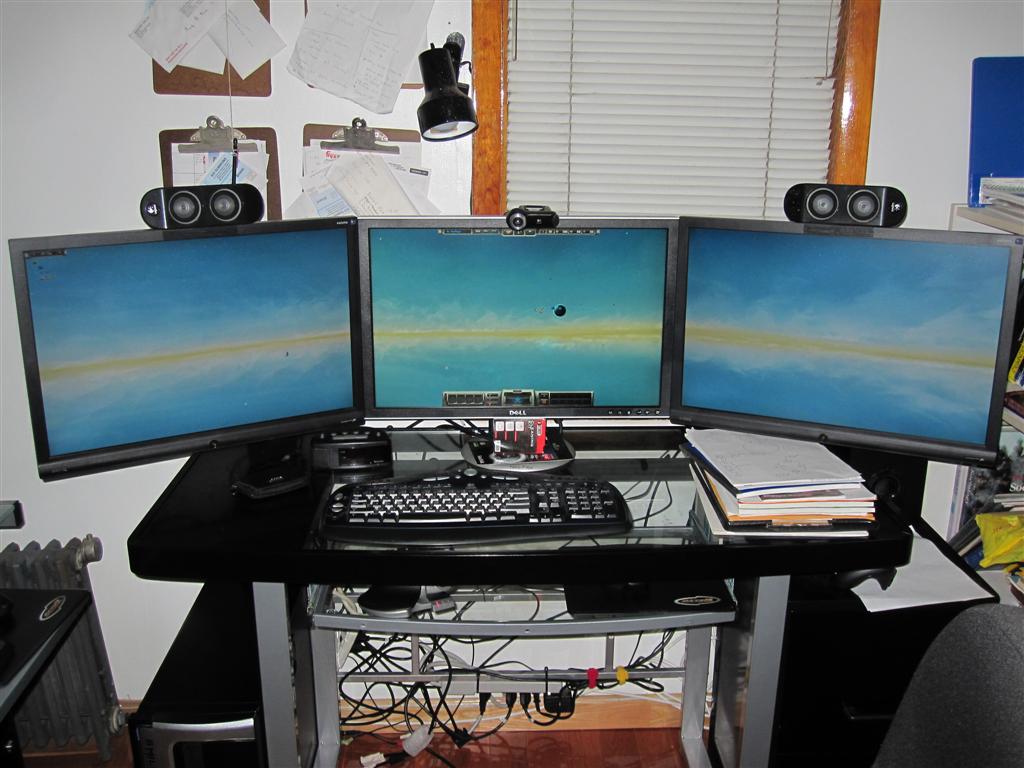
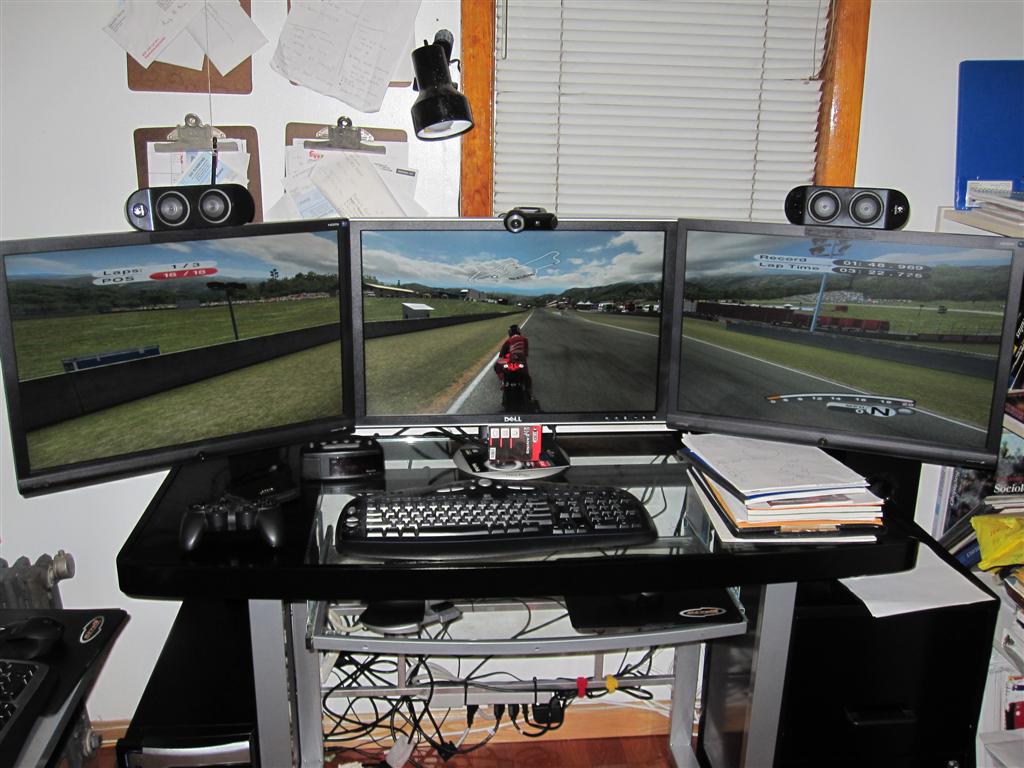
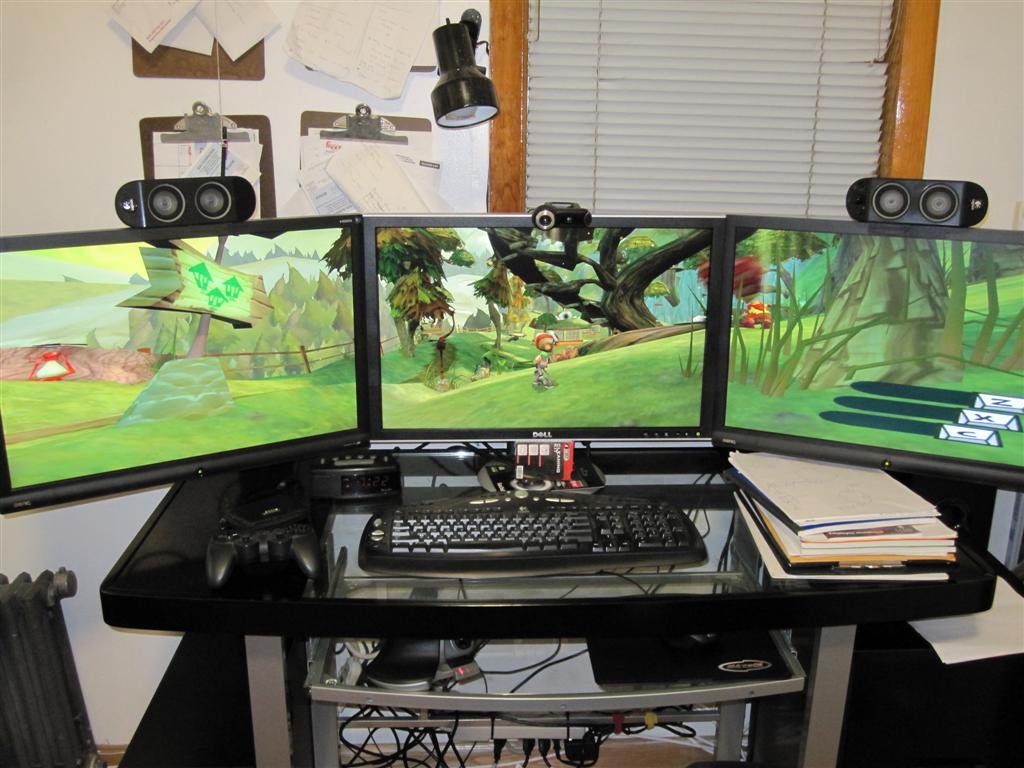
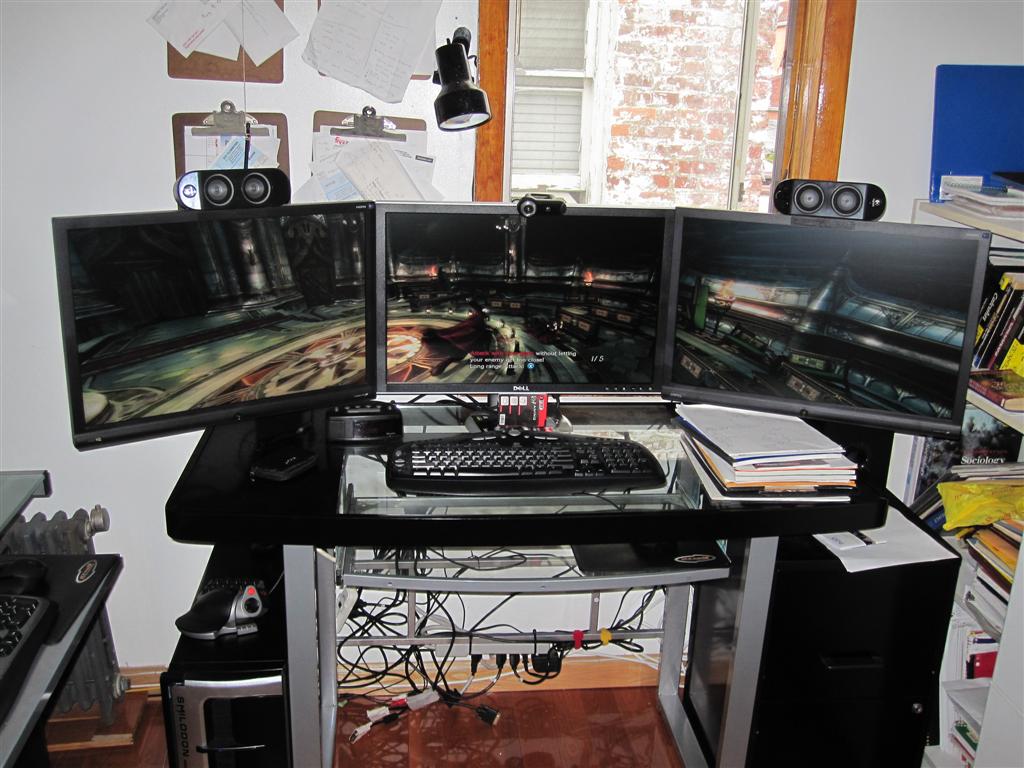
more pictures for you guys. pretty much all those games run very smooth with full details turned on.

Pure


Devil may Cry

Quake4
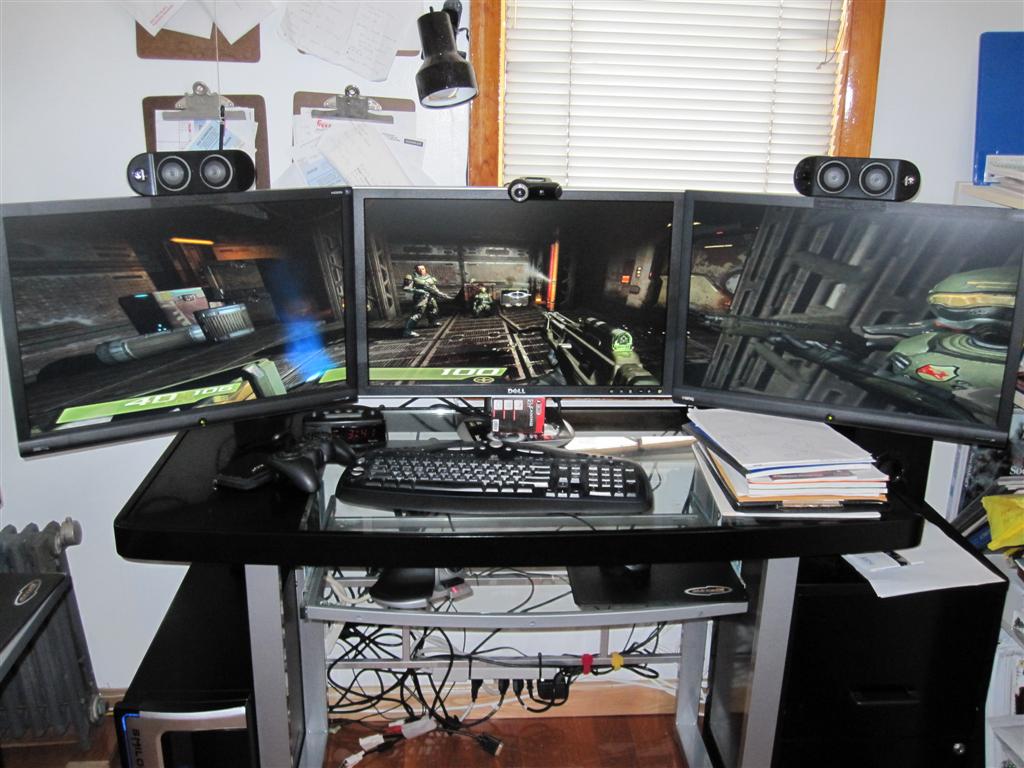

Doom3
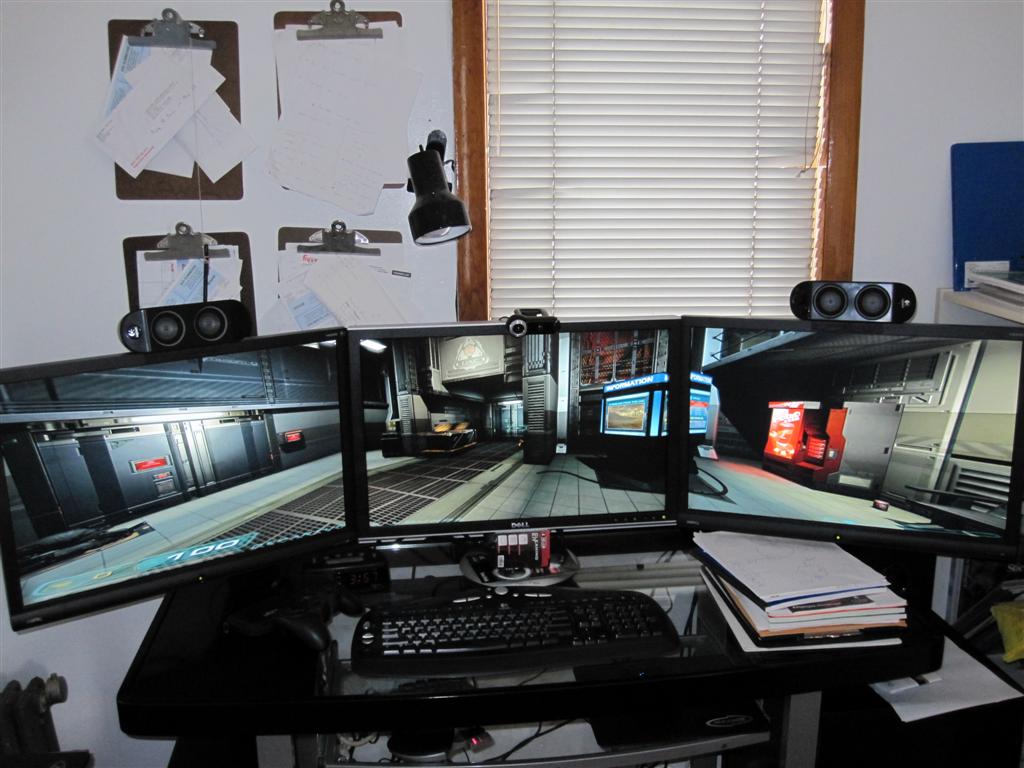

Doom3 REsurrection of evil
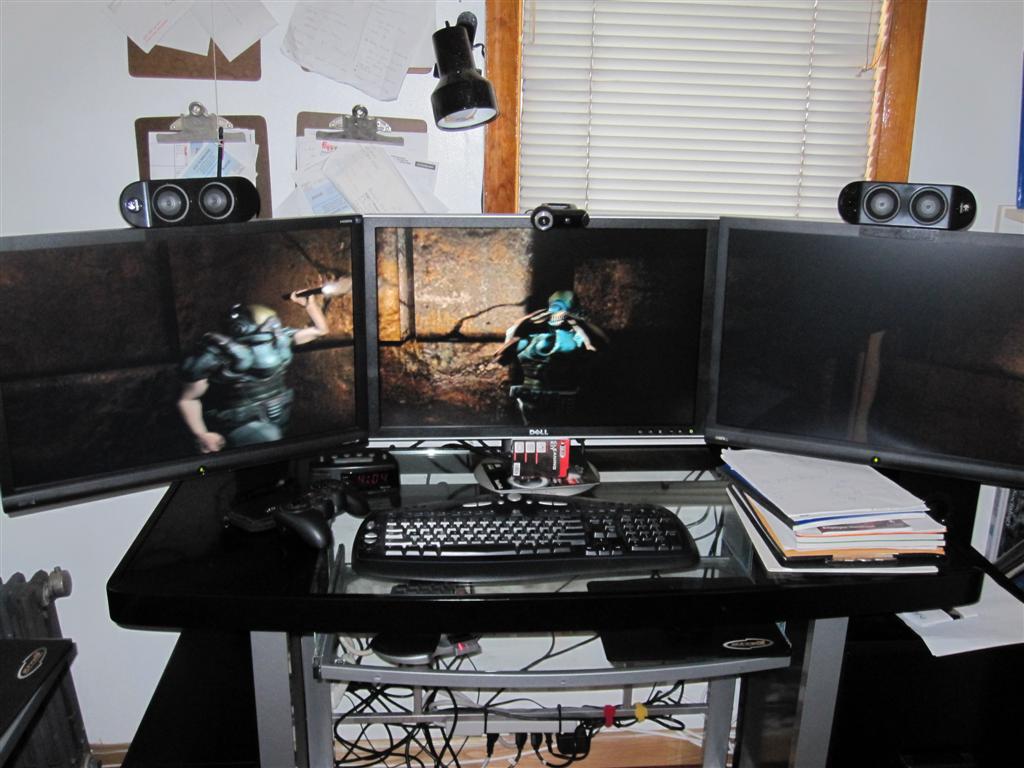

Supreme commander
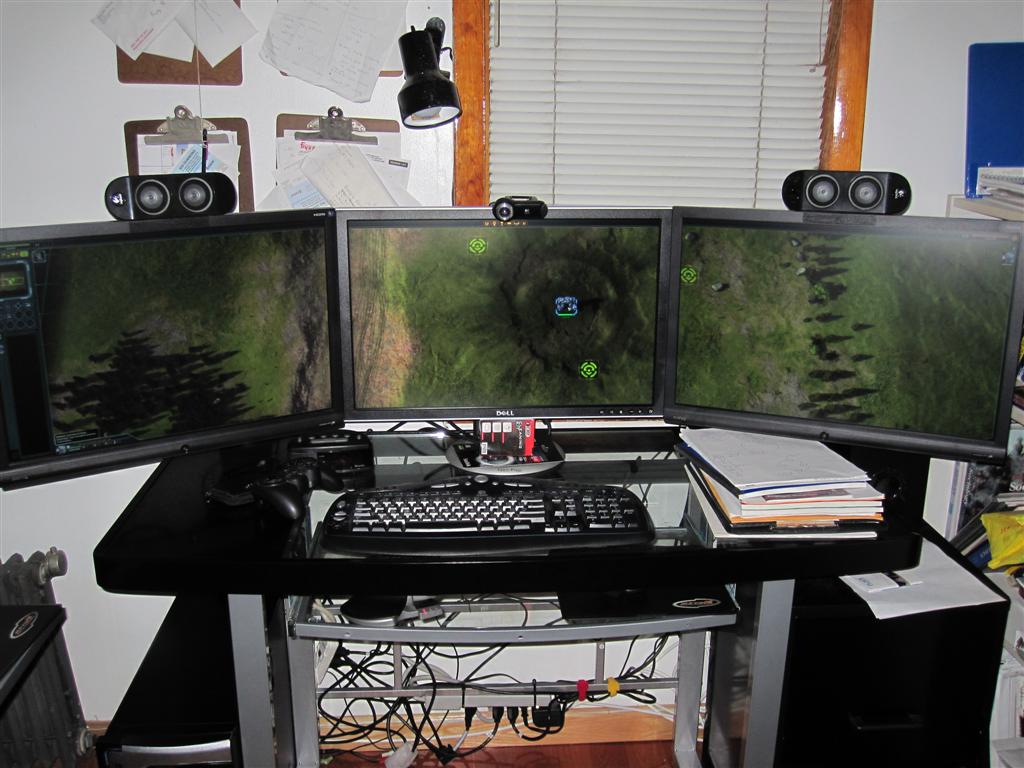
geniv2
Posts: 373
Joined: 05 Oct 2008, 05:49

Finally got around to setting up my EyeFinity

Post by geniv2 »

Sins of a solar empire


Motogp2008


Psychonauts


Gears of War


Warhammer 40k Dawn of war 2
User avatar
Paradigm Shifter
Editors
Editors
Posts: 5706
Joined: 14 Oct 2003, 13:52

Finally got around to setting up my EyeFinity

Post by Paradigm Shifter »

geniv, I've got a question - does it work in triple portrait mode? A chap on OCN wants to know. :)
kiselk
Posts: 45
Joined: 06 Sep 2009, 10:35

Finally got around to setting up my EyeFinity

Post by kiselk »

Great photos, awaiting for some vids.
Any fps benchmarks at 5760x1200 of at least Crysis? couldn't find at least one on the whole net.

geniv, I've got a question - does it work in triple portrait mode? A chap on OCN wants to know. :)

It does!
http://hardocp.com/article/2009/09/28/amds_ati_eyefinity_technology_review
jump to 33rd minute
User avatar
Paradigm Shifter
Editors
Editors
Posts: 5706
Joined: 14 Oct 2003, 13:52

Finally got around to setting up my EyeFinity

Post by Paradigm Shifter »

Thanks for that link. :D
geniv2
Posts: 373
Joined: 05 Oct 2008, 05:49

Finally got around to setting up my EyeFinity

Post by geniv2 »

Great photos, awaiting for some vids.
Any fps benchmarks at 5760x1200 of at least Crysis? couldn't find at least one on the whole net.

[quote]geniv, I've got a question - does it work in triple portrait mode? A chap on OCN wants to know. :)

It does!
http://hardocp.com/article/2009/09/28/amds_ati_eyefinity_technology_review
jump to 33rd minute

I get 15 fps running crysis at 5760x1200. with max details (no AA)

I think it might be my processor/system bottle necking the GPU.

some guy in guru 3D I think said crysis runs at 30fps. but i don't know about his detail level on the game setting.
User avatar
Mach1.9pants
Insiders
Insiders
Posts: 1512
Joined: 29 Jul 2007, 05:24
Location: NZ

Finally got around to setting up my EyeFinity

Post by Mach1.9pants »

What details DX10 max or DX9 max? But 15 FPS ain't bad at that res, OC it and CF it and 2GB it and Crysis maybe playable :p
Samiad
Posts: 33
Joined: 25 Sep 2009, 15:45

Finally got around to setting up my EyeFinity

Post by Samiad »

I think 3 screens are great when you have FPS to spare (e.g. any source engine game), but it's not worth it means your FPS drops into the borderline unplayable area. (IMO of course)

Since installing my 5870 I have given Crysis my first playthrough. I decided to use my single monitor @ 1680x1050 to keep the FPS high (over 40fps at all times).

It's off topic, but that game BLEW me away... I had no idea it was that good! Amazing gaming experience (which sadly finished about 20 mins ago :()
Clutch Cargo
Posts: 29
Joined: 01 Oct 2009, 22:35

Finally got around to setting up my EyeFinity

Post by Clutch Cargo »

New here to the forums. I can't see any of the screenshots in this thread :cry: Is there some setting somewhere that I need to "turn-on" to be able to see these or did the poster remove them?

thx,

Clutch
User avatar
Mach1.9pants
Insiders
Insiders
Posts: 1512
Joined: 29 Jul 2007, 05:24
Location: NZ

Finally got around to setting up my EyeFinity

Post by Mach1.9pants »

It's off topic, but that game BLEW me away... I had no idea it was that good! Amazing gaming experience (which sadly finished about 20 mins ago :()
Run through it again on easy.....

...but you are only allowed to kill the NKs using your fists, chickens, turtles, barrels, etc :)
User avatar
thales100
Editors
Editors
Posts: 1898
Joined: 06 Nov 2008, 01:08

Finally got around to setting up my EyeFinity

Post by thales100 »

New here to the forums. I can't see any of the screenshots in this thread :cry: Is there some setting somewhere that I need to "turn-on" to be able to see these or did the poster remove them?

thx,

Clutch


Neither me, it seems the pics hoster is down.
User avatar
Mach1.9pants
Insiders
Insiders
Posts: 1512
Joined: 29 Jul 2007, 05:24
Location: NZ

Finally got around to setting up my EyeFinity

Post by Mach1.9pants »

New here to the forums. I can't see any of the screenshots in this thread :cry: Is there some setting somewhere that I need to "turn-on" to be able to see these or did the poster remove them?

thx,

Clutch
Welcome!

Nope the images have died for me as well, I think it is a problem with where they are hosted. Maybe come up later.
User avatar
ViciousXUSMC
Editors
Editors
Posts: 1497
Joined: 31 Jul 2006, 14:58

Finally got around to setting up my EyeFinity

Post by ViciousXUSMC »

I think 3 screens are great when you have FPS to spare (e.g. any source engine game), but it's not worth it means your FPS drops into the borderline unplayable area. (IMO of course)

Since installing my 5870 I have given Crysis my first playthrough. I decided to use my single monitor @ 1680x1050 to keep the FPS high (over 40fps at all times).

It's off topic, but that game BLEW me away... I had no idea it was that good! Amazing gaming experience (which sadly finished about 20 mins ago :()


I agree, thats one reason I want to keep my single 37" around because you still get that big/wide screen feel when using just 1 screen.

However Crysis is a game that is just really poorly optimized, if you use one of the custom configs for it you can probably play on 3 screens with a decent frame rate.

I had to play it on a single screen with like 30fps with my dual 4850 setup in the day and Crysis runs really well in the 30's when I normally prefer to be over 45 at all times.

This is also a game I would probably try to drop from 5760x1200 to what ever 1680x1050 is to see if I get a good performance boost and check out how good eyefinity scaling is.
ViciousXUSMC on the Web - YouTube :: FaceBook :: Website
User avatar
ViciousXUSMC
Editors
Editors
Posts: 1497
Joined: 31 Jul 2006, 14:58

Finally got around to setting up my EyeFinity

Post by ViciousXUSMC »

Just realized how good your pictures look, for me I guess my room is too dark so I get an over exposed image of the screens or an underexposed image of the room with the screen looking ok.

I think I will have to make my shots HDR.
ViciousXUSMC on the Web - YouTube :: FaceBook :: Website
AEROSOUL
Posts: 20
Joined: 06 Oct 2009, 11:06

Finally got around to setting up my EyeFinity

Post by AEROSOUL »

Just realized how good your pictures look, for me I guess my room is too dark so I get an over exposed image of the screens or an underexposed image of the room with the screen looking ok.

I think I will have to make my shots HDR.


First off...sorry off-topic.

ViciousUSMC: Why the HDR process to take pics of your computer? That process is for dramatic photography and usually seen in landscape or architecture photography.

Do you know how to adjust the ISO, Aperture and Shutter speed on your camera? If not, I can help you adjust your settings to get the best pic possible. Anyway, overexposure is due to the fact that there is too much light on the sensor, underexposure is opposite. If your room is dark you need to up the ISO, open your lens and slow your shutter a little. Also, you might want to adjust your White Balance for the colors on your screen.

What camera do you have?
AEROSOUL
Posts: 20
Joined: 06 Oct 2009, 11:06

Finally got around to setting up my EyeFinity

Post by AEROSOUL »

Wow, there are a few games you have running in multi-display that I didn't think worked. Thanks for posting this.

That's a huge card dude and very sexy! Treat her well! :D
User avatar
ViciousXUSMC
Editors
Editors
Posts: 1497
Joined: 31 Jul 2006, 14:58

Finally got around to setting up my EyeFinity

Post by ViciousXUSMC »

[quote]Just realized how good your pictures look, for me I guess my room is too dark so I get an over exposed image of the screens or an underexposed image of the room with the screen looking ok.

I think I will have to make my shots HDR.


First off...sorry off-topic.

ViciousUSMC: Why the HDR process to take pics of your computer? That process is for dramatic photography and usually seen in landscape or architecture photography.

Do you know how to adjust the ISO, Aperture and Shutter speed on your camera? If not, I can help you adjust your settings to get the best pic possible. Anyway, overexposure is due to the fact that there is too much light on the sensor, underexposure is opposite. If your room is dark you need to up the ISO, open your lens and slow your shutter a little. Also, you might want to adjust your White Balance for the colors on your screen.

What camera do you have?

... facepalm, yes I know how to use my camera in every way possible. My room is dark, my monitors are bright thus the reason I cant get both the room and the monitors in the correct exposure at the same time. There is no way around that other than to change the lighting... or HDR.

Do you even know what HDR is??? Its High Dynamic Range, basically the human eye can see a greater range of bright/dark than a camera can. But if you have multiple exposures and combine them together into one exposure you can extend the exposure range that a camera can capture. Thus the term and photograhy known as HDR.

Your probably used to those crazy HDR pictures that look all neon and strange, that is not true HDR its just what it has become known as due to it being improperly implemented. A good HDR photo looks like a normal one.
ViciousXUSMC on the Web - YouTube :: FaceBook :: Website
AEROSOUL
Posts: 20
Joined: 06 Oct 2009, 11:06

Finally got around to setting up my EyeFinity

Post by AEROSOUL »

[quote][quote]Just realized how good your pictures look, for me I guess my room is too dark so I get an over exposed image of the screens or an underexposed image of the room with the screen looking ok.

I think I will have to make my shots HDR.


First off...sorry off-topic.

ViciousUSMC: Why the HDR process to take pics of your computer? That process is for dramatic photography and usually seen in landscape or architecture photography.

Do you know how to adjust the ISO, Aperture and Shutter speed on your camera? If not, I can help you adjust your settings to get the best pic possible. Anyway, overexposure is due to the fact that there is too much light on the sensor, underexposure is opposite. If your room is dark you need to up the ISO, open your lens and slow your shutter a little. Also, you might want to adjust your White Balance for the colors on your screen.

What camera do you have?

... facepalm, yes I know how to use my camera in every way possible. My room is dark, my monitors are bright thus the reason I cant get both the room and the monitors in the correct exposure at the same time. There is no way around that other than to change the lighting... or HDR.

Do you even know what HDR is??? Its High Dynamic Range, basically the human eye can see a greater range of bright/dark than a camera can. But if you have multiple exposures and combine them together into one exposure you can extend the exposure range that a camera can capture. Thus the term and photograhy known as HDR.

Your probably used to those crazy HDR pictures that look all neon and strange, that is not true HDR its just what it has become known as due to it being improperly implemented. A good HDR photo looks like a normal one.

I wasn't trying to insult your intelligence at all. I was just trying to help so no need for your face palm thing. I just know taking a simple picture of a room with a computer doesn't usually require processing a picture like that but then again what do I know Mr. Palm. All good.
troopergr
Posts: 17
Joined: 03 Dec 2009, 23:14

Re: Finally got around to setting up my EyeFinity

Post by troopergr »

Nice pics from all the games! I have a question regarding Wolfenstein, any particular thing I need to do? I set the resolution to 5760x1200 but it only occupies the center screen, it doesnt stretch to the others... And when I enable widescreen fixer it just distorts the image further on the same center screen.

Thanks
User avatar
Slinky
Insiders
Insiders
Posts: 354
Joined: 26 Jan 2010, 01:51

Re: Finally got around to setting up my EyeFinity

Post by Slinky »

Awesome pics man. I am in the same boat as you with my case, however, my hard drive bay is not held in by screws so i may have to get a little more serious.
Post Reply

Who is online

Users browsing this forum: No registered users and 10 guests