Page 2 of 2
Re: Matrix: Path of Neo
Posted: 24 Apr 2010, 08:04
by GeneralAdmission
Thanks for the shot, blackpill. If you could snag one more at an even wider AR that would be nice.
Actually, would you add a screenshot at a 4:3 resolution as well? 1024x768 would be great. From the looks of the shots it appears anything wider than 16:9 gets stretched. If 4:3 turns out to be non-stretch Hor- then there's a chance the FOV could be corrected for surround resolutions. I think I have a copy of the game somewhere that I can tinker with.
-edit-
OK I went and looked at the comparison shots in the gallery and while the horizontal fov does increase it also looks like stretch and Vert- as well. I don't think that uses the res tool, though, so a 4:3 shot from your setup would still be useful.
Re: Matrix: Path of Neo
Posted: 24 Apr 2010, 20:51
by blackpill
Well
I try this wider resolution:
4320x900
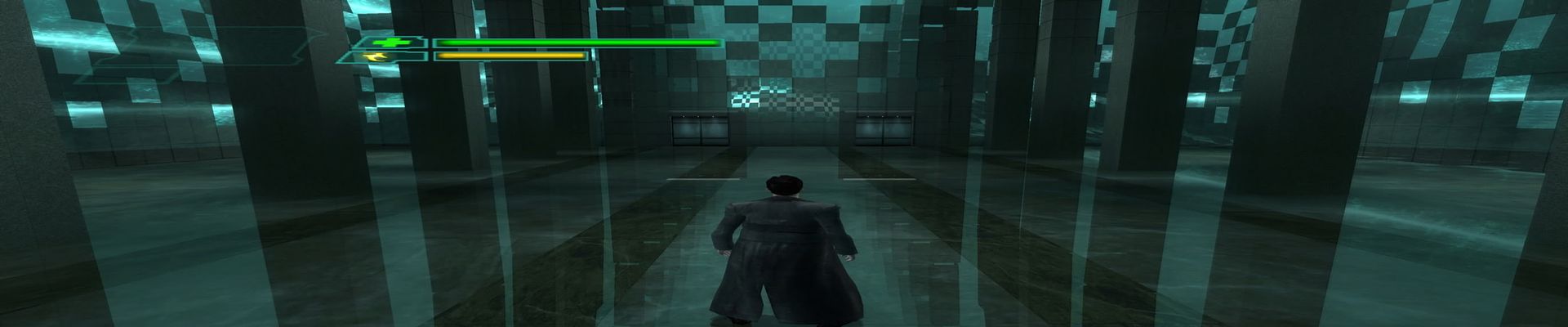
And for the 1024x768,I was surprized that the image in that resolution still have the 16:9 FOV that I "unlock" with the Read Only disabled >
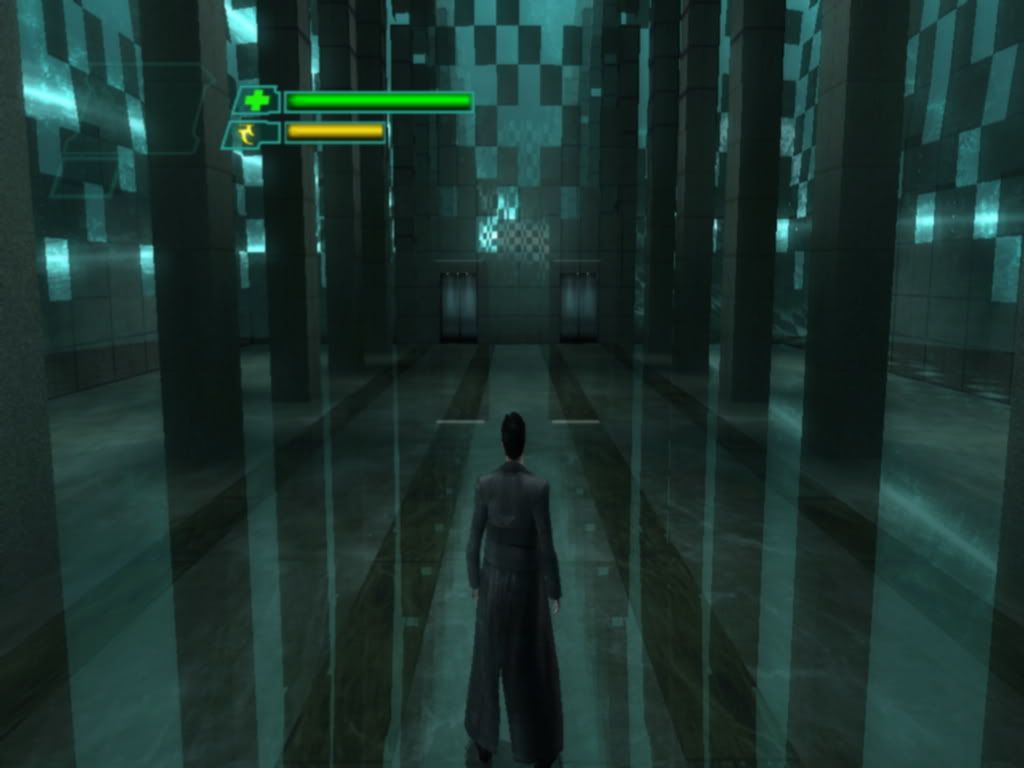
So, I find a older screenshot form the times that I was using a 4:3 1024x768 monitor and there was rigth>
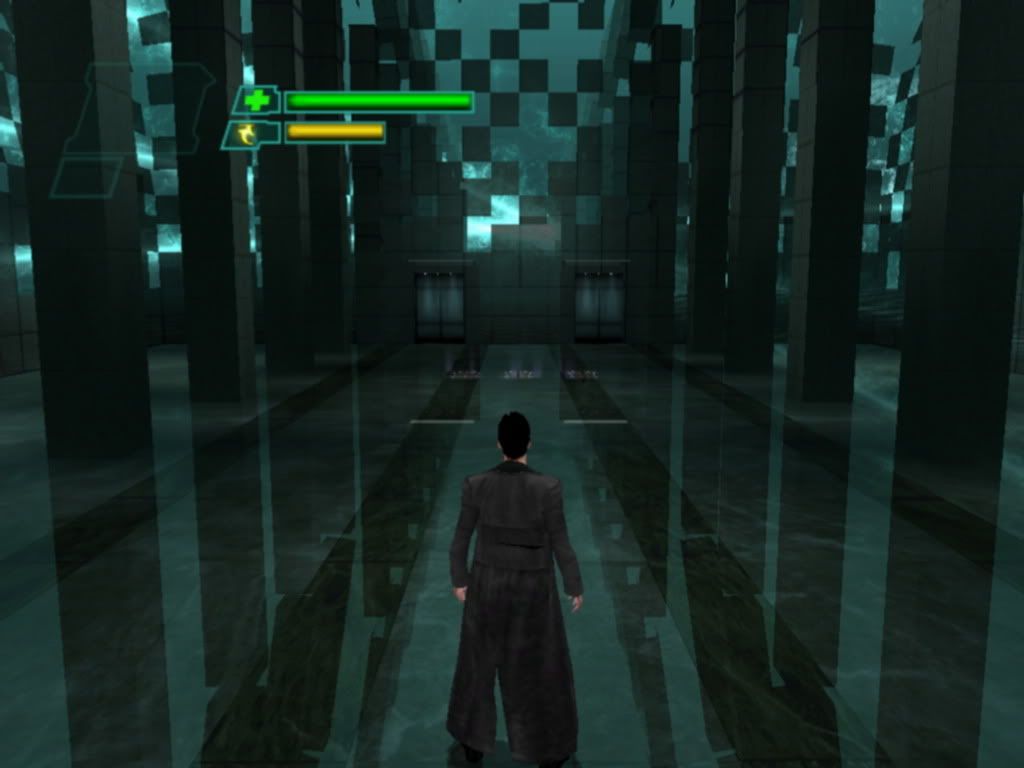
Strange.
Re: Matrix: Path of Neo
Posted: 24 Apr 2010, 21:13
by GeneralAdmission
Thanks for the additional shots, blackpill. I'll have to install my copy and give it a go.
Re: Matrix: Path of Neo
Posted: 25 Apr 2010, 12:41
by blackpill
You are welcome.
Tell us how that go.
Re: Matrix: Path of Neo
Posted: 27 Apr 2010, 23:14
by GeneralAdmission
Well getting the AR corrected for surround hasn't worked so far. I did discover that the game is Hor+ for widescreen, though. The walls the very first map are actually moving in a matrix world-bending kind of way, so screenshots are inconsistent because of the dynamic scenery. I grabbed a couple shots from a different map that show the fov change:


Re: Matrix: Path of Neo
Posted: 28 Apr 2010, 05:28
by blackpill
Mmm. The fov seem change but the models and the enviroment still is a bit... compresed. Just find something circular ingame and it will be oval-like . Because that I think that in a 19:9 ratio it gonna look rigth, I mean, in that way the vertical strech will compensate the "over fov". I maybe worng.
By the way, you think that the - + keys are useful? We can say what they affect the fov?
Re: Matrix: Path of Neo
Posted: 28 Apr 2010, 10:50
by scavvenjahh
Yep, definitely not just Hor+:
(White bars = 16:9 canvas)
4:3

16:10 is Hor+/squished.

16:10 shot resized to
16:9 = Hor+/stretched.

16:10 shot resized to
15:9 is strictly Hor+ !

So there you go, Matrix: Path of Neo is strictly Hor+ in 15:9 and stretched/squished in other widescreen ARs. :!:
Re: Matrix: Path of Neo
Posted: 28 Apr 2010, 18:12
by blackpill
Good work :cheers
Re: Matrix: Path of Neo
Posted: 30 Dec 2010, 00:20
by blackpill
I finally get my new 24" 16:9 and the game now look correct (Except the HUD sadly):
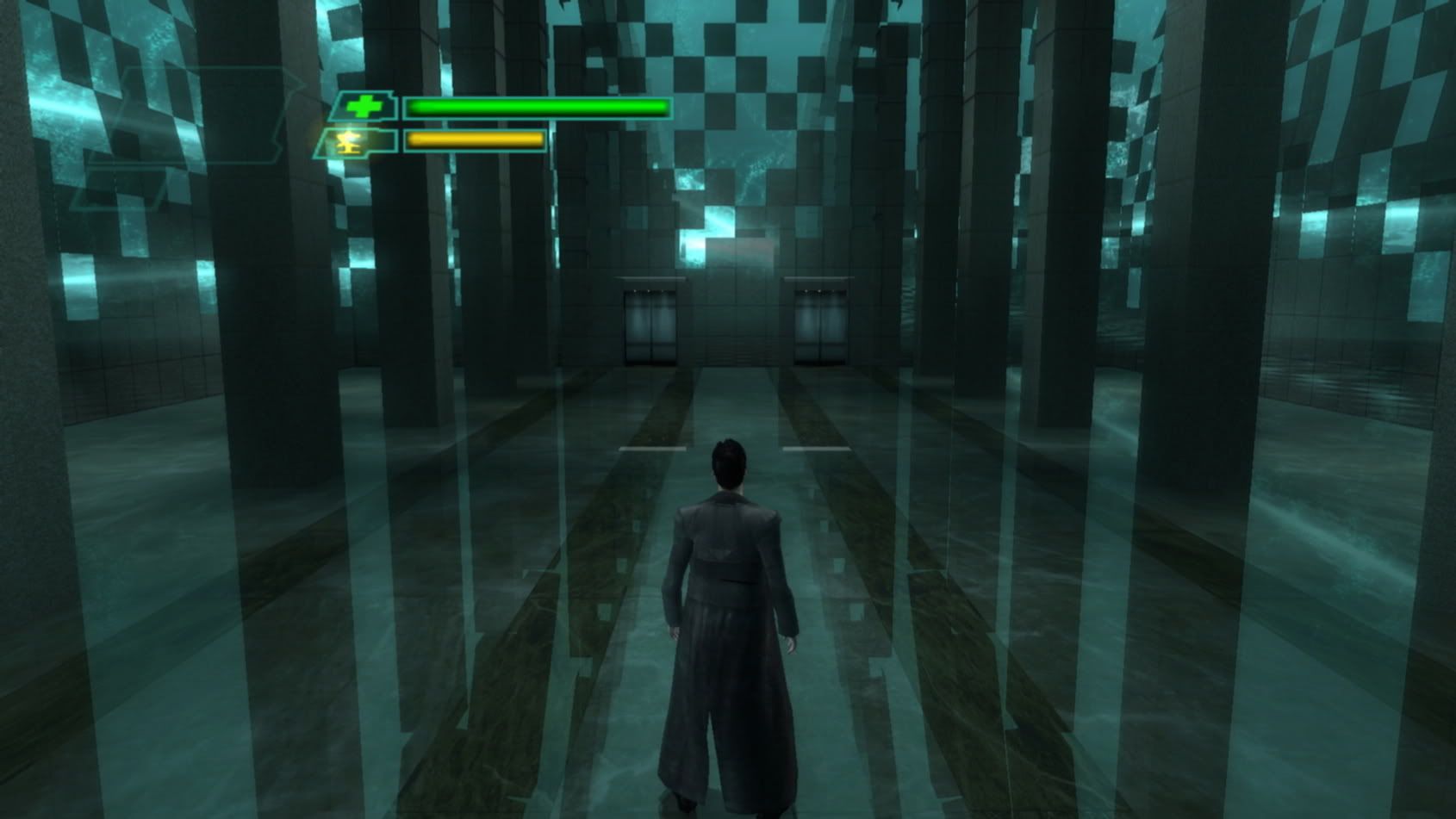
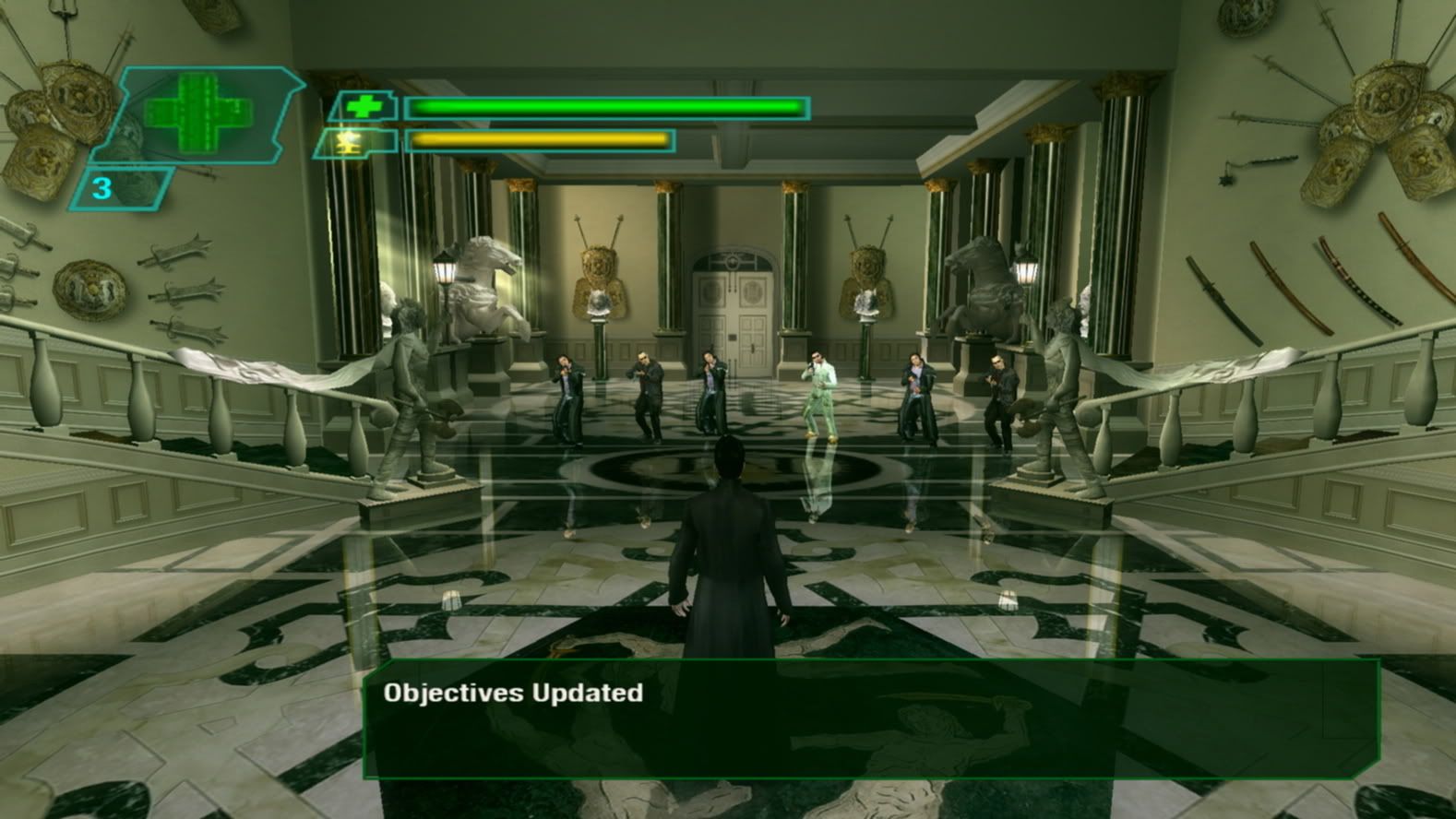
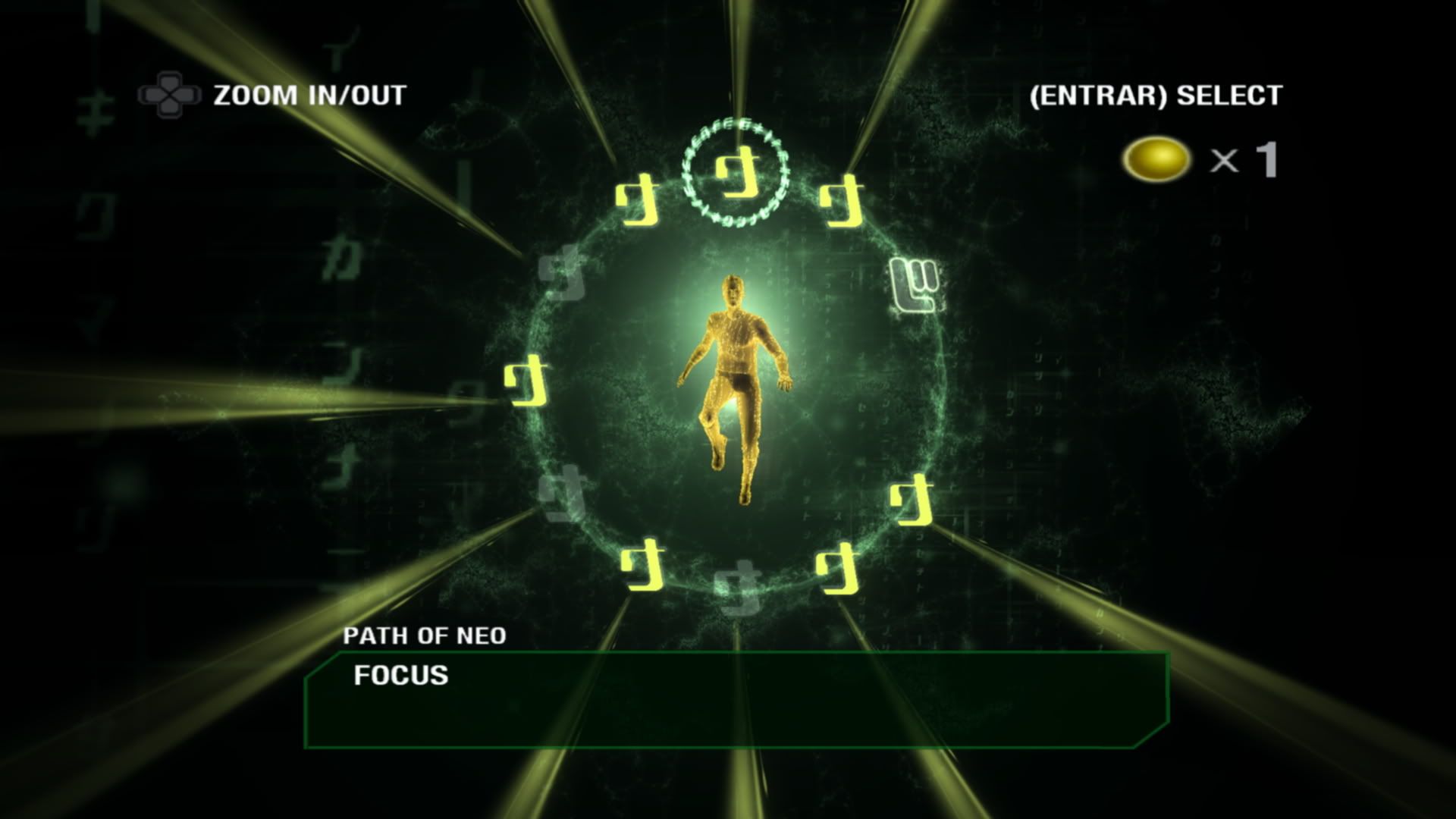
So, to sum up, the steps are:
-Instal and patch the game.
-Put the two "UrRschanger2" files ('d3d9.dll' & 'resolution.ini') in the game folder.
-Open with word pad or similar the 'resolution.ini' file and put your desired resolution in this part:
[MAIN]
#Resolution
Width=1920
Height=1080
-Save and close the file.
-Now, this give you the res that you want but the image gonna look strecht horizontally; so you have to go to the game folder and open the 'MatrixConfig.INI' file and change to "11" in this part:
resolution=11 (NOTE: I choose 11 to a 16:9. You can try others numbers if 11 don't work).
-Save, close and check that the file it's not "read only".
-Now run the game and do not touch de res ingame and the game must look like the screenshots form above.
-If not, try deleting the 'PONsettings' files from the save folder (I think).
-If not, write me here.
Over all it's not a secure solution, this game it's a real b**** XD. But it work for me.
Note: The correct look (or almost) only are achieved in 16:9 and 15:9; in 16:10 the model will look vertical stretch (see replies above).