Page 9 of 9
Re: Fallout 4 21:9
Posted: 09 Jan 2016, 12:05
by BikiniBomb
So i finally get it to work
I used Flawless Widescreen in combo with a Widescreen mod
http://www.nexusmods.com/fallout4/mods/ ... D274&pUp=1Just Follow the instructions its very easy
@ Ci7rus the UI problem with the Compass looked liked this
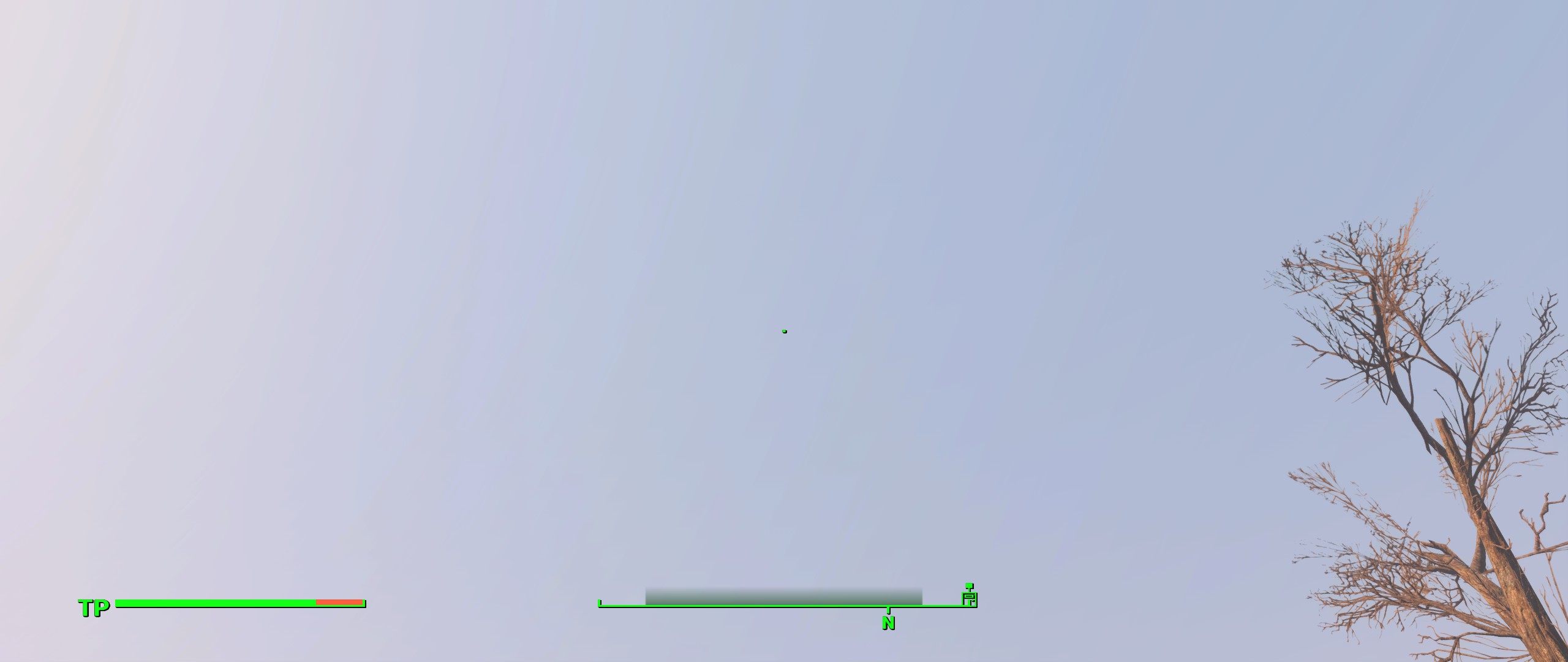
- 2016-01-09_00001.jpg (150.65 KiB) Viewed 11578 times
No it looks like this
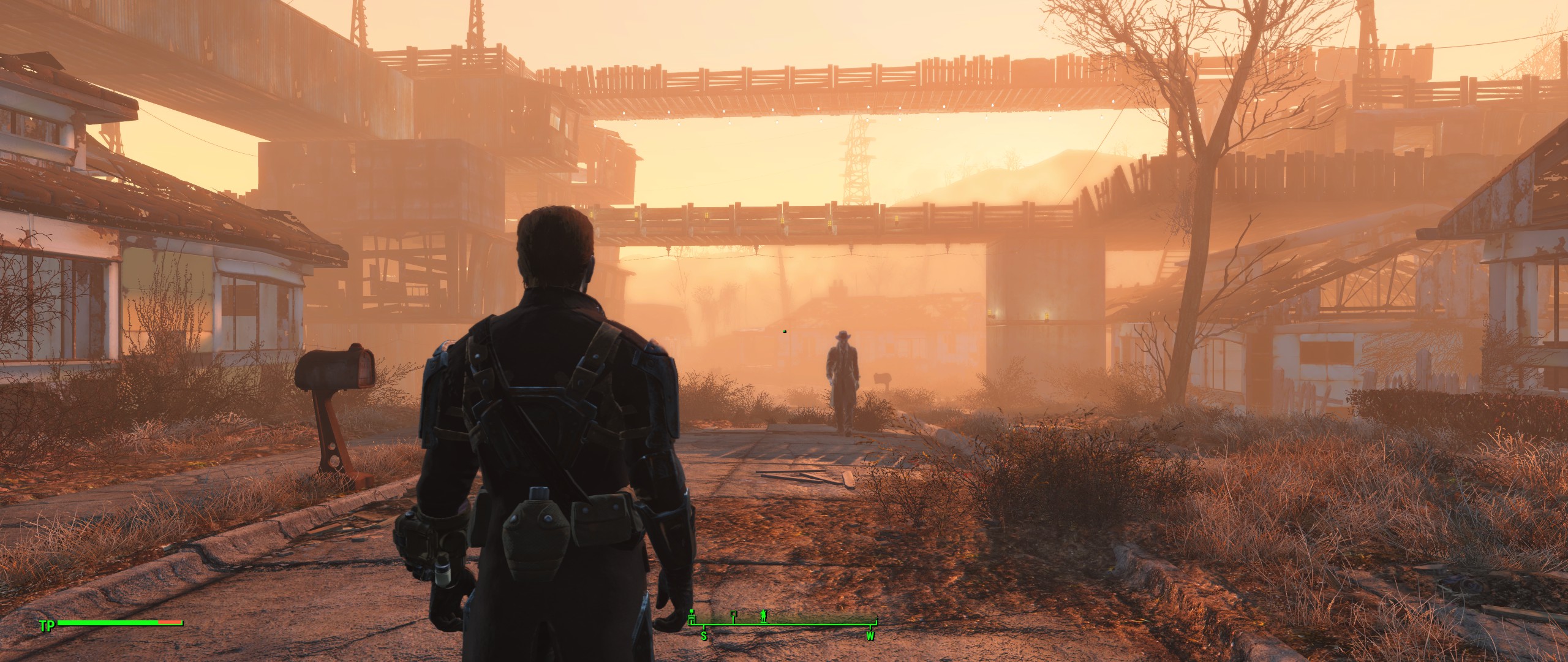
- 2016-01-09_00004.jpg (616.7 KiB) Viewed 11573 times
@ Nikonthenet the Power Armor Hud look´s like before
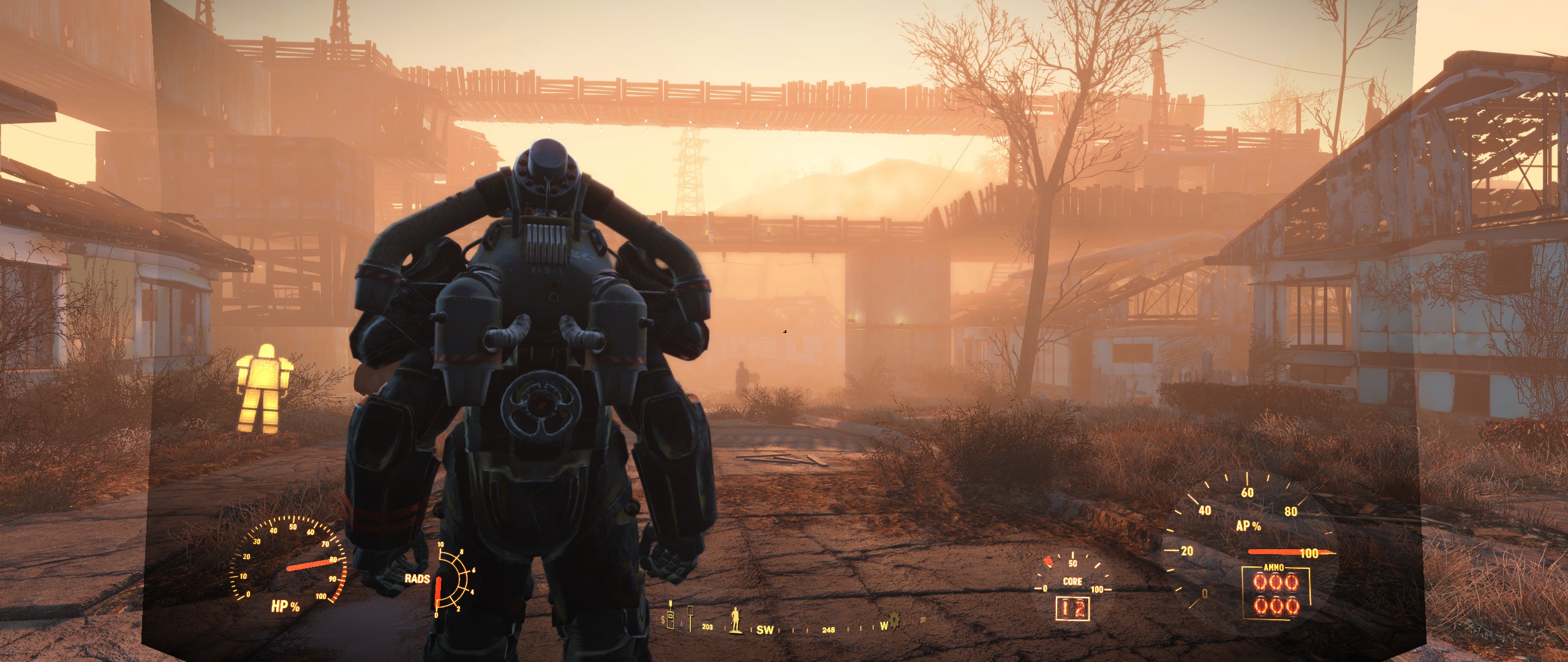
- 2016-01-09_00003.jpg (575 KiB) Viewed 11571 times
Thnaks everone for the help
The Power Armor is not necessary important
Re: Fallout 4 21:9
Posted: 09 Jan 2016, 21:09
by Ci7rus
From that first screenshot it looks like FWS isn't working at all. You may have the same issue that Ugnex had with FWS not properly detecting your display and resolution, if that's the case using the nexus mod may only be masking the problem.
Re: Fallout 4 21:9
Posted: 10 Jan 2016, 00:05
by BikiniBomb
In the first screenshot i just wanted to show how it looks like without any Fix enabled just the normal game and without Mods.
Do you know any other mod, method etc, to fix the Power Armor Hud?
Re: Fallout 4 21:9
Posted: 22 Jan 2016, 17:55
by Amoveo
BikiniBomb wrote:In the first screenshot i just wanted to show how it looks like without any Fix enabled just the normal game and without Mods.
Do you know any other mod, method etc, to fix the Power Armor Hud?
Check out
this Steam community post, they figured out an easy INI fix.
Re: Fallout 4 21:9
Posted: 27 Mar 2016, 18:57
by vega135z
Hello All! So I found a mod on Nexus that enabled the 3440X1440 resolution in Fallout 4. The mod is called "Ultra Widescreen Patches" by John Doe Bowler. Recently, while re-installing FO4, I came across this mod and I decided to try it. Instructions were basically, install mod via NMM, edit Fallout4Prefs.ini, run game. That's it! At first the game ran like a sllide-show until I realized everything was set to Ultra. Bumped things down to accommodate my GTX 680 and all ran well. Menus, Workshop Menu, PipBoy, PA HUD, Weapon quick-select, all seems to be working. Now only if I can get Automatron to stop crashing my game!
Re: Fallout 4 21:9
Posted: 21 May 2016, 07:11
by Presidential Candidate
Does anyone have a manual fix rather the flawless? it keeps crashing my game at random intervals which is no fun on survival
Re: Fallout 4 21:9
Posted: 29 Jul 2016, 07:22
by AeXiPHiXiON
edit: fix for 5760x1080 display
http://www.wsgf.org/forums/viewtopic.php?f=68&t=30431&p=166720#p166720this worked for me, no mods or fixes, only dual monitor right now
\Documents\my games\Fallout4\Fallout4.ini
[Interface]
fDefaultWorldFOV=90
fDefault1stPersonFOV=100
\Documents\my games\Fallout4\Fallout4Prefs.ini
bTopMostWindow=0
bMaximizeWindow=0
bBorderless=1
bFull Screen=1
iSize H=1600
iSize W=5120
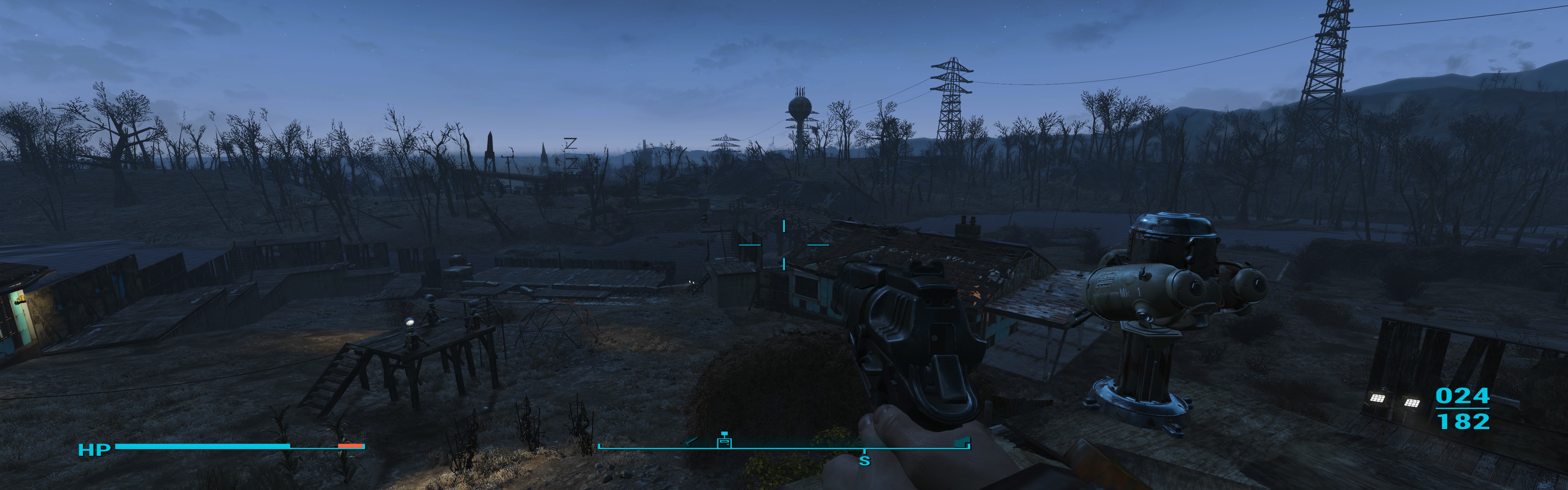
- 5120x1600
- 20160729021333_1.jpg (1.21 MiB) Viewed 7958 times
Re: Fallout 4 21:9
Posted: 31 Jul 2016, 10:20
by Bloodbath
What kind of performance are people getting on F04? I have always reasonably low frame rates ~25 - 60 fps, even when I was playing at 1080. I am currently running tri SLI setup and was wondering if this was pretty normal. It hasn't stopped me sinking 500 hours into the game.
Re: Fallout 4 21:9
Posted: 07 Aug 2016, 07:02
by AeXiPHiXiON
at 5760x1080 medium i get about 50fps, ultra 30fps, dual amd 7800, i7 3820, 16gb
Re: Fallout 4 21:9
Posted: 22 Nov 2016, 20:29
by Skoda Zek
Hey there,
I am using Flawless Widescreen (latest version) along with the Widscreen Fix from nexus mods (widescreen.ba2, and minor edit to ini). All in all it works perfectly except for one aspect. When in power armor there is a shaded background that only covers the 16:9 area of your monitor (myself at 21:9 3440x1440 resolution). Is there anyway to get rid of that background shading all together? I don't mind the ui stuff being aligned to a 16:9 ratio but that grey transparent background is absolutely awful looking.
Thanks!
Re: Fallout 4 21:9
Posted: 23 Nov 2016, 02:36
by Jack88
Skoda Zek wrote:Hey there,
I am using Flawless Widescreen (latest version) along with the Widscreen Fix from nexus mods (widescreen.ba2, and minor edit to ini). All in all it works perfectly except for one aspect. When in power armor there is a shaded background that only covers the 16:9 area of your monitor (myself at 21:9 3440x1440 resolution). Is there anyway to get rid of that background shading all together? I don't mind the ui stuff being aligned to a 16:9 ratio but that grey transparent background is absolutely awful looking.
Thanks!
I don't use Power Armour much so I can't say I've used this enough to endorse it, but maybe give this a try?
http://www.nexusmods.com/fallout4/mods/7987/?
Re: Fallout 4 21:9
Posted: 30 Nov 2016, 00:22
by _Floppy_
I hope that u guys read this.
I bought a 21:1 3440x1440 Monitor. I read all of the things u guys had written but nothin worked for me. All is fantastic, but my Hud is stretched and I dont know how to fix that...FWS doesnt fix it for me

I hop somebody can help me or give me links that will work...
At the Moment it looks like this with FWS running in the back:
Re: Fallout 4 21:9
Posted: 11 Dec 2016, 00:53
by PCDesignerR
Hey guys just wanted to make sure everyone knows by now that Nexus mods has a mod specifically for 21:9 Fallout 4 play that fixes all issues with 21:9 gaming for this game.
http://www.nexusmods.com/fallout4/mods/ ... _game=1151
Re: Fallout 4 21:9
Posted: 11 Dec 2016, 23:07
by darenw
Which mod are you using, your link is incorrect.
Re: Fallout 4 21:9
Posted: 06 Feb 2017, 20:39
by uio77
Do anyone know if the new 58GB update fix the 21:9 support??
Re: Fallout 4 21:9
Posted: 07 Feb 2017, 23:41
by Haldi
It's High Resolution Textures only. So probably doesn't.
Re: Fallout 4 21:9
Posted: 08 Feb 2017, 11:03
by d00d3n
darenw wrote:Which mod are you using, your link is incorrect.
I am surprised that this thread fails to clearly recommend a 21:9 solution for Fallout 4. As someone who spent a considerable amount of time trying out different mods, often with bad results, I have a clear recommendation: Ultra Widescreen Patches Updated (UWPU)
http://www.nexusmods.com/fallout4/mods/16666/?Install using Nexus Mod Manager, do the recommended ini edits and you are good to go. Works perfectly in my native resolution of 2560*1080. No need to use flawless widescreen. The only issue I can think of is that I didn't get DSR resolutions to work.
Re: Fallout 4 21:9
Posted: 04 Oct 2018, 19:25
by walkinbonfire
Hey all, made an account to post here. Thanks for all your work, I hit wsgf every time I get a new game. Fallout is the first time I’ve had any issues. I’ve done everything: changed both my ini files, used the special launcher, and installed the true 21:9 mod, but I still can’t get widescreen to work. My ui renders in my full screen area, as does the power armor interface, and I can even get the level up perks screen to take up all my screen space when I zoom, but the game itself will only render in 16:9. Any idea what could be causing this? Thanks a ton, I’m tearing my hair out here.
I’m on a dell 38” 3840x1600 running a 1080ti on latest drivers if that helps.