Page 9 of 9
Re: Far Cry 4
Posted: 27 Feb 2019, 14:45
by dmxdex
The patch does not work, all it does is beep and not increase fov. i have tried it in admin mode but it definately does not work, i run the game through uplay so not sure if that is the problem?
Re: Far Cry 4
Posted: 27 Feb 2019, 18:01
by jackfuste
dmxdex wrote:The patch does not work, all it does is beep and not increase fov. i have tried it in admin mode but it definately does not work, i run the game through uplay so not sure if that is the problem?
Replace
FC64.dll in the game folder - available from the
PC Gaming Wiki Community Files (search there)
FOV slider should be visible in the game menu.
Re: Far Cry 4
Posted: 28 Feb 2019, 00:45
by POP86PT
This worked perfectly for me, thanks jack!
Re: Far Cry 4
Posted: 28 Feb 2019, 03:45
by Rose
The modified dll does the job as well.
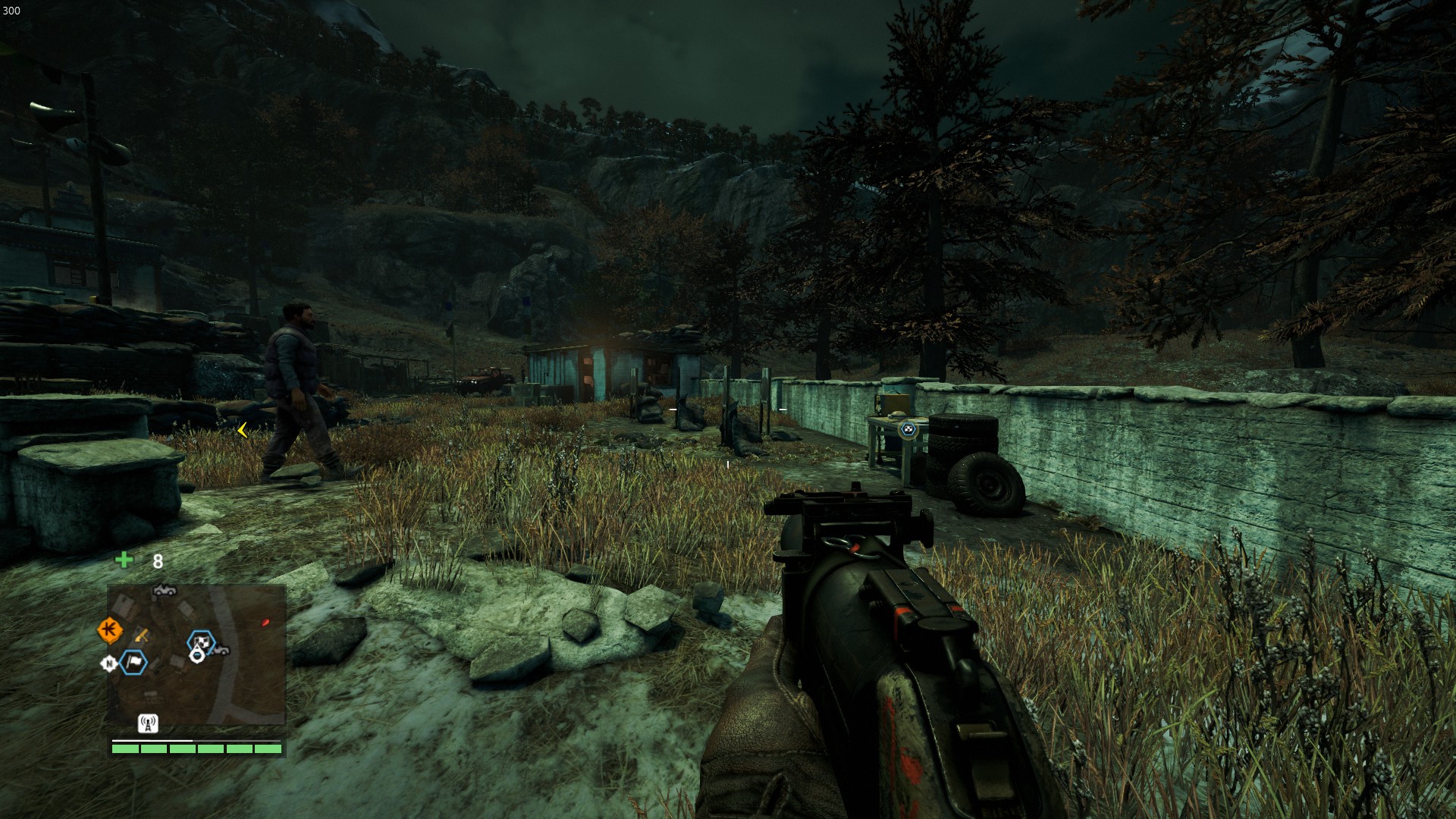
- 16:9 (highest FOV)
- 20190228074129_1.jpg (581.93 KiB) Viewed 10028 times
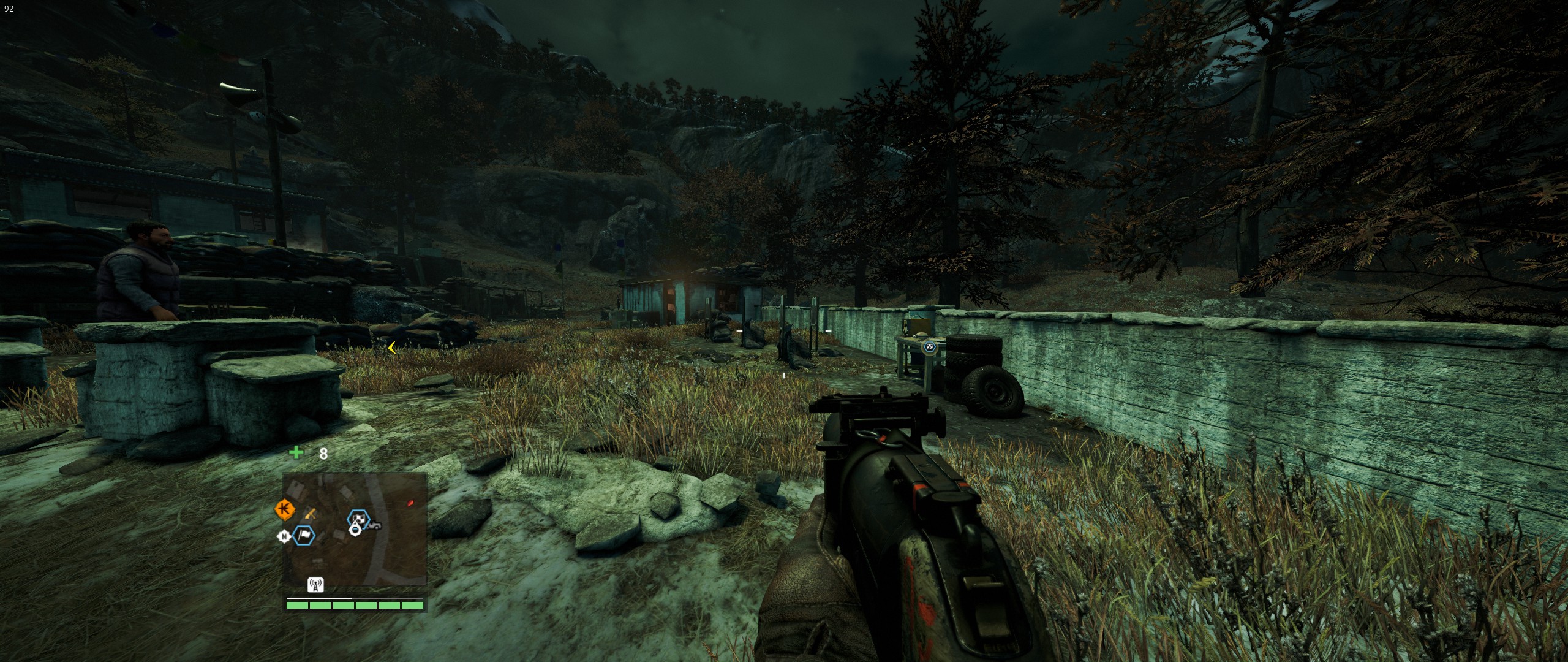
- 21:9 (highest FOV)
- 20190228074059_1.jpg (784.19 KiB) Viewed 10035 times
Re: Far Cry 4
Posted: 16 May 2019, 19:59
by wickedsick
I don't know what i am doing wrong, neither the patch nor the DLL works for me. I have the DLL in the game folder if I ran the patch before the game or after the game, it wields the same results: I hear its beeps when I press the Function keys but nothing changes. What can I do?
Even if it does not work for me, it seems to work for some people, so, I must say thanks, either way. I really mean it. Thanks a lot for making this.
Re: Far Cry 4
Posted: 16 May 2019, 22:00
by czarman
Its because the Game got updated again and again and again but apparently they never fix the FOV Slider.
But it can be fixed via hexedit - open FC64.dll look for 47 23 01 E8 63 and change it to 47 23 00 E8 63.
Re: Far Cry 4
Posted: 16 May 2019, 22:10
by wickedsick
Yeah, what's to be update they don't... Thanks for the tip, I am searching for the string you gave but I can't find it, neither in the original DLL on in the modded DLL.
I am playing in 2560x1080.
EDIT:
Working with FC64.dll and searching for the string 47 23 01 E8 63 gave me nothing, but searching for 47 23 00 E8 63 found a hit. I tried to change the 00 to 01 in there, but still nothing. It was a long shot, but I was desperate.
I tried to contact Ubi support hahah They told me that the game was designed to be that way and that I could look for a mod, but that was not recommend and I would do that at my own risk hahah Can you believe that? The support telling me to look for a mod haha
I told them that I did that already and that their patches broke the mod and that was it. Nothing that they would suggest me to do unless to deal with it.
Re: Far Cry 4
Posted: 17 May 2019, 07:56
by czarman
I tried it out one more time - verify integrity of game files in Steam.
I was wrong --> open FC64.dll look for
47 23 01 E8 in Offset 18C250 and change it to
47 23 00 E8 .
After that the FOV Slider is available in the Game Options under Video Advanced Section.
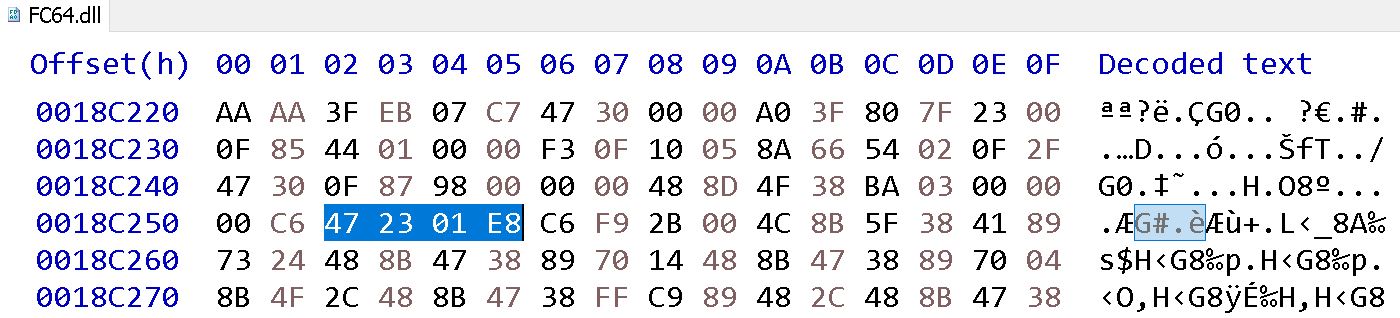
- Far Cry 4 - FOV Slider available 00 new.JPG (120.81 KiB) Viewed 7846 times
Re: Far Cry 4
Posted: 20 May 2019, 02:01
by wickedsick
Thanks for the help and the patience, cazarman. But I had no luck. Sorry for bothering you so much.
Re: Far Cry 4
Posted: 21 Jun 2019, 14:41
by Malv
Hi all

Before anything else I'd like to thank everyone who has helped with the various FOV fixes here! This is amazing work you guys, I really respect you taking care of Ubisoft's mess again and again and thereby making the game playable for everyone using 21:9 and upwards! Finding this thread gave me hope and made me give the game a try.
Unfortunately, I'm too late to the party and they broke it again. While it would be practical if someone made a new fix for us, I prefer the "teach a man to fish" approach, especially considering the short expected lifespan these fixes have here... thanks for that, Ubi

. So here is my request:
Could someone with the expertise (maybe jackfuste or czarman or anyone else willing) please explain how they figure out what needs to be changed after the game gets patched?
I've used CE before (I think I went through the tutorial up to step 8 (multilevel pointers)), I'm moderately experienced with programming (albeit only high-level languages) and am familiar with computer logic. I am willing to invest a couple hours to learn what I'm lacking, if it means I can get the CE trainer to work, or, what seems easier at first glance, understand
how to find what needs to be changed in the FC64.dll.
I already tried editing the new dll as suggested by czarman, I found 2 matches for
47 23 01 E8, neither at the old offset, and neither managed to unlock the FOV slider (tried changing them individually and simultaneously). None of the trainers I found work any more either, and unfortunately that's as far as I got on my own. I'm sure I'd be able to dig deeper if you guys could give me some pointers, right now I just don't really know what to look for.
So yeah, hope you experts see this, any help would be greatly appreciated!