[-noun] Web community dedicated to ensuring PC games run properly on your tablet, netbook, personal computer, HDTV and multi-monitor gaming rig. https://www.wsgf.org/phpBB3/
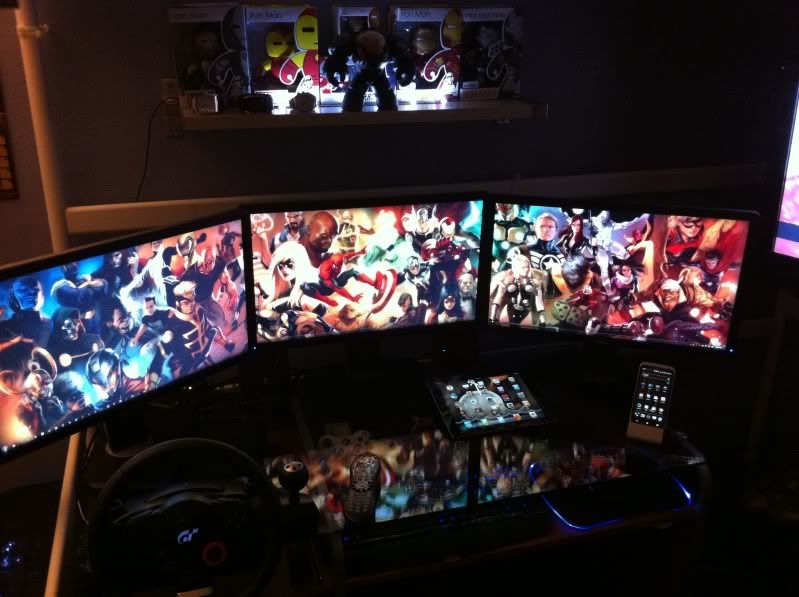
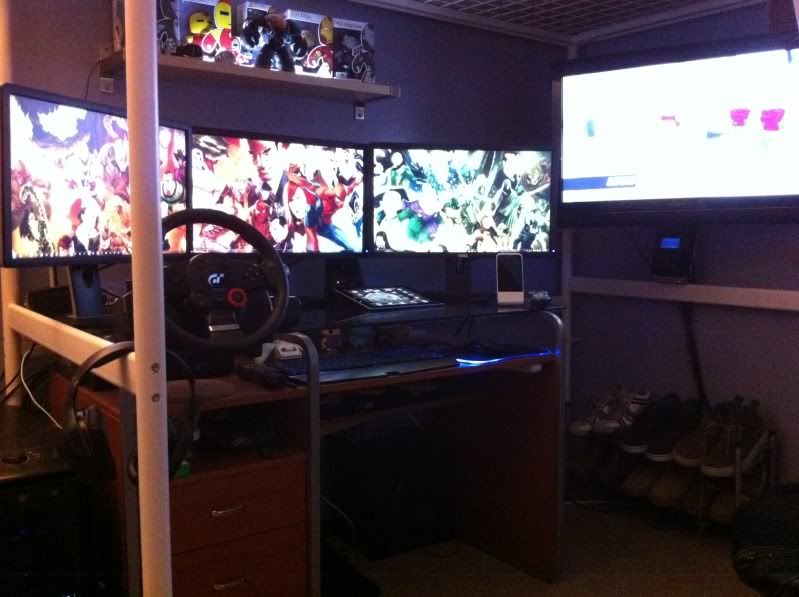
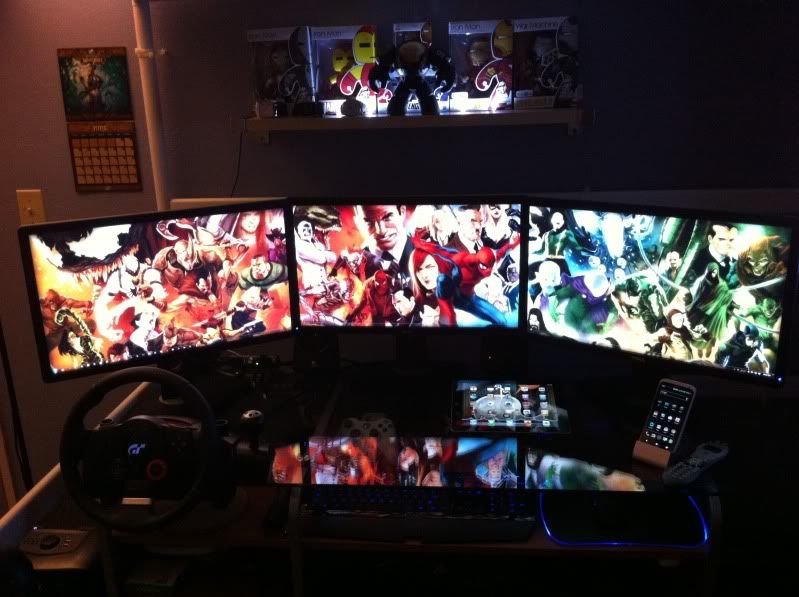
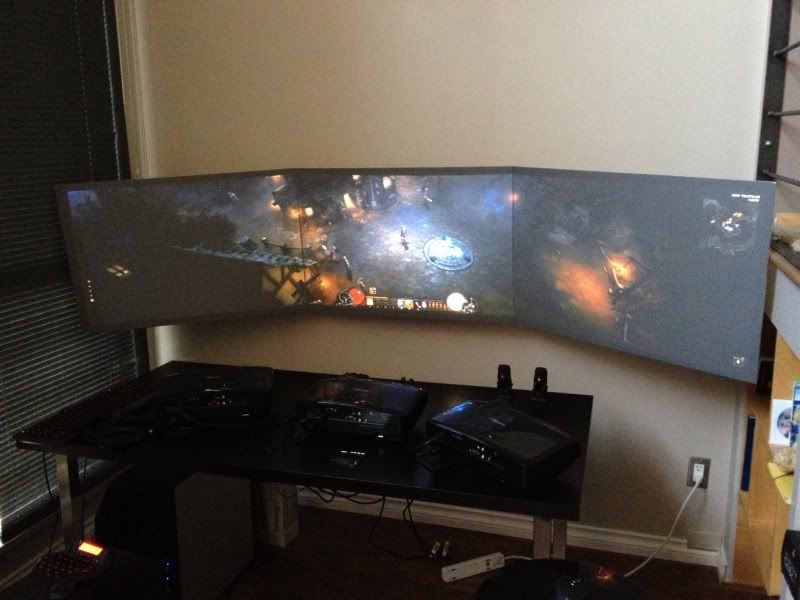
I just inverted my monitors and switched to "3 over 1".
"3over 1 plus 1 TV" !So the
Posted: 10 Jul 2012, 22:55
by Haldi
"3over 1 plus 1 TV" !
So the Mac is a independent system ?
Nice setup! i like to have 3
Posted: 10 Jul 2012, 23:46
by Sh4dowking
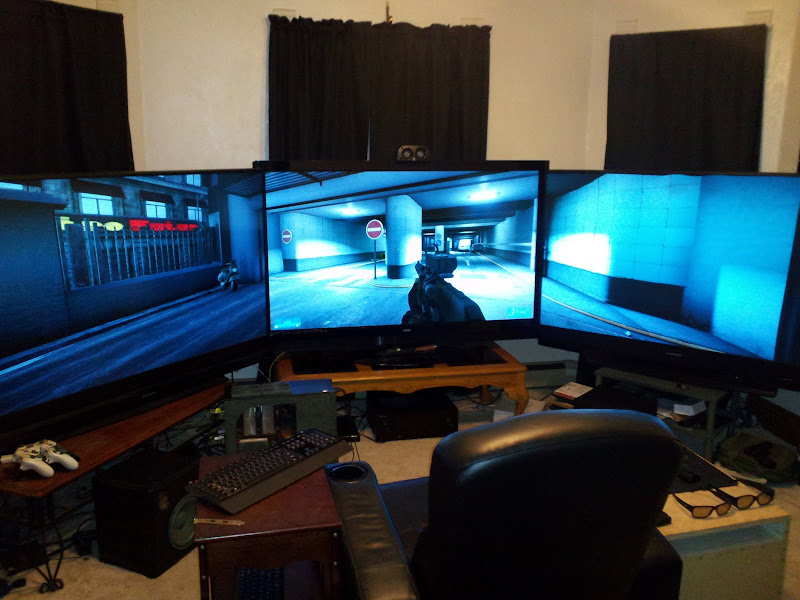
Nice setup! i like to have 3 + 1 too but my GTX 560 ti's won't let me :P I have 2 24' screens left and i dont know what to do with it :P
skipclarke wrote:I just
Posted: 11 Jul 2012, 05:36
by drinfernoo
I just inverted my monitors and switched to "3 over 1".
Have you checked out synergy?
http://synergy-foss.org/
That way you wouldn't have to have two keyboards/mice possibly?
here's mine =)
Posted: 11 Jul 2012, 07:57
by markyz07
here's mine =)
skipclarke wrote:I just
Posted: 11 Jul 2012, 12:06
by suiken_2mieu
I just inverted my monitors and switched to "3 over 1".
I like this, but is your 3x1 at head height? I love when my monitors middle is right where my eyes sit.
Haldi wrote:"3over 1 plus 1
Posted: 11 Jul 2012, 14:40
by skipclarke
"3over 1 plus 1 TV" !
So the Mac is a independent system ?
Yes. The Mac Pro is hooked to three monitors (top, middle, bottom) and the PC is hooked to three (top row). I am hoping to swap out the Mac Pro (though upgraded, it's six years old) for a Retina MacBook Pro. It would sit to the left of the bottom monitor, and I would use the bottom monitor as a second screen.
I like this, but is your 3x1 at head height? I love when my monitors middle is right where my eyes sit.
The center of the top screen is just above where my eyes sit. They sit about 25% up from the bottom (or 25% down from the middle). I can drop the set of screens by about 1" if I need to, which would get the top row closer to exactly at eye level.
You guys have some really
Posted: 18 Jul 2012, 18:09
by Gilly
You guys have some really awesome setups tbh! I have as yet not posted a pic of mine and the gfs, this will change soon.
Just dabbled slightly in some simulation racing... see how it goes but that might be a reason to try eyfinity :P
My HyperSim. New pics coning
Posted: 18 Jul 2012, 18:58
by Grizz
My HyperSim. New pics coning soon.. now with tach and speedometers!
cool.. very cool
whats the picture quality like on the projectors?
nice Chair, so... where is
Posted: 15 Sep 2012, 19:03
by Haldi
nice Chair, so... where is the Wheel?^^
thanksits in the box under
Posted: 15 Sep 2012, 19:12
by crispy
thanks
its in the box under the table
i only get it out when i want to use it as it takes up too much space
im currently making plans to make a stand/table for the wheel with the offcut of hardwood that i have left over
Very nice setup. Props for
Posted: 15 Sep 2012, 20:33
by Wijkert
Very nice setup. Props for building it yourself. The chair looks nice. Where did you buy it?
hey ,thought id post mine as
Posted: 16 Sep 2012, 09:05
by crispy
hey ,
thought id post mine as ive had abit of an overhaul
ive moved into my new house about 2months ago, and i decided that i wanted to make my very own command center/games room
now im a welder/fabricator by trade so i knew that i could make alot of the stuff i wanted myself, so the first thing i wanted was a proper full size desktop that went from
one side of my room to the other about 2.44 meters. i decided to go with 30x30 box section brushed stainless steel so i measured up and built and welded a solid table frame. with 3 supporting crossmembers and 5 legs
one leg on each corner and on smack in the middle for added strength.i used 2x 6 meter lengths that came to about £60 which wasnt bad.
so next was the table surface after alot of searching i wanted to go for a solid wood worktop, didnt really like that mdf type stuff so
in the end i went for 40mm thick solid beech it came in 3m length and was 720mm deep, this wasnt cheap either cost me with del £150 and boy was it heavy, it felt like solid metal lol
i cut it down to size , sanded it down and applied several coats of hard wood laquer/varnish and was pleased with the end result. after struggling upstairs with the wood
i finaly got it ontop of my table and screwed it securley down,
the table frame was a nightmare to get into the room aswell i only gave it 15mm clearance either side of the door frames so i knew it was going to be close
next i wanted to upgrade my sound system so i did abit of research and found some studio monitor speakers audioengine active for £200
then i realised that i needed to make some stands for them so i made some stands at work and had them powdercoated white to match the speakers
i also drilled holes in the back of the stands so i could feed wires neatly up in the stand and out of view.
then came my 3 23" monitors i wanted to debezel them but was unsure on
1 what they would look like
2 would it be to fidely
in the end i decided to just do it and debezel them all, but that had its own problems
1 i would have to make new stands as they stand was part of the casing
2 the on/off controls were left dangling when removing the outta case
i made some new stands at work altho it took me two goes to get them right as the 1st stands i did didnt quite work out
i also wanted something infront of my monitors that looked smart, covered all the wires and raised the monitors up more to my eye level
again i decided to go with brushed stainless steel plate to match the table , i did do a test version just out of mild steel first to make sure it would work
but it was ok in the end. i wanted to add a little extra touch so i added some lettering aswell ,and some cut outs for the on/off control panels,
as we have use of laser cutting machines at work too as well as pressbrakes for bending
and powdercoating for painting
i dont use those other departments i just stay on my welding section, but if theres anything i need them to do they can do it for me when the gaffer aint looking
just as long as i do the same for them.
i didnt know wether to have lighting behind the lettering eg perspex with red/blue leds
but at this point i was getting lazy and didnt want the hassle so i went with luminous red vinyl
so i hope you like the 90% finished command center
sorry about the poor pic quality was using my xperia play camera
thanks
Cheers mate I got the chair
Posted: 16 Sep 2012, 09:07
by crispy
Cheers mate
I got the chair off ebay
For about £120 delivered
i thought that was quite expensive until i started to look as some executive office chairs
that go from £400-900
Its just on wheels like an office chair but obviously bucket seat
Comes in different colours too
Ive also got a sub woofer on order also from audio engine the s8
Its also in white to match the 2 monitors speakers
Should arrive on Monday that was £300
Just lucky I've got plenty of overtime at work