[-noun] Web community dedicated to ensuring PC games run properly on your tablet, netbook, personal computer, HDTV and multi-monitor gaming rig. https://www.wsgf.org/phpBB3/
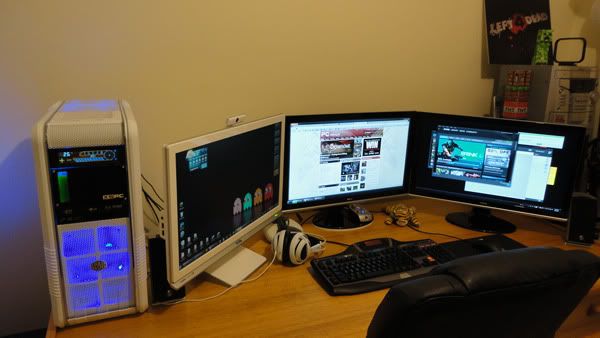
Thought I'd introduce myself in this thread. Google has brought me to this site numerous times but only decided to sign up today. I've just spent the better part of the hour checking out all the other setups in this thread and some of them are just amazing. The ones with all the racing gear makes me jealous, I would really like to put together a setup like that.
Recently just shifted everything around but it still all looks the similar.
When time and money permits I would like to get all those screens mounted using a bracket and water cool my GTX480's because they like to make some noise when I make them work.
Here's a halfarsed youtube video I make of my setup that shows things off a little better http://www.youtube.com/watch?v=Gxvwy8mWOh4 the randoms that have stumbled upon it hate it lol
Anyway just wanted to say hi :)
Got a new mousepad and
Posted: 14 Jul 2011, 11:16
by ViciousXUSMC
Got a new mousepad and keyboard since these pics and made my own pop filter for my microphone but other than that its pretty much the same.
edit: oh and finally took the feet off my 2 front speakers because hey lay on their side.
Doing a lot of video work now so sprung for a computer upgrade, could not afford a new build so just upgraded the mobo/cpu so now its a i7 2600K running 4.5ghz replacing my Q6600 @ 3.6ghz
My Command Center
Posted: 26 Jul 2011, 16:37
by RedRamage
Okay, finally took some pics...
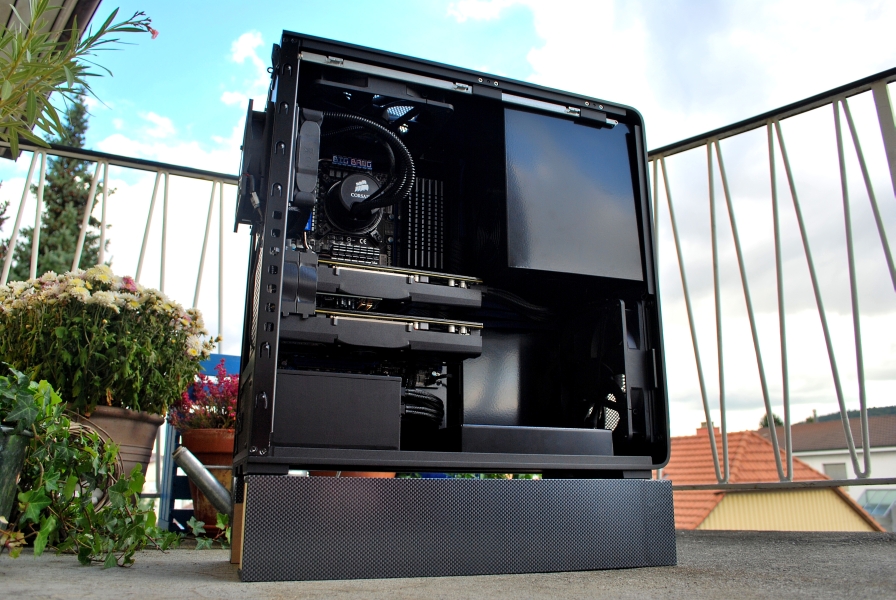
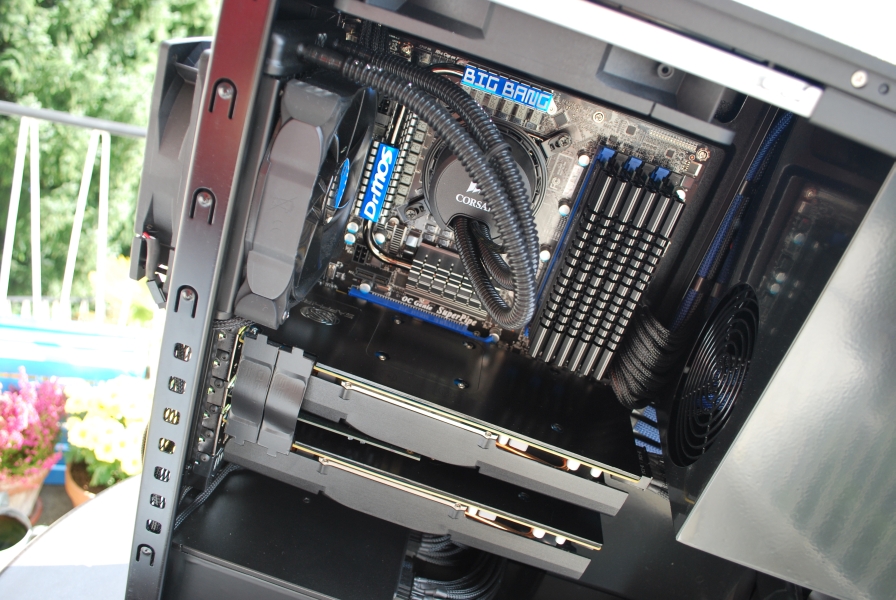
You can see the triple monitor's of course. The desk is Basyx by HON. It's nothing fancy, but it's very sturdy and solid. Gets the job done well. I like to have my monitors up a bit at eye level instead of on the desk so I'm looking down on them. Of course I've gotta have the TV in the corner so I can watch the baseball game while I'm playing a game. :) You can see my unusual computer case in the lower corner by the drawers. You read more about that, see here:
I got a hold of some counter top pieces (also by hon, so the colors match. I mounted them side by side, and then bought some cheap plastic drawers from Iris to put underneath the "shelf." This gives some very nice usability. My monitors side higher, I have convenient drawers above my desk, and I have a large space that I can push my keyboard into when I've got my joystick on the desk.
Finally, I tried to "pin up" as much of my cables as I could under my desk. You can see some cables in the picture above, but what you can't see is that these are only the tip of the iceberg. Here's what it looks like under my desk:
The majority of that you can't see unless you've sitting on the floor. If someone is sitting at the desk, you can't even see that.
Looking forward to the day I
Posted: 27 Jul 2011, 03:10
by Seawalker
Looking forward to the day I can get a few larger screens.
My command center
Posted: 12 Aug 2011, 22:29
by i8mydog
Here is my eyefinity setup
My NVidia Surround
Posted: 27 Aug 2011, 22:12
by TJdehya
My NVidia Surround
Oh, so you think you can post
Posted: 31 Aug 2011, 19:21
by MEAHT
Oh, so you think you can post a pic of your setup with that gorgeous BF3 wallpaper and not tell us where to get it?
Give up the goods man! :D
MEAHT wrote:Oh, so you think
Posted: 31 Aug 2011, 20:42
by TJdehya
Oh, so you think you can post a pic of your setup with that gorgeous BF3 wallpaper and not tell us where to get it?
Give up the goods man! :D
lol, I made it from a couple BF3 pics from the web, I have made a few BF3 5760 wallpaper and I posted a couple, they didnt seem to gather much interest so I stopped posting them. http://widescreengamingforum.com/forum/forums/general/wallpapers-photography/16656/battlefield-3-5760x1080
Most of them are wild and messy/violent, as this is how I view the battlefield but this one is the cleanest that I made.
Anyway here you go.
Thanks dude! Already have it
Posted: 01 Sep 2011, 03:41
by MEAHT
Thanks dude!
Already have it up on my pc. I hope you dont take offense but I removed the "Battlefield 3" from it since I prefer no text.
thanks again.
So its 3 x 480gtx watercooled
intel 980x cpu watercooled
koolance exos-2.5 external water cooler
evga 4 way classified
sb titanium through yamaha home cinema amd with
Boston Acoustics SoundWare XS 5.1speakers
12 Gigs ocz gold
3x 42 inch LG Infinia 42LX6500 LED Television 2.2ms responce times@ 6080x1080
razor black widow ultimate
logitech g500 mouse.
And a portable nuclear power plaant to run it.
and of course, no family or kids.
the units are a number of ikea units i modified to fit the lot
Im digging the hardware and
Posted: 01 Sep 2011, 17:39
by MEAHT
Im digging the hardware and setup but wouldnt you want to try to rotate the outer monitors towards you a bit? I know its tough with this setup but IMO this is how you get the best experience out of triple monitor games.
I did used to have the other
Posted: 01 Sep 2011, 19:14
by tepescovir
I did used to have the other monitors angled in more, but it actually looks better when they are not, as surround and eyefinity render the image as a single flat display. so there is very little distorting or change when things pan accross the screens.
And they fill your field of view anyway because of the size of the screens, I've noticed that the smaller the screen , the more people tend to angle them. I used to have my 24 inch screens angled much more and it suited them.
Recently finished my setup in
Posted: 01 Sep 2011, 21:45
by Massivedance
Recently finished my setup in my bedroom its a small-ish room so ive mounted the monitors onto the wall. Ive been PC gaming on and off for 12 years now and for the last 2-3 years ive found gaming on my bed is great, with only the sofa as the next most comfortable setup which i'll do after ive saved enough money for a deposit on a mortgage.
Build:
2cm thick ply wood sheet screwed onto the wall (plaster board onto a 3x2" timber frame) across the wall length, painted same colour as the wall (red/blue walls as of 8 years ago - i used to be very patriotic for my countries union flag. It'll do until ive saved enough money for a deposit on a mortgage.
1x flat wall bracket, 2x swivel wall brackets.
1x cable trunking, white to match the wall shelves, otherwise wouldve gone for black to match the monitors.
3x 27" ASUS VE278Q moitors, 60Hz, 2ms.
3x 5meter DVI cables
Im an electrician so:
a 4-way exension socket behind and feeding the 3x monitors. Fed from a 4-way surge protection socket under my bed feeding PC, speaker system, keyboard. Fed from a switch on my bedside table. Fed from the wall socket by the far-end monitor - where my desk used to be.
a blue LED strip light behind the monitors is connected to my bedrooms night-light circuit connected to other strip lights around the room for a low-lighting effect during dark hours. Switchable from the rooms 3-way wall switch by the door.
Bad iPhone pic, since I have
Posted: 02 Sep 2011, 08:32
by TheDestroyer
Bad iPhone pic, since I have no good camera.
Current
Posted: 02 Sep 2011, 17:18
by Bluesilentpro
Current TFT-setup:
Calculator:
Workplace:
Best wallpaper I've ever had. Use it for two years now.:D
Blue Silent, that looks
Posted: 10 Sep 2011, 02:50
by Anprionsa
Blue Silent, that looks great! Love the shelves, it's what I need to get, what type are they?
Hey all long time reader
Posted: 20 Sep 2011, 17:52
by sassal132
Hey all long time reader first time poster :)
This is my setup :) its a bit messy and i had to use my phone camera! hope you like :)
Looks great! What are your
Posted: 22 Sep 2011, 15:42
by Anprionsa
Looks great! What are your specs / setup? Loving the posters!
(No subject)
Posted: 24 Sep 2011, 14:10
by Yui
There is something very
Posted: 24 Sep 2011, 17:48
by Anprionsa
There is something very elegant to your setup! Love it.