Page 59 of 72
Re: Post your "Command Centre" Pictures Here
Posted: 06 Jun 2010, 00:13
by metalnwood
I made this one a couple months ago. I used to have a set up with tons of button boxes etc so there were bits all over the place. I got an ipad and have written software to interface with my sims so I thought a simpler cleaner setup would be better, thats how this came about. It looks a bit strange out the front with those horizontal bars just above where your feet would be. Thats because the final pedals haven't been installed yet. They bolt on to those. A mouse sits on the tray and a g13 to the left so I Can play fps on it no problem. When playing sims the throttle goes where they g13 would normally be and a joystick on the tray. It's easy to drop the rudder pedals in the front when I need to.
Happy so far, except when I bought the seat my 2 year old took a permanent marker to it within 30 mins...


Re: Post your "Command Centre" Pictures Here
Posted: 06 Jun 2010, 00:43
by suiken_2mieu
metalnwood, that is absolutely beautiful.
Re: Post your "Command Centre" Pictures Here
Posted: 06 Jun 2010, 01:00
by metalnwood
metalnwood, that is absolutely beautiful.
Thanks for that. It's worked out better then I expected. It was going to be for racing only and I was going to use my old setup for flight simming and fps.
It's turned out that that tray is in just the right position and size to be able to do everything comfortably. Unplanned but it's worked out well. Now I am able to use my other machine for work so even better.
I have taken to getting artwork done and printed on vinyl for all my projects. It comes out much better than a plain old paint job.
Re: Post your "Command Centre" Pictures Here
Posted: 07 Jun 2010, 02:35
by Abram
What's that thing weigh? And the marker swipes just make it unique to you.
Re: Post your "Command Centre" Pictures Here
Posted: 07 Jun 2010, 06:22
by metalnwood
Yeah, kids are wonderful. I have a number of unique things that I will always know are mine if they get mixed up with others :)
Not sure what it weighs, the tray comes off, the triple mount unbolts and the seat unbolts. The triple mount probably weighs a few kilos and then the frame which is left may weigh ~20 kilos, not sure. Easy enough to handle though.
It's the base made from 18mm mdf which is more of a beast. I moved it around on a trolley once it was assembled then droped the frame on top and bolted it on. Easy for one person with a trolley and easy for two people to move the base. Two people can lift the frame with the base bolted on as well. The protrusion out the front acts as handles and you pick it up from the back where the sub woofer goes.
Re: Post your "Command Centre" Pictures Here
Posted: 09 Jun 2010, 20:48
by Skid
New desk came yesterday, I believe someone else whos posted here has one like this.
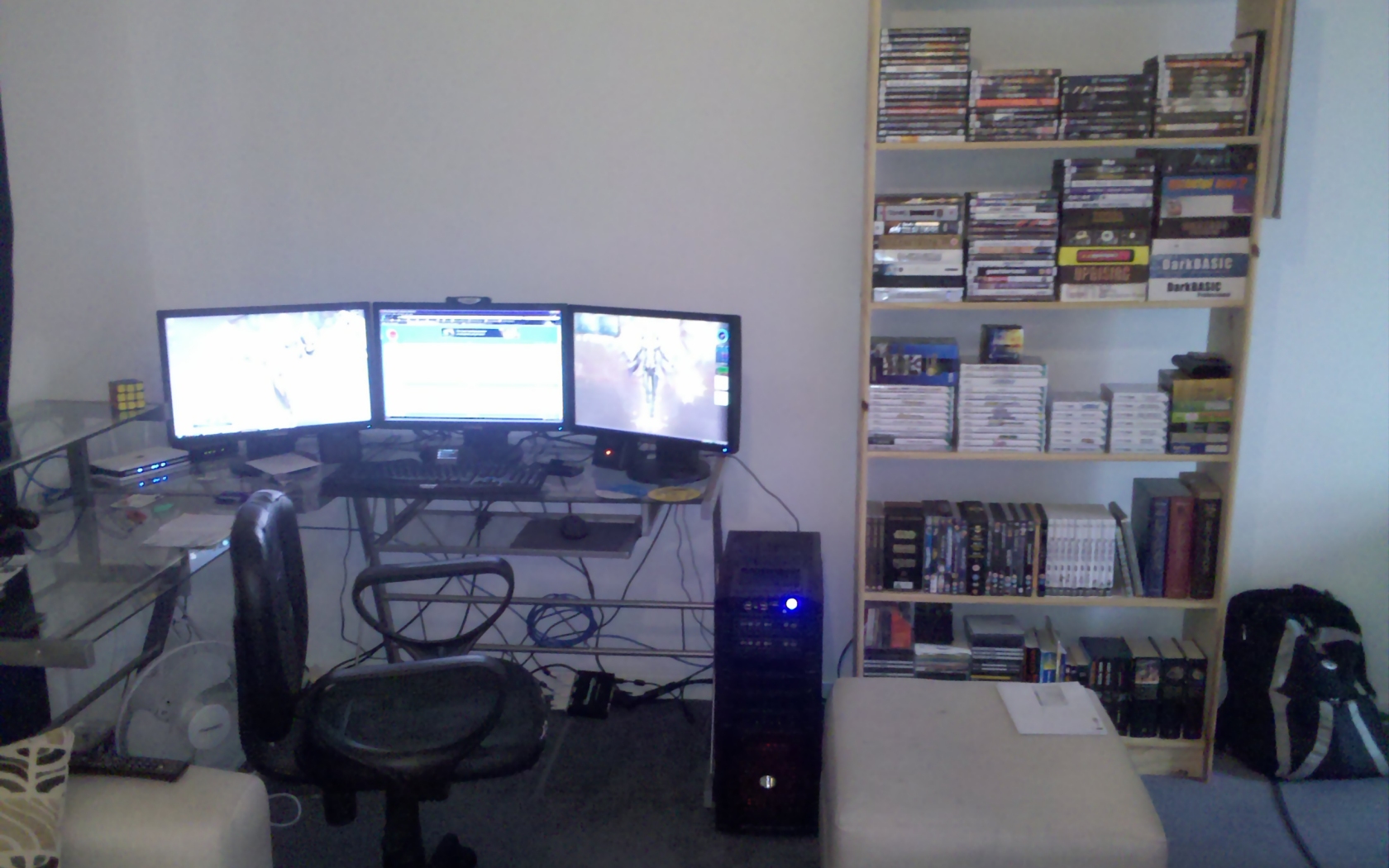
This cable goes to my TV.-------------------------------------------------------------------------------------------------------------------------------------------------------^
Which is over here.---------------------------------------------------------------------------------------------------------------------------------------------------------------------->
Re: Post your "Command Centre" Pictures Here
Posted: 10 Jun 2010, 05:06
by suiken_2mieu
New desk came yesterday, I believe someone else whos posted here has one like this.
...
I have the same desk, But I have MAJOR ISSUES with getting my monitors to line up right. The monitor heights bother me, how did you get yours to line up correctly?
Re: Post your "Command Centre" Pictures Here
Posted: 10 Jun 2010, 07:31
by Skid
I have the same desk, But I have MAJOR ISSUES with getting my monitors to line up right. The monitor heights bother me, how did you get yours to line up correctly?
Nothing special, I just put the monitors on my desk, decided they needed to be a bit higher, so removed the pin from the back of all 3 monitors and raised them till the pin went back in again.
Re: Post your "Command Centre" Pictures Here
Posted: 10 Jun 2010, 17:11
by suiken_2mieu
[quote]I have the same desk, But I have MAJOR ISSUES with getting my monitors to line up right. The monitor heights bother me, how did you get yours to line up correctly?
Nothing special, I just put the monitors on my desk, decided they needed to be a bit higher, so removed the pin from the back of all 3 monitors and raised them till the pin went back in again.
Hmm, well i guess it's just my monitors that have a static stand, but that'll change in a few days, getting new stands and going portrait.
Re: Post your "Command Centre" Pictures Here
Posted: 15 Jun 2010, 04:55
by suiken_2mieu
Re: Post your "Command Centre" Pictures Here
Posted: 04 Jul 2010, 21:15
by Ryom
Re: Post your "Command Centre" Pictures Here
Posted: 05 Jul 2010, 01:30
by Abram
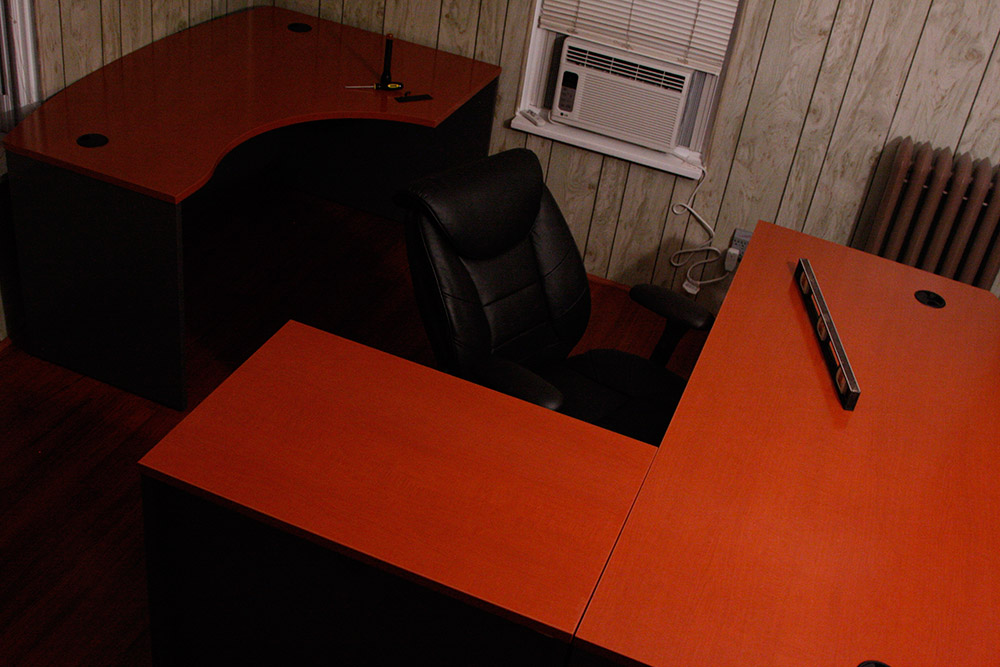
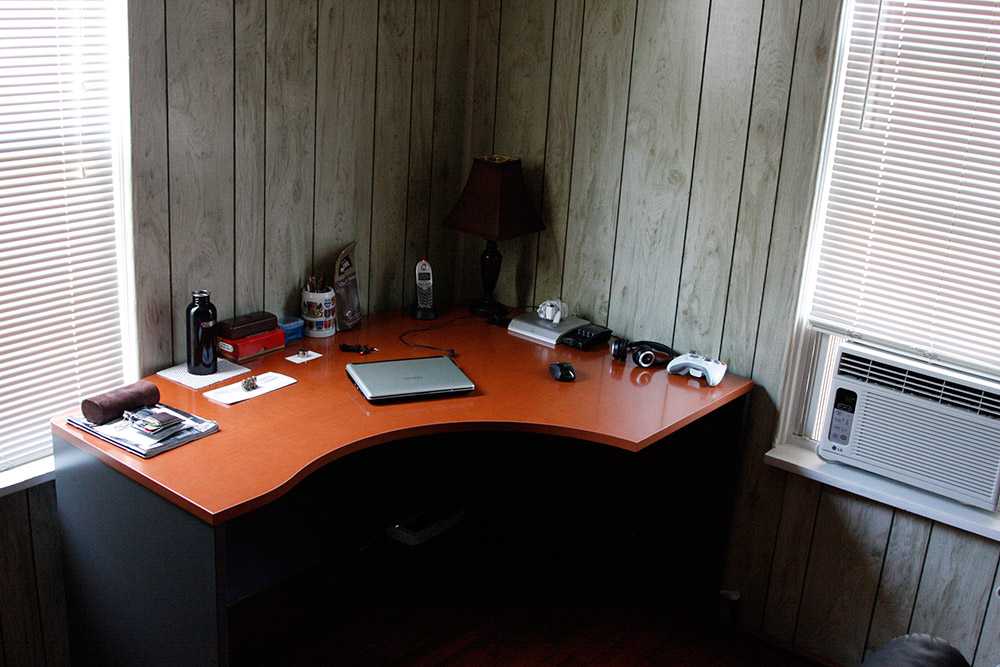
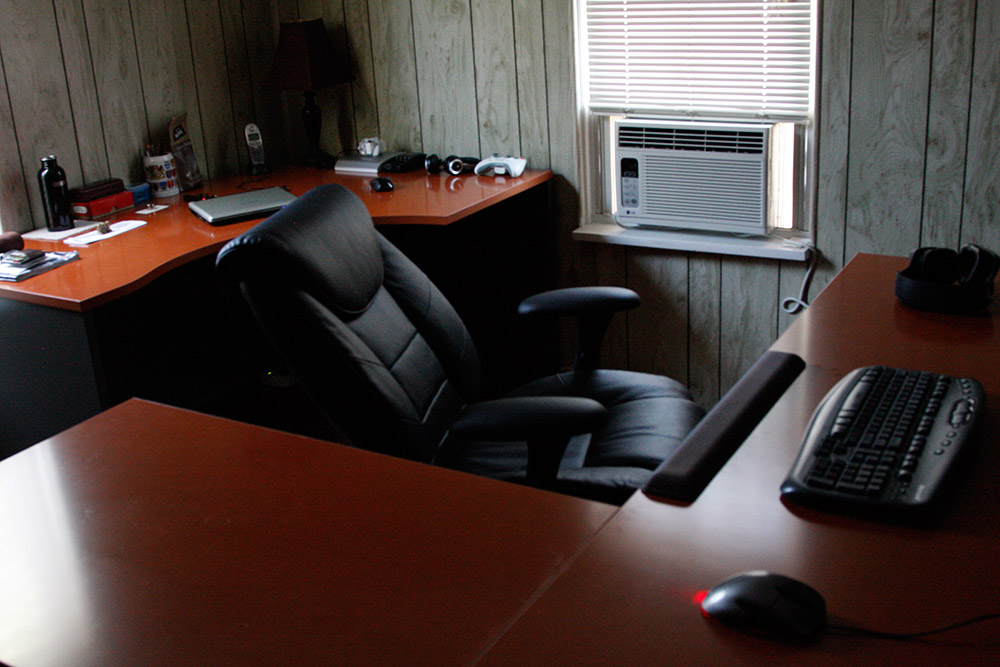
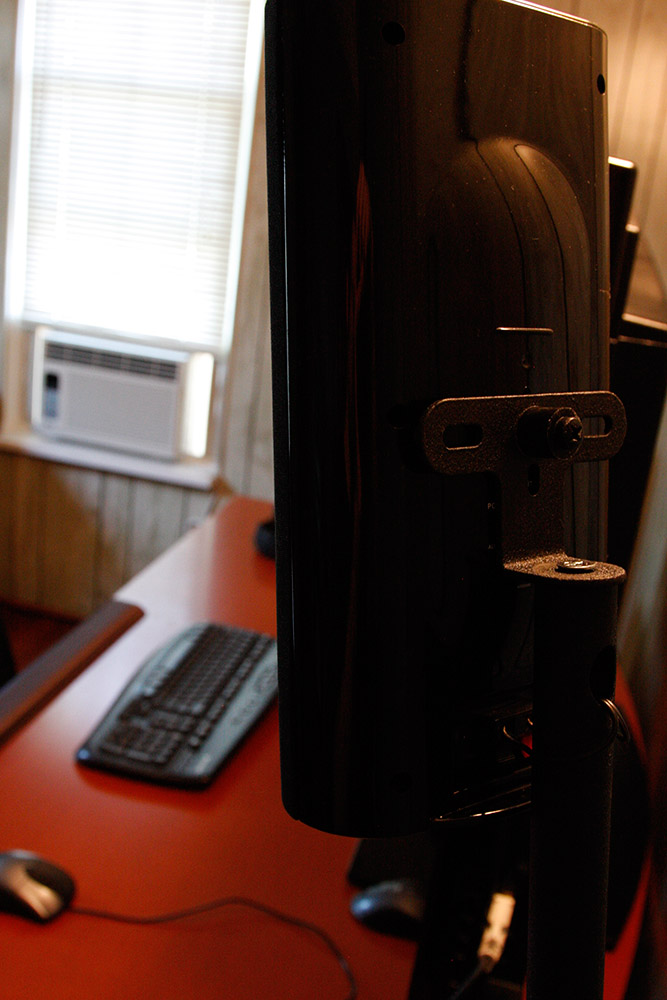
Oh and an AC unit right next to you. Spiffy.
Re: Post your "Command Centre" Pictures Here
Posted: 05 Jul 2010, 02:19
by Falcon1
Not completely Up to date, as I recently bought a new mousepad and headphone, but here I go:

And yeah, I definitely gotta work on that cable salad there :D
Re: Post your "Command Centre" Pictures Here
Posted: 05 Jul 2010, 19:04
by packerfan
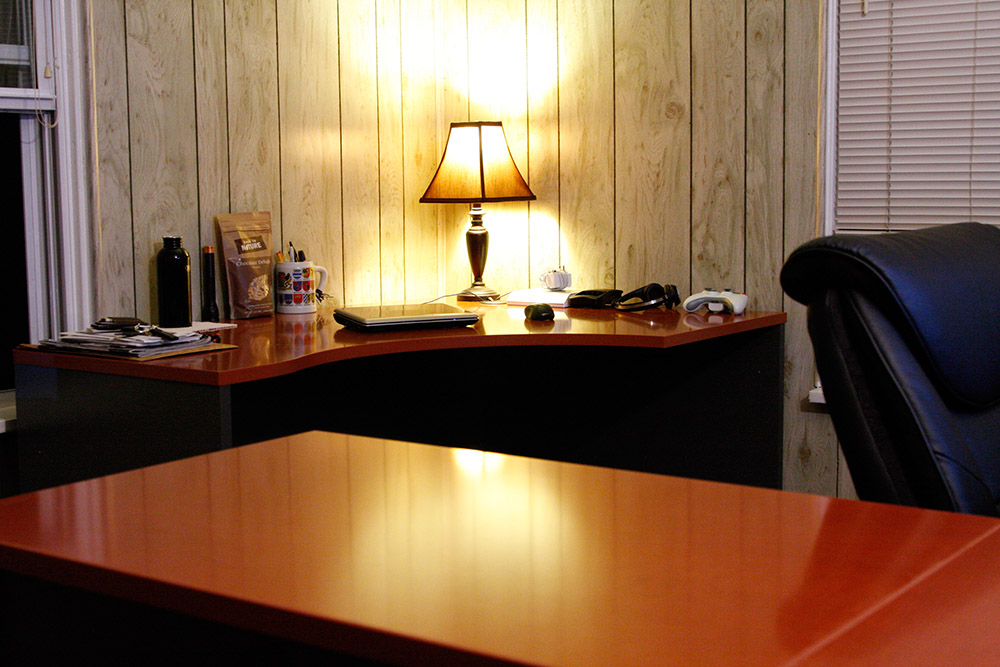
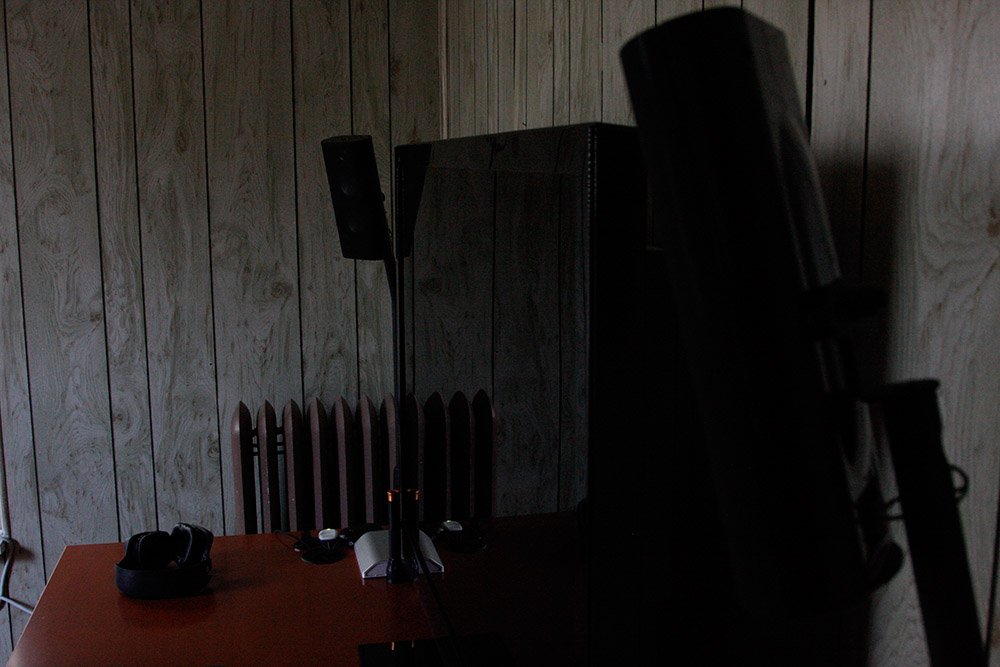
I love the home office, nice and small, nice having the work and play desks (or what I assume are work and play desks).
AC unit is nice too, if you are gaming you can turn it on to keep it cool in the room.
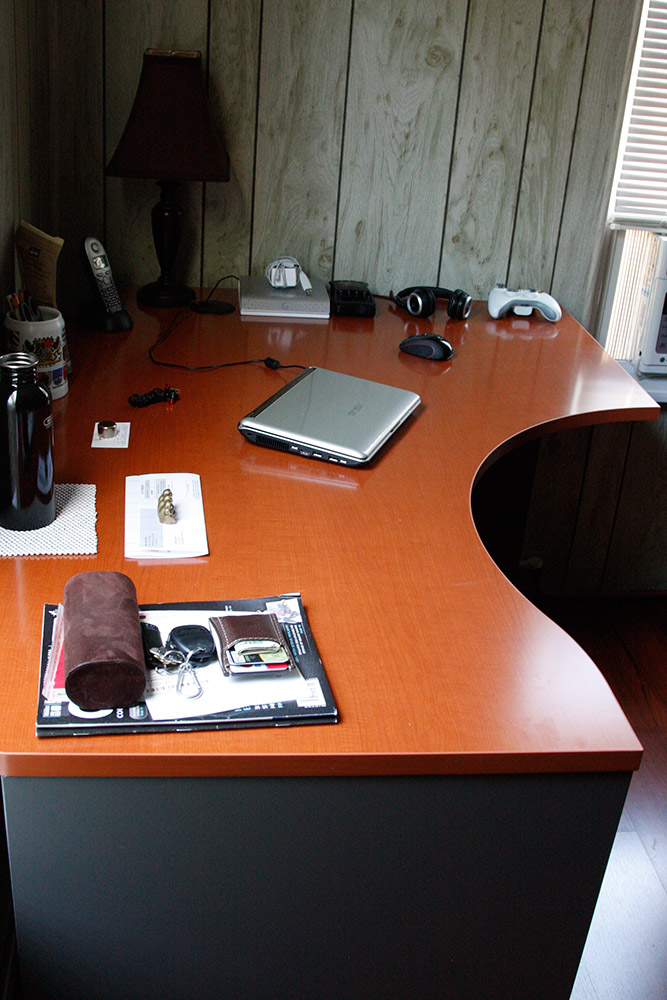
Very nice looking desks too, where did you get them?
Re: Post your "Command Centre" Pictures Here
Posted: 05 Jul 2010, 23:04
by Ryom
I love the home office, nice and small, nice having the work and play desks (or what I assume are work and play desks).
AC unit is nice too, if you are gaming you can turn it on to keep it cool in the room.
Very nice looking desks too, where did you get them?
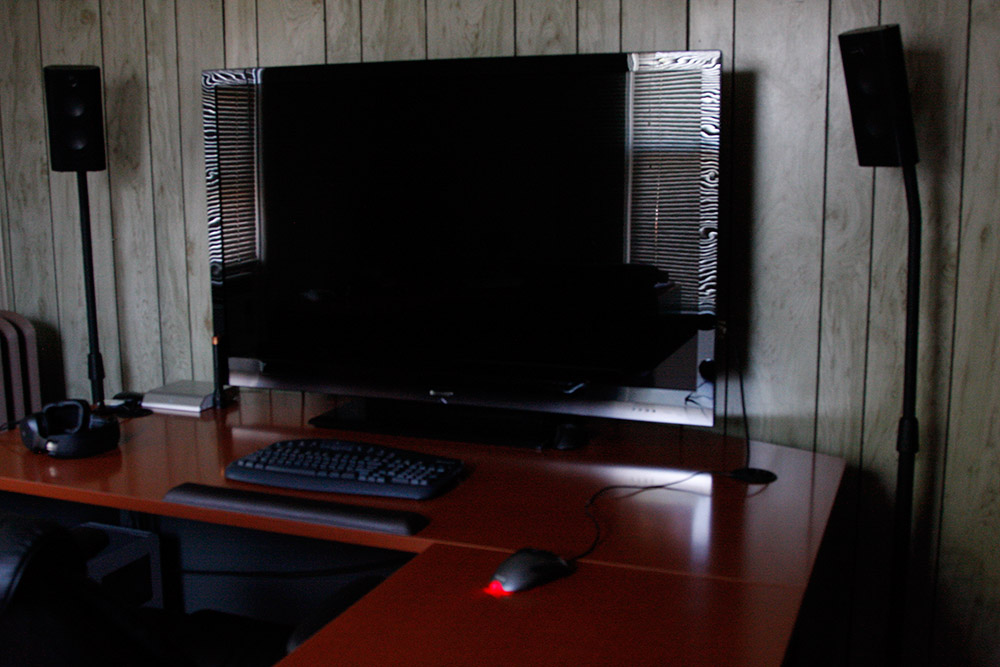
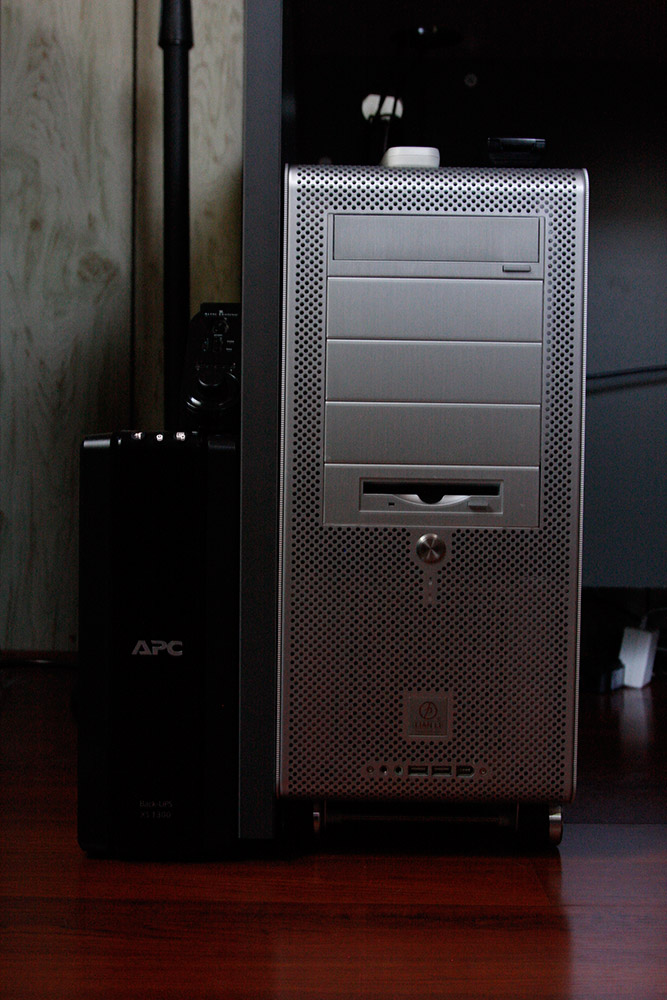
You assume correctly sir. One for work and one for play! :)
I've been asked a couple of times what they are and where to get them:
Manufacturer: Bush - Commercial Furniture
Model:
Corsa - Auburn Maple Finish
Right L-Bow Desk,
Bow Front Desk, &
36" Return/Bridge is what I have.
Re: Post your "Command Centre" Pictures Here
Posted: 06 Jul 2010, 04:32
by packerfan
Those desks look like they cost a lot more! Only downside is the bow because it doesn't go up tight against the wall but hey in the corner it makes cables easy.
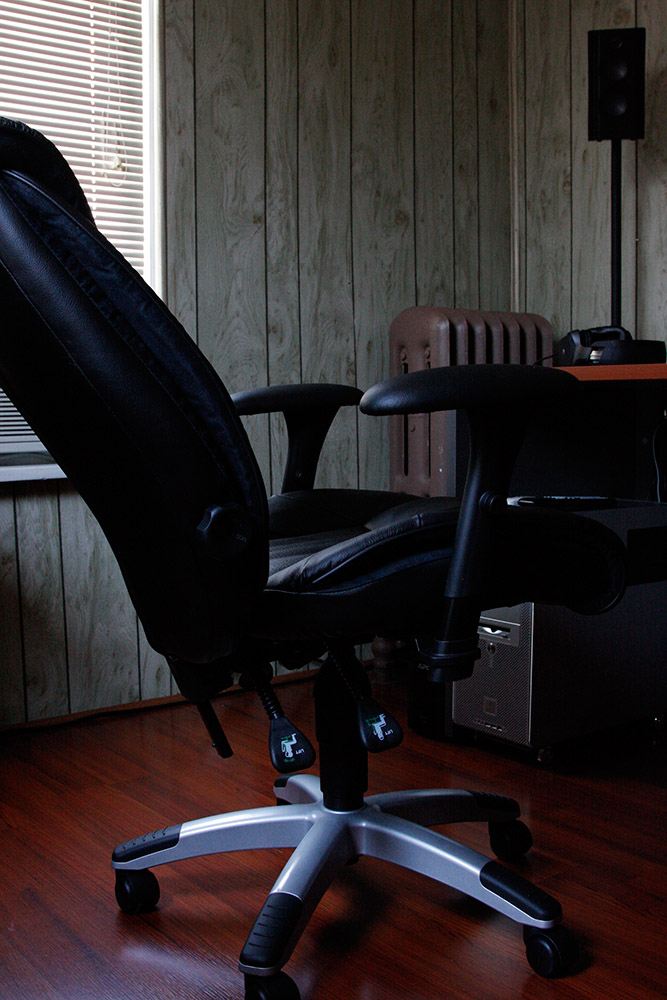
I still love how you can easily spin back and forth between the two desks. Very clean setup and I love the flooring as well (I am a fan of dark reddish woods)
Re: Post your "Command Centre" Pictures Here
Posted: 06 Jul 2010, 05:15
by Ryom
The Corsa line has straight backed desks as well if you are interested.
Hai.
Posted: 15 Jul 2010, 07:41
by burning_kittins
Hello peoples. I found out about this place from another forum. And i am current using EyeFinity with 3 24" screens for 5760 x 1200 :D
This seems like the right place :D

Re: Post your "Command Centre" Pictures Here
Posted: 15 Jul 2010, 13:46
by Abram
Damn, those monitors are a tight fit for your desk.
Re: Hai.
Posted: 15 Jul 2010, 14:04
by Delphium
Hello peoples. I found out about this place from another forum. And i am current using EyeFinity with 3 24" screens for 5760 x 1200 :D
This seems like the right place :D
:welcome