Page 57 of 72
Post your "Command Centre" Pictures Here
Posted: 29 Oct 2009, 21:25
by Luciel
i will post a full desk image once my cam is fixed (sent it back under warrantee as it wouldn´t turn on) but just to get things going, i will post a pick of the rig that is powering it, it´s 3 months old (the picture) just as i had finished customizing it, which incidently also took 3 months to complete:


Will also put picks of it turned on, it´s quite a diff beast with all the neons and lighting touches.
The specs if you´re interested are as follows:
Win 7 Ultimate 64bit
Intel Core 2 Quad Q6600 @ 3.6Ghz with Thermaltake BW770 Liquid Cooling
4x 2Gb Corsair DDR3 1600Mhz
eVGA 790i Ultra SLI
2x Asus GeForce ENGTX275 in SLI
6x Seagate Barracuda 750Gb 32Mb Cache S-ATA2
For screens, i have 2 Samsung Syncmasters and an ASUS MW, i know ideally you should have 3 of the same but i kind of blew my budget on the rig and i already had the asus and could only afford 2 more screens, but they work pretty nicely togueter, as i mentioned i will hopefully have some picks soon.
Post your "Command Centre" Pictures Here
Posted: 29 Oct 2009, 22:16
by packerfan
Got a brand new Logitech Momo for $50 on ebay!
Dammit, have a lightly used one I was thinking about selling, probably all of 20 hours of use, found that wheels aren't my thing
Post your "Command Centre" Pictures Here
Posted: 02 Nov 2009, 20:19
by skeeder

HTPC, I'm planning rebuild of this machine, the new setup will have no moving parts. Therefore being silent...and I'll shove it all into a M-ATX Monuel Lab Case. (1 year until built)

Study station. It works. Pretty slow laptop but its really small and lightweight for classes. Except for occasionally playing a 360 controlled game on the PC...games are off my hobby list.
Post your "Command Centre" Pictures Here
Posted: 03 Nov 2009, 19:26
by Gilly
Skeeder: DO YOUR WORK :lol:
looks nice!
wish my appartment didnt look like a hovel ;)
Post your "Command Centre" Pictures Here
Posted: 04 Nov 2009, 22:50
by skeeder
thats the nice part of a pregnant wife thats due in two weeks. Nesting anyone?
Post your "Command Centre" Pictures Here
Posted: 13 Nov 2009, 20:44
by Lebedev
my Setup:

Post your "Command Centre" Pictures Here
Posted: 14 Nov 2009, 16:42
by kiselk
At last I've got a camera and can post my photos here.
3x5M DVI-D and wireless kb/mouse


Post your "Command Centre" Pictures Here
Posted: 14 Nov 2009, 21:04
by skeeder
nice B&W's. My 601's rock. You just running 2 channels?
Post your "Command Centre" Pictures Here
Posted: 15 Nov 2009, 16:33
by kiselk
nice B&W's. My 601's rock. You just running 2 channels?
Those are Microlab Pro3, yes, only 2 channels, I am planning to get something more surround, but really hate huge subwoofers and just want to get 2 more speakers maybe even the same pro 3. The problem is I have to get a good amplifier then cause my current (you can see it aside the left speaker) supports only two channels.
Post your "Command Centre" Pictures Here
Posted: 16 Nov 2009, 00:45
by skeeder
I praise Yamaha, I've had good luck with mine. Rotel is sweet if you got the goods.
Post your "Command Centre" Pictures Here
Posted: 16 Nov 2009, 03:52
by maherie
I praise Yamaha.
quoted for truth. I have had three and all of them have been the faithful to me.
Post your "Command Centre" Pictures Here
Posted: 17 Nov 2009, 01:23
by suiken_2mieu
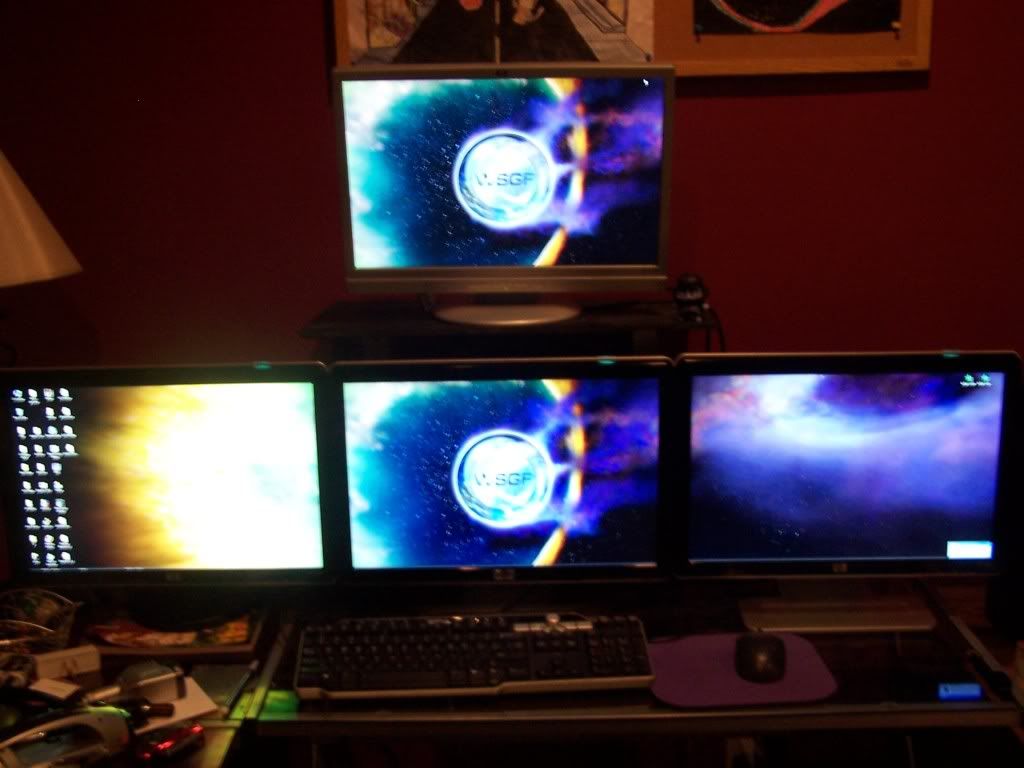
I upgraded from my old Quad 19" monitors to Triple 23" ones (24" wouldn't fit :wink: ). I've got it hooked up using TH2Go. 5040x1050 in games and 3840x1080 for desktop work.
Comparison From Earlier Setup:
Other Pictures:
http://i17.photobucket.com/albums/b97/suiken_2mieu/101_2471.jpg
http://i17.photobucket.com/albums/b97/suiken_2mieu/101_2472.jpg
http://i17.photobucket.com/albums/b97/suiken_2mieu/101_2474.jpg
http://i17.photobucket.com/albums/b97/suiken_2mieu/101_2475.jpg
Post your "Command Centre" Pictures Here
Posted: 20 Nov 2009, 10:38
by Luciel
Re: Post your "Command Centre" Pictures Here
Posted: 22 Dec 2009, 05:08
by McKie
Re: Post your "Command Centre" Pictures Here
Posted: 22 Dec 2009, 10:58
by Abram
Awe. Like witnessing a child growing.
And taking your money.
Re: Post your "Command Centre" Pictures Here
Posted: 22 Dec 2009, 16:57
by Luciel
just added a couple of new toys to the system :D

Re: Post your "Command Centre" Pictures Here
Posted: 23 Dec 2009, 08:14
by McKie
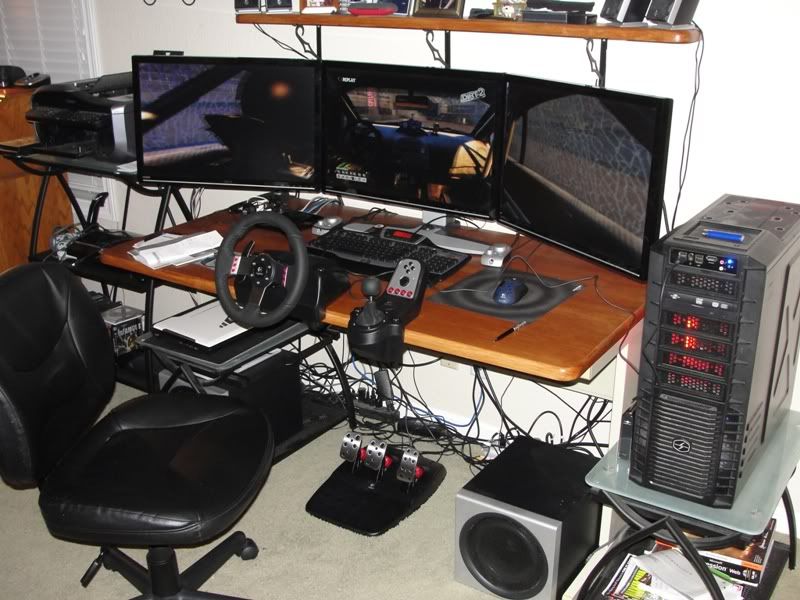
My wife let me open up a Christmas present early . A logitech G27 wheel
Re: Post your "Command Centre" Pictures Here
Posted: 26 Dec 2009, 19:10
by jetfire
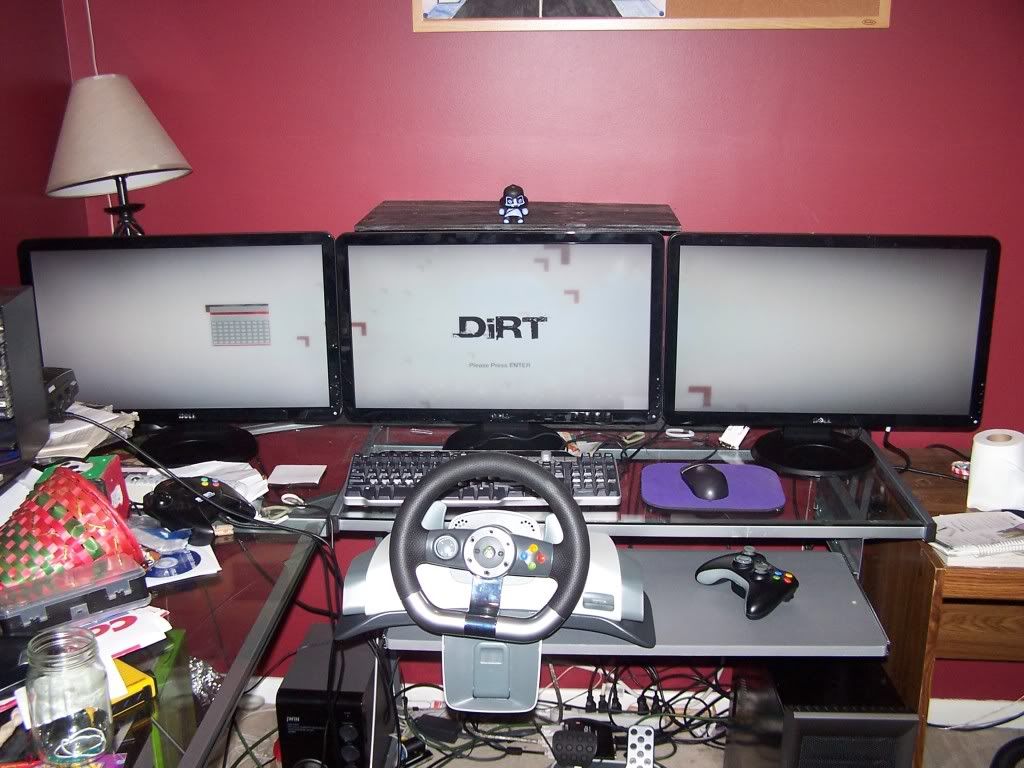
this is mine before i get eyefinity.
just going to put the tv above the center monitor+paint the walls.

Re: Post your "Command Centre" Pictures Here
Posted: 26 Dec 2009, 20:56
by McKie
Re:
Posted: 30 Dec 2009, 23:46
by StingingVelvet
I want this setup with my 42" TV instead of 3 monitors... wowza.