Page 53 of 72
Post your "Command Centre" Pictures Here
Posted: 22 Jun 2008, 03:44
by stenchlord
mmm, Shana-chan wallpaper. :)
clicky for 1920*1200

Post your "Command Centre" Pictures Here
Posted: 22 Jun 2008, 05:13
by DaFox
Stench, one major problem with your setup is... Your wheel is still in the box!
Post your "Command Centre" Pictures Here
Posted: 22 Jun 2008, 11:51
by Paradigm Shifter
While the OMG!Six!Screens setup is awesome... I couldn't look at something that size (or at least, not with the bezel splitting...)
Post your "Command Centre" Pictures Here
Posted: 22 Jun 2008, 17:03
by stenchlord
Stench, one major problem with your setup is... Your wheel is still in the box!
Only gets pulled out when I play a racing game. Otherwise it takes up too much space :/
Post your "Command Centre" Pictures Here
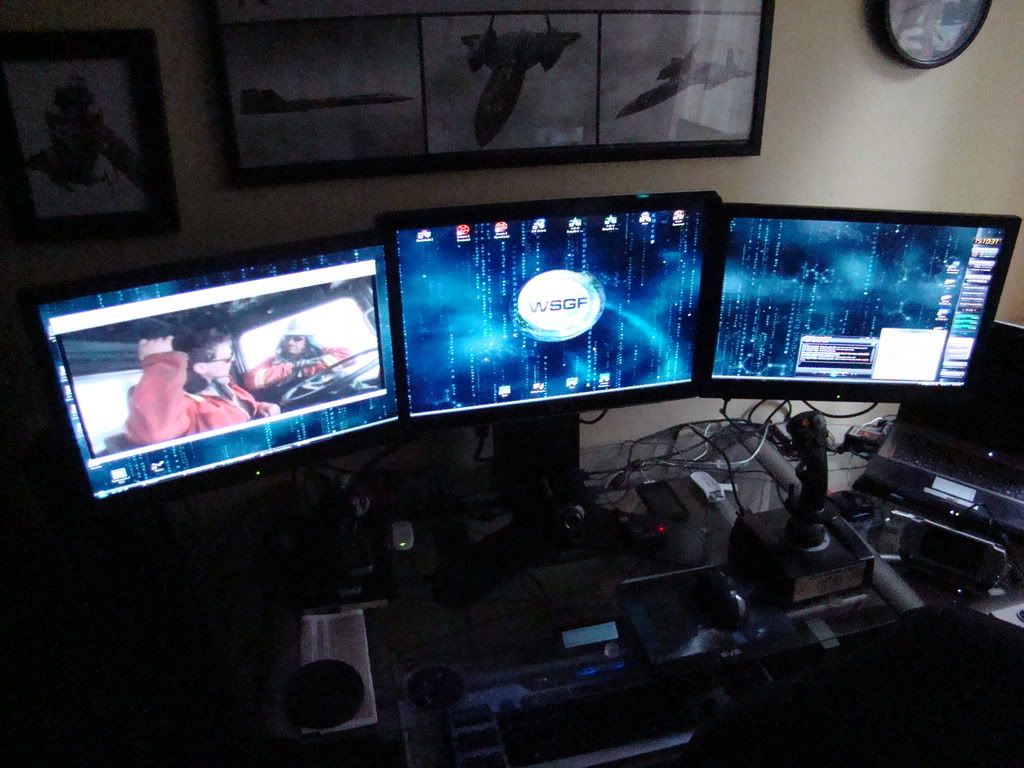
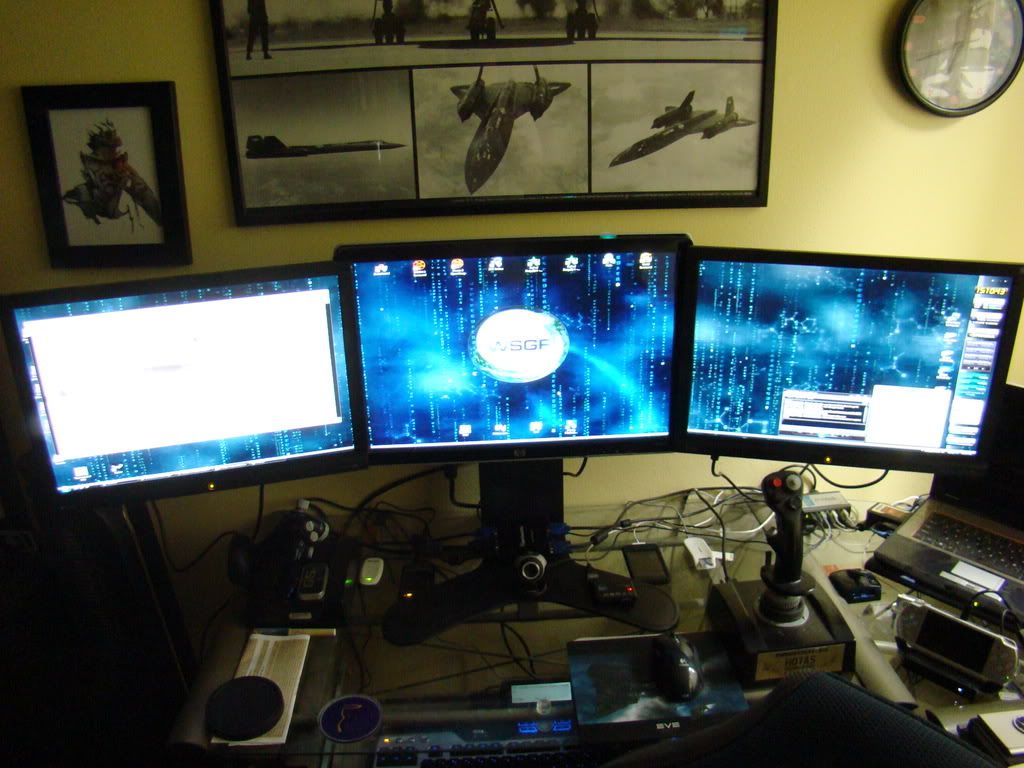
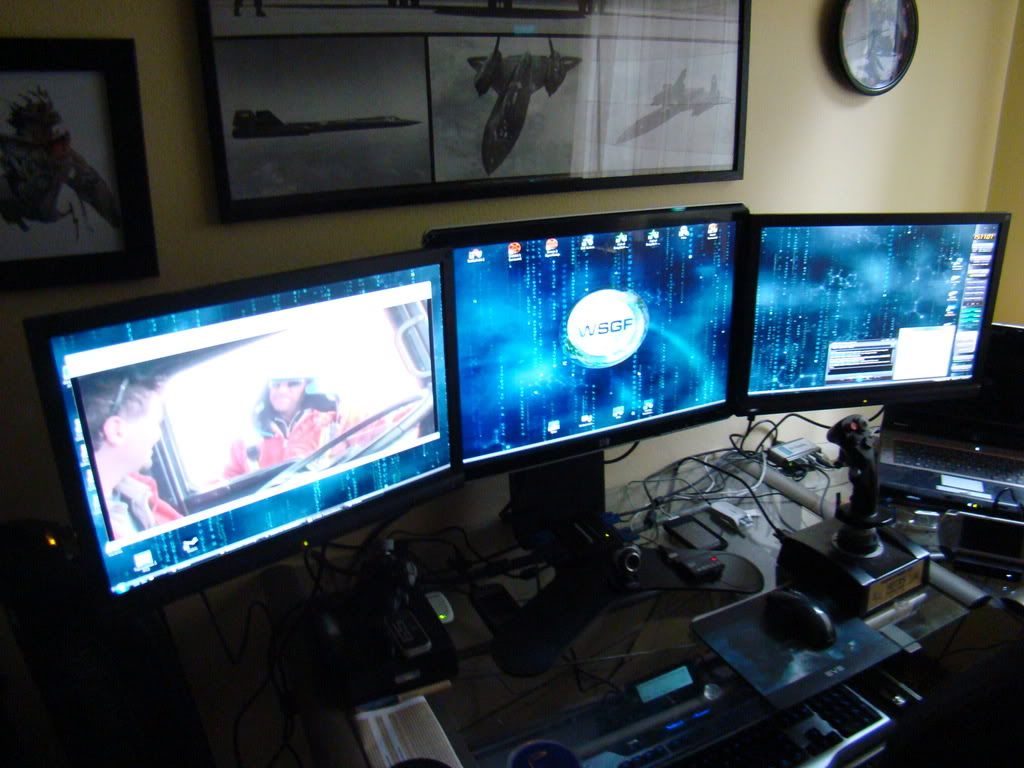
Posted: 19 Sep 2008, 00:34
by ddzdeadnedz
Post your "Command Centre" Pictures Here
Posted: 19 Sep 2008, 10:30
by Paradigm Shifter
Awesome setup, ddzdeadnedz. :)
Would you be so good as to trim your avatar down to 168 pixels wide, though? Thanks. :)
Post your "Command Centre" Pictures Here
Posted: 19 Sep 2008, 23:42
by Mesh
... it so my cables are still all over the place and unorganized...
Nice gear,
As for cables, picture 5 feet wide, a foot deep and a couple feet high and that's how much cabling I have, I tied em up neatly at first but just gave up when I had to redo the lot every change.
Neat cabling is nice and all, but it's a pain when you change something.
Post your "Command Centre" Pictures Here
Posted: 20 Sep 2008, 00:04
by ddzdeadnedz
[quote]... it so my cables are still all over the place and unorganized...
Nice gear,
As for cables, picture 5 feet wide, a foot deep and a couple feet high and that's how much cabling I have, I tied em up neatly at first but just gave up when I had to redo the lot every change.
Neat cabling is nice and all, but it's a pain when you change something.
I definitely hear you there. I'm probably going to be moving here in the next few months-- so that is actually basically stopping me from getting everything incredibly neat and tidy.
Post your "Command Centre" Pictures Here
Posted: 22 Sep 2008, 20:57
by Thunderhand
couple of pics.


old setup

Post your "Command Centre" Pictures Here
Posted: 22 Sep 2008, 22:30
by TBZ
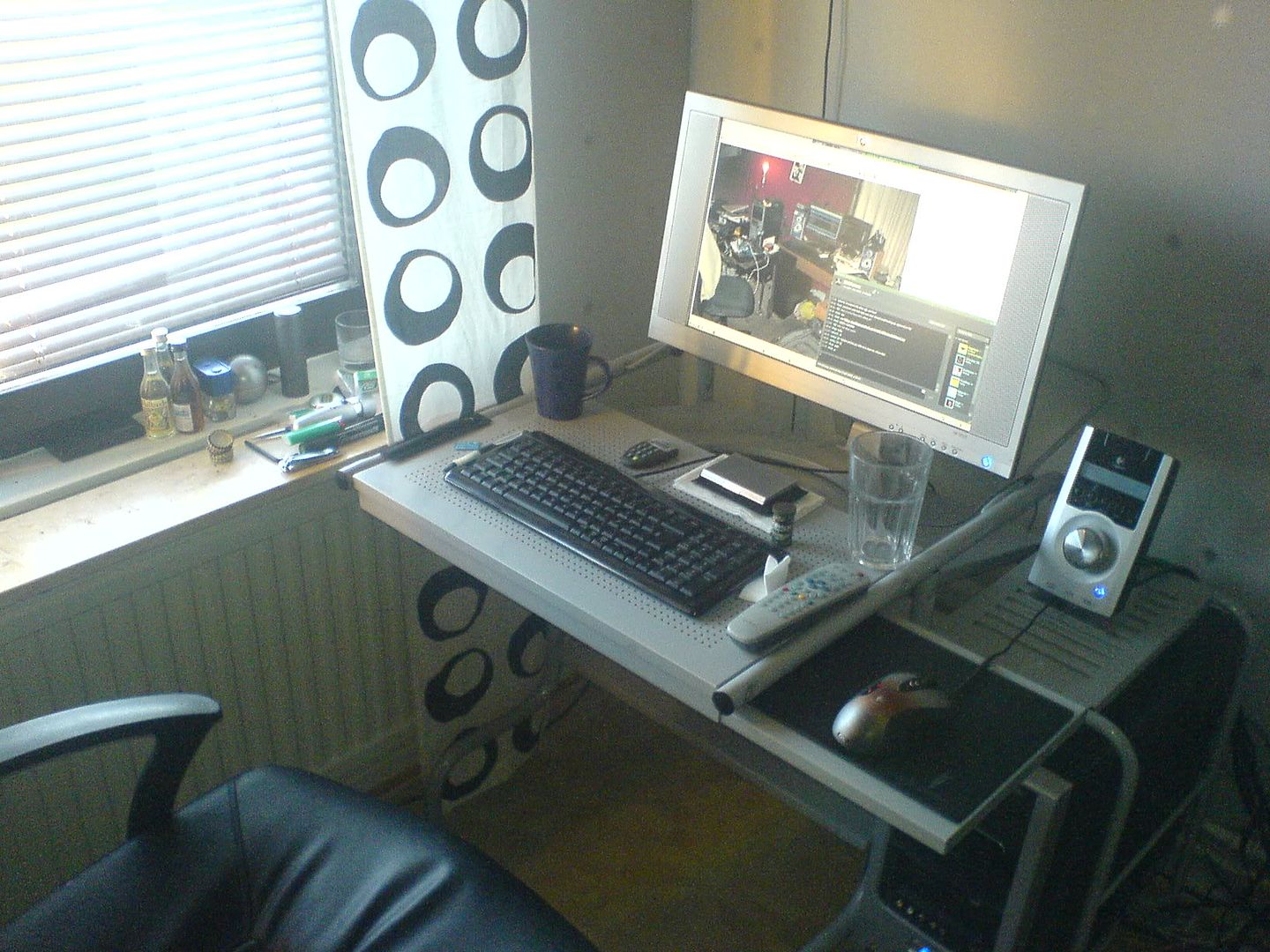
Taken with the crappy camera in my phone. My set-up isn't as impressive as the ones you guys have :(
Post your "Command Centre" Pictures Here
Posted: 22 Sep 2008, 23:30
by skeeder
no, but its simple. And I actually like the look of that monitor.
Some people's setups look so busy! Like my old ones... I'll have to post since I moved to an apt.
Post your "Command Centre" Pictures Here
Posted: 23 Sep 2008, 07:54
by ctrlsteef
I really like that setup a lot. The cleaness is totally my taste.
Post your "Command Centre" Pictures Here
Posted: 23 Sep 2008, 18:54
by Paradigm Shifter
Hehe... I really need to get around to posting pics of my command centres... they look like a bomb went off in them half the time. :lol:
Post your "Command Centre" Pictures Here
Posted: 07 Oct 2008, 06:32
by funch
Was wondering where this thread went.
What a stupid-non-haole.
Aloha
Post your "Command Centre" Pictures Here
Posted: 07 Oct 2008, 19:25
by GeneralAdmission
Some people's setups look so busy! Like my old ones... I'll have to post since I moved to an apt.
Exactly why I haven't posted a pic of my command center. Any sensitive types would probably have an epileptic fit from visual overload, and the neat freaks would be ringing my doorbell offering to help. ;)
Post your "Command Centre" Pictures Here
Posted: 07 Oct 2008, 19:31
by DaFox
and the neat freaks would be ringing my doorbell offering to help. ;)
Oh my, that reminds me of an episode of The Big Bang Theory.
I'm just waiting for a damn camera before I can post mine.
Post your "Command Centre" Pictures Here
Posted: 27 Oct 2008, 02:56
by skeeder

20" is back...zomg, I miss widescreen!
Post your "Command Centre" Pictures Here
Posted: 07 Nov 2008, 23:12

I used to have two side monitors installed but because CRT are so deep I could not fit them in the room with this configuration... also a second video card would be required and besides, just under 8 mega pixels is plenty of real estate.
You can see my aspire one and gutted HP laptop with a screen hanging from the ceiling along with my work bench.
Post your "Command Centre" Pictures Here
Posted: 12 Nov 2008, 02:44
by istador
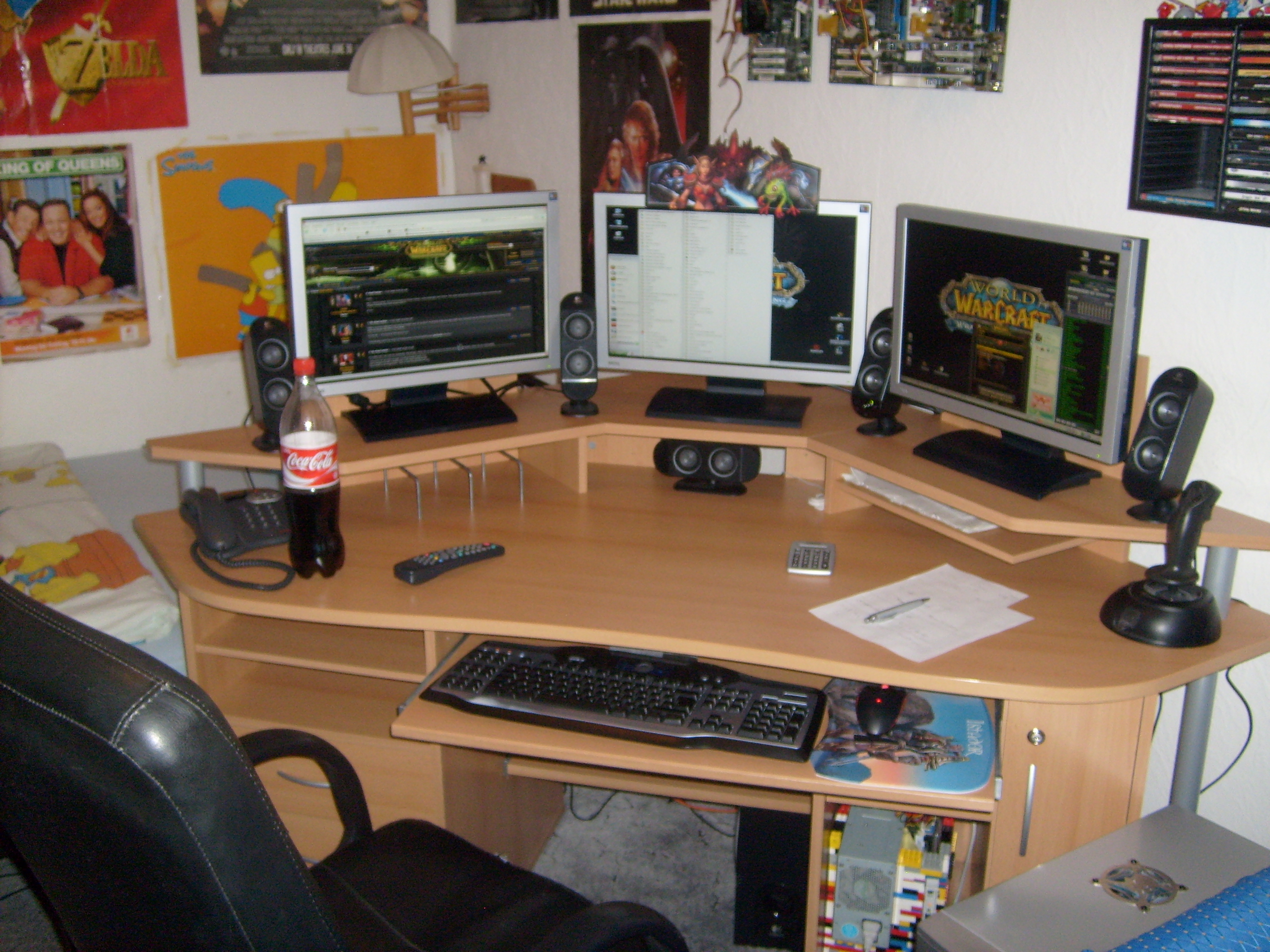
A bit old (February 08 ).
Today:
Repositioned the speakers to link the monitors together.
Whole table filled with paper.
Yes, that are motherboards at the wall.
The colorful thing under the mouse is a LEGO computer case for my 2nd pc.
I'll take a newer picture soon.
Post your "Command Centre" Pictures Here
Posted: 12 Nov 2008, 06:08
by skeeder
most people put their monitors closer together for less distance between them in gaming. Do you use th2g for gaming?