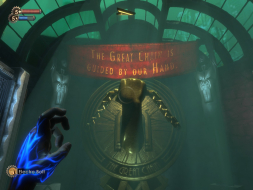
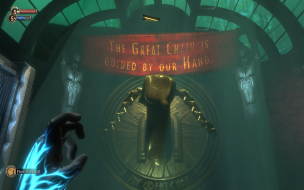
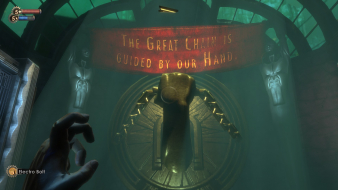
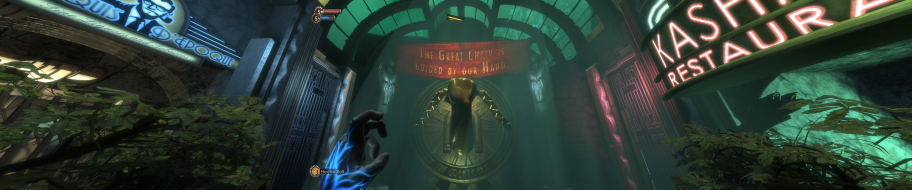
Bioshock is Ken Levine's vision of a paradise lost. This first person shooter is considered the spiritual successor to the System Shock series. The game takes place in the underwater utopian city Rapture as it is in a state of impending collapse. You must survive the horrors that await.
Bioshock is a FPS developed by 2K Boston/2K Australia. It is set in a 1960 that got a big dose of science fiction.
Players combat enemies with a combination of traditional FPS weapons and the genetics-defying plasmids. These plasmids enable players to perform many unique attacks like summoning a swarm of insects from the player's flesh.
Players can increase their character's abilities by "harvesting" special children within the game. The decision on how to interact with these children will determine the final outcome of the game.
Darling it's better down where it's wetter take it from me.
There is a "Horizontal FOV lock" selection that needs to be disabled in the game-options screen.
and this:
Off by default.
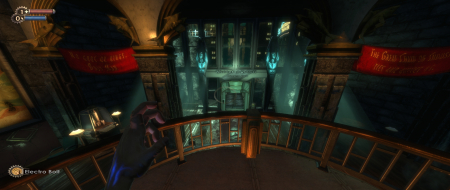
Manually set "on." Notice how there is more to the right and left now?
Can you take a pair of screenshots similar to what Dopefish has? If you are right, I have a guess about why there's this contradiction, but I'd like to know for sure first.
Also, for you, is "Horizontal FOV lock" enabled or disabled?
I've got a question for both Tanuki and dopefish. Are you using the "Worldwide" patch or the "USK German and English" patch? If you're both using a different version of the patch, I wonder if that's the reason for the difference - that they screwed up with one of them but not the other.
Sorry to resurrect an ancient thread but I just wanted to add that this hack also works just fine with the Steam version of Bioshock 1.1 (which I got for $4.99 USD in their Christmas/New Years sale but only just got around to downloading/playing), you know, in case anybody was wondering :D
N.B. Tested @ 1920*1080 on a Core i7 920; 6GB DDR3; GeForce GTS 240 2GB; Windows 7 Home Premium 64-bit.
I just installed this game and played it for a bit.
But I immediately noticed the stretching of certain elements when using the 16:10 1680x1050 resolution.
Which is my monitor's native resolution and thus aspect ratio by the way.
While I'm glad the 3D-graphics aren't stretched, I still tried to use a 16:9-resolution.
The next best thing is 1600x900 I believe, which is only a slight step below 1680x1050.
But I noticed it even stretches the 3D-graphics then too.
While in a game such as "GTAIV" the image would just keep the aspect ratio of the resolution
and leave the unused part of the 16:10-screen black of course.
I'm not 100% sure, but I think 'Rainbow Six Vegas', also based on the Unreal Engine, does the same.
As in NOT stretching the 16:9-resolution to fill a 16:10-monitor,
but leave "black bars" where the screen isn't actually used.
So, what is it with this game? Is there some setting I could use somewhere to "force" the aspect-ratio?
It's probably using the aspect ratio of your desktop resolution, so try setting your desktop to 1600x900 and seeing if the stretch is still there in the game.