Post your "Command Centre" Pictures Here

Pics and discussion about your battle station.
Locked
Luciel
Posts: 36
Joined: 09 Oct 2009, 15:36

Post your "Command Centre" Pictures Here

Post by Luciel »

i will post a full desk image once my cam is fixed (sent it back under warrantee as it wouldn´t turn on) but just to get things going, i will post a pick of the rig that is powering it, it´s 3 months old (the picture) just as i had finished customizing it, which incidently also took 3 months to complete:


Will also put picks of it turned on, it´s quite a diff beast with all the neons and lighting touches.

The specs if you´re interested are as follows:

Win 7 Ultimate 64bit
Intel Core 2 Quad Q6600 @ 3.6Ghz with Thermaltake BW770 Liquid Cooling
4x 2Gb Corsair DDR3 1600Mhz
eVGA 790i Ultra SLI
2x Asus GeForce ENGTX275 in SLI
6x Seagate Barracuda 750Gb 32Mb Cache S-ATA2

For screens, i have 2 Samsung Syncmasters and an ASUS MW, i know ideally you should have 3 of the same but i kind of blew my budget on the rig and i already had the asus and could only afford 2 more screens, but they work pretty nicely togueter, as i mentioned i will hopefully have some picks soon.

User avatar
packerfan
Posts: 1296
Joined: 22 Mar 2006, 03:09

Post your "Command Centre" Pictures Here

Post by packerfan »

Got a brand new Logitech Momo for $50 on ebay!


Dammit, have a lightly used one I was thinking about selling, probably all of 20 hours of use, found that wheels aren't my thing
User avatar
skeeder
Posts: 873
Joined: 29 May 2006, 02:23

Post your "Command Centre" Pictures Here

Post by skeeder »


HTPC, I'm planning rebuild of this machine, the new setup will have no moving parts. Therefore being silent...and I'll shove it all into a M-ATX Monuel Lab Case. (1 year until built)


Study station. It works. Pretty slow laptop but its really small and lightweight for classes. Except for occasionally playing a 360 controlled game on the PC...games are off my hobby list.
User avatar
Gilly
Insiders
Insiders
Posts: 1172
Joined: 15 Apr 2005, 23:27

Post your "Command Centre" Pictures Here

Post by Gilly »

Skeeder: DO YOUR WORK :lol:

looks nice!

wish my appartment didnt look like a hovel ;)
P8Z68-V Pro | 2600K | HR02 | HD5850 | 2x4GB Vengeance LP | 128GB M4 + 6TB | X-Fi > HD595 | AX850 | Tai Chi | PB278Q | G110 + Deathadder 2013
P8Z77-V | 3570K | Mugen 2 | HD5850 | 2x4GB Vengeance LP | 500GB | X-750 | Fractal R3 | U2212HM | G110 + G400
P8H77-I | G860 | 4650 | 2x2GB XMS | 320GB | CX500 | Prodigy | T22B350EW | MX518
DC3217IYE | 1x4GB Vengeance | 64GB M4 | TX-42VT20E
User avatar
skeeder
Posts: 873
Joined: 29 May 2006, 02:23

Post your "Command Centre" Pictures Here

Post by skeeder »

thats the nice part of a pregnant wife thats due in two weeks. Nesting anyone?
Lebedev
Posts: 57
Joined: 11 Oct 2009, 16:28

Post your "Command Centre" Pictures Here

Post by Lebedev »

my Setup:

kiselk
Posts: 45
Joined: 06 Sep 2009, 10:35

Post your "Command Centre" Pictures Here

Post by kiselk »

At last I've got a camera and can post my photos here.
3x5M DVI-D and wireless kb/mouse

User avatar
skeeder
Posts: 873
Joined: 29 May 2006, 02:23

Post your "Command Centre" Pictures Here

Post by skeeder »

nice B&W's. My 601's rock. You just running 2 channels?
kiselk
Posts: 45
Joined: 06 Sep 2009, 10:35

Post your "Command Centre" Pictures Here

Post by kiselk »

nice B&W's. My 601's rock. You just running 2 channels?

Those are Microlab Pro3, yes, only 2 channels, I am planning to get something more surround, but really hate huge subwoofers and just want to get 2 more speakers maybe even the same pro 3. The problem is I have to get a good amplifier then cause my current (you can see it aside the left speaker) supports only two channels.
User avatar
skeeder
Posts: 873
Joined: 29 May 2006, 02:23

Post your "Command Centre" Pictures Here

Post by skeeder »

I praise Yamaha, I've had good luck with mine. Rotel is sweet if you got the goods.
User avatar
maherie
Editors
Editors
Posts: 965
Joined: 30 May 2005, 14:21

Post your "Command Centre" Pictures Here

Post by maherie »

I praise Yamaha.


quoted for truth. I have had three and all of them have been the faithful to me.
I still visit occasionally.
User avatar
suiken_2mieu
Insiders
Insiders
Posts: 2351
Joined: 20 Aug 2009, 04:20
Location: Virginia
Contact:

Post your "Command Centre" Pictures Here

Post by suiken_2mieu »

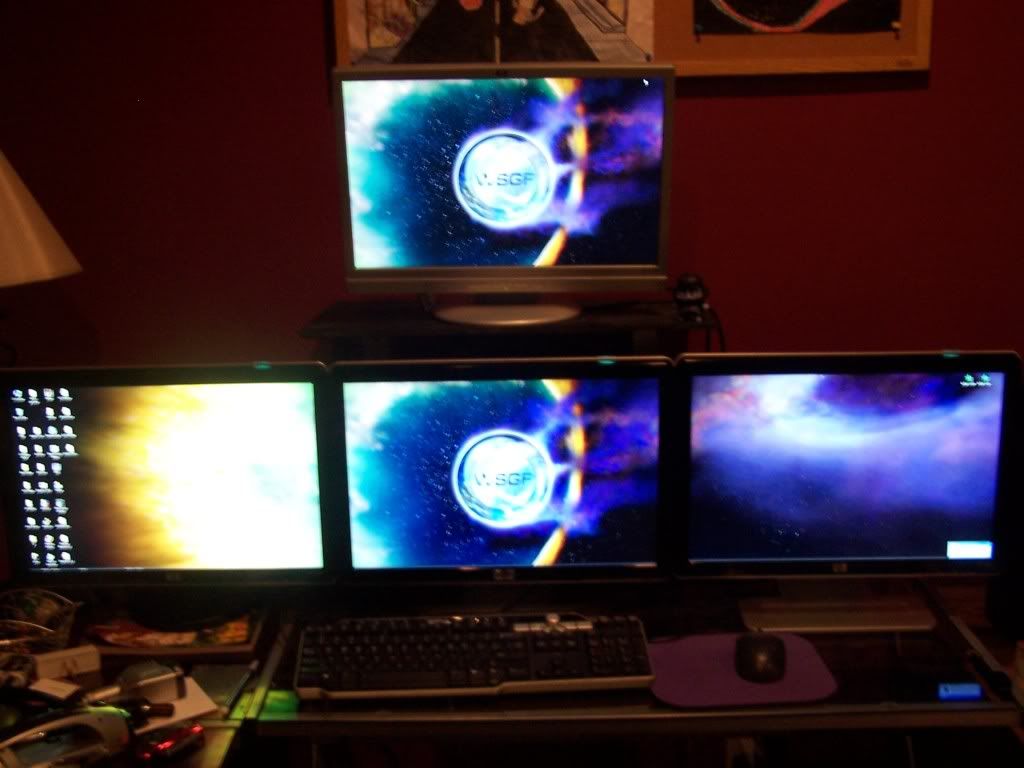
I upgraded from my old Quad 19" monitors to Triple 23" ones (24" wouldn't fit :wink: ). I've got it hooked up using TH2Go. 5040x1050 in games and 3840x1080 for desktop work.


Comparison From Earlier Setup:


Other Pictures:
http://i17.photobucket.com/albums/b97/suiken_2mieu/101_2471.jpg
http://i17.photobucket.com/albums/b97/suiken_2mieu/101_2472.jpg
http://i17.photobucket.com/albums/b97/suiken_2mieu/101_2474.jpg
http://i17.photobucket.com/albums/b97/suiken_2mieu/101_2475.jpg
System Core: | Intel Core i5-2500K + ASUS P8Z68-V + 16GB Corsair XMS3 DDR3 1333 MHz | Win7 x64 | MSI R7970 Lightning 3GB [1105/1400] |
Display: | 3 x Dell Ultrasharp 3007WFP-HC @ 7680x1600 | Dell u3011 |
Luciel
Posts: 36
Joined: 09 Oct 2009, 15:36

Post your "Command Centre" Pictures Here

Post by Luciel »

: )

I wanted to take some picks with no light in order to appreciate the ambx and the tower lights but the camera is really bad with no light, so aniway here are some picks and a video!


And the video...

http://www.youtube.com/watch?v=B8fEdxdRw7s
McKie
Posts: 243
Joined: 09 Dec 2009, 15:22

Re: Post your "Command Centre" Pictures Here

Post by McKie »

User avatar
Abram
Insiders
Insiders
Posts: 1993
Joined: 21 Mar 2006, 05:01

Re: Post your "Command Centre" Pictures Here

Post by Abram »

Awe. Like witnessing a child growing.

And taking your money.
Luciel
Posts: 36
Joined: 09 Oct 2009, 15:36

Re: Post your "Command Centre" Pictures Here

Post by Luciel »

just added a couple of new toys to the system :D

McKie
Posts: 243
Joined: 09 Dec 2009, 15:22

Re: Post your "Command Centre" Pictures Here

Post by McKie »

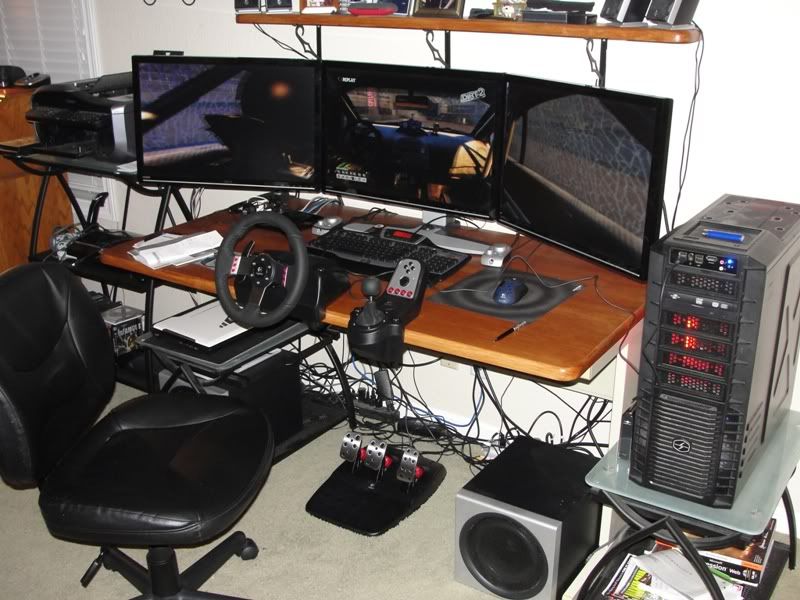
My wife let me open up a Christmas present early . A logitech G27 wheel

jetfire
Posts: 20
Joined: 21 Dec 2009, 23:09

Re: Post your "Command Centre" Pictures Here

Post by jetfire »

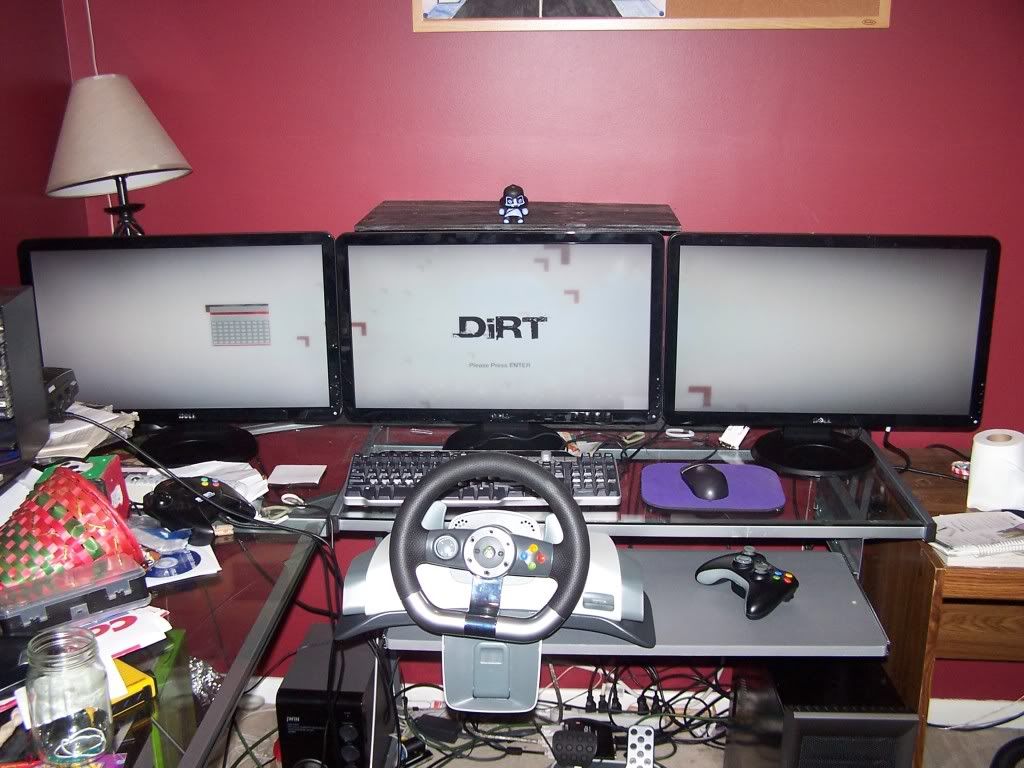
this is mine before i get eyefinity.

just going to put the tv above the center monitor+paint the walls.

McKie
Posts: 243
Joined: 09 Dec 2009, 15:22

Re: Post your "Command Centre" Pictures Here

Post by McKie »

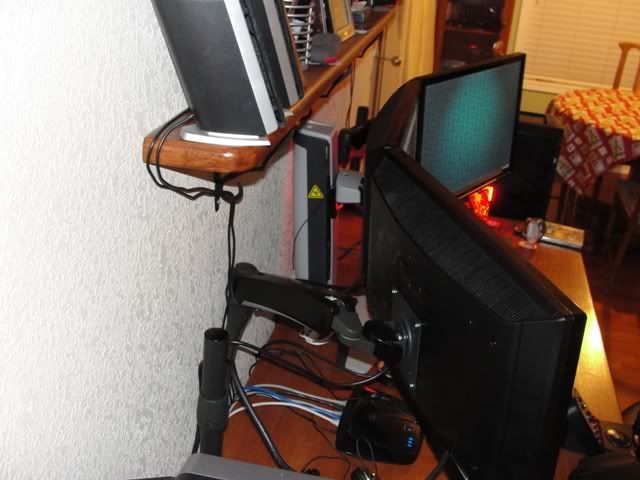
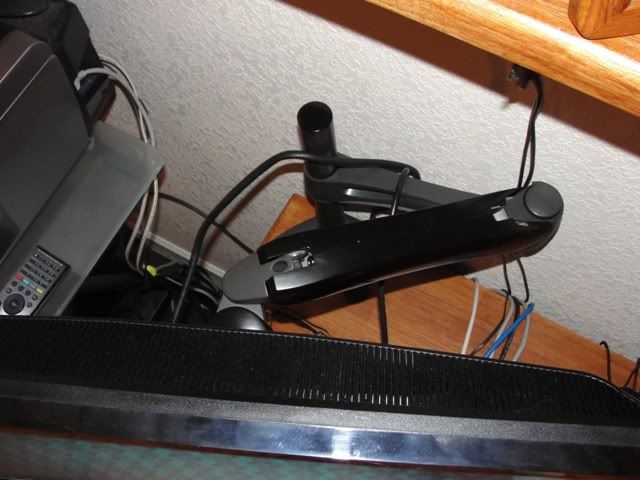
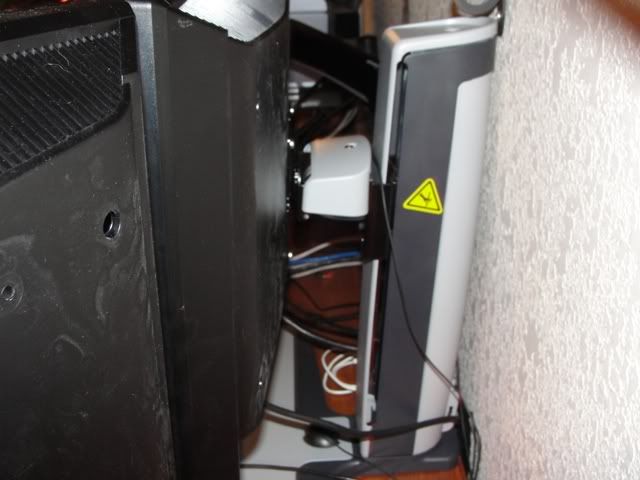
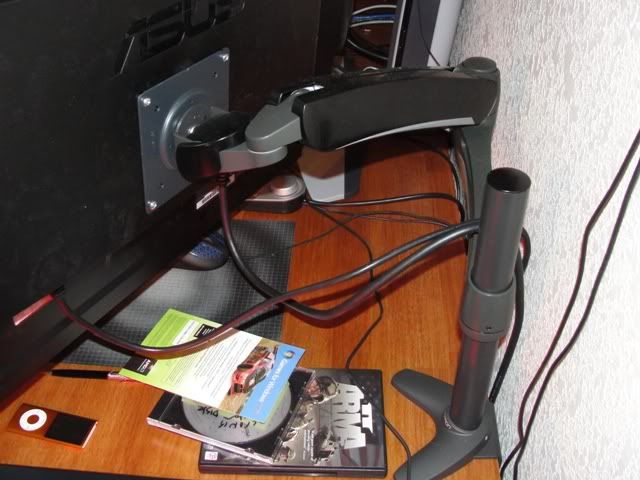
Thought Id post some pictures of how I ended up mounting my workstation. In retrospect I wish I would of found This forum before hand that showed the link to the Ergotech brand. I'm happy with the ones I got (ergotron) but to be honest the ErgoTech brand looks better in my opinion. When I initially started looking for a mounting solution. I found very little options for a tri mount system that would support my 26" monitors so this is what I ended up with


User avatar
StingingVelvet
Posts: 1506
Joined: 09 Aug 2006, 14:17

Re:

Post by StingingVelvet »


I want this setup with my 42" TV instead of 3 monitors... wowza.
Locked

Who is online

Users browsing this forum: No registered users and 0 guests