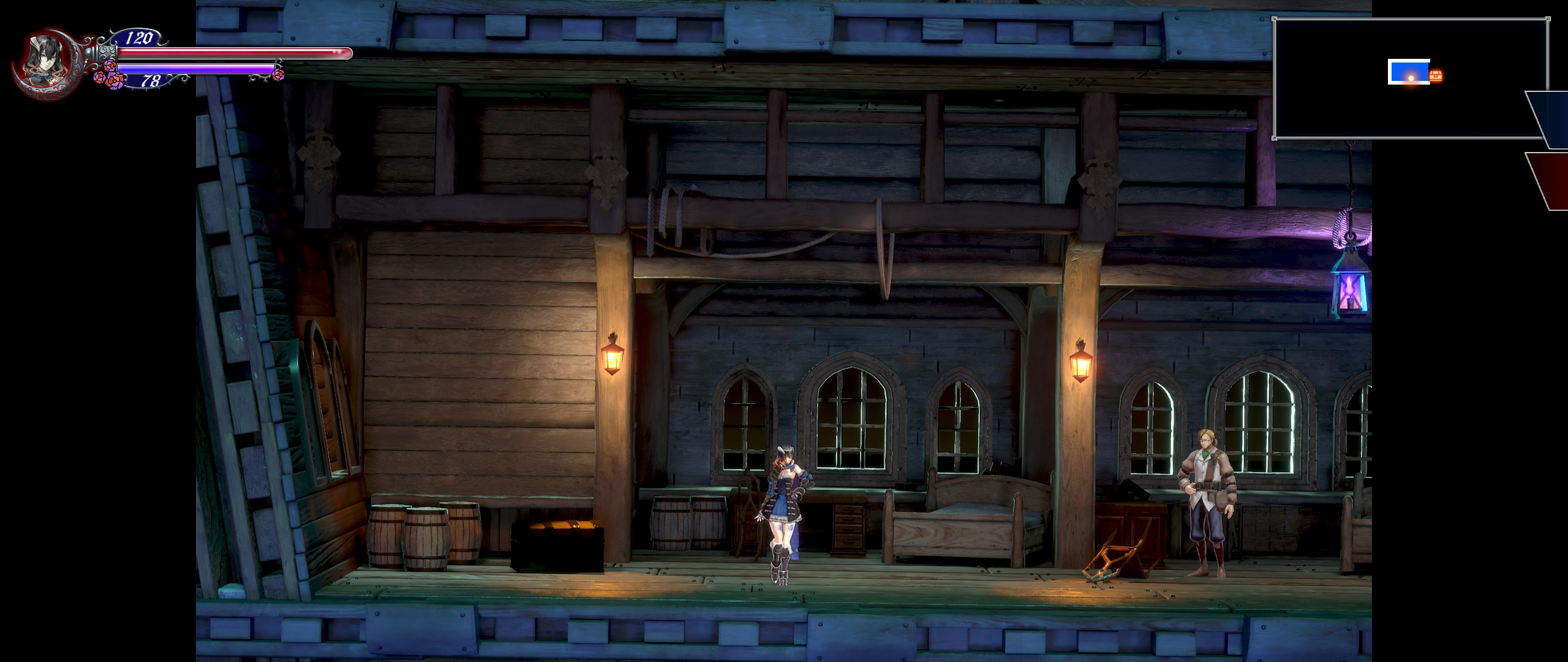
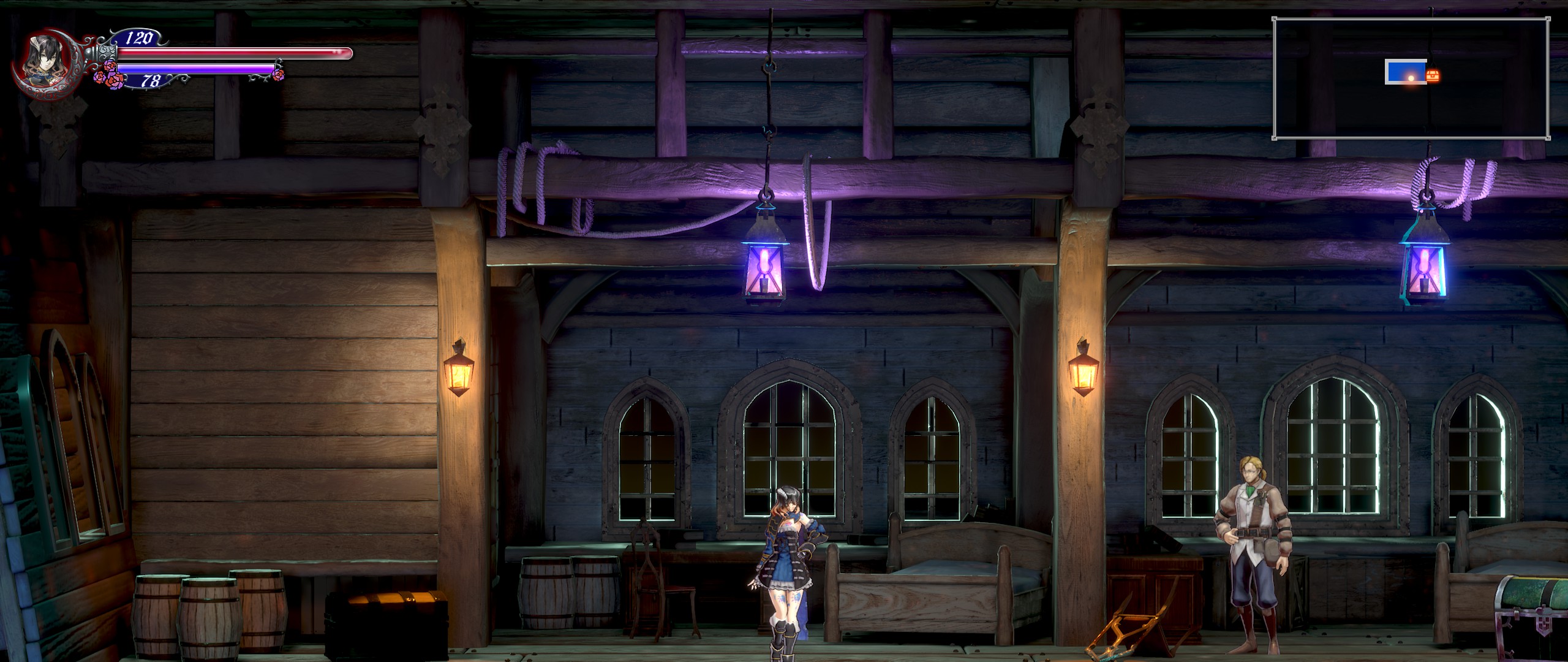
Hi. I'd like to request a 21:9 fix for Bloodstained: Ritual of the Night. The game can run in 21:9 resolutions but it only affects the hud, leaving the game with black bars on the sides (see the attached picture). The game is running on Unreal Engine 4 if that helps.
With CheatEngine, I searched for a float value of 1.77777, added all the search results to the list, froze them and changed the first digits to 2.3. End result was Vert- fullscreen.
This is where my knowledge of widescreen patching end. Someone maybe take it from here?
This isn't working for me. I put the exe on the right folder, windoded mode and everything but nothing. Can anyone help?
EDIT: I resterted my pc and for some reason now its working. I tried for like an hour all kind of things and nothing, but now its working like a charm! Thank you, the community of wsgf, this site saved me so many times!
Last edited by luizjesus1 on 19 Jun 2019, 05:09, edited 1 time in total.
Trying to use the fixed exe with the Steam version just gives a launch error: "Failed to open descriptor file" with the location pointing to a file in the Bloodstained install folder that doesn't exist.
edit: Found the steam version of the exe, but using it does nothing. I still have 16:9 aspect ratio with the UI screwed up. The screenshot was taken while in windowed borderless. Fullscreen just stretches the image to fill the whole screen
Attachments
Bloodstained Ultrawide.jpg (801.75 KiB) Viewed 6598 times
CinnaBret wrote:edit: Found the steam version of the exe, but using it does nothing. I still have 16:9 aspect ratio with the UI screwed up. The screenshot was taken while in windowed borderless. Fullscreen just stretches the image to fill the whole screen
Did you put the exe file to the correct folder? Its "..\steamapps\common\Bloodstained Ritual of the Night\BloodstainedRotN\Binaries\Win64"
CinnaBret wrote:edit: Found the steam version of the exe, but using it does nothing. I still have 16:9 aspect ratio with the UI screwed up. The screenshot was taken while in windowed borderless. Fullscreen just stretches the image to fill the whole screen
Did you put the exe file to the correct folder? Its "..\steamapps\common\Bloodstained Ritual of the Night\BloodstainedRotN\Binaries\Win64"
Yes, it's in the right spot, but the game will not display 21:9, only the UI. Doesn't matter what resolution I set, it remains 16:9 in Borderless Window, and stretches the screen in Fullscreen.
luizjesus1 wrote:So, there is a new update to the game that broke the fix. Can someone update this?
I just copied the file again and it works. They didn't release any patch notes so I thought why wouldn't I go back to the previous version if it worked fine before for me.
It isn't working for me anymore, sadly enough. But its ok, the game is great nevertheless, but it was gorgeous in 21:9. so I hope a fix that works with me (and everyone) appears or true support
EDIT: Hey, Rose... it does work with the .exe for GOG, but if I try to load a save that I have before puting the exe it says that the save doens't have the dowloable contet nenecessary (I'm on steam), probably because of some DLC kickstarter that I don't have, but if I use the steam .exe it does let me use my save, hoewever it does not put the game on 21:9. Very odd.