



Widescreen Grade: A
Ultra-Widescreen Grade: A
Multi-monitor Grade: A
4k Grade: Incomplete
Read Full Detailed Report - DmC: Devil May Cry
Players take on the role of Dante as he uses his powers and weaponry to fight against enemies and navigate the treacherous Limbo. Like previous games in the series, Dante can perform combos by attacking with his sword, Rebellion, and shooting with his twin pistols, Ebony and Ivory.
New to the series are modifiers to Dante's moveset, known as Angel Mode and Devil Mode, activated by holding down one of the trigger buttons. When in Angel mode, Dante's sword attacks change to the Osiris, a speedy scythe type weapon, whilst Devil mode uses the slower but more powerful Arbiter. These modes also alter Dante's mobility.
Using Angel mode allows Dante to pull himself towards enemies and various points in each level, whilst Devil mode lets Dante pull enemies and objects towards him. Dante is also able to dash across large gaps in Angel mode. All of these moves can be used in conjunction with each other to perform massive combos, which are ranked on their style.
When enough power has been gathered, Dante can activate Devil Trigger mode, which slows down time around him, allowing him to perform more stylish attacks. Like previous games, Dante can collect various types of souls which can be used to recover health, purchase items and upgrade Dante's moveset.
(Source: Wikipedia)
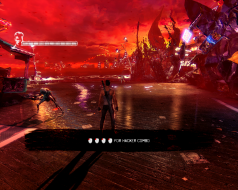
4:3
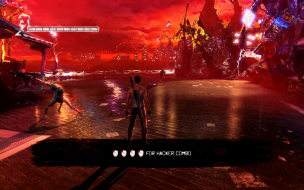
16:10
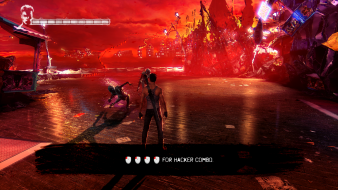
16:9
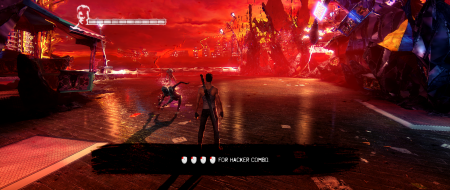
21:9

3x1